
miisso 5K95
miisso 6000mAh Ultra Slim Power Bank Instruction Manual
Brand: miisso
Model: 5K95
1. Introduction and Overview
The miisso 6000mAh Ultra Slim Power Bank is a compact and portable external battery designed to provide on-the-go charging for your mobile devices. Its ultra-slim, card-sized design, combined with built-in charging cables, makes it an ideal companion for daily use and travel. This manual provides detailed instructions for safe and efficient operation of your power bank.

Figure 1.1: miisso 6000mAh Ultra Slim Power Bank.
2. Product Features
- Integrated Cables: Features built-in Type-C and other compatible cables, eliminating the need to carry separate charging cords.
- Compact and Lightweight Design: With dimensions of 4.13 x 2.6 x 0.51 inches and weighing only 4.3 ounces, it is designed to be card-sized and easily fit into pockets or handbags.
- 6000mAh High Capacity: Provides sufficient power for multiple charges, capable of fully charging an iPhone 16 or nearly a full charge for an iPhone 15.
- Simultaneous Multi-Device Charging: Equipped with two built-in cables and one USB output port, allowing you to charge up to three devices concurrently.
- Fast Recharging: The power bank itself can be fully recharged in approximately 2.5-3 hours using a 2A charger.
- Durable Construction: Made of eco-conscious ABS material, designed for long-term use and tested for high-altitude and multi-angle drops.
- Airline Approved: Suitable for travel and can be carried on flights.

Figure 2.1: Compact, card-sized design for easy portability.

Figure 2.2: Charging up to three devices at once.
3. Package Contents
Please verify that all items are present in your package:
- miisso 6000mAh Power Bank (Plum Red) x 1
- USB Charging Cable x 1
- User Guide x 1
4. Setup
4.1 Initial Charging of the Power Bank
Before first use, it is recommended to fully charge your miisso Power Bank.
- Connect the provided USB charging cable to the power bank's input port.
- Connect the other end of the USB cable to a compatible USB wall adapter (not included) or a computer's USB port.
- The LED indicator on the power bank will illuminate to show charging status. Allow approximately 2.5-3 hours for a full charge.
- Once fully charged, the LED indicator will show a steady light, indicating it's ready for use.
4.2 Checking Battery Level
Press the power button once to check the remaining battery level indicated by the LED light. The light will show the approximate charge remaining.
5. Operating Instructions
5.1 Charging Your Devices
The miisso Power Bank offers versatile charging options with its built-in cables and an additional USB-A output port.
- Using Built-in Cables:
- Locate the appropriate built-in cable (Type-C or other compatible cable) for your device.
- Gently pull out the desired cable from its storage slot on the power bank.
- Connect the cable directly to your smartphone, tablet, or other compatible device.
- Using the USB Output Port:
- Connect your device's original USB charging cable (not included) to the USB-A output port on the power bank.
- Connect the other end of your device's cable to your device.
- The power bank will automatically begin charging your device(s). The LED indicator will remain lit during charging.
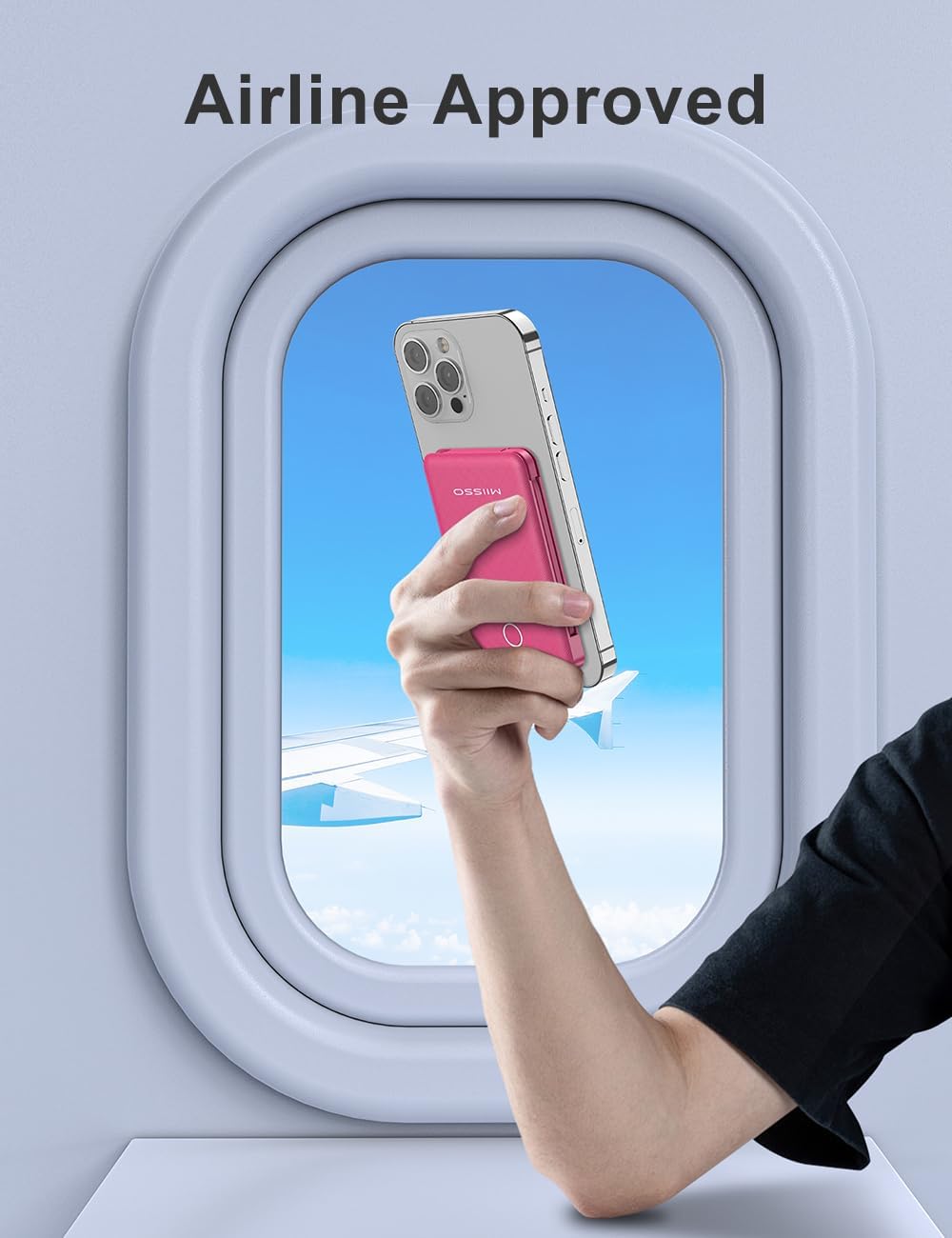
Figure 5.1: Detail of the integrated Type-C cable.
6. Maintenance
- Cleaning: Use a soft, dry cloth to clean the surface of the power bank. Do not use harsh chemicals or abrasive materials.
- Storage: Store the power bank in a cool, dry place away from direct sunlight and extreme temperatures.
- Battery Care: To prolong battery life, fully charge the power bank at least once every three months, even if not in regular use.
- Handling: Avoid dropping or subjecting the power bank to strong impacts. Do not attempt to disassemble or modify the device.
7. Troubleshooting
| Issue | Possible Cause | Solution |
|---|---|---|
| Power bank not charging. | Charging cable is faulty or not properly connected. Wall adapter is not working. | Check cable connections. Try a different USB cable or wall adapter. Ensure the adapter is 2A for optimal charging. |
| Device not charging from power bank. | Power bank battery is depleted. Device cable is faulty or not properly connected. Device is incompatible. | Recharge the power bank. Ensure cables are securely connected. Verify device compatibility with the power bank's output ports. |
| Slow charging. | Using a low-power adapter for recharging. Charging multiple devices simultaneously. | Use a 2A wall adapter for faster power bank recharging. Charging multiple devices may reduce individual charging speed. |
| LED indicator not working. | Minor internal error. | Try fully discharging and then recharging the power bank. If the issue persists, contact customer support. |
8. Specifications
| Feature | Detail |
|---|---|
| Product Dimensions | 4.13 x 2.6 x 0.51 inches |
| Item Weight | 4.3 ounces |
| Item Model Number | 5K95 |
| Battery Type | Lithium Polymer (included) |
| Battery Capacity | 6000 Milliamp Hours |
| Special Features | Built-in Cables |
| Color | 6000mah Plum Red |
| Manufacturer | Shenzhen Weilaishenniao Technology Co., Ltd. |
| Connector Type | USB Type C (built-in), other built-in cables, USB-A output |
9. Warranty and Support
For warranty information and customer support, please refer to the contact details provided on the product packaging or visit the official miisso website. Keep your purchase receipt as proof of purchase for any warranty claims.
Ask a question about this manual
Ask about setup, troubleshooting, compatibility, parts, safety, or missing instructions. Manuals+ will review the question and use this page’s manual context to help answer it.