
Introduction
This manual provides comprehensive instructions for the ZWP BTR-12 Replacement Remote Control. It is designed for seamless compatibility with Eversolo DMP-A6, DMP-A8 Master, and other Eversolo DMP series audio players. Please read this manual carefully to ensure proper setup and operation of your remote control.
Setup
1. Battery Installation
The ZWP BTR-12 remote control requires two AAA batteries (not included). Follow these steps to install them:
- Locate the battery compartment on the back of the remote control.
- Slide open the battery compartment cover.
- Insert two AAA batteries, ensuring the positive (+) and negative (-) terminals align correctly with the markings inside the compartment.
- Close the battery compartment cover securely.

2. Pairing Instructions
To pair the remote control with your Eversolo device, follow these steps:
- Ensure your Eversolo device is powered on.
- Point the ZWP BTR-12 remote control directly at your Eversolo device, maintaining a distance of approximately 30 cm (12 inches).
- Simultaneously press and hold the Play/Pause (▶|) and Volume Down (-) keys on the remote control.
- Continue holding until the indicator light on the remote control begins to blink. This indicates successful pairing.
Note: This remote control operates via Infrared (IR) mode. Ensure there is a clear line of sight between the remote and the Eversolo device's IR receiver for optimal performance.
Operating Instructions
Once paired, the ZWP BTR-12 remote control functions as a direct replacement for your original Eversolo remote. Most functions will operate intuitively. Point the remote towards your Eversolo device and press the desired button to control playback, volume, and other features.

Features
- Durable Construction: Made from high-quality ABS material, ensuring resistance to drops and a long lifespan.
- Ergonomic Design: Features a comfortable and easy-to-grip design for extended use.
- Stable Performance: Provides a stable link and fast response time for reliable control.
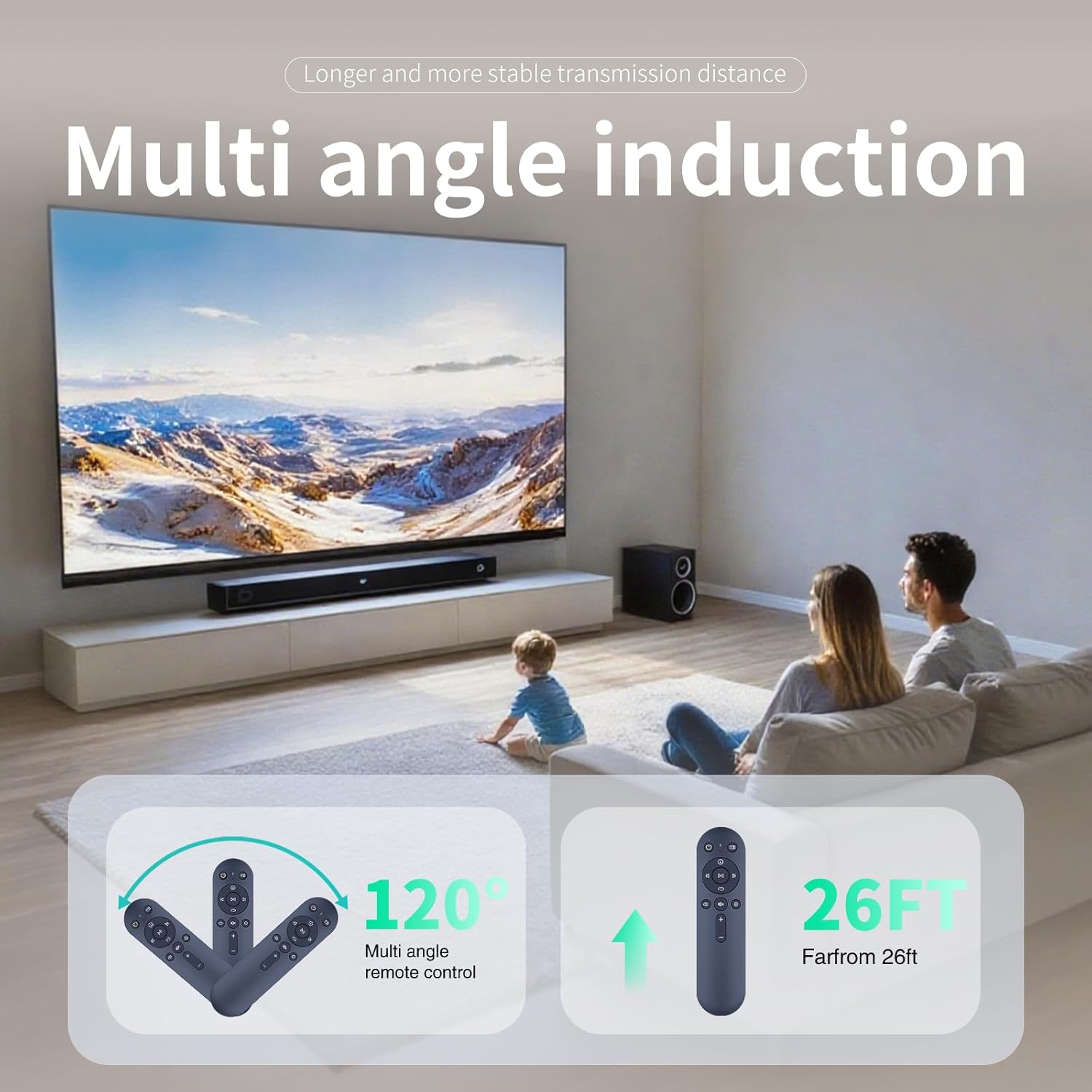
- Wide Angle Induction: Offers multi-angle remote control functionality, effective up to 26 feet (approximately 8 meters) and a 120-degree reception angle.


Specifications
| Brand | ZWP |
| Model Number | BTR-12 |
| Compatible Devices | Eversolo DMP-A6, DMP-A8 Master, Eversolo DMP series |
| Connectivity Technology | Infrared (IR) |
| Maximum Range | 10 Meters (approximately 33 feet) |
| Battery Type | 2 x AAA Alkaline Batteries (not included) |
| Color | Black |
| Item Weight | 0.15 Pounds (approximately 68 grams) |
| Dimensions (L x W x H) | 6.10 in x 1.57 in x 0.47 in (15.5 cm x 4 cm x 1.2 cm) |

Troubleshooting
- Remote not responding:
- Ensure fresh AAA batteries are correctly installed in the remote control.
- Verify there is a clear line of sight between the remote control and the Eversolo device's IR receiver. Obstructions can block the signal.
- Confirm that the remote is operating in IR mode. This remote does not use Bluetooth connectivity.
- Pairing issues:
- Re-attempt the pairing process as described in the 'Setup' section. Ensure you are within 30 cm of the device during pairing.
- Check if the Eversolo device's firmware is up to date, as this can sometimes affect remote compatibility.
Maintenance
- Battery Replacement: Replace the AAA batteries when the remote's response becomes sluggish or stops functioning. Always replace both batteries at the same time.
- Cleaning: Use a soft, dry cloth to clean the remote control. Avoid using abrasive cleaners, solvents, or harsh chemicals, as these can damage the surface or internal components.
- Storage: If the remote control will not be used for an extended period, remove the batteries to prevent leakage and potential damage.
Warranty and Support
The ZWP BTR-12 Replacement Remote Control is backed by a 1-year warranty. If you encounter any issues or have questions regarding your remote control, please contact ZWP customer service directly through your purchase platform. Please provide your order details for efficient support.