
PureGear 64823PG
PureGear PureBoom Orbs Pro Wireless Earbuds User Manual
Model: 64823PG
Introduction
The PureGear PureBoom Orbs Pro Wireless Earbuds offer an immersive audio experience with advanced features like Active Noise Cancellation (ANC) and intuitive touch controls. Designed for comfort and durability, these earbuds come with a premium zinc alloy charging case, providing extended listening time and seamless connectivity across a wide range of devices.
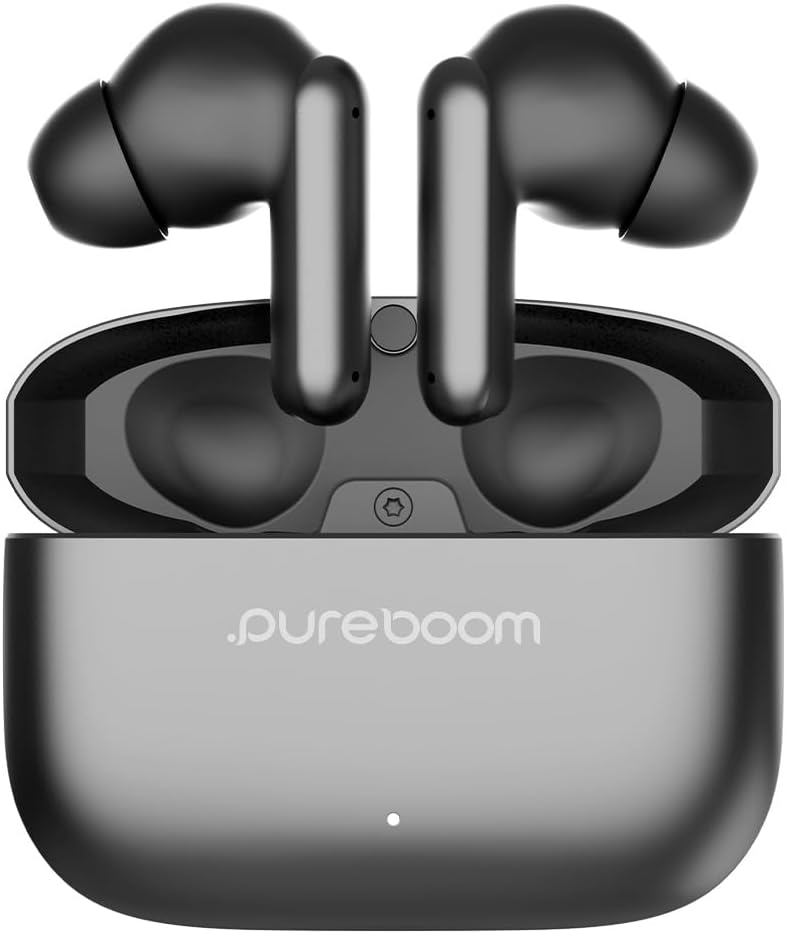
Image: PureGear PureBoom Orbs Pro Wireless Earbuds in their gunmetal charging case, ready for use.
Video: An official PureGear video showcasing the PureBoom Orbs Pro Active Noise Cancellation Wireless Earbuds, highlighting their key features and design.
What's Included
Your PureGear PureBoom Orbs Pro package contains everything you need to get started:

Image: The complete contents of the PureGear PureBoom Orbs Pro package, including the earbuds, charging case, different sizes of ear tips, and the charging cable.
- PureBoom Orbs PRO Wireless Earbuds
- Adjustable earbud ear tips (various sizes)
- USB-A to USB-C charging cable
- Zinc Alloy Charging Case
Setup
1. Charging the Earbuds and Case
Before first use, fully charge your PureBoom Orbs Pro earbuds and their charging case. The case provides multiple charges for extended listening.
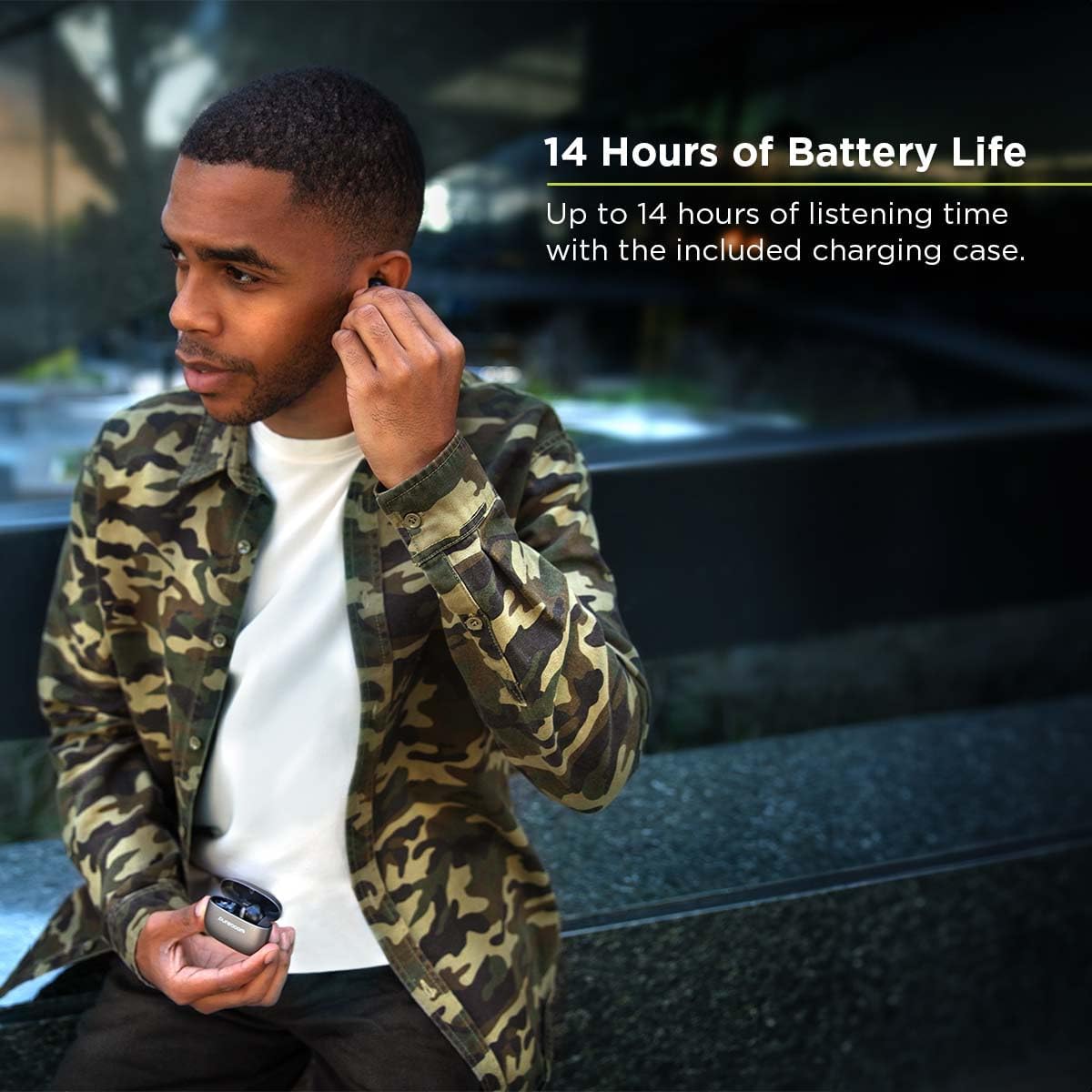
Image: A user enjoying music with the earbuds, highlighting the impressive 14 hours of total playtime with the charging case.
- Connect the USB-C cable to the charging case and a power source.
- The charging indicator light on the case will show charging status.
- A full charge for the earbuds and case takes less than 1.5 hours.
- The earbuds provide up to 14 hours of total playtime with the included charging case.
2. Pairing with Your Device
The PureBoom Orbs Pro earbuds utilize Bluetooth 5.0 for stable and efficient wireless connection.

Image: A user wearing the PureGear PureBoom Orbs Pro earbuds, demonstrating comfortable fit and audio enjoyment.
- Ensure the earbuds are in the charging case and the case is open.
- On your device (smartphone, tablet, laptop, etc.), go to Bluetooth settings.
- Select "PureBoom Orbs Pro" from the list of available devices.
- Once connected, you will hear an audio confirmation.
Compatible Devices: Laptops/PCs, tablets, smart TVs, gaming consoles, smart watches, all iOS devices (iPhone 15, 14, 13, 12 series, SE, 11, Xs, X, 8), and Android devices (Galaxy S24, S23, S22, S21, S20 series, Note 20, 10, 9, 8, Pixel, and more). The Bluetooth range is up to 32 feet.
Operating Instructions
Active Noise Cancellation (ANC) Modes
The PureBoom Orbs Pro earbuds offer three distinct listening modes to suit your environment:
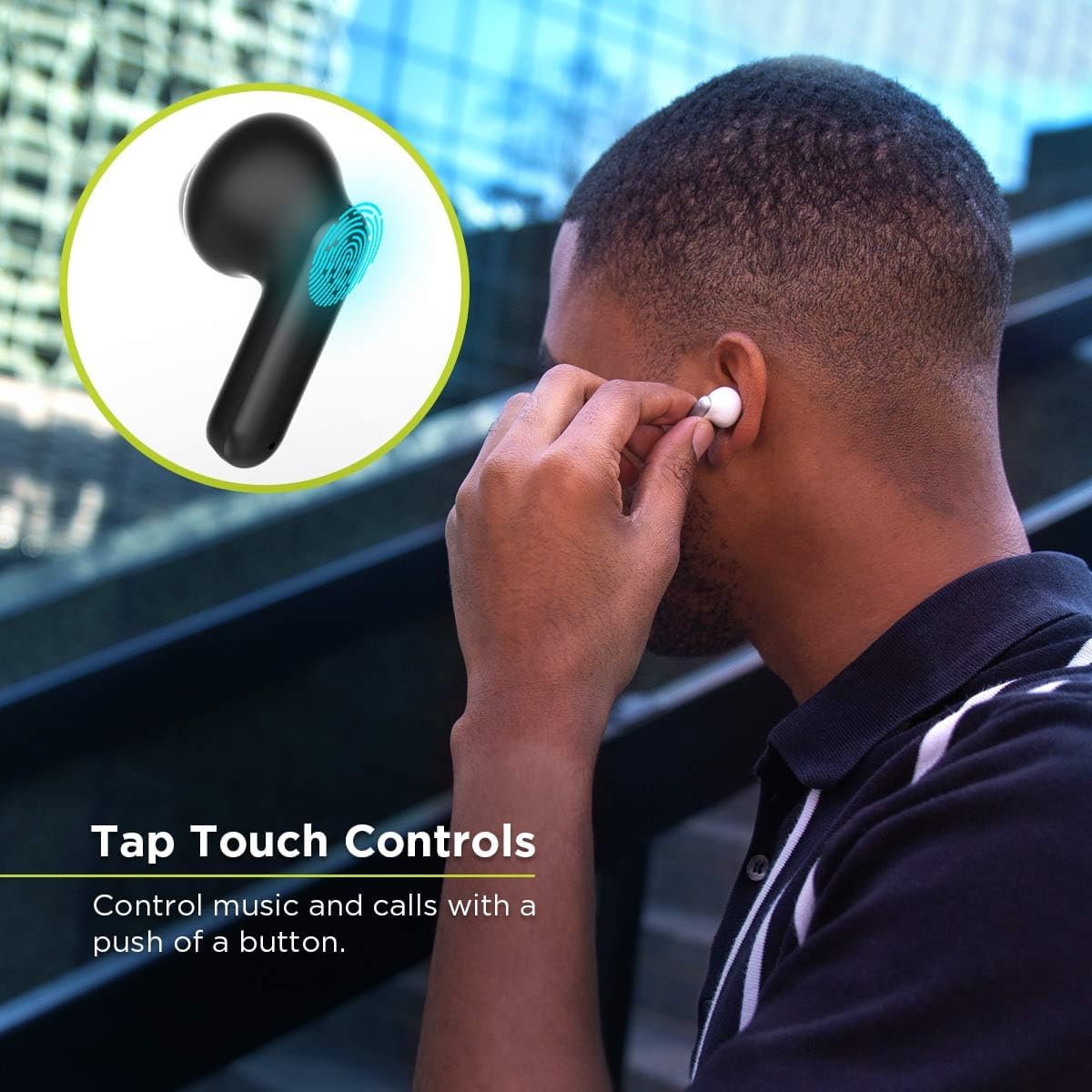
Image: A user experiencing the Active Noise Cancellation feature, which reduces unwanted external noise for an immersive listening experience.
- Active Noise Cancellation (ANC) Mode: Reduces unwanted ambient noise for a fully immersive audio experience.
- Pass-through Mode: Allows you to hear your surroundings while still enjoying your audio, ideal for awareness in busy environments.
- Normal Listening Mode: Standard audio playback without noise cancellation or pass-through features.
Switch between modes using the touch controls on the earbuds.
Touch Controls
Control your music, calls, and voice assistant with simple taps on the earbuds.

Image: A user interacting with the touch controls on the earbud to manage music and calls.
| Function | Action |
|---|---|
| Play/Pause Music | Single tap on either earbud |
| Answer/End Call | Single tap on either earbud |
| Reject Call | Press and hold on either earbud |
| Next Track | Double tap right earbud |
| Previous Track | Double tap left earbud |
| Activate Voice Assistant | Triple tap on either earbud |
| Switch ANC Modes | Press and hold for 2 seconds on either earbud |
The earbuds also feature a built-in microphone for clear, hands-free calling.
Maintenance
Proper care ensures the longevity and optimal performance of your PureGear PureBoom Orbs Pro earbuds.
Image: The durable zinc alloy case, designed for resistance to scratches and a beautiful metallic finish.
- Cleaning: Gently wipe the earbuds and charging case with a soft, dry, lint-free cloth. Do not use harsh chemicals or abrasive materials.
- Ear Tips: Remove the ear tips and clean them with mild soap and water if necessary. Ensure they are completely dry before reattaching.
- Charging Ports: Keep the USB-C charging port free of dust and debris. Use a dry cotton swab if needed.
- Storage: When not in use, store the earbuds in their charging case to protect them and keep them charged.
- Avoid Moisture: Do not expose the earbuds or case to water or excessive moisture. They are not waterproof.
Troubleshooting
If you encounter issues with your PureGear PureBoom Orbs Pro earbuds, try these common solutions:
| Problem | Solution |
|---|---|
| Earbuds not pairing | Ensure earbuds are charged. Turn off and on your device's Bluetooth. Place earbuds back in case, close, then reopen to reset pairing mode. |
| Only one earbud working | Place both earbuds back in the charging case, close the lid for 5 seconds, then open and try again. Ensure both earbuds are properly seated and charging. |
| No sound or low volume | Check device volume and earbud volume. Ensure earbuds are properly connected. Clean ear tips and earbud mesh if clogged. |
| Charging issues | Verify charging cable and adapter are working. Ensure charging contacts on earbuds and case are clean and free of debris. |
| Uncomfortable fit / falling out | Experiment with different sized ear tips provided to find the best seal and comfort for your ears. Ensure earbuds are inserted correctly. |
If these steps do not resolve the issue, please refer to the support section for further assistance.
Specifications
| Feature | Detail |
|---|---|
| Model Name | Active Noise Cancellation Wireless Earbuds |
| Model Number | 64823PG |
| Brand | PureGear |
| Color | Gunmetal |
| Connectivity Technology | Wireless (Bluetooth 5.0) |
| Bluetooth Range | 32 Feet |
| Noise Control | Active Noise Cancellation |
| Control Method | Touch |
| Audio Driver Type | Dynamic Driver |
| Frequency Range | 20 Hz - 20,000 Hz |
| Battery Life (Total with Case) | 14 Hours |
| Charging Time | 1.5 Hours |
| Carrying Case Material | Zinc Alloy |
| Item Weight | 6.3 ounces |
| Package Dimensions | 5.71 x 4.49 x 1.3 inches |
| UPC | 810096259684 |
Warranty and Support
For warranty information and customer support regarding your PureGear PureBoom Orbs Pro Wireless Earbuds, please visit the official PureGear website or contact their customer service directly.
You can find additional support and product details on the PureGear Brand Store on Amazon.
Ask a question about this manual
Ask about setup, troubleshooting, compatibility, parts, safety, or missing instructions. Manuals+ will review the question and use this page’s manual context to help answer it.