
1. Introduction
Thank you for purchasing the Marctronic FLL-018-F2 Gold LED Floor Lamp. This manual provides essential information for the safe and efficient use of your new floor lamp. This 18W 1800LM LED floor lamp offers adjustable brightness and color temperature, remote and touch controls, smart plug compatibility, and a flexible gooseneck for versatile lighting.
2. Important Safety Information
Please read all instructions carefully before assembly and use. Keep this manual for future reference.
- Ensure the power supply voltage matches the lamp's requirements (120V AC).
- Do not operate the lamp with a damaged cord or plug. If damaged, contact customer support.
- Avoid placing the lamp in unstable locations where it could tip over. The iron stable base is designed to prevent this, but caution is advised.
- Do not expose the lamp to water or excessive moisture.
- Do not attempt to disassemble or modify the lamp. Integrated LED components are not user-replaceable.
- Keep the lamp away from heat sources and flammable materials.
- This product is manufactured in accordance with applicable safety and electromagnetic standards.
3. Package Contents
Verify that all components are present before assembly:
- 3 x Lamp Poles
- 1 x Lamp Base
- 1 x Remote Control
- 1 x Power Adapter with cable
- 1 x User Manual
4. Setup and Assembly
Follow these steps to assemble your Marctronic LED Floor Lamp:
- Unpack Components: Carefully remove all parts from the packaging.
- Assemble Lamp Poles: Screw the three lamp poles together clockwise until secure. Ensure the power cord runs freely through the poles.
- Attach to Base: Screw the assembled lamp poles onto the lamp base clockwise until firmly attached. Ensure the base is stable.
- Connect Power: Plug the power adapter into the lamp's power input, then plug the adapter into a standard 120V AC wall outlet.

Image: The Marctronic Gold LED Floor Lamp, showcasing its modern design and bright illumination. This image also provides a visual comparison to older, less bright models, highlighting the upgraded 18W/1800LM output.

Image: A detailed diagram illustrating the dimensions (69 inches height, 9 inches base diameter) and premium features of the Marctronic Gold LED Floor Lamp, including its 360° rotation capability, anti-glare LED light source, UL listed cord, and stable iron base.
5. Operating Instructions
5.1 Power On/Off
The lamp can be turned on or off using either the remote control or the touch control buttons located on the lamp pole.
5.2 Brightness Adjustment
Adjust the brightness seamlessly from 5% to 100% using the '+' and '-' buttons on the remote control or the dedicated dimming touch control on the lamp pole.
5.3 Color Temperature Adjustment
Change the color temperature between 2700K (warm light) and 6500K (cool light) to suit your preference or activity. Use the 'K' button on the remote or the color temperature touch control on the lamp pole.

Image: The Marctronic Gold LED Floor Lamp demonstrating its four color temperature settings (2700K warm, 4000K nature, 5000K daylight, 6500K cool light) and stepless dimmable brightness from 5% to 100%.
5.4 Remote Control
The included remote control has a 50-foot radius and allows for convenient operation from a distance. It features dedicated buttons for power, brightness, color temperature, and preset modes. A magnetic holder is provided for storing the remote on the lamp body.
5.5 Touch Control
The lamp also features touch-sensitive buttons on the pole for direct control. These buttons allow you to power the lamp on/off, adjust color temperature, and control stepless dimmable brightness.

Image: The Marctronic Gold LED Floor Lamp highlighting its remote control with a 50ft range and the touch control panel on the lamp pole, showing buttons for power, color temperature, and stepless dimmable brightness.
5.6 Preset Modes (via Remote Control)
The remote control offers several convenient preset modes:
- Breastfeeding Mode: Provides a soft, warm light suitable for nighttime feeding.
- Night Light Mode: A very dim setting for minimal illumination.
- Working Mode: Brighter, cooler light for tasks requiring focus.
- Reading Mode: Optimized light for comfortable reading.

Image: The remote control for the Marctronic Gold LED Floor Lamp, displaying icons for various preset modes including Breastfeeding Mode, Night Light Mode, Working Mode, and Reading Mode, along with brightness and color temperature controls.
5.7 Timer Function
Activate the 1-hour timer function via the remote control to automatically turn off the lamp after one hour.
5.8 Memory Function
The lamp will recall your previous brightness and color temperature settings when powered on.
5.9 Adjustable Gooseneck
The flexible gooseneck allows for 360° adjustment of the light head, enabling you to direct illumination precisely where needed.
5.10 Smart Plug Compatibility
For added convenience, the Marctronic FLL-018-F2 is compatible with smart plugs, allowing integration into your smart home setup and voice control (smart plug not included).
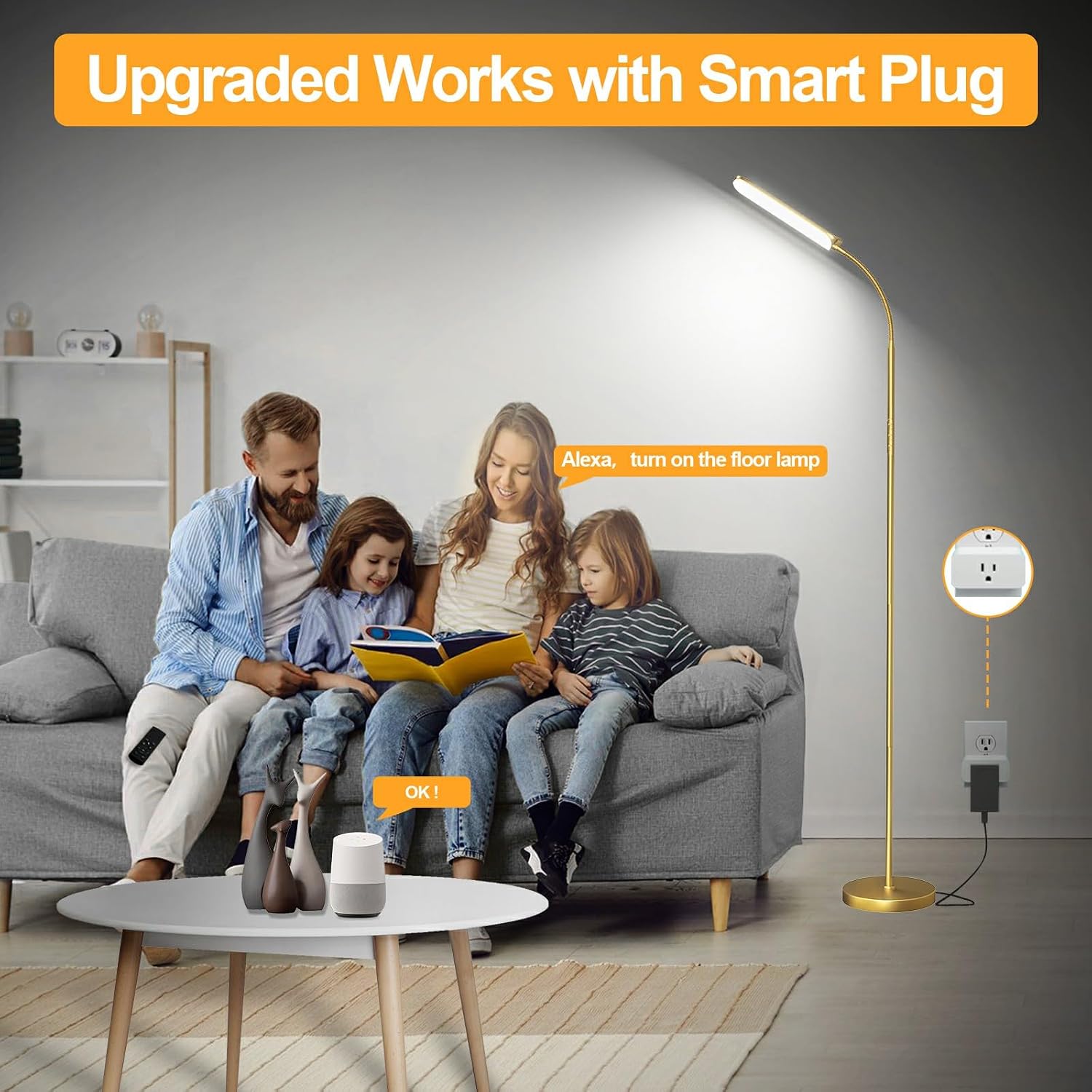
Image: The Marctronic Gold LED Floor Lamp connected to a smart plug, demonstrating its compatibility with smart home systems and voice control for convenient operation.
6. Maintenance
To ensure the longevity and optimal performance of your lamp:
- Cleaning: Disconnect the power before cleaning. Use a soft, dry cloth to wipe the lamp. Do not use abrasive cleaners or solvents.
- LED Care: The LED light source is integrated and does not require replacement. Avoid touching the LED panel directly.
- Storage: If storing the lamp for an extended period, disassemble it and store it in its original packaging in a dry, cool place.
7. Troubleshooting
If you encounter issues with your lamp, refer to the following common problems and solutions:
| Problem | Possible Cause | Solution |
|---|---|---|
| Lamp does not turn on. | No power supply; loose connection; remote battery dead. | Check if the power adapter is securely plugged into the lamp and wall outlet. Ensure the wall outlet is functional. Replace remote control batteries if necessary. |
| Remote control is not working. | Remote batteries are dead or incorrectly inserted; remote is too far from the lamp. | Replace remote batteries (AAA batteries, not included). Ensure batteries are inserted with correct polarity. Move closer to the lamp (within 50ft radius). |
| Light flickers or dims unexpectedly. | Unstable power supply; loose connection. | Ensure the lamp is connected to a stable power source. Check all connections for tightness. |
8. Product Specifications
| Feature | Detail |
|---|---|
| Brand | marctronic |
| Model Name | Floor Lamp |
| Part Number | FLL-018-F2 |
| Color | Gold |
| Product Dimensions | 9"D x 9"W x 60"H |
| Item Weight | 5.3 Pounds |
| Material | Acrylic |
| Finish Type | Powder Coated |
| Base Material | Iron Stable Base Has Passed The Tilt Test |
| Light Source Type | LED Floor Lamp |
| Wattage | 18 Watt-hours |
| Light Output Maximum | 1800 Lumens |
| Color Temperature | 2700K-6500K (Adjustable) |
| Dimmable | 5%-100% Stepless Dimmable |
| Switch Type | Remote & Touch Control |
| Special Features | Works With Smart Plug, 1 Hour Timer, Memory Function, 360° Adjustable Gooseneck |
| Power Source | Corded Electric |
| Voltage | 120 Volts (AC) |
| Assembly Required | Yes |
9. Warranty and Support
Marctronic is committed to providing high-quality products and customer satisfaction. For any questions, concerns, or support needs regarding your FLL-018-F2 Gold LED Floor Lamp, please contact our customer service team. We are dedicated to assisting you with your purchase.