
Introduction
The TickTalk 5 Cellular Kids Smart Watch is designed to keep children aged 3 and up connected and safe. This manual provides essential information for setting up, operating, and maintaining your device, ensuring a secure and engaging experience for your child.

Image: The TickTalk 5 Kids Smart Watch, featuring a blue band and a digital display showing app icons.
What's in the Box
- TickTalk 5 Cellular Kids Smart Watch
- Power Base Bundle (Charging Dock)
- USB Charging Cable
- SIM Opener Tool
- Quick Start Guide

Image: The monster-shaped Power Base Bundle for charging the TickTalk 5 Smart Watch.
Setup Guide
1. SIM Card Activation & Installation
The TickTalk 5 comes with a pre-installed T-Mobile SIM card. To activate your service, follow the instructions provided in the Quick Start Guide or visit the TickTalk website. Ensure the SIM is properly seated using the included SIM opener tool if re-installation is required.
2. Initial Charging
Before first use, fully charge the smartwatch using the provided USB charging cable and Power Base Bundle. Connect the USB cable to a compatible power adapter (not included) and place the watch securely on the charging base.
3. Parent App Installation
Download the free TickTalk Parent App from your smartphone's app store (compatible with iOS 10.0+ and Android 5.0+). This app is essential for managing watch settings, contacts, GPS tracking, and other parental controls.
4. Pairing the Watch with the App
Follow the on-screen instructions within the TickTalk Parent App to pair your child's smartwatch. This typically involves scanning a QR code displayed on the watch screen.
Operating Instructions & Key Features
Voice & Video Calls
The TickTalk 5 supports standalone 4G/LTE voice and video calls over Wi-Fi or cellular data. Parents can manage approved contacts through the app. Children can initiate calls to pre-approved contacts directly from the watch.
Video: This video demonstrates the voice and video calling capabilities of the TickTalk 5 Smart Watch, highlighting how kids can stay connected with family.
Precise Location Tracking
Equipped with Google Maps, the watch offers real-time GPS tracking and historical route review. Parents receive location updates and alerts, especially during SOS or 911 calls.
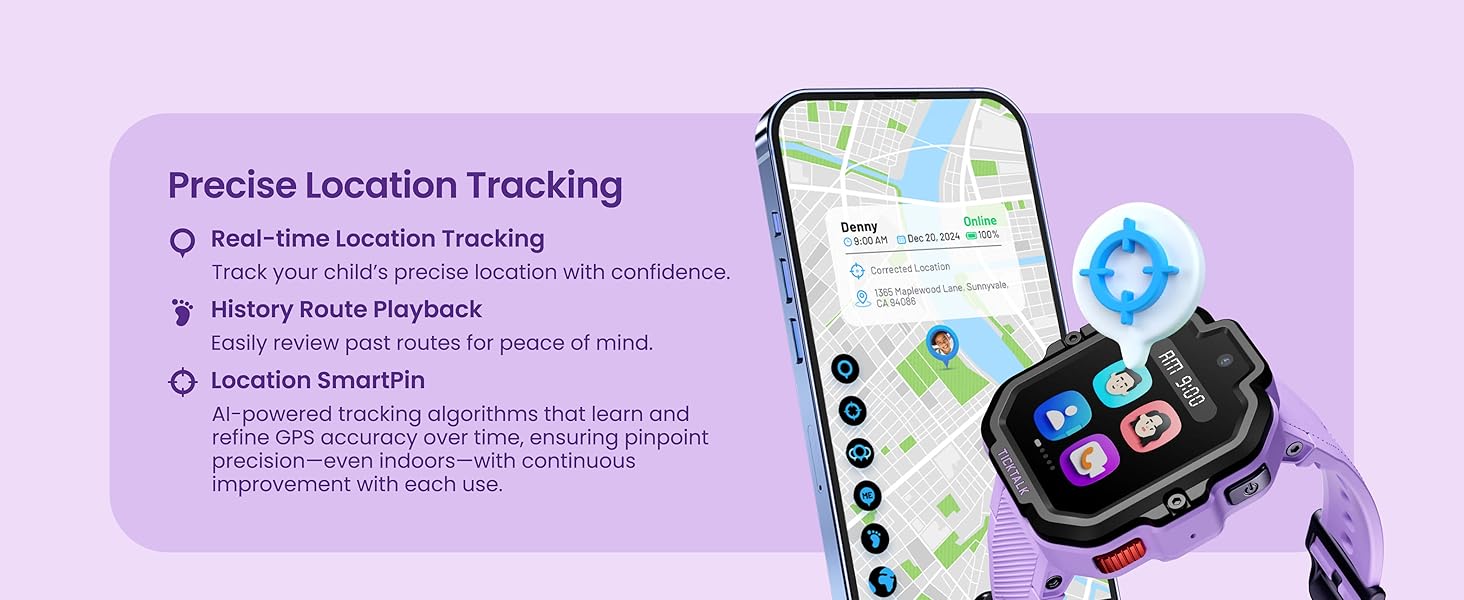
Image: The TickTalk 5 Smart Watch and a smartphone displaying real-time GPS location tracking on a map, emphasizing safety features.
Enhanced Durability
The watch features IP67 water-resistant, shockproof, and dustproof capabilities. Its ScreenSafe design enhances impact resistance, making it suitable for active children.

Image: A child's wrist wearing the TickTalk 5 Smart Watch, with water splashing on it, illustrating its water-resistant design.
Wellness & Focus Features
- Custom Activity Tracking: Encourages a healthy, active lifestyle.
- 3D Reminders: Helps children stay organized and develop time management skills.
- Focus Mode: Minimizes distractions during school hours or study times.
- Free Streaming Music: Access kid-friendly tunes via iHeartRadio Family App.

Image: The TickTalk 5 Smart Watch showing an activity tracker with step count, worn by a child in an outdoor setting.
Secure Messaging & Group Chat
Children can send talk-to-text, voice messages, photos, emojis, and GIFs to pre-approved contacts. Group chats allow communication with family and friends.
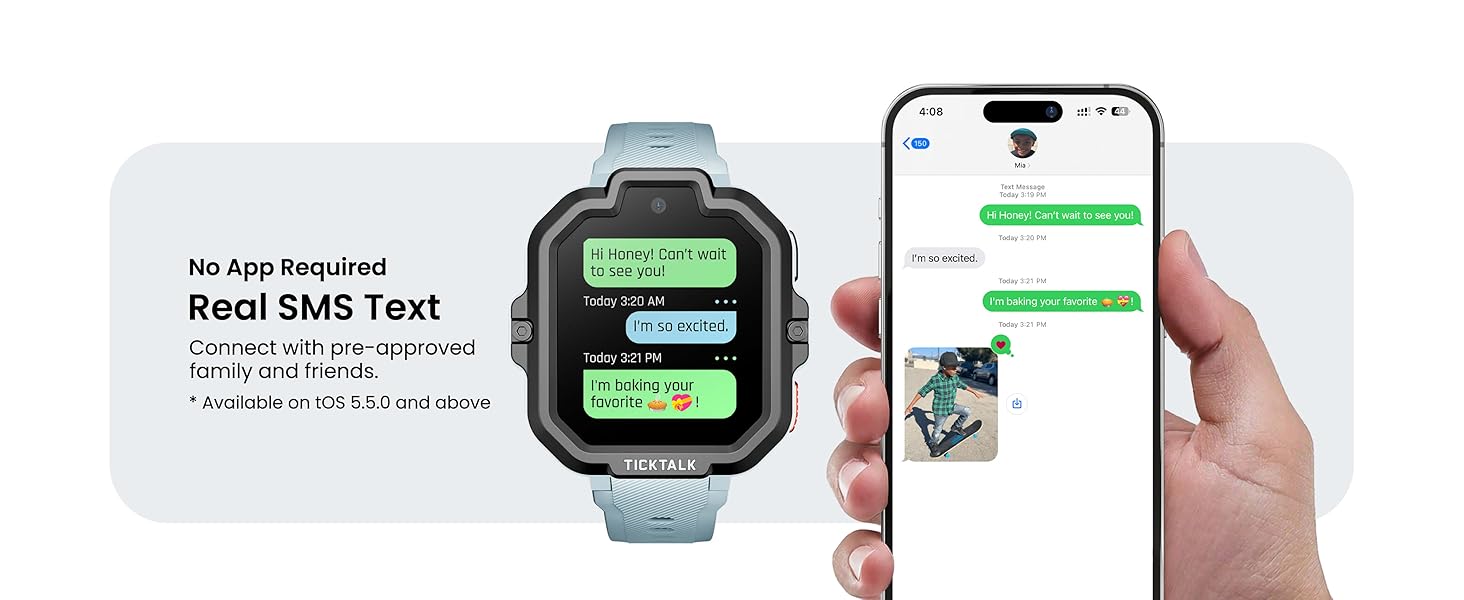
Image: The TickTalk 5 Smart Watch showing a text message exchange, mirrored on a smartphone, highlighting the real SMS text feature.
5MP Camera
The integrated 5MP camera allows kids to take photos and record videos, with 16 built-in filters for creative expression.

Image: The TickTalk 5 Smart Watch screen displaying a photo taken with its 5MP camera, showing a child's face.
T-Cloud Backup & Seamless Data Sync
Free T-Cloud backup securely stores photos, videos, messages, contacts, and settings. Data can be restored even if the watch is lost or replaced. Seamless data sync allows easy transfer of memories and settings between devices.
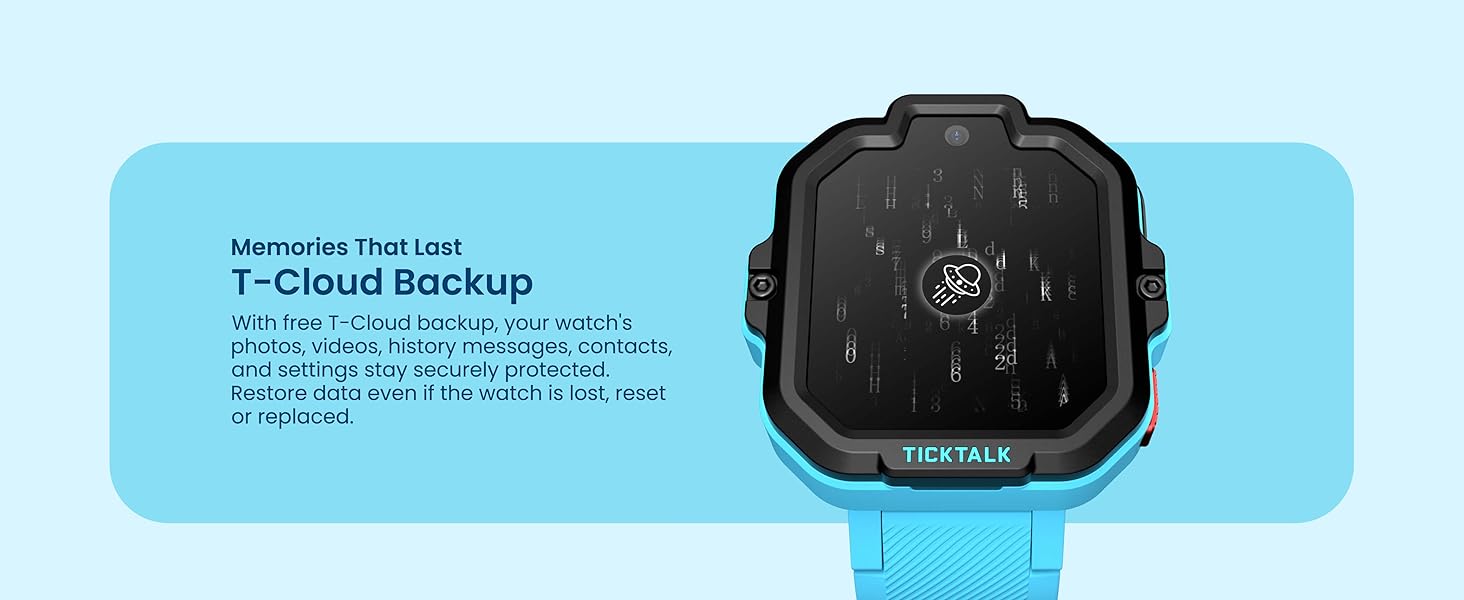
Image: The TickTalk 5 Smart Watch screen displaying cloud backup symbols, indicating secure storage of watch data.
Specifications
| Feature | Detail |
|---|---|
| Operating System | Android |
| Connectivity Technology | Cellular (4G), Wi-Fi |
| Wireless Provider | T-Mobile (pre-installed SIM) |
| GPS | Built-in GPS |
| Water Resistance Level | IP67 Water-Resistant |
| Camera Resolution | 5 Megapixels |
| Display Type | TFT Touchscreen |
| Band Material Type | Silicone, Rubber |
| Compatible Phone Models | iOS 10.0 and above, Android 5.0 and above |
| Age Range (Description) | Kid (Ages 3+) |
Troubleshooting
If you encounter any issues with your TickTalk 5 Smart Watch, please refer to the Quick Start Guide for initial troubleshooting steps. Common issues may include:
- Connectivity Problems: Ensure the SIM card is properly installed and activated. Check Wi-Fi connection.
- Location Inaccuracy: Ensure the watch has a clear view of the sky for optimal GPS signal.
- Battery Life: Ensure the watch is fully charged. Adjust screen brightness and app usage to conserve battery.
- App Sync Issues: Verify that both the watch and the parent app are updated to the latest versions.
For further assistance, please contact TickTalk customer support.
Maintenance
- Cleaning: Wipe the watch screen and band with a soft, damp cloth. Avoid harsh chemicals.
- Water Exposure: While water-resistant, avoid prolonged submersion or exposure to high-pressure water. Ensure charging port is dry before charging.
- Storage: Store the watch in a cool, dry place when not in use.
- Software Updates: Regularly check for and install software updates via the parent app to ensure optimal performance and security.
Warranty & Support
The TickTalk 5 Smart Watch comes with a Limited Warranty. Please refer to the warranty information included in your product packaging or visit the official TickTalk website for details on warranty coverage and how to claim support.
For customer support, visit the TickTalk Store on Amazon or their official website.


