
1. Introduction
This manual provides comprehensive instructions for the setup, operation, and maintenance of your FEELIN TV Console Entertainment Center, Model 2201. Please read this manual carefully before using the product to ensure proper setup and long-term enjoyment. Keep this manual for future reference.
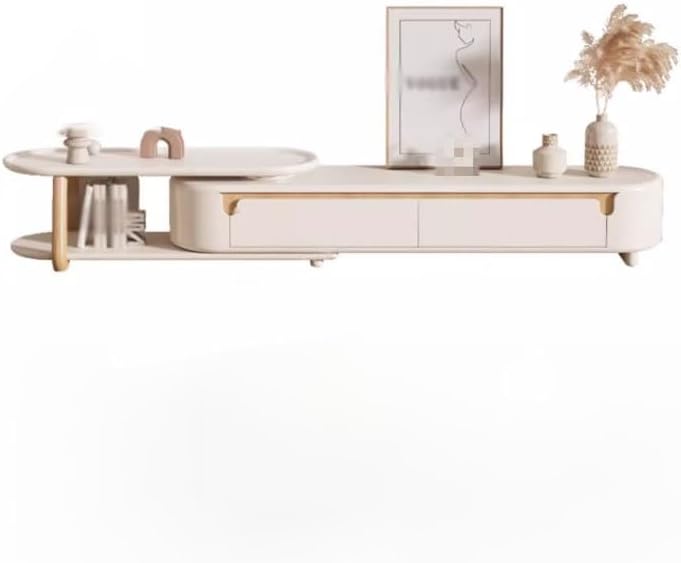
Image 1.1: Front view of the FEELIN TV Console Entertainment Center.
2. Product Features
The FEELIN TV Console Entertainment Center is designed to enhance your living space with both style and functionality. Key features include:
- Ample Storage: Provides significant storage capacity for entertainment equipment, accessories, and decorative items, helping to maintain an organized environment.
- Display Surfaces: Features large top surfaces suitable for displaying collectibles, vases, and other decorative elements.
- Four Drawers: Includes four spacious drawers for organized, partitioned storage of various household items, contributing to a clutter-free home.
- Modern Aesthetic: Combines simple lines with a modern, cream-style design, offering a visually appealing addition to any living room.
- Durable Construction: Constructed from skin-friendly boards and fresh logs, ensuring durability and a pleasant tactile experience.
3. Specifications
Refer to the following specifications for your TV Console Entertainment Center:
| Attribute | Detail |
|---|---|
| Product Name | TV Console Entertainment Center |
| Brand | FEELIN |
| Model Number | 2201 |
| Material | Bancai (Engineered Wood) |
| Overall Dimensions (L x W x H) | 180cm x 31.5cm x 38cm (70.86in x 12.40in x 14.96in) |
| Item Weight | 1.76 ounces (Note: This weight seems unusually low for a TV cabinet. Please verify actual product weight upon delivery.) |
| Assembly Required | No |
| Number of Pieces | 1 |

Image 3.1: Detailed dimensions of the TV Console Entertainment Center.
4. Setup
Your FEELIN TV Console Entertainment Center is designed for minimal setup, as it arrives fully assembled. Follow these steps for initial placement:
- Unpack: Carefully remove the TV console from its packaging. Inspect for any shipping damage.
- Choose Location: Select a flat, stable surface in your desired living area. Ensure there is adequate space around the unit for ventilation and access.
- Position: Gently place the TV console in its intended location. Ensure it is level and stable before placing any items on it.
- Arrange: Organize your entertainment devices, cables, and decorative items on and within the console.

Image 4.1: Example placement of the TV Console Entertainment Center in a living room.
5. Operation
The TV Console Entertainment Center is designed for straightforward use. Its primary functions involve storage and display.
- Using Drawers: The four integrated drawers provide concealed storage. Gently pull the drawer fronts to open and push to close. Avoid forcing drawers if they feel stiff; ensure they are properly aligned.
- Display Surfaces: The top surface and the extended shelf are suitable for placing televisions, soundbars, decorative items, books, or other media accessories. Distribute weight evenly across surfaces.
- Cable Management: While not explicitly designed with cable cutouts, cables can be routed behind the unit to maintain a tidy appearance.
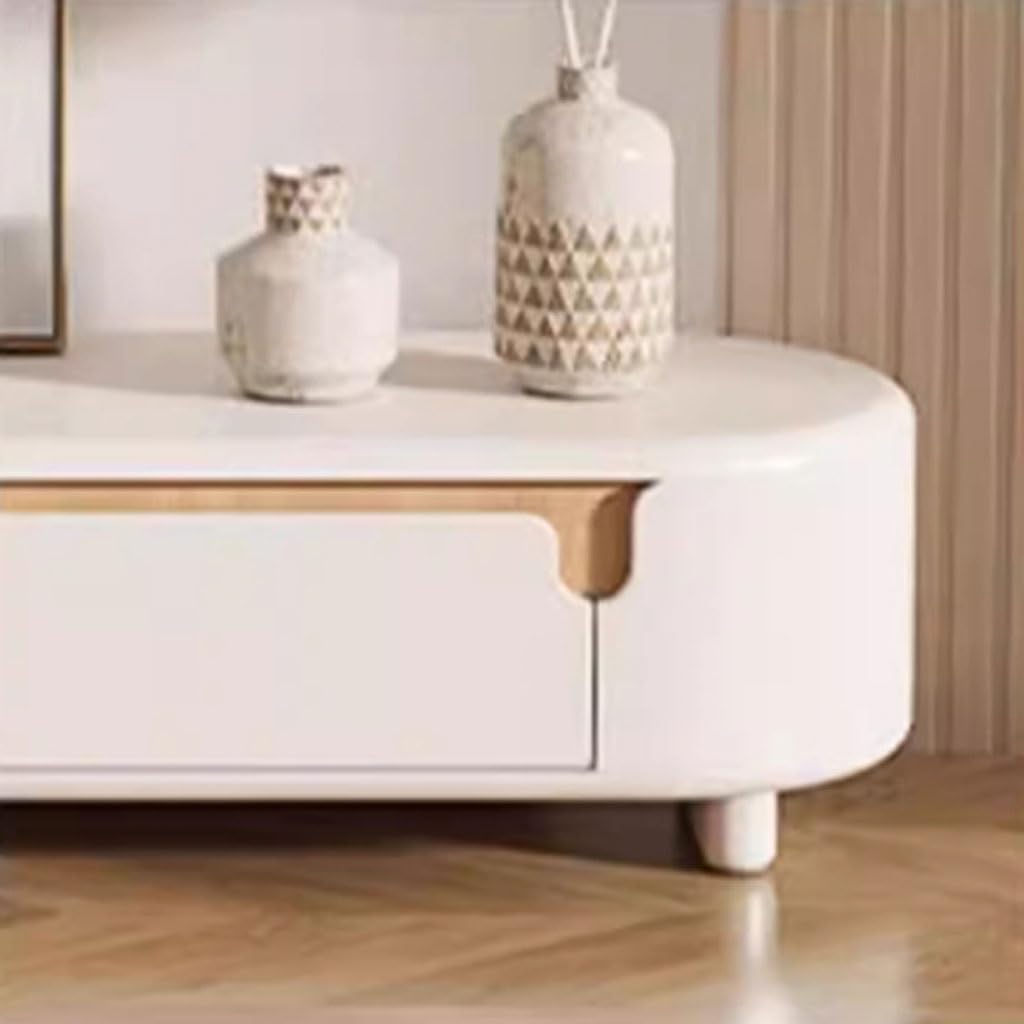
Image 5.1: Detail of a drawer and leg, illustrating access.

Image 5.2: The extended shelf provides additional display and storage space.
6. Maintenance
Proper care will ensure the longevity and appearance of your TV Console Entertainment Center.
- Cleaning: Wipe surfaces regularly with a soft, damp cloth. Avoid abrasive cleaners, harsh chemicals, or excessive moisture, which can damage the finish.
- Spills: Clean spills immediately with a dry cloth to prevent staining or water damage.
- Sunlight Exposure: Avoid prolonged direct sunlight exposure, which can cause fading or discoloration over time.
- Heat and Moisture: Keep the unit away from direct heat sources and areas of high humidity. Use coasters under hot or wet items.
- Weight Distribution: Do not overload drawers or shelves. Distribute weight evenly to maintain stability and prevent structural stress.
7. Troubleshooting
If you encounter any issues with your TV Console Entertainment Center, refer to the following common solutions:
- Stability Issues:
- Ensure the unit is placed on a flat, level surface.
- Check if all legs are firmly on the ground. If necessary, gently adjust the unit's position.
- Drawers Sticking:
- Verify that the drawers are not overloaded.
- Check for any obstructions within the drawer slides.
- Surface Marks/Scratches:
- For minor marks, try a soft cloth with a small amount of furniture polish suitable for engineered wood.
- Avoid dragging heavy or sharp objects across the surface.
If problems persist, please contact customer support.
8. Warranty and Support
For information regarding warranty coverage, returns, or technical support, please refer to the purchase documentation or contact the retailer where the product was purchased. Keep your proof of purchase for any warranty claims.
For direct inquiries, you may also attempt to contact the manufacturer, FEELIN, through their official channels if available.