
1. Introduction
This manual provides detailed instructions for the safe and efficient operation of your XDOBO BMTL Try&Go Mood Bluetooth Speaker. Please read this manual thoroughly before using the product and retain it for future reference.
2. Package Contents
Ensure all items are present upon unboxing:
- XDOBO BMTL Try&Go Mood Bluetooth Speaker
- AUX Cable
- Type-C Charging Cable
- User Manual
3. Product Overview
The XDOBO BMTL Try&Go Mood Bluetooth Speaker features a robust design with intuitive controls and multiple connectivity options.
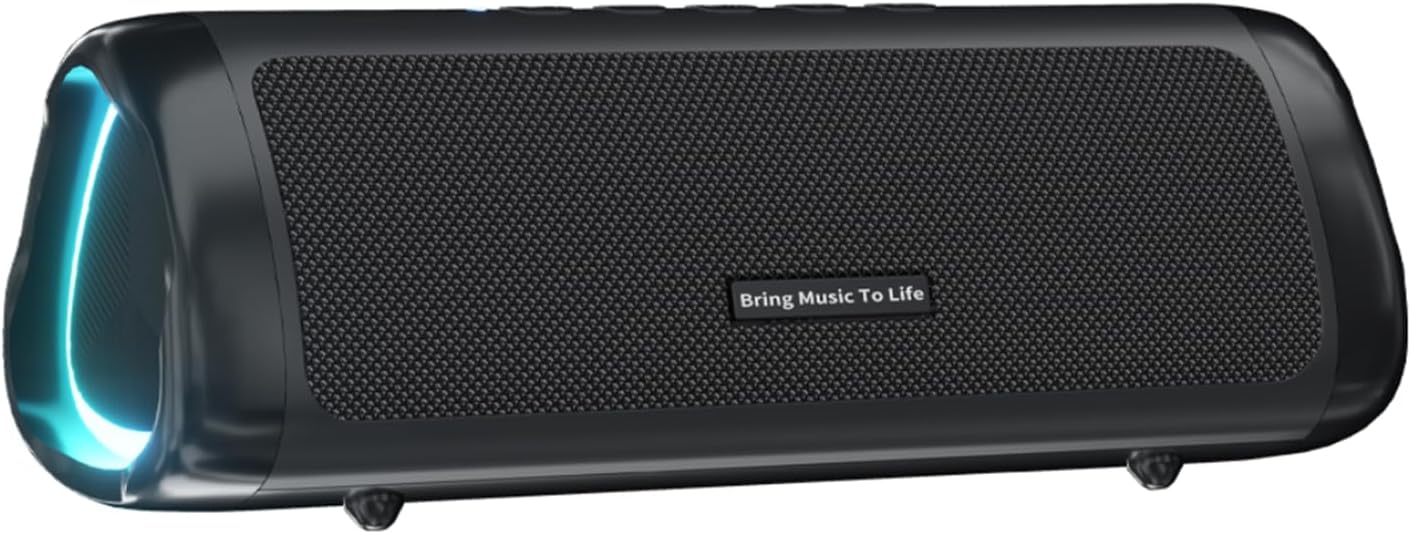
Figure 1: Front view of the XDOBO BMTL Try&Go Mood Bluetooth Speaker.
3.1 Control Buttons

Figure 2: Top panel controls.
- Power Button: Press and hold to power on/off.
- Mode Button (M): Short press to switch between Bluetooth, AUX, and TF card modes.
- Play/Pause Button (►): Short press to play/pause music. Press to answer/end calls.
- Volume Down (-): Short press to decrease volume. Long press for previous track.
- Volume Up (+): Short press to increase volume. Long press for next track.
- RGB Light Button: Short press to cycle through RGB light modes or turn off lights.
3.2 Ports and Indicators

Figure 3: Charging and input ports, protected by a rubber flap.
- Type-C Port: For charging the speaker.
- TF Card Slot: Insert a TF (MicroSD) card for direct music playback.
- AUX In Port: Connect external audio devices via the provided AUX cable.
- USB Port: For charging external devices (power bank function).
- LED Indicator: Indicates charging status (red while charging, off when fully charged) and Bluetooth pairing status (blue blinking for pairing, solid blue when connected).
4. Setup
4.1 Charging the Speaker
- Connect the provided Type-C charging cable to the speaker's Type-C port.
- Connect the other end of the cable to a 5V/1A USB power adapter (not included).
- The LED indicator will glow red during charging. It will turn off once fully charged (approximately 4 hours).
4.2 Bluetooth Pairing
- Ensure the speaker is fully charged.
- Press and hold the Power button to turn on the speaker. The LED indicator will flash blue, indicating it's in pairing mode.
- On your mobile device, enable Bluetooth and search for "Try Go Moo" (or similar name).
- Select "Try Go Moo" from the list of available devices to connect.
- Once connected, the LED indicator will turn solid blue, and you will hear an audible confirmation.
4.3 TWS (True Wireless Stereo) Interconnection
To achieve a stereo sound experience, you can connect two XDOBO BMTL Try&Go Mood speakers together:
- Ensure both speakers are powered off and not connected to any Bluetooth device.
- Power on both speakers.
- On one speaker (this will be the primary speaker), double-press the Play/Pause button. The speakers will attempt to pair with each other.
- Once successfully paired, the primary speaker's LED will flash blue, and the secondary speaker's LED will turn solid blue.
- Now, connect your mobile device to the primary speaker via Bluetooth as described in section 4.2.
- Both speakers will now play audio in stereo.
5. Operating Instructions
5.1 Music Playback
- Play/Pause: Short press the Play/Pause button.
- Volume Adjustment: Short press the '+' button to increase volume, '-' button to decrease volume.
- Next Track: Long press the '+' button.
- Previous Track: Long press the '-' button.
5.2 Hands-Free Calling
The speaker features a built-in noise-cancelling microphone for clear calls.
- Answer Call: Short press the Play/Pause button when a call comes in.
- End Call: Short press the Play/Pause button during a call.
- Reject Call: Long press the Play/Pause button when a call comes in.
5.3 RGB Lighting Modes
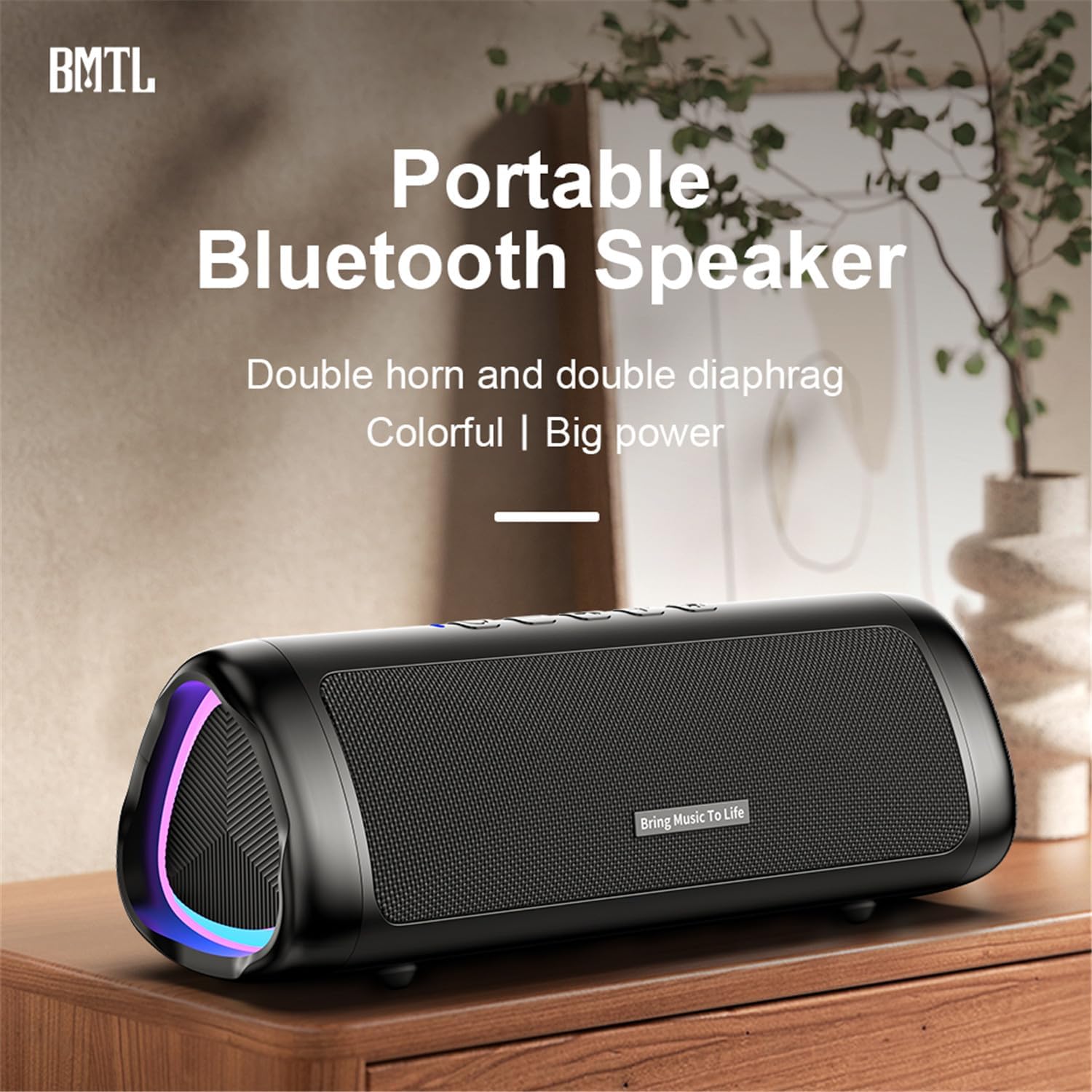
Figure 4: Speaker displaying dynamic RGB lighting.
Press the RGB Light button to cycle through various colorful light effects. The lights can synchronize with the music beat, providing a visual enhancement to your audio experience. Press the button repeatedly to find your preferred mode or to turn the lights off.
6. Key Features
- Powerful Audio: Equipped with 2 x 52mm full-range speakers and 2 independent bass diaphragms for rich, clear sound and surging bass.
- Bluetooth 5.3: Ensures fast, stable wireless transmission with low power consumption and high bit-rate audio.
- IPX6 Waterproof & Dustproof: Designed to withstand splashes and dust, making it suitable for outdoor use.
- Long Battery Life: Built-in 2500mAh lithium battery provides approximately 12 hours of music playback (actual time varies with volume and content).
- RGB Lighting: Seven-color lighting effects enhance the listening experience.
- Hands-Free Calling: Integrated noise-cancelling microphone for clear phone conversations.
- TWS Function: Connect two speakers for an immersive stereo sound experience.
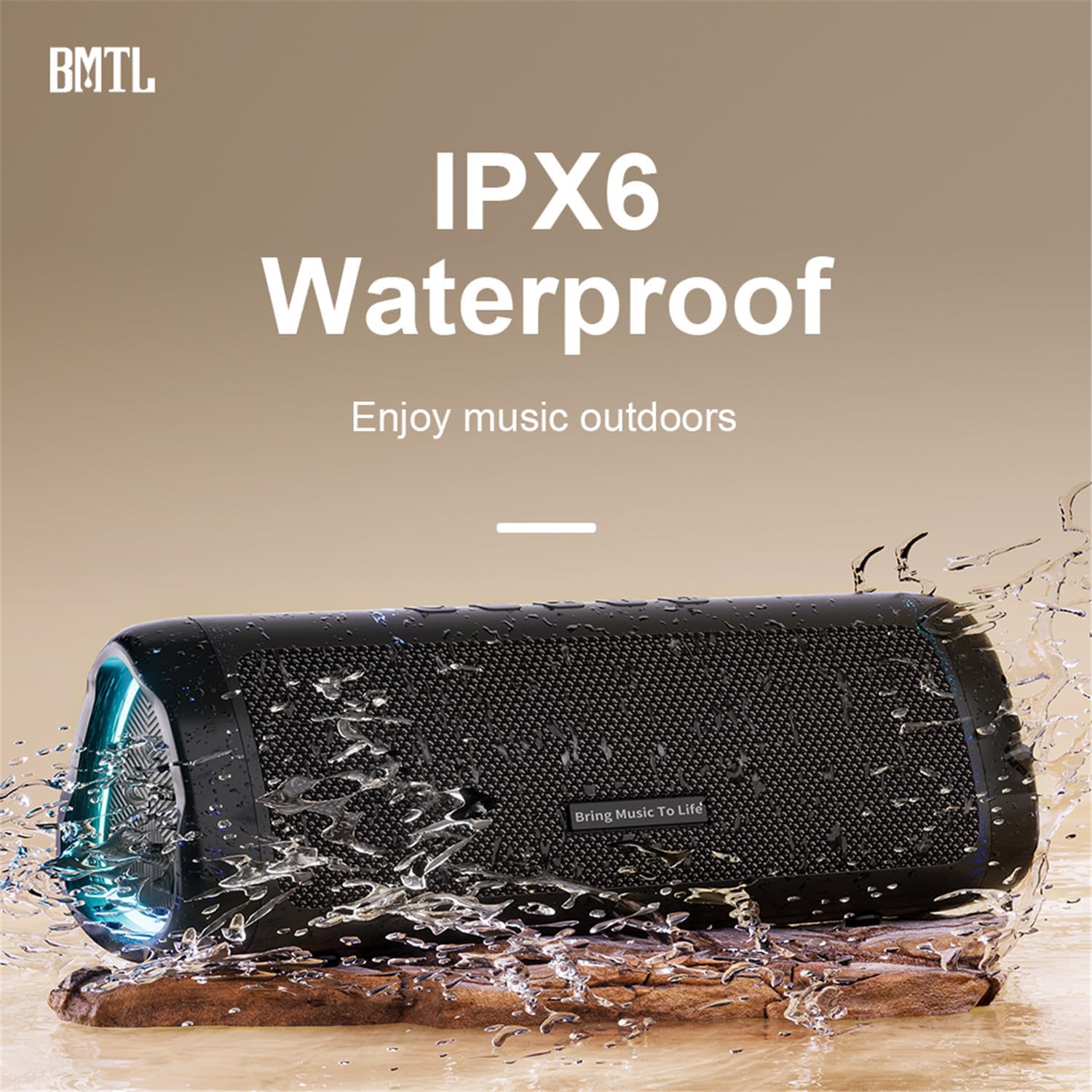
Figure 5: The speaker's IPX6 waterproof design allows for outdoor use without concern for splashes.
7. Specifications
| Feature | Detail |
|---|---|
| Product Name | Bluetooth Speaker |
| Material | ABS |
| Model | Try Go Moo |
| Bluetooth Version | 5.3 |
| Output Power | 20 Watts |
| Effective Bandwidth | 20Hz - 20KHz |
| Output Sound Pressure Level | ≥80dB |
| Waterproof Rating | IPX6 |
| Input Power Supply | Type-C 5V/1A |
| Battery Capacity | 2500mAh |
| Charging Time | Approximately 4 hours |
| Playback Time | Approximately 12 hours (varies with volume/content) |
| Product Dimensions | 20 x 7 x 7.15 cm |
| Weight | 491g |
8. Maintenance
- Keep the speaker away from extreme temperatures or direct sunlight for prolonged periods.
- Clean the speaker with a soft, dry cloth. Do not use harsh chemicals or abrasive materials.
- Ensure the rubber flap covering the ports is securely closed when using the speaker near water to maintain its IPX6 rating.
- Store the speaker in a cool, dry place when not in use for extended periods.
9. Troubleshooting
- Speaker won't turn on: Ensure the battery is charged. Connect to a power source and try again.
- Unable to pair via Bluetooth:
- Make sure the speaker is in pairing mode (blue LED flashing).
- Ensure your device's Bluetooth is enabled and within range.
- Forget "Try Go Moo" from your device's Bluetooth list and try pairing again.
- Restart both the speaker and your device.
- No sound:
- Check the volume levels on both the speaker and your connected device.
- Ensure the speaker is correctly connected via Bluetooth or AUX cable.
- If using a TF card, ensure it is inserted correctly and contains compatible audio files.
- TWS pairing failed: Ensure both speakers are powered off and not connected to any other device before attempting TWS pairing. Follow the TWS pairing steps carefully.
10. Important Safety Information
- Do not expose the speaker to extreme temperatures or direct sunlight for prolonged periods.
- Do not disassemble, repair, or modify the speaker yourself. This may void the warranty and cause damage.
- Keep the speaker away from children and pets.
- Use only the specified charging voltage (5V/1A) and Type-C cable to charge the device.
- Do not immerse the speaker in water, despite its IPX6 rating, as this rating protects against strong water jets, not full submersion.
- Avoid dropping or subjecting the speaker to strong impacts.
- If the speaker is not functioning correctly, refer to the troubleshooting section or contact customer support.
11. Warranty and Support
This product comes with a standard manufacturer's warranty. For specific warranty details, please refer to the warranty card included in your package or contact the retailer where you purchased the product. For technical support or further assistance, please contact XDOBO customer service.

