
1. Introduction
This manual provides essential information for the proper installation, operation, and maintenance of your HPE Intel Xeon Silver 4510 Dodeca-core Processor Upgrade. This 5th Generation Intel Xeon Silver processor features 12 cores, a base clock speed of 2.40 GHz, an overclocking speed of 4.10 GHz, and 30 MB of L3 Cache, designed for server environments utilizing the LGA-4677 socket.
2. Safety Information
Always observe the following safety precautions to prevent injury and damage to your equipment:
- Power Off: Ensure the server system is completely powered off and disconnected from all power sources before beginning installation or maintenance.
- Electrostatic Discharge (ESD): Processors are sensitive to ESD. Always use an anti-static wrist strap and work on an anti-static mat. Avoid touching the processor's gold contacts.
- Handle with Care: Hold the processor by its edges. Do not drop or apply excessive force.
- Professional Installation: Installation should ideally be performed by a qualified technician.
3. Package Contents
Verify that your package contains the following items:
- HPE Intel Xeon Silver 4510 Processor (P67091-B21)
- Documentation (this manual)
Note: A CPU cooler and thermal paste are typically sold separately or integrated with the server chassis. Ensure you have compatible cooling solutions before installation.
4. Setup and Installation
Follow these steps carefully to install your new processor:
4.1. Preparation
- Power down the server system completely and unplug all power cables.
- Open the server chassis to access the motherboard.
- Wear an anti-static wrist strap and connect it to a grounded metal surface on the chassis.
- If replacing an existing processor, carefully remove the CPU cooler and the old processor according to the motherboard or server manufacturer's instructions.
4.2. Processor Installation
- Locate the LGA-4677 processor socket on the motherboard.
- Carefully open the socket's retention mechanism (usually a lever or frame).
- Align the new HPE Intel Xeon Silver 4510 processor with the socket. The processor has keying notches that must match the socket's alignment keys. Do not force the processor into the socket.
- Gently place the processor straight down into the socket. It should sit without resistance.
- Close the socket's retention mechanism, ensuring the processor is securely seated.
- Apply a thin, even layer of thermal paste to the top surface of the processor (if your CPU cooler does not have pre-applied thermal paste).
- Install the compatible CPU cooler onto the processor and secure it according to the cooler manufacturer's instructions. Ensure proper contact and pressure for optimal cooling.
4.3. Post-Installation
- Close the server chassis.
- Reconnect all power cables and peripherals.
- Power on the server system.
- Enter the system's BIOS/UEFI setup to verify that the new processor is recognized correctly. Update BIOS/UEFI firmware if necessary for full compatibility.
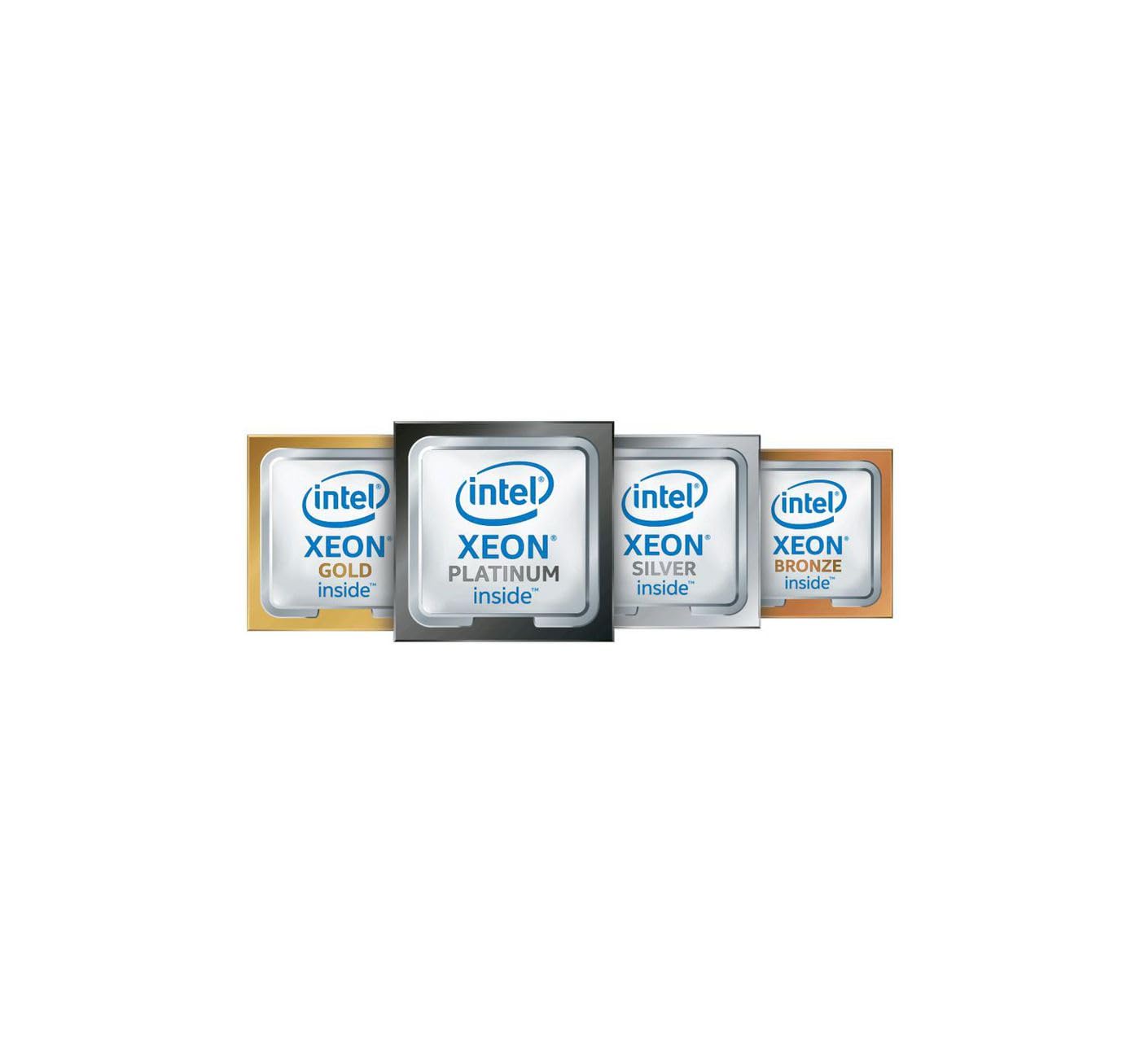
Figure 1: HPE Intel Xeon Silver 4510 Processor. This image shows the top view of the processor, highlighting its integrated heat spreader and overall form factor, designed for the LGA-4677 socket.
5. Operating Information
The HPE Intel Xeon Silver 4510 processor is optimized for server workloads, offering a balance of performance and efficiency. It supports 64-bit processing and features Intel Virtualization Technology and Intel Trusted Execution Technology, enhancing security and virtual machine performance. Ensure your server's operating system and applications are compatible with a 64-bit, multi-core architecture.
6. Maintenance
Proper maintenance ensures the longevity and stable operation of your processor:
- Cooling System: Regularly inspect and clean the CPU cooler and server fans to prevent dust buildup, which can impede airflow and lead to overheating.
- Thermal Paste: If temperatures are consistently high, consider reapplying fresh thermal paste to ensure optimal heat transfer between the processor and the cooler.
- Environmental Conditions: Operate the server in a clean, temperature-controlled environment with adequate ventilation.
7. Troubleshooting
If you encounter issues, refer to the following common troubleshooting steps:
- No Power/No POST: Double-check all power connections, ensure the processor is correctly seated in its socket, and verify that the CPU cooler is properly installed. Check RAM modules and power supply unit.
- Overheating: Confirm the CPU cooler is making good contact with the processor and that thermal paste was applied correctly. Ensure server chassis fans are functioning and airflow is unobstructed.
- System Instability/Crashes: Verify that your motherboard's BIOS/UEFI firmware is up to date and fully supports the Intel Xeon Silver 4510 processor. Check for any hardware conflicts or insufficient power supply.
- Processor Not Recognized: Ensure the processor is fully seated and the socket lever is locked. Update BIOS/UEFI firmware.
8. Specifications
| Feature | Specification |
|---|---|
| Processor Manufacturer | Intel |
| Processor Core | Dodeca-core (12 Core) |
| Clock Speed | 2.40 GHz |
| Overclocking Speed | 4.10 GHz |
| L3 Cache | 30 MB |
| 64-bit Processing | Yes |
| Processor Threads | 24 |
| Processor Socket | Socket LGA-4677 |
| Features | Intel Virtualization Technology, Intel Trusted Execution Technology |
| Processor Generation | 5th Gen |
| Device Supported | Server |
| Memory Speed Supported | 4.40 GHz |
| Memory Technology Supported | DDR5 SDRAM |
| Thermal Design Power (TDP) | 150 W |
| Thermal Specification | 215.6°F (102°C) |
| Width | 3.1 inches |
| Depth | 2.2 inches |
| Item Model Number | P67091-B21 |
| Item Weight | 12.8 ounces |
9. Warranty and Support
This HPE Intel Xeon Silver 4510 Processor Upgrade is covered by a manufacturer's warranty. For specific warranty terms, duration, and support options, please refer to the documentation provided with your server system or visit the official Hewlett Packard Enterprise (HPE) support website. You may also contact your point of purchase for assistance.
