
1. Safety Instructions
Please read all safety instructions carefully before using the device. Failure to follow these instructions may result in electric shock, fire, or serious injury.
- Keep the device away from water and moisture.
- Do not operate the device with wet hands.
- Do not use the device near flammable liquids or gases.
- Keep out of reach of children.
- Use only the provided charging cable and accessories.
- Do not disassemble or attempt to repair the device yourself. Contact customer support if service is required.
- Ensure the air vents are not blocked during operation to prevent overheating.
2. Product Overview
The Cuifati Air Duster and Cordless Vacuum Cleaner is a versatile cleaning tool designed for various applications, from delicate electronics to car interiors. It features a powerful motor and multiple accessories for efficient dust removal and inflation tasks.
2.1 Package Contents
- 1 x Air Duster Unit
- 1 x Charging Cable
- 1 x Storage Bag
- 1 x User Manual (this document)
- 1 x Blowing Nozzle
- 1 x Swimming Ring Inflation Nozzle
- 1 x Brush Blowing Nozzle
- 1 x Brush Type Vacuum Nozzle
- 1 x Air Mattress Inflation Nozzle
- 1 x Air Mattress Exhaust Nozzle
The image below shows the main unit and included accessories.
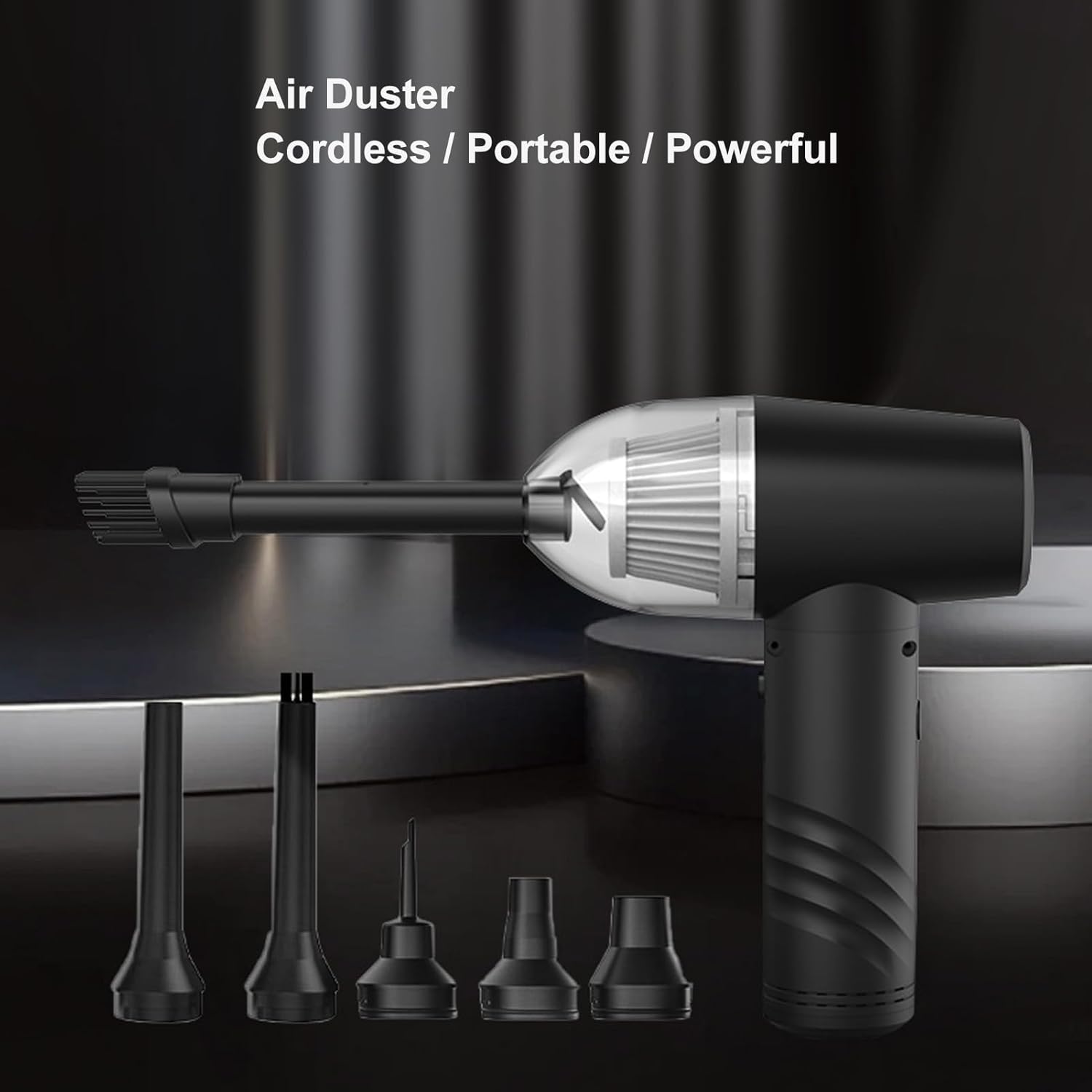
Image: The Cuifati Air Duster main unit with several interchangeable nozzles laid out, including a brush nozzle, a narrow blowing nozzle, and various inflation nozzles.

Image: A top-down view of the Cuifati Air Duster unit, charging cable, storage bag, and all included nozzles and attachments.
3. Setup
3.1 Initial Charging
Before first use, fully charge the device. Connect the provided charging cable to the charging port on the air duster and plug the other end into a compatible USB power source (e.g., computer, power bank, car charger, or wall adapter).
- The device has a built-in 6000 mAh lithium battery.
- Charging time is approximately 2 hours for a full charge.
- The indicator lights will show charging status. Refer to the device for specific light patterns.
The internal battery capacity is 6000mAh, providing ample power for cleaning tasks.
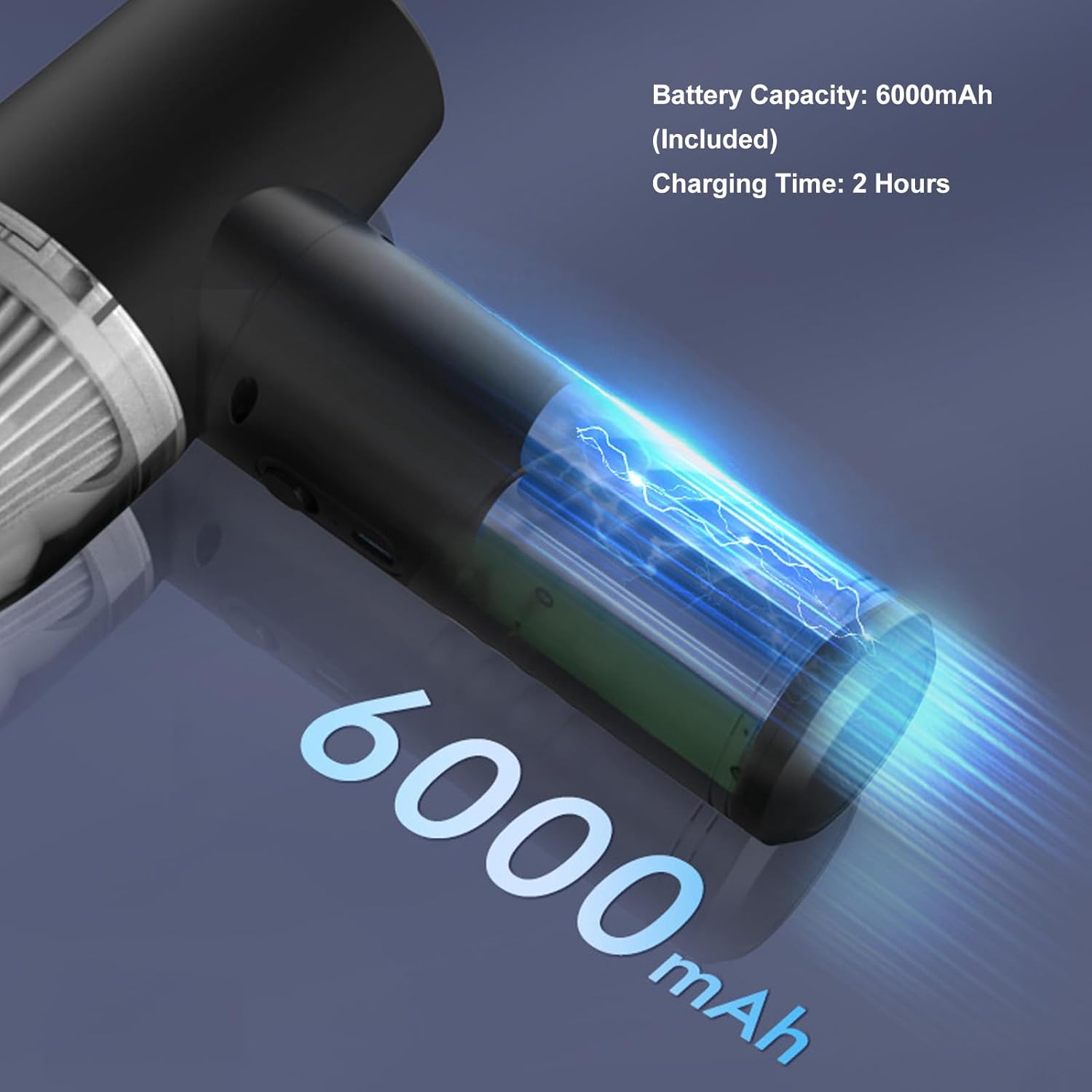
Image: An illustrative graphic highlighting the 6000mAh battery capacity and a 2-hour charging time for the device.
3.2 Attaching Nozzles
Select the appropriate nozzle for your cleaning task. Firmly push the desired nozzle onto the output port of the air duster until it clicks into place. Ensure it is securely attached before operation.
4. Operating Instructions
The Cuifati Air Duster offers both blowing and vacuum functions, along with adjustable speed settings.
4.1 Power On/Off and Speed Adjustment
- Power On: Press and hold the power button for a few seconds until the device starts.
- Speed Adjustment: Briefly press the power button to cycle through the 3 available speed modes.
- Power Off: Press and hold the power button again until the device shuts down.
The 3 speed modes provide varying airflow intensity:
- Gear 1: Up to 30 minutes working time. Suitable for light dusting.
- Gear 2: Up to 20 minutes working time. For general cleaning tasks.
- Gear 3: Up to 15 minutes working time. Provides maximum airflow for deep cleaning.
4.2 Using as an Air Duster
Attach the desired blowing nozzle (e.g., standard blowing nozzle, brush blowing nozzle). Point the nozzle towards the area to be cleaned and activate the device. Use appropriate speed for the task.
Effectively remove dust from computer components and other electronics.
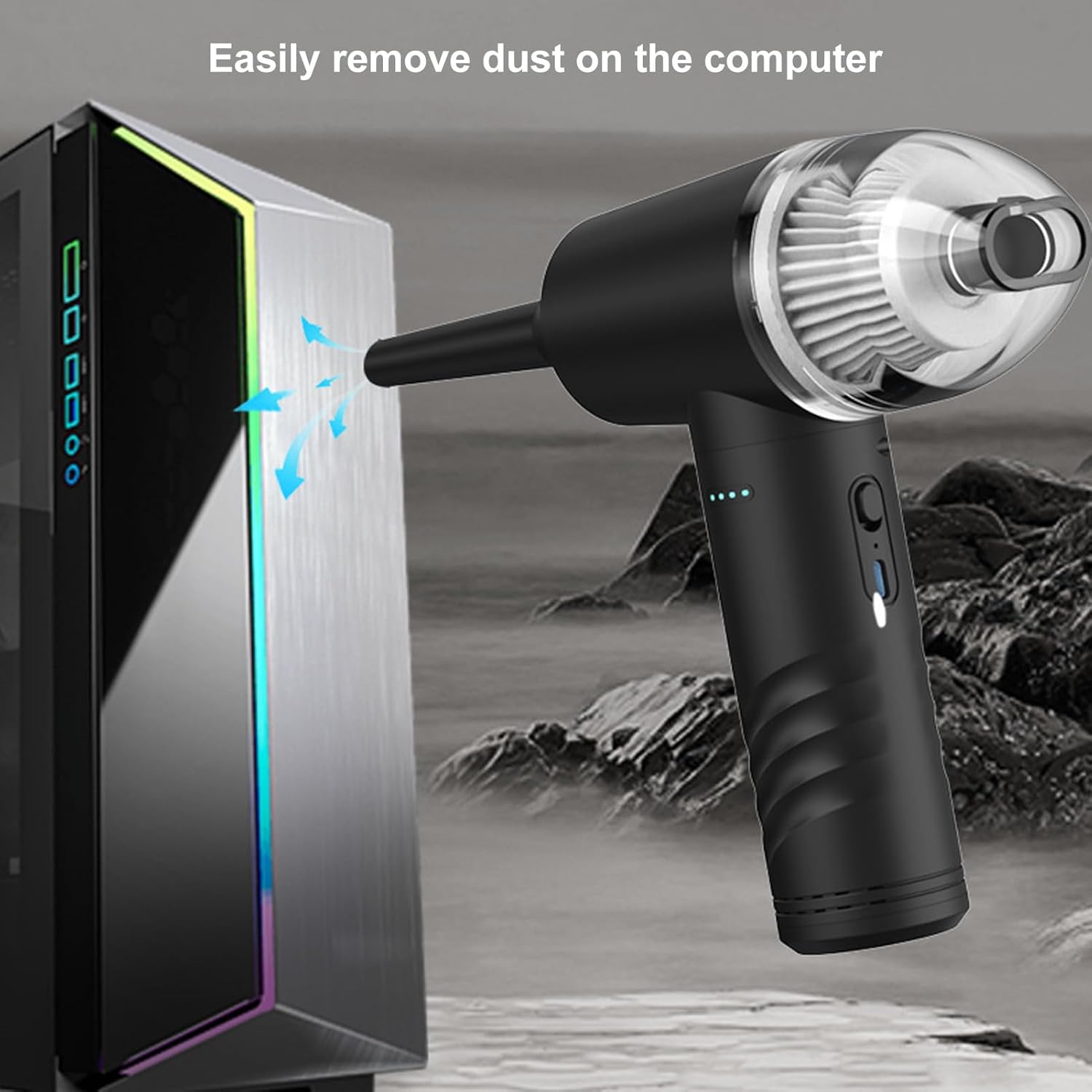
Image: The Cuifati Air Duster being used to blow dust out of the vents of a computer tower, illustrating its effectiveness for electronic cleaning.
Ideal for cleaning car interiors, keyboards, and other hard-to-reach areas.

Image: The Cuifati Air Duster blowing dust from the dashboard of a car, demonstrating its use for automotive interior cleaning.
4.3 Using as a Cordless Vacuum
Attach the brush type vacuum nozzle. The device can effectively vacuum dust from surfaces like keyboards, car seats, and sofa corners. The strong suction power ensures thorough cleaning.
4.4 Using for Inflation/Deflation
Utilize the specialized inflation nozzles (swimming ring, air mattress inflation/exhaust) for quick and convenient inflation or deflation of various items.
The device comes with multiple accessories for diverse applications, including blowing, vacuuming, and inflation.

Image: A collage of six images demonstrating the different uses of the Cuifati Air Duster's nozzles, including brush blowing, swimming ring inflation, general blowing, air cushion vacuum, air bed inflation, and vacuum nozzle for storage bags.
5. Maintenance
5.1 Cleaning the Filter
Regularly clean the filter to maintain optimal performance. To clean:
- Ensure the device is powered off.
- Twist and remove the dust collection cup.
- Carefully remove the filter from the cup.
- Tap the filter gently to dislodge dust or use a soft brush to clean it. If necessary, the filter can be rinsed with water, but ensure it is completely dry before reinserting.
- Reinsert the dry filter and reattach the dust collection cup.
5.2 General Care
- Wipe the exterior of the device with a soft, dry cloth.
- Do not use harsh chemicals or abrasive cleaners.
- Store the device and its accessories in the provided storage bag in a cool, dry place when not in use.
6. Troubleshooting
If you encounter issues with your Cuifati Air Duster, please refer to the following common problems and solutions:
| Problem | Possible Cause | Solution |
|---|---|---|
| Device does not turn on. | Low battery or no charge. | Charge the device fully. |
| Weak airflow/suction. | Clogged filter or nozzle. | Clean the filter and ensure nozzles are clear. |
| Device stops unexpectedly. | Overheating or low battery. | Allow device to cool down. Charge the battery. |
| Nozzle does not attach securely. | Incorrect nozzle or not fully inserted. | Ensure the correct nozzle is used and push firmly until it clicks. |
If the problem persists after trying these solutions, please contact Cuifati customer support.
7. Specifications
| Feature | Specification |
|---|---|
| Brand | Cuifati |
| Model Number | Cuifati4vnk7mfsb6 |
| Material | ABS, PC |
| Maximum Power | 70 W |
| Maximum Speed | 55,000 RPM |
| Battery Type | Lithium Battery |
| Battery Capacity | 6000 mAh |
| Charging Time | 2 hours |
| Speed Gears | 3 adjustable gears |
| Working Time (Gear 1) | 30 minutes |
| Working Time (Gear 2) | 20 minutes |
| Working Time (Gear 3) | 15 minutes |
| Form Factor | Handheld |
| Package Dimensions | 22 x 17 x 7 cm |
| Item Weight | 700 g |
8. Warranty and Support
Cuifati products are manufactured with quality and reliability in mind. This product comes with a standard manufacturer's warranty against defects in materials and workmanship.
- For warranty claims or technical support, please contact your retailer or Cuifati customer service.
- Keep your purchase receipt as proof of purchase for warranty purposes.
- The warranty does not cover damage caused by misuse, accident, unauthorized modification, or normal wear and tear.
For further assistance, please visit the official Cuifati store or contact their support channels.