
Vieta Pro VM-MC010BK
Vieta Pro Party Mic Wireless Microphone User Manual
Model: VM-MC010BK
1. Introduction
Thank you for choosing the Vieta Pro Party Mic Wireless Microphone. This manual provides essential information for the safe and effective use of your device. Please read it thoroughly before operation and retain it for future reference.

Image 1.1: The Vieta Pro Party Mic wireless microphone and its compact receiver unit.
The Vieta Pro Party Mic is designed to offer a cable-free audio experience, ideal for social events, presentations, and various situations requiring a high-quality wireless microphone. It features versatile connectivity with both USB-C and 6.5mm Mono Jack, ensuring broad compatibility with modern devices and audio equipment. Advanced technology minimizes interference, providing clear and uninterrupted audio transmission. The receiver boasts a long-lasting battery, offering up to 12 hours of continuous use.
2. Package Contents
Please check the package contents to ensure all items are present and in good condition:
- Vieta Pro Party Mic Wireless Microphone
- Micro Receiver (with 6.5mm Mono Jack)
- USB-C Charging Cable
- User Information Manual (this document)

Image 2.1: The complete package contents, including the microphone, receiver, and charging cable.
3. Setup Guide
3.1 Charging the Receiver
Before first use, ensure the receiver is fully charged. The receiver has a built-in rechargeable Lithium Ion battery.
- Connect the supplied USB-C charging cable to the USB-C port on the receiver.
- Connect the other end of the USB-C cable to a compatible USB power adapter (not included) or a computer USB port.
- The battery indicator light on the receiver will show charging status. Once fully charged, the light will change or turn off (refer to specific light behavior in the operating section). A full charge provides up to 12 hours of operation.
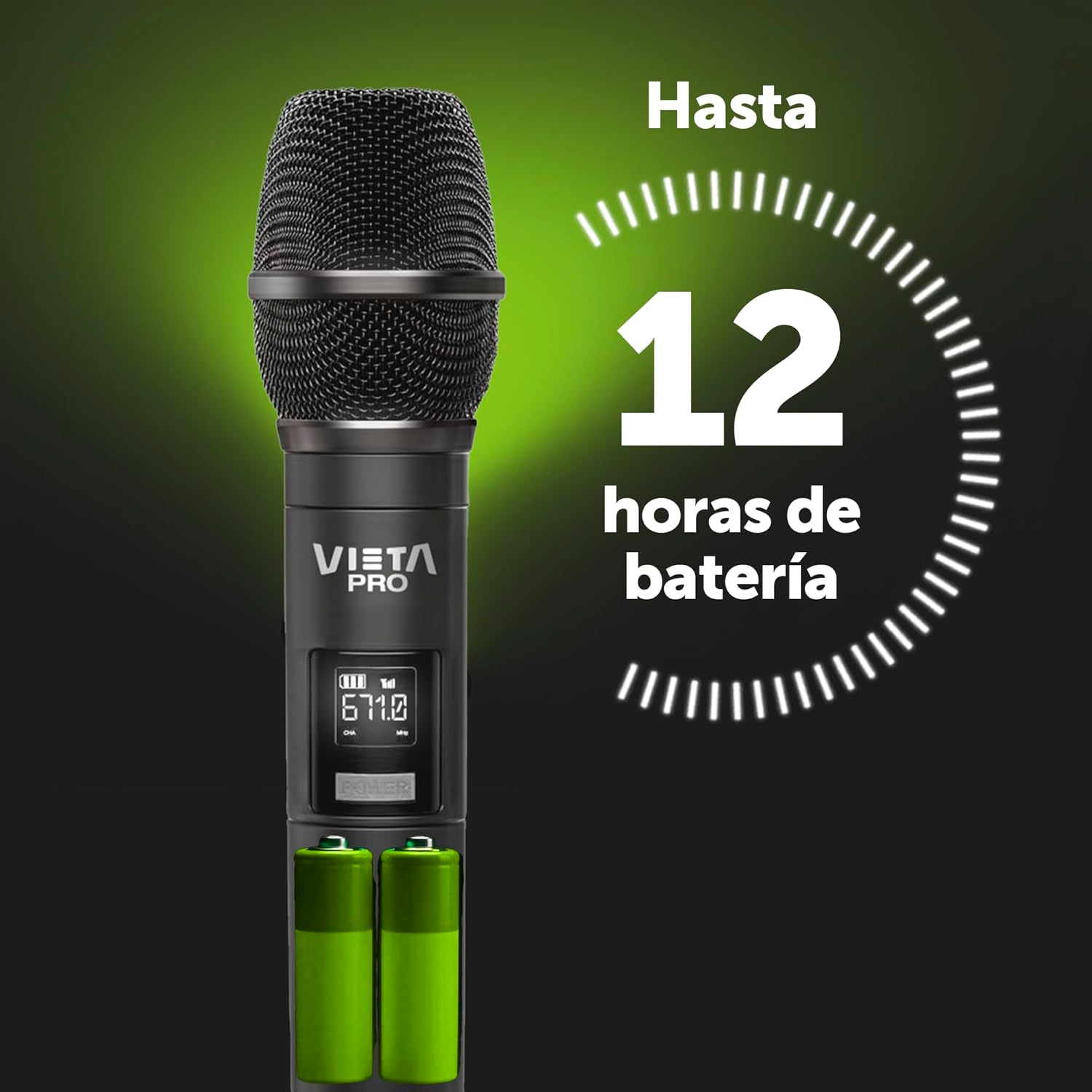
Image 3.1: The receiver offers up to 12 hours of battery life on a single charge.
3.2 Installing Batteries in the Microphone
The microphone requires 1 Lithium Ion battery (included).
- Unscrew the bottom part of the microphone handle.
- Insert the Lithium Ion battery according to the polarity markings inside the battery compartment.
- Screw the bottom part back on securely.
3.3 Connecting the Receiver
The receiver can be connected to various audio input devices:
- To a PA System/Speaker: Insert the 6.5mm Mono Jack of the receiver directly into the microphone input (6.5mm jack) of your PA system, amplifier, or compatible speaker.
- To a Computer/Laptop/Tablet/Smartphone: Use an appropriate adapter (not included) if your device does not have a 6.5mm jack input. For USB-C devices, the receiver's USB-C port is for charging only; audio output is via the 6.5mm jack.

Image 3.2: The receiver connects via its 6.5mm Mono Jack to compatible audio inputs, such as a PA system or speaker.

Image 3.3: The microphone system is designed for compatibility with Vieta Pro Party speakers and other audio systems.
4. Operating Instructions
4.1 Powering On/Off
- Microphone: Locate the power button on the microphone. Press and hold for a few seconds to turn it on or off. The display on the microphone will illuminate when powered on.
- Receiver: The receiver typically powers on automatically when plugged into a powered device. Some receivers may have a small power switch. Refer to the receiver's specific design.
4.2 Pairing and Connection
The microphone and receiver are usually pre-paired from the factory. If they do not connect automatically:
- Ensure both the microphone and receiver are powered on and within close proximity.
- Check the microphone's display for connection status (e.g., signal strength indicator).
- If connection issues persist, consult the troubleshooting section.
4.3 Usage and Performance
The Vieta Pro Party Mic operates on a low-interference wireless technology, specifically an RF band of 671MHz, ensuring clear audio transmission. It has an effective operating range of up to 20 meters (approximately 65 feet) in open areas, providing freedom of movement.
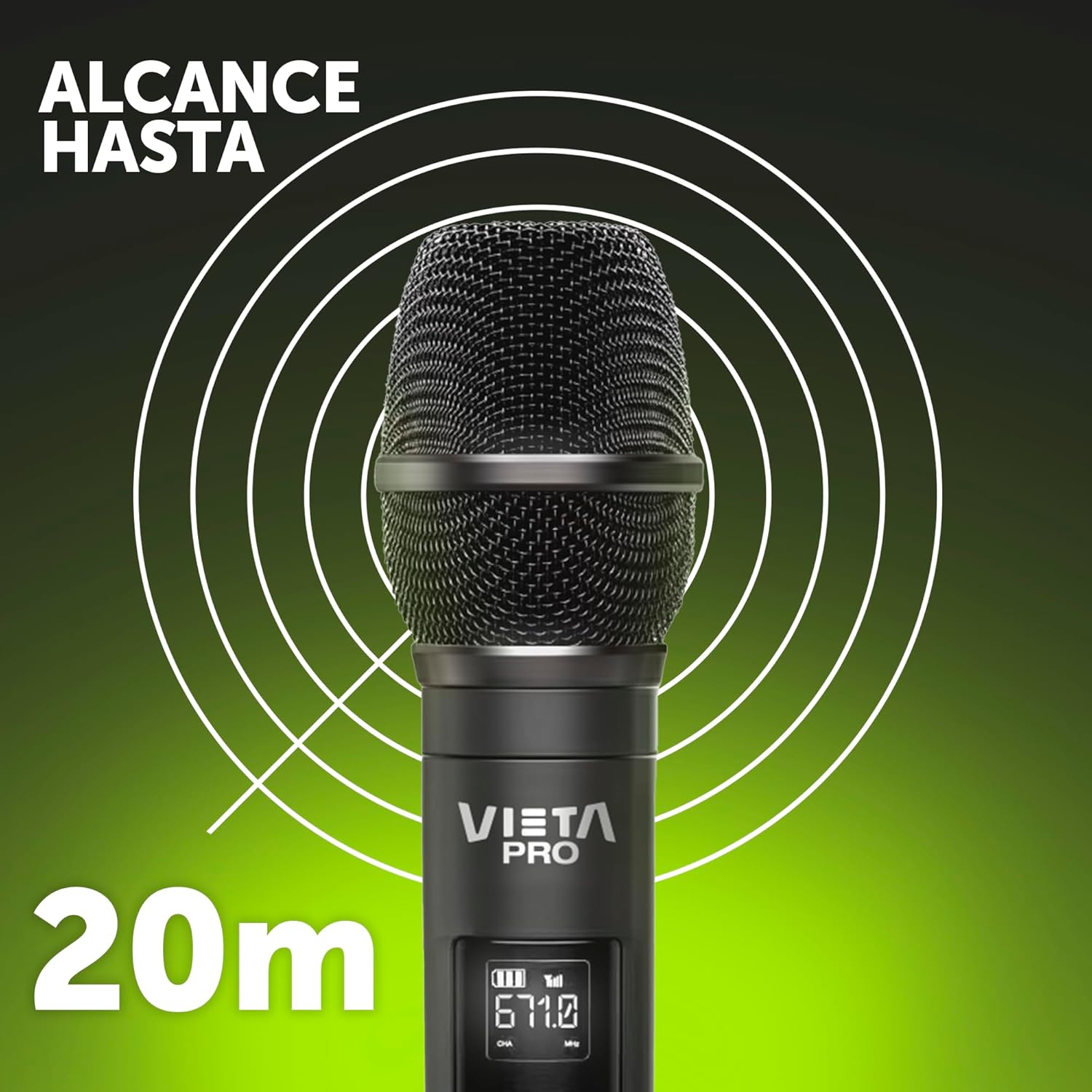
Image 4.1: The microphone system offers a wireless range of up to 20 meters for flexible use.

Image 4.2: The system utilizes a 671MHz RF band for stable, low-interference wireless audio.
For optimal sound quality, hold the microphone approximately 5-10 cm (2-4 inches) from your mouth. The microphone features a unidirectional polar pattern, which helps in picking up sound primarily from the front, reducing background noise.

Image 4.3: The microphone delivers high sound quality and volume for various applications.

Image 4.4: The Party Mic is suitable for shared enjoyment and entertainment.

Image 4.5: The microphone is also suitable for public speaking engagements, offering a wide range.
5. Maintenance and Care
- Cleaning: Use a soft, dry cloth to clean the microphone and receiver. Do not use abrasive cleaners, solvents, or strong chemicals.
- Storage: When not in use, store the device in a cool, dry place, away from direct sunlight and extreme temperatures.
- Battery Care: For optimal battery life, avoid fully discharging the receiver's battery frequently. If storing for extended periods, charge the receiver to about 50% every few months.
- Handling: Handle the microphone and receiver with care. Avoid dropping them or subjecting them to strong impacts.
6. Troubleshooting
| Problem | Possible Cause | Solution |
|---|---|---|
| No sound from microphone |
|
|
| Audio interference or static |
|
|
| Receiver not charging |
|
|
7. Technical Specifications
| Feature | Specification |
|---|---|
| Model Name | Party Mic |
| Model Number | VM-MC010BK |
| Brand | Vieta Pro |
| Microphone Form Factor | Handheld |
| Connectivity Technology | Low Interference Wireless (RF Band 671MHz) |
| Connector Type | USB Type-C (for charging), 6.5 mm Mono Jack (for audio output) |
| Power Source | Battery (Lithium Ion) |
| Receiver Battery Life | Up to 12 hours |
| Signal-to-Noise Ratio | 6E+1 dB |
| Number of Channels | 1 |
| Polar Pattern | Unidirectional |
| Compatible Devices | Personal Computer, Laptop, Tablet, Smartphone, PA System |
| Special Features | Battery indicator light |
| Color | Black |
| Product Weight | 13.5 kg |
| Recommended Use | For music players, events, public speaking |
8. Support and Contact Information
For further assistance, technical support, or warranty inquiries, please contact Vieta Pro customer service through their official website or the retailer from whom you purchased the product.
Please note: Specific warranty terms and conditions may vary by region and retailer. Keep your proof of purchase for warranty claims.
Related documentsVM-MC010BK


Ask a question about this manual
Ask about setup, troubleshooting, compatibility, parts, safety, or missing instructions. Manuals+ will review the question and use this page’s manual context to help answer it.