
XINDADA QX11
XINDADA QX11 Smartwatch User Manual
Model: QX11
Introduction
Thank you for choosing the XINDADA QX11 Smartwatch. This manual provides essential information for setting up, operating, and maintaining your device. The QX11 Smartwatch is designed for both men and women, featuring a large 1.9-inch HD display, Bluetooth call functionality, SOS, and a voice assistant, making it an ideal sport and fitness tracker.
What's in the Box
- 1 x XINDADA QX11 Smartwatch
- 1 x USB Charging Cable
- 1 x User Manual
- 1 x Packaging Box
Setup
1. Charging the Smartwatch
Before first use, fully charge your QX11 Smartwatch. Connect the provided USB charging cable to the charging contacts on the back of the watch and to a standard USB power adapter (not included) or a computer USB port. The watch display will indicate charging status.
2. App Installation and Pairing
To unlock the full potential of your smartwatch, download the companion application on your smartphone. The app is compatible with Android 4.4 or higher and iOS 9.0 or higher.
- Scan the QR code in the manual or on the watch packaging to download the official app, or search for it in your phone's app store.
- Enable Bluetooth on your smartphone.
- Open the app and follow the on-screen instructions to pair your QX11 Smartwatch. Ensure the watch is powered on and discoverable.
- Confirm the pairing request on both your phone and the smartwatch.
3. Initial Setup
Once paired, the app will guide you through setting up personal information, time format, units, and notification preferences.
Operating Instructions
Display and Navigation
The QX11 Smartwatch features a 1.96-inch HD full-screen touch display. Navigate through menus and functions by swiping left, right, up, or down, and tapping to select. The watch also has two physical keys for additional control and decoding functions.
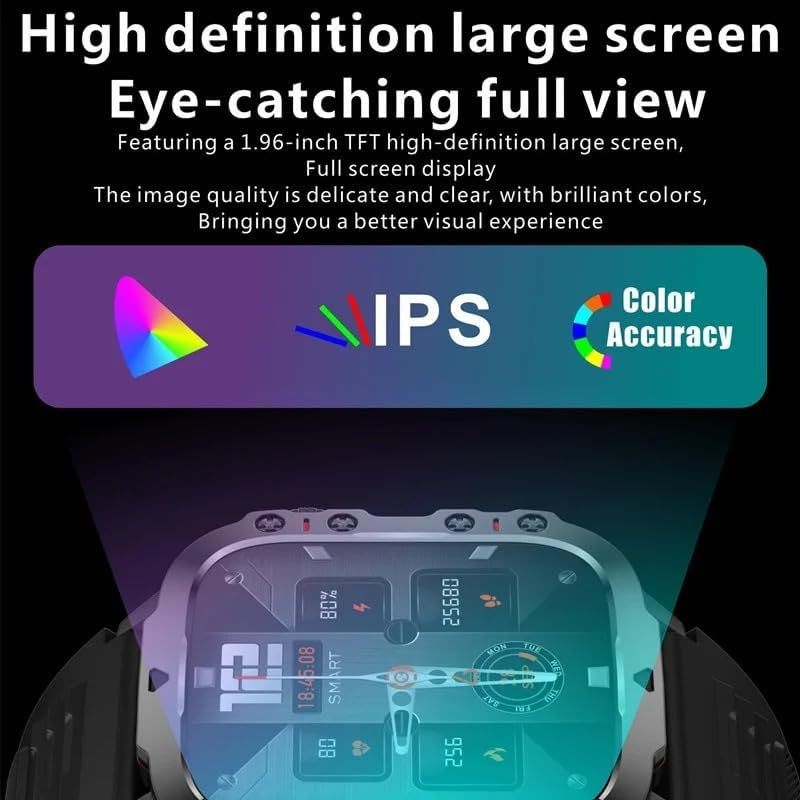
The QX11 Smartwatch boasts a 1.96-inch TFT high-definition large screen with full screen display, offering delicate and clear image quality with brilliant colors for a superior visual experience.
Key Features
- Bluetooth Call: Make and receive calls directly from your wrist when connected to your smartphone.
- Voice Assistant: Utilize the integrated voice assistant for various commands, such as checking the weather or playing music.
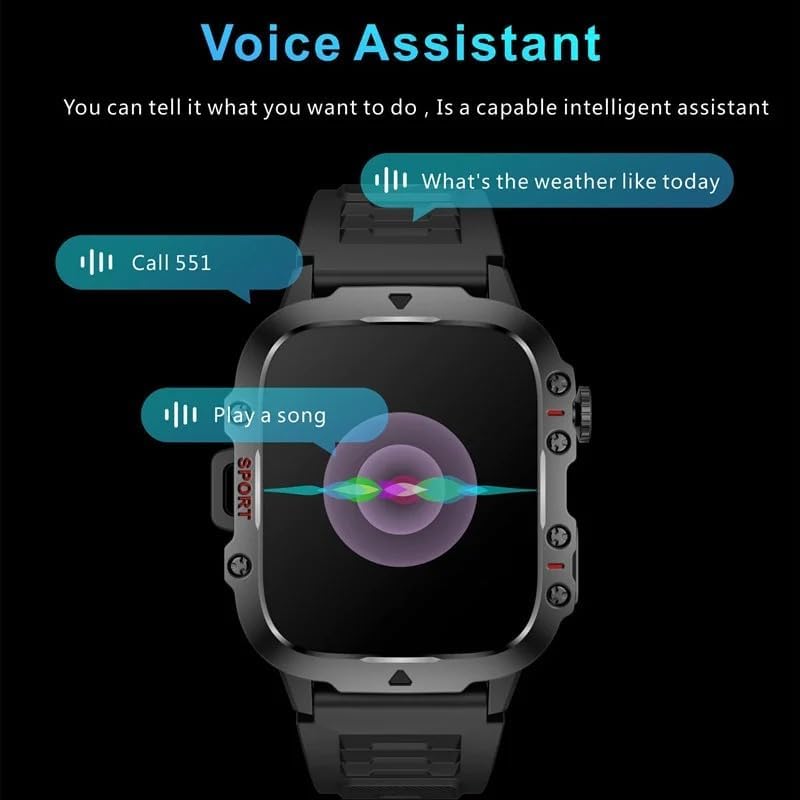
The QX11 Smartwatch features a capable intelligent voice assistant, allowing users to tell it what they want to do, such as asking for the weather or initiating a call.
- Notifications: Receive push notifications from various applications directly on your watch.

The smartwatch supports information push for tens of thousands of apps, ensuring you don't miss important information by simply raising your hand to view it.
- Sport & Fitness Tracking: Monitor your activities with features like step counting, heart rate monitoring (VC30F sensor), and G-sensor for movement tracking.
- SOS Function: For emergency situations, the watch includes an SOS feature. Refer to the app for setup and activation details.
- Battery Life: The 420 mAh high-capacity pure cobalt battery provides approximately 7-10 days of working time and up to 50 days of standby time.
- Multi-language Support: The watch supports a wide range of languages for its interface and push notifications, including English, German, French, Spanish, Italian, and many more.
Maintenance
Cleaning
Regularly clean your smartwatch and strap to prevent skin irritation and maintain device longevity. Use a soft, dry cloth to wipe the screen and body. For the silicone strap, a damp cloth with mild soap can be used, then rinse and dry thoroughly.
Water Resistance
The QX11 Smartwatch has a 3ATM waterproof rating. This means it is resistant to splashes, rain, and brief immersion in water, such as during hand washing. It is not suitable for swimming, showering with hot water, or diving.
Battery Care
To prolong battery life, avoid fully discharging the watch frequently. Charge it when the battery level is low. Store the watch in a cool, dry place when not in use for extended periods.
Troubleshooting
- Watch not turning on: Ensure the watch is fully charged. Connect it to the charger for at least 30 minutes.
- Cannot pair with phone: Make sure Bluetooth is enabled on your phone and the watch. Restart both devices and try pairing again through the app. Check if the app is updated to the latest version.
- Inaccurate data: Ensure the watch is worn snugly on your wrist. For GPS-related activities, ensure a clear sky view.
- Notifications not appearing: Check notification settings in the watch app and on your phone's system settings to ensure permissions are granted.
- Screen unresponsive: Try restarting the watch by pressing and holding the power button. If the issue persists, contact customer support.
Specifications
| Feature | Specification |
|---|---|
| Model Number | QX11 |
| Display | 1.96" HD (240x282 resolution), Full Screen Touch |
| CPU | Realtek 8763ewe |
| Connectivity | Bluetooth 5.2 |
| Battery Capacity | 420 mAh (Pure Cobalt Cell) |
| Working Time | 7-10 days |
| Standby Time | Approx. 50 days |
| Waterproof Rating | 3ATM |
| Body Material | Zinc Alloy |
| Strap Material | Silicone |
| Machine Size | 50 x 43.5 x 12 mm |
| Machine Weight (with strap) | 65g |
| System Compatibility | Android 4.4+ / iOS 9.0+ |
| Special Features | Alarm Clock, Time Display, Voice Assistant, Bluetooth Call, SOS |
| GPS | Integrated GPS |
| Color | Black Milan |
Warranty and Support
For warranty information and customer support, please refer to the documentation included with your purchase or contact XINDADA customer service through the official website or your point of purchase. Please retain your proof of purchase for warranty claims.
Ask a question about this manual
Ask about setup, troubleshooting, compatibility, parts, safety, or missing instructions. Manuals+ will review the question and use this page’s manual context to help answer it.