
Introduction
This manual provides detailed instructions for the installation, operation, maintenance, and troubleshooting of your Makayuron Smart Door Lock M03Pro. Please read this manual thoroughly before installation and use to ensure proper functionality and security.
Product Components
The Makayuron Smart Door Lock M03Pro package includes the following main components:
- Smart Door Lock (Front and Rear Panels)
- 6068 Mortise Lock Body
- Rechargeable Lithium Battery (5000mAh)
- Smart Cards (Quantity may vary, typically 2)
- Mechanical Keys
- Installation Manual
- Mounting Accessories (screws, etc.)

Setup and Installation
Important Pre-Installation Reminder
Before installing the smart door lock onto your door, please connect it to your mobile phone first to ensure all functions are working properly. It is recommended to complete the pairing and testing process before proceeding with permanent installation.
Installation Considerations
- Professional installation may be required due to the complexity of fitting the lock.
- The lock may require new holes or modification of existing door holes, especially if replacing a traditional lock.
- Ensure the door's thickness and existing mortise dimensions are compatible with the 6068 mortise provided.

Battery Installation
Install the provided 5000mAh rechargeable lithium battery into the designated compartment on the interior panel of the lock. Ensure correct polarity.

Operating Instructions
Unlocking Methods
The Makayuron Smart Door Lock M03Pro offers multiple secure unlocking options:
- Palm Print: Utilize advanced palm print recognition for quick and secure access.
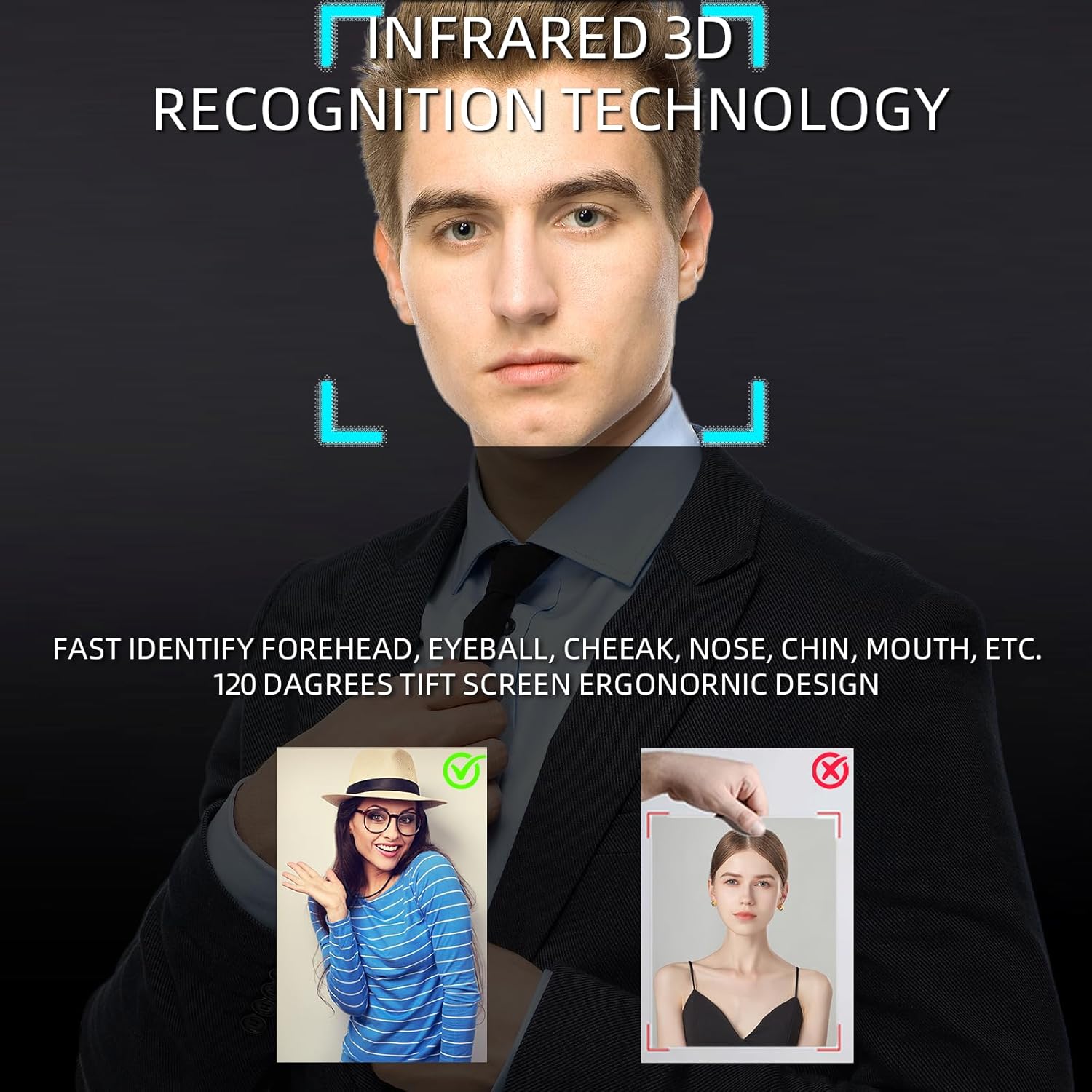
- 3D Face Recognition: The built-in motion sensor activates 3D face recognition when a person approaches, offering hands-free unlocking.
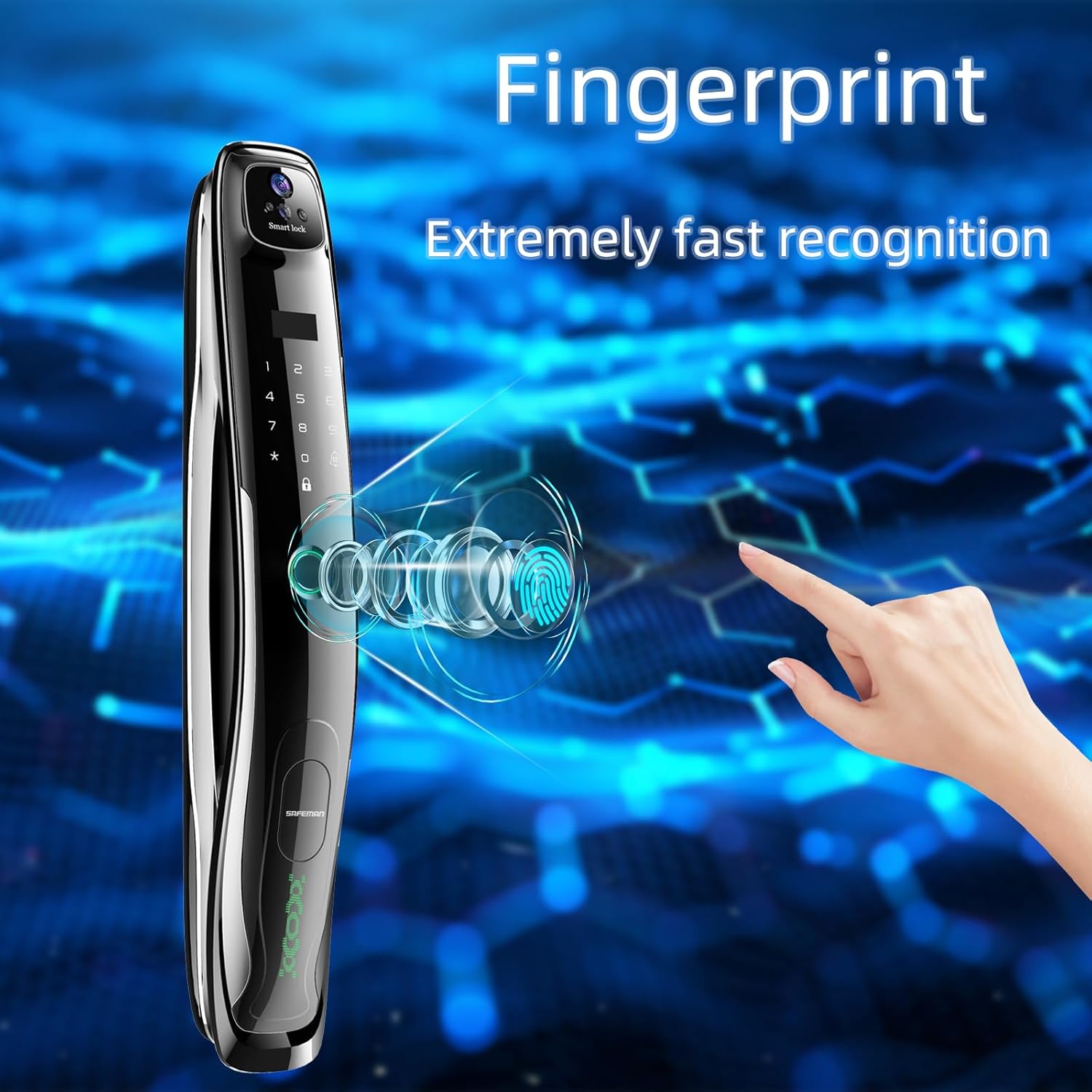
- Fingerprint: Fast and reliable fingerprint identification.
- Passcode: Enter your personalized numerical passcode on the touch keypad.
- Smart Card: Tap the provided smart card on the designated sensing area.
- Tuya App Remote: Unlock the door remotely via the Tuya Smart app.
- Physical Key: Use the traditional mechanical key as a backup.

Palm Print Entry

3D Face Recognition
Fingerprint Recognition
Video Doorbell and Intercom Functionality
When a visitor presses the doorbell, the indoor screen automatically illuminates, allowing you to view the outdoor situation without opening the door. If you are away from home, the Tuya Smart app enables you to check who the visitor is, communicate with them, and remotely unlock the door if desired.

Tuya App Management
The Tuya Smart app provides comprehensive management features:
- Set and manage temporary passcodes.
- Monitor current battery levels.
- Access a detailed record of door lock activity, including who opened the door, lock status, doorbell notifications, and alerts for suspicious activity (e.g., stranger stay alerts, prying attempts).
- Customize notification preferences to receive only important alerts.
Enhanced Security Features
- Durable Construction: The lock body is made of aluminum alloy, and features an all-steel mortise lock body for enhanced strength compared to traditional deadbolts.
- Independent Deadbolt: An indoor independent deadbolt prevents external unlocking when engaged from the interior.
Maintenance
Battery Management
The Makayuron Smart Door Lock M03Pro is powered by a 5000mAh rechargeable lithium battery. It is designed to provide power for approximately 6-10 months for a family of five with regular use.
- The lock will issue a low battery alarm when power is critically low.
- Even after the low battery alarm, the lock can typically be opened about 50 more times.
- An outdoor charging port (Type-C) is available for emergency power supply using a power bank if the battery fully depletes.
- Always keep the mechanical key accessible as a final backup.
Cleaning
Wipe the lock's exterior surfaces with a soft, dry cloth. Avoid using abrasive cleaners or solvents that could damage the finish or electronic components.
Troubleshooting
| Problem | Possible Cause | Solution |
|---|---|---|
| Lock not responding / Power failure | Battery depleted. | Charge the lock via the outdoor USB Type-C port using a power bank, or use the mechanical key. Replace the battery if it no longer holds a charge. |
| Unlocking methods (fingerprint, face, palm) not working | Incorrect registration, sensor obstruction, or temporary glitch. | Ensure your biometric data is correctly registered. Clean the sensor area. Try another unlocking method. If issues persist, re-register biometric data or contact support. |
| Tuya App issues (e.g., camera not working, unexpected fees) | App malfunction, connectivity issues, or misconfiguration. | Ensure the app is updated and the lock is connected to Wi-Fi. The Tuya app should not require monthly fees for basic lock functionality. If you encounter such requests or persistent camera issues, contact Makayuron customer support immediately. |
| Difficulty with programming or setup | Complex interface or specific steps missed. | Refer to the detailed installation manual included with the product. If difficulties persist, contact Makayuron customer support for guidance. |
| Low Current Alarm / Anti-skid Alarm | Low battery or attempted forced entry. | For low current alarm, recharge the battery. For anti-skid alarm, inspect the door and lock for signs of tampering. The alarm indicates a security event. |

Specifications
| Feature | Detail |
|---|---|
| Brand | Makayuron |
| Model Number | M03Pro |
| Unlocking Methods | Palm print, 3D Face Recognition, Fingerprint, Passcode, Smart Card, Tuya App, Mechanical Key |
| Mortise Type | 6068 Mortise |
| Lock Cylinder Class | Class C |
| Material | Aluminum Alloy |
| Color | Bright |
| Power Supply | 1 x 5000mAh Lithium Ion Battery (included) |
| Emergency Power | USB Type-C Port |
| Product Dimensions | 5.9 x 5 x 43 cm |
| Item Weight | 4.59 Kilograms |
| Special Features | Facial recognition, Video Doorbell, Intercom, Tuya App Management, Motion Sensor, Independent Deadbolt |
| Recommended Uses | Home, Hotel, Office, Apartment, Bedroom |
Warranty and Support
Warranty Information
The Makayuron Smart Door Lock M03Pro comes with a 30-day unconditional return policy and a free replacement within 1 year from the date of purchase. This warranty covers manufacturing defects and malfunctions under normal use.
Customer Support
If you have any questions during installation, setup, or daily use, please do not hesitate to contact Makayuron customer support. Our team is available to assist you with any inquiries or issues you may encounter.
Contact Information: Please refer to the contact details provided on the product packaging or the official Makayuron website for the most up-to-date support channels.