
Armocity W01
Armocity Gaming Desk User Manual
Model: W01
Introduction
Thank you for choosing the Armocity 2024 Upgrade Gaming Desk. This manual provides essential information for the assembly, operation, and maintenance of your new desk. Please read it thoroughly before beginning assembly or use to ensure proper functionality and safety.
Safety Information
For safe use of your Armocity Gaming Desk, please observe the following precautions:
- Children are not allowed to climb on the computer gaming desk.
- Ensure all screws and fasteners are securely tightened before use.
- Do not overload the desk or shelves beyond the recommended weight capacity of 300 pounds.
- Keep liquids away from the integrated power outlets and USB ports.
- Place the desk on a stable, level surface to prevent tipping.
Setup and Assembly
Assembly of the Armocity Gaming Desk is required. It is recommended that two people participate in the assembly process for ease and safety.
Included Components:
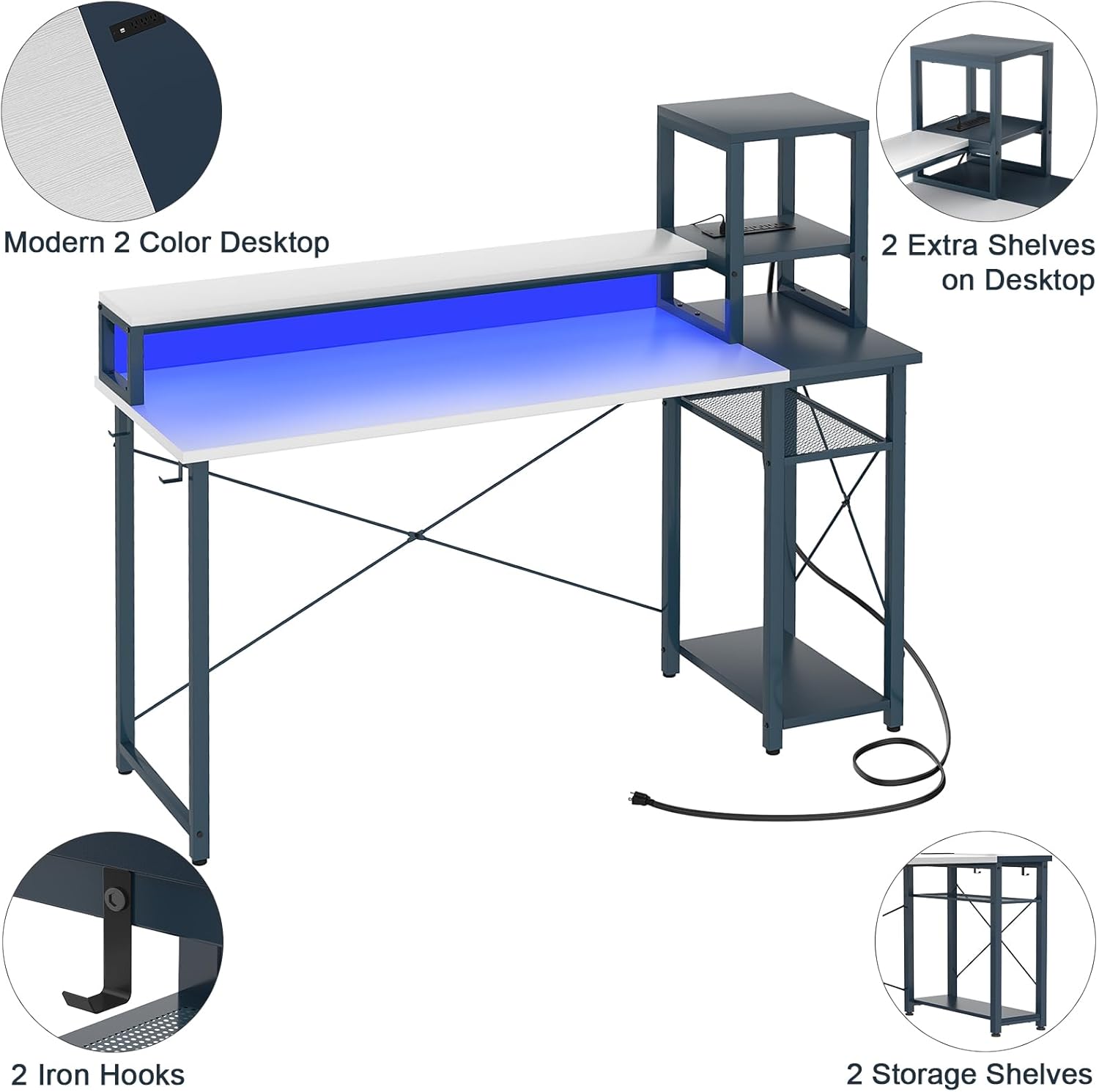
- 1 x Small Desk with Outlets and USB
- 1 x Monitor Stand Shelf
- 2 x Extra Storage Shelves
- 2 x Iron Hooks
- All necessary assembly hardware (screws, tools, etc.)
Assembly Steps:
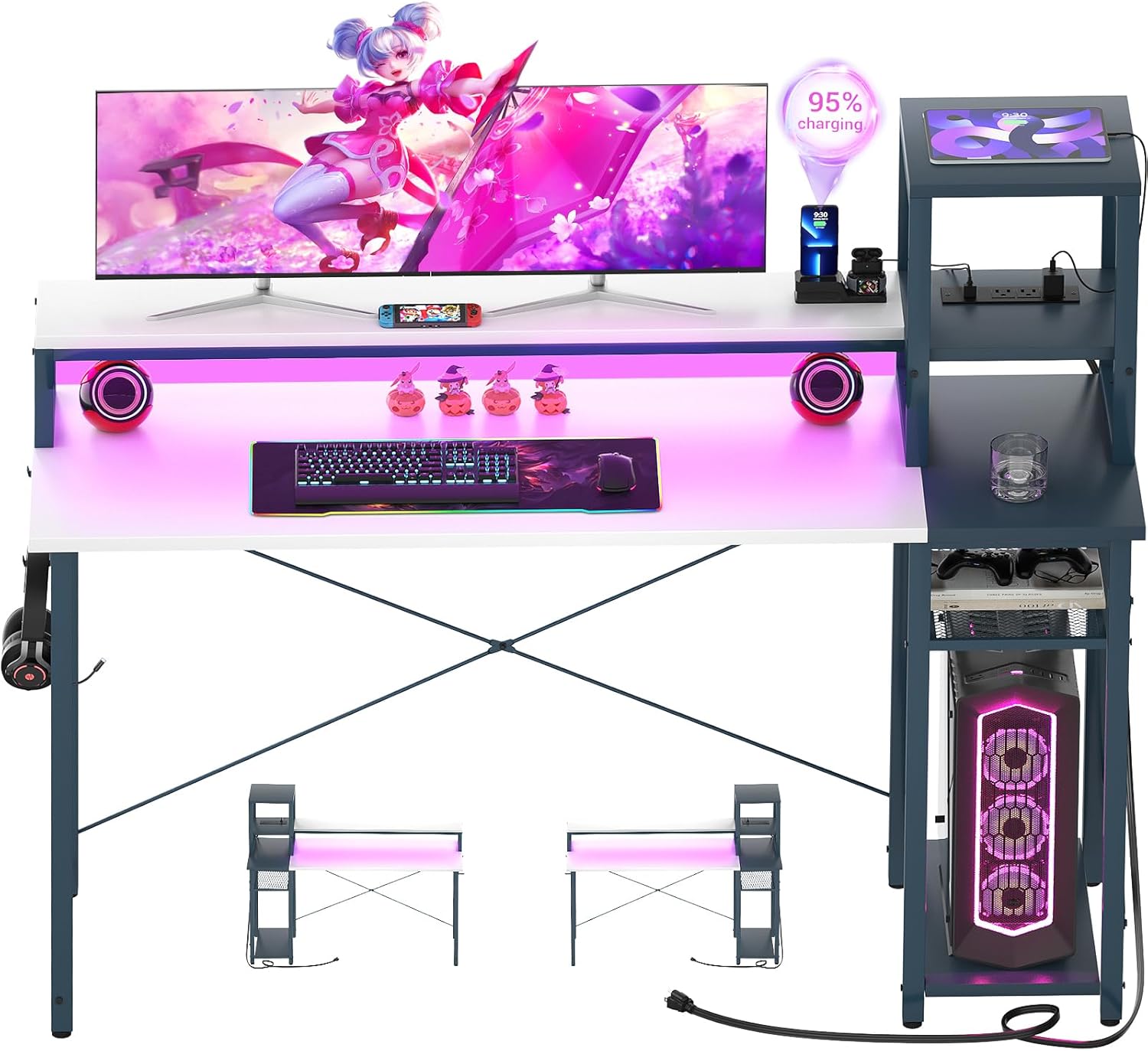
Follow the detailed instructions provided in the assembly guide included with your product packaging. Ensure all parts are identified before starting. The desk features a reversible design, allowing you to position the storage shelves and charging port on either the left or right side to suit your space and preference.
Operating Instructions
Integrated USB Charging Station & Power Outlets:
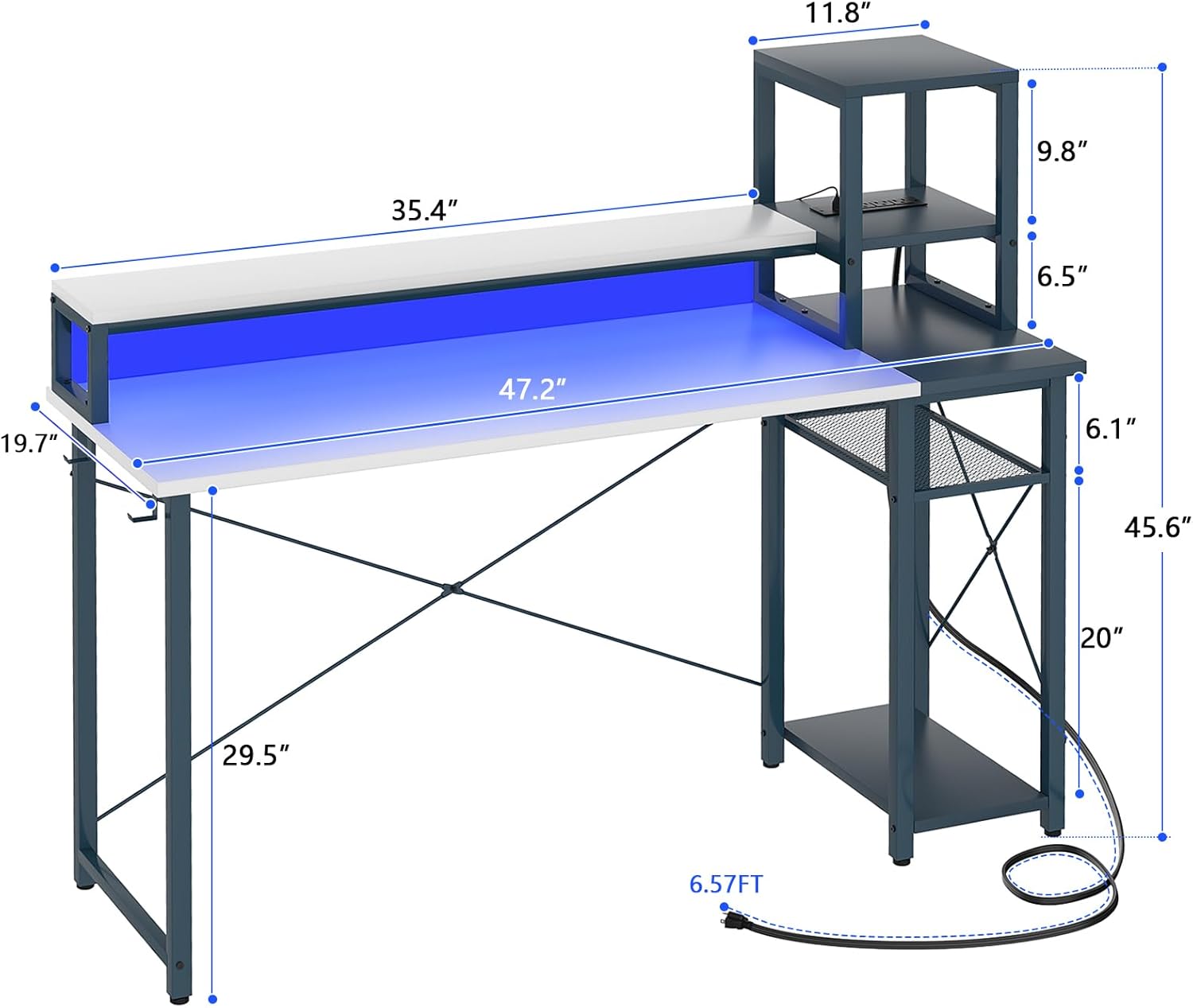
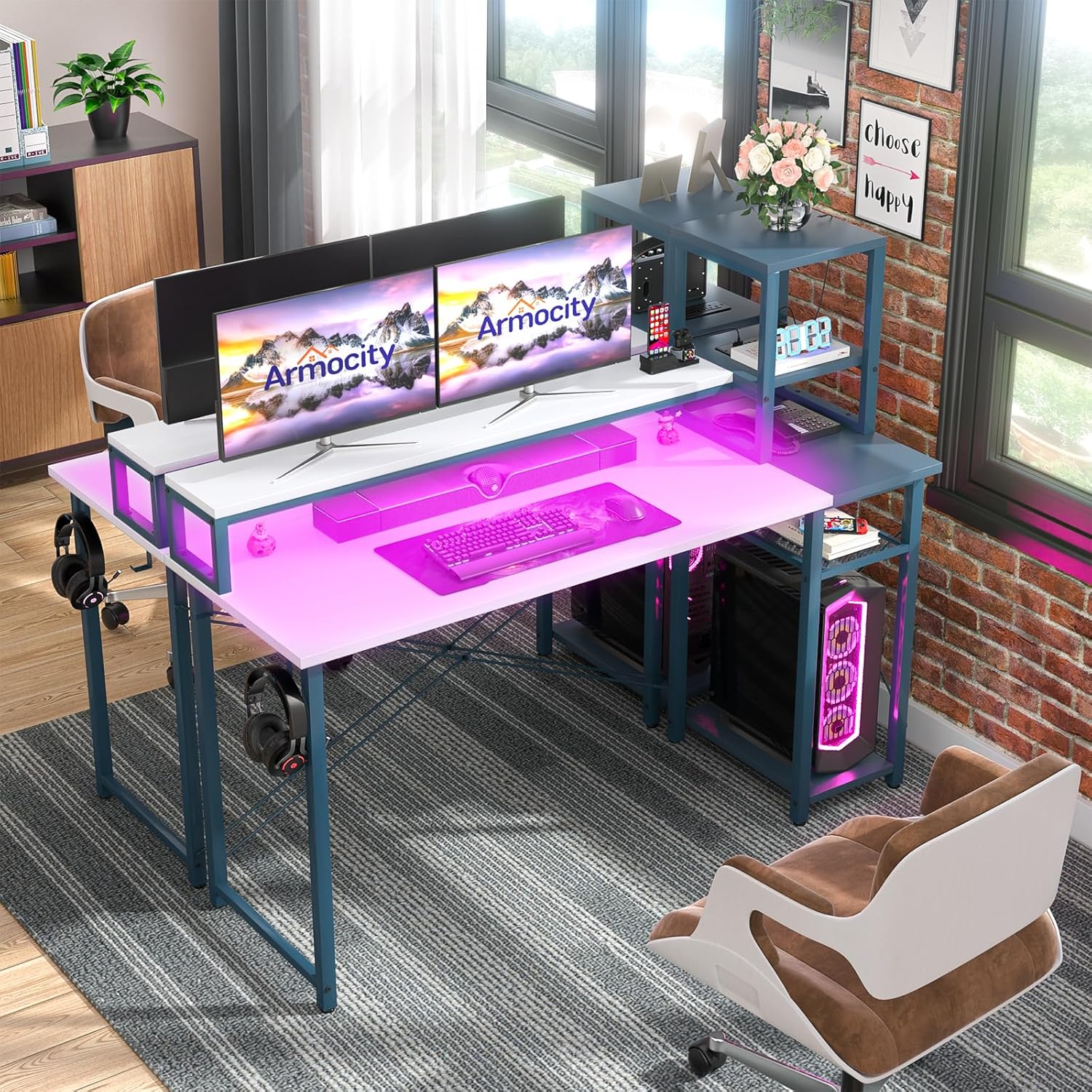
Your Armocity Gaming Desk is equipped with 3 power outlets and 2 USB ports for convenient charging of your devices. Simply plug the desk's power cord (6.57FT long) into a wall outlet. You can then connect your table lamp, phone, audio equipment, PC monitor, and other gaming gear directly to the desk's integrated power strip.
LED Lighting System:
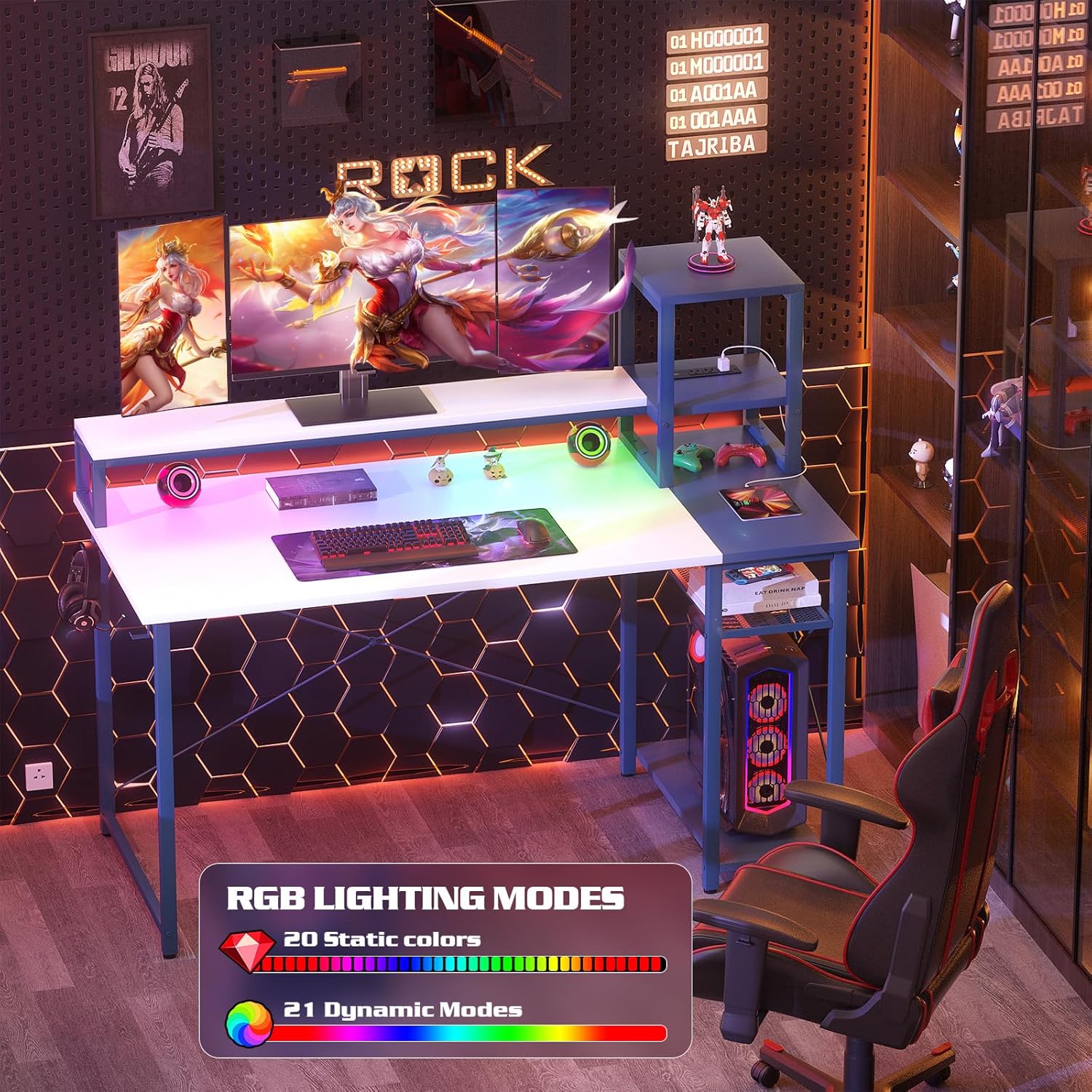
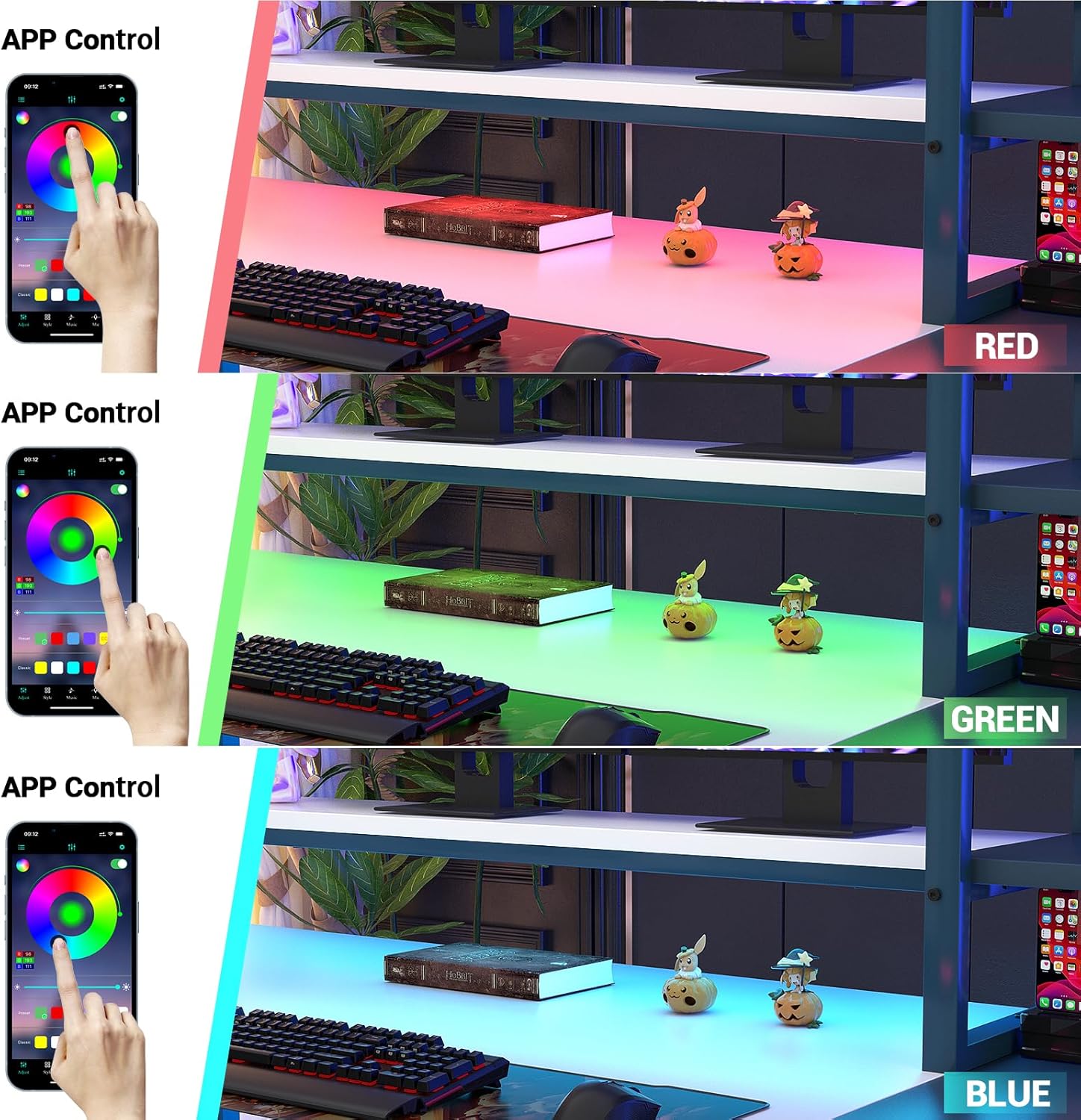
The desk features a long LED strip located under the monitor stand. This lighting system can be controlled via a mobile application or an RF remote control (if included). The LED lights offer various static colors and dynamic modes to enhance your gaming or working environment.
Non-Moveable Monitor Stand Shelf:
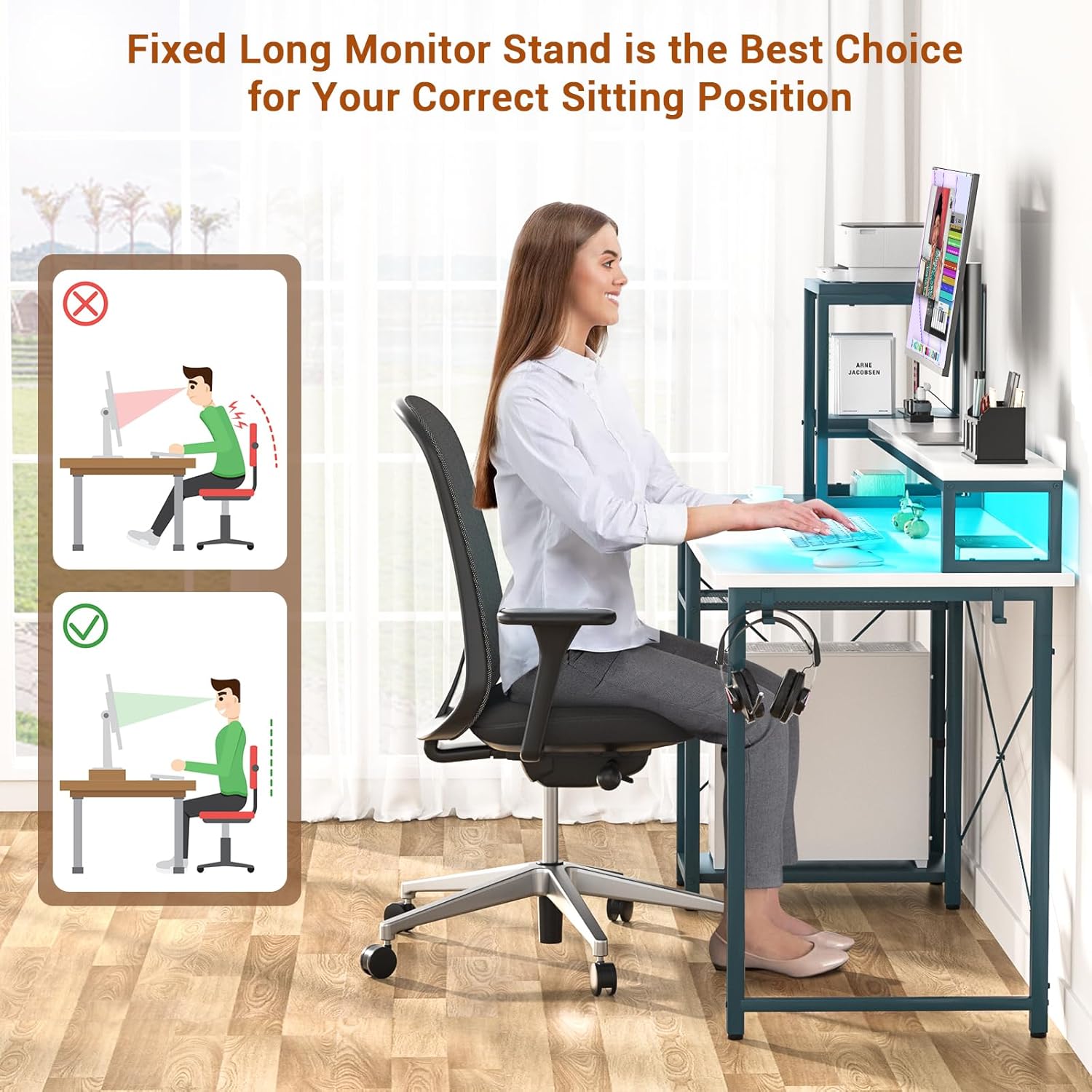
The desk includes a fixed monitor stand designed for ergonomic benefits. This stand elevates your monitor to promote a correct sitting posture, reducing strain on your neck and eyes during long periods of use. The fixed design ensures stability and prevents accidental movement of your monitor.
Maintenance
To ensure the longevity and appearance of your Armocity Gaming Desk, follow these maintenance guidelines:
- Cleaning: Wipe surfaces with a soft, damp cloth. Avoid harsh chemicals or abrasive cleaners that could damage the finish.
- Dusting: Regularly dust the desk surfaces, especially around the LED strip and power outlets, to prevent accumulation.
- Fasteners: Periodically check all screws and connections to ensure they remain tight. Re-tighten if necessary.
- Cable Management: Keep cables organized to prevent tripping hazards and maintain a tidy workspace.
Troubleshooting
If you encounter issues with your Armocity Gaming Desk, consider the following common solutions:
- Assembly Difficulties (Holes Not Aligning): Double-check that all pieces are oriented correctly according to the assembly instructions. Sometimes, a piece may appear similar but needs to be rotated or flipped. Do not force components; re-examine the manual carefully.
- LED Lights Not Working: Ensure the desk's power cord is securely plugged into a functional wall outlet. Check the connection of the LED strip to the power source. If using an app, ensure Bluetooth is enabled on your device and the app is correctly paired.
- Charging Ports Not Functioning: Verify the desk is plugged into a live power outlet. Test the outlets and USB ports with different devices to isolate the issue.
- Desk Instability: Ensure the desk is placed on a flat, even surface. Check that all assembly screws are fully tightened.
If problems persist, please refer to the Warranty and Support section for assistance.
Specifications
| Feature | Detail |
|---|---|
| Brand | Armocity |
| Model Number | W01 |
| Product Dimensions (D x W x H) | 47.2"D x 19.7"W x 29.5"H |
| Color | White and Dark Blue |
| Style | Gaming |
| Base Material | Metal |
| Top Material Type | Engineered Wood |
| Special Feature | Reversible, LED Lights, USB Charging Station & Power Outlets, Fixed Monitor Stand |
| Recommended Uses | Computer Desk, Gaming, Laptop Table, Office Desk, Small Desk |
| Maximum Weight Recommendation | 300 Pounds |
| Required Assembly | Yes |
| Recommended People for Assembly | 2 |
| Number of Shelves | 2 (extra storage shelves) |
| Power Cord Length | 6.57 FT |
Warranty and Support
Armocity offers a 2-YEAR WARRANTY for this computer desk. This warranty covers manufacturing defects and issues arising from normal use.
If you have any questions during installation, encounter damage, or experience any issues with your Armocity Gaming Desk, please contact Armocity customer support. Our team is dedicated to resolving all problems within one business day.
For the most up-to-date contact information, please visit the official Armocity store on Amazon or refer to the contact details provided in your product packaging.
Ask a question about this manual
Ask about setup, troubleshooting, compatibility, parts, safety, or missing instructions. Manuals+ will review the question and use this page’s manual context to help answer it.