
1. Introduction
The TechniSat STEREOMAN DAB+ OD headphones are designed to provide both hearing protection and audio entertainment in noisy environments. Conforming to DIN EN 352-1:2002 standards, these headphones reduce noise exposure by up to 28 dB. They feature DAB+ and FM radio reception, Bluetooth connectivity for streaming audio and hands-free calling, and an AUX input for wired connections. This manual provides essential information for the safe and effective use of your device.
2. Safety Information
Please read all safety instructions carefully before using the TechniSat STEREOMAN DAB+ OD. Failure to follow these instructions may result in injury or damage to the device.
- Hearing Protection: These headphones are certified hearing protectors. Ensure they are worn correctly to achieve the stated noise reduction.
- Volume Levels: Prolonged exposure to loud sounds can cause hearing damage. Adjust the volume to a safe and comfortable level.
- Battery Safety: Use only the specified battery type. Do not attempt to open, crush, or expose the battery to extreme temperatures. Dispose of batteries according to local regulations.
- Water Resistance: The device has an IPX4 splash water protection rating. This means it is protected against splashing water from any direction. Do not immerse the device in water.
- Cleaning: Disconnect the device from all power sources before cleaning. Use a soft, dry cloth. Do not use abrasive cleaners or solvents.
- Environmental Conditions: Avoid using the device in extremely hot, cold, dusty, or humid environments.
3. Package Contents
Verify that all items are present in the package:
- TechniSat STEREOMAN DAB+ OD Headphones
- USB Charging Cable
- User Manual
- S and M size adjustment padding
4. Product Overview
Familiarize yourself with the various components and controls of your STEREOMAN DAB+ OD headphones.
4.1 Headphone Components
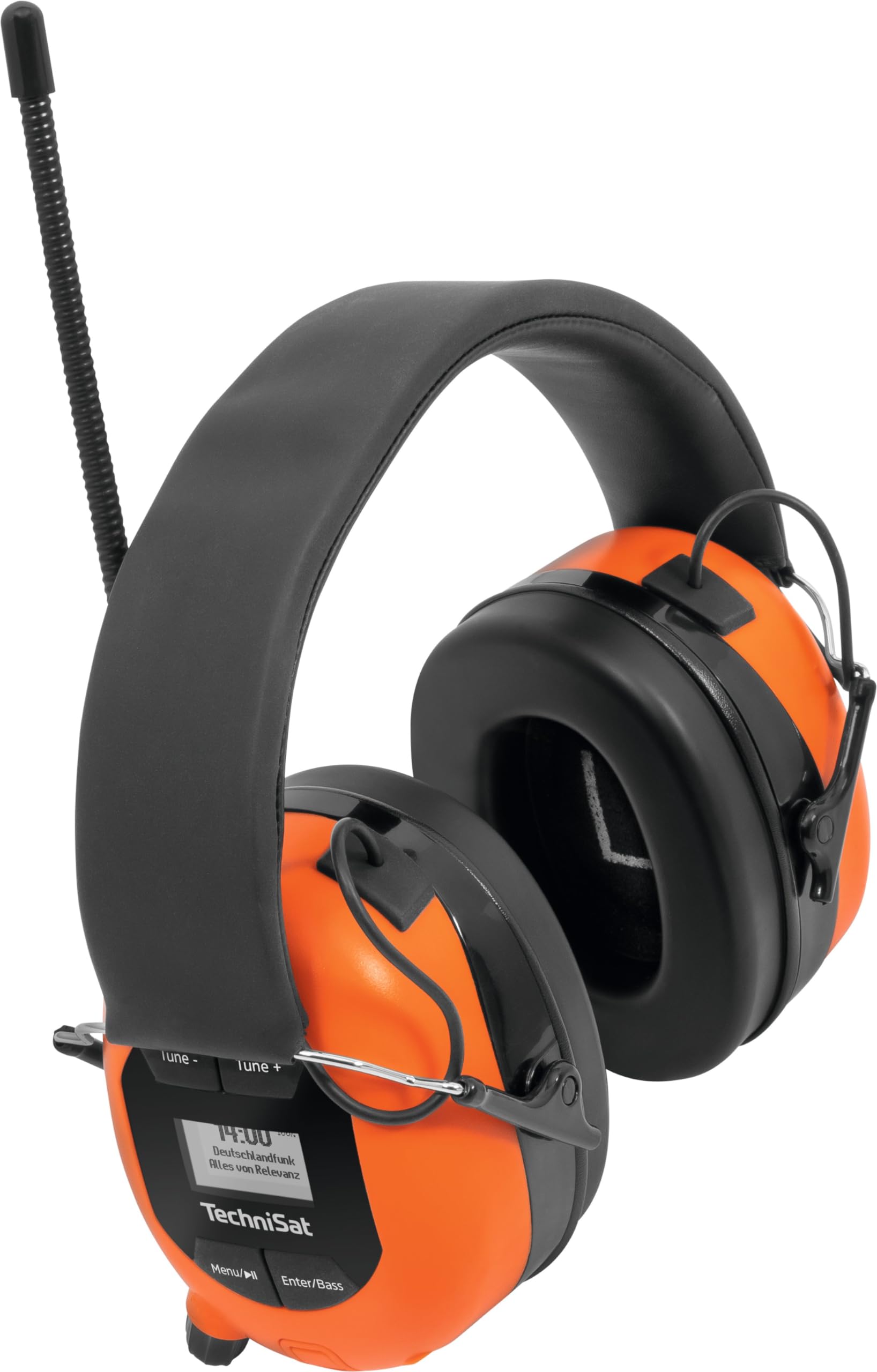
Image 1: Front view of the TechniSat STEREOMAN DAB+ OD headphones, showcasing the orange earcups, black padded headband, and the flexible antenna extending upwards.
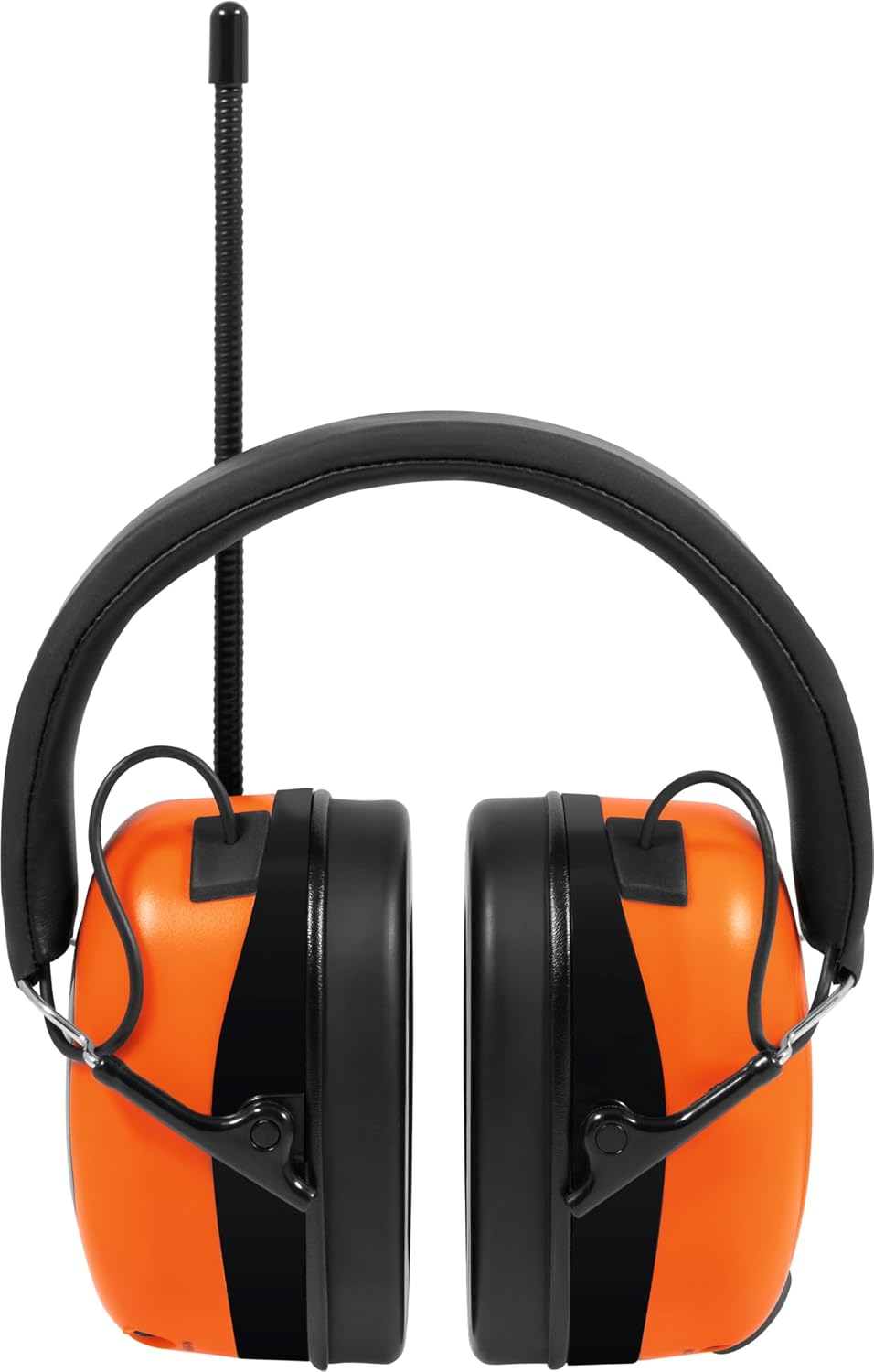
Image 2: An angled front view of the headphones, providing a clearer perspective of the earcups' shape and the antenna's position.
4.2 Controls and Ports

Image 3: Rear view of the right earcup, featuring the LCD display, 'Menu/||' button (for menu navigation and play/pause), and 'Enter/Bass' button (for selection and bass boost activation). The volume/power knob is visible at the bottom.

Image 4: Side view of the right earcup, highlighting the 'Tune -' and 'Tune +' buttons for radio station selection or track navigation, positioned above the LCD display.

Image 5: An angled view of the right earcup, clearly showing the AUX-IN port for wired audio connections and the MODE button for switching between radio, Bluetooth, and AUX modes.

Image 6: Bottom view of both earcups. The left earcup shows the CHARGER DC in 5V/1A port (USB-C) and the integrated MIC. The right earcup shows the AUX-IN port and MODE button from a different angle.
5. Setup
5.1 Charging the Battery
Before first use, fully charge the headphones. Use the provided USB charging cable.
- Connect the small end of the USB cable to the CHARGER DC in 5V/1A port on the left earcup.
- Connect the other end of the USB cable to a compatible USB power adapter (not included) or a computer USB port.
- The charging indicator on the display will show the charging status. Once fully charged, the indicator will change.
5.2 Battery Installation/Replacement
The STEREOMAN DAB+ OD comes with a pre-installed rechargeable Lithium-polymer battery. If replacement is necessary, follow these steps:

Image 7: The right earcup with its battery compartment cover removed, revealing the rechargeable Lithium-polymer battery and its connection wires.
- Carefully open the battery compartment cover on the right earcup.
- Disconnect the old battery and remove it.
- Insert the new Lithium-polymer battery, ensuring correct polarity, and connect it.
- Close the battery compartment cover securely.
5.3 Adjusting the Fit
For optimal hearing protection and comfort, adjust the headphones to fit your head properly.
- Extend or retract the headband until the earcups comfortably cover your ears.
- Ensure a snug fit around your ears to maximize noise reduction.
- The included S and M size adjustment padding can be used to customize the fit of the headband if needed.
6. Operating Instructions
6.1 Power On/Off
- To Power On: Rotate the Volume/Power knob clockwise until the display illuminates.
- To Power Off: Rotate the Volume/Power knob counter-clockwise until the display turns off.
6.2 Volume Control
- Rotate the Volume/Power knob clockwise to increase volume.
- Rotate the Volume/Power knob counter-clockwise to decrease volume.
6.3 Mode Selection
Press the MODE button to cycle through available modes: DAB+ Radio, FM Radio, Bluetooth, and AUX-IN.
6.4 DAB+/FM Radio Operation
- Switch to DAB+ or FM Radio mode using the MODE button.
- Automatic Scan: In radio mode, press and hold the Menu/|| button to initiate an automatic station scan. The headphones will search and save available stations.
- Manual Tuning: Use the Tune - and Tune + buttons to manually tune to stations or navigate through saved stations.
- Antenna: Ensure the flexible antenna is extended for optimal reception.
6.5 Bluetooth Pairing and Operation
- Switch to Bluetooth mode using the MODE button. The display will show a pairing indicator.
- On your smartphone or Bluetooth-enabled device, search for available Bluetooth devices.
- Select "STEREOMAN DAB+ OD" from the list to pair. Once connected, the display will confirm the connection.
- Play/Pause: Press the Menu/|| button to play or pause audio.
- Next/Previous Track: Use the Tune + and Tune - buttons to skip tracks.
6.6 Making and Receiving Calls
When connected via Bluetooth to a smartphone, you can use the integrated microphone for calls.
- Answer Call: Press the Menu/|| button to answer an incoming call.
- End Call: Press the Menu/|| button again to end an active call.
- Reject Call: Press and hold the Menu/|| button to reject an incoming call.
6.7 AUX-IN Connection
For devices without Bluetooth, use the AUX-IN port for a wired audio connection.
- Switch to AUX-IN mode using the MODE button.
- Connect a 3.5mm audio cable (not included) from your audio source to the AUX-IN port on the right earcup.
- Audio will now play through the headphones. Control playback from your connected device.
6.8 Bass Boost Function
To enhance the bass frequencies, activate the Bass Boost function.
- Press the Enter/Bass button to toggle the Bass Boost function on or off. The display may indicate its status.
7. Maintenance
7.1 Cleaning
- Wipe the headphones with a soft, dry, or slightly damp cloth.
- Do not use harsh chemicals, cleaning solvents, or strong detergents.
- Ensure no moisture enters the ports or openings.
7.2 Storage
- Store the headphones in a cool, dry place away from direct sunlight and extreme temperatures.
- Avoid placing heavy objects on the headphones during storage.
7.3 Battery Care
- To prolong battery life, avoid fully discharging the battery frequently.
- If storing the headphones for an extended period, charge the battery to approximately 50% every few months.
8. Troubleshooting
If you encounter issues with your STEREOMAN DAB+ OD, refer to the following common solutions:
| Problem | Possible Cause | Solution |
|---|---|---|
| No power | Battery discharged | Charge the headphones using the USB cable. |
| No sound | Volume too low; Incorrect mode; Device not paired (Bluetooth); Cable not connected (AUX) | Increase volume; Select correct mode; Re-pair Bluetooth device; Check AUX cable connection. |
| Poor radio reception | Antenna not extended; Weak signal area | Extend the flexible antenna fully; Move to an area with better signal. |
| Bluetooth pairing failed | Headphones not in pairing mode; Device too far; Interference | Ensure headphones are in Bluetooth mode; Bring devices closer; Turn off other Bluetooth devices. |
| Microphone not working | Not connected to phone; Phone settings | Ensure Bluetooth is connected for calls; Check phone's audio input settings. |
If the problem persists after trying these solutions, please contact customer support.
9. Specifications
| Feature | Specification |
|---|---|
| Model Number | 0001/2920 |
| Brand | TechniSat |
| Battery Type | 1 Lithium-polymer (included) |
| Product Dimensions (L x W x H) | 9.3 x 15 x 25 cm |
| Product Weight | 385 Grams |
| Noise Attenuation | 28 decibels (EN 352-1:2020 compliant) |
| Connectivity | Bluetooth, DAB+, FM, AUX-IN |
| Microphone | Integrated |
| Water Protection | IPX4 (splash water protected) |
| Material Type | Plastic |
| Included Components | USB cable, user manual, S and M size adjustment padding |
10. Warranty and Support
TechniSat products are manufactured to high-quality standards. For information regarding warranty terms and conditions, please refer to the warranty card included with your product or visit the official TechniSat website. For technical support, troubleshooting assistance beyond this manual, or spare parts, please contact TechniSat customer service through their official channels.
Manufacturer: TechniSat
Website: www.technisat.com (Please check for your regional support contact information)
