Introduction
Welcome to the comprehensive user manual for your new Shark Matrix Plus 2-in-1 Self-Empty Robot Vacuum Cleaner & Mop. This advanced robotic cleaning system is designed to provide a seamless and efficient cleaning experience for both carpets and hard floors. Featuring powerful vacuum suction, sonic mopping, LiDAR home mapping, and a convenient self-emptying base, your Shark robot is engineered to keep your home spotless with minimal effort. Please read this manual thoroughly to understand the features, setup, operation, and maintenance procedures for optimal performance and longevity of your device.

Image: The Shark Matrix Plus 2-in-1 Robot Vacuum and Mop, shown with its self-empty base and included accessories.
Setup
1. Unboxing and Component Identification
Carefully remove all components from the packaging. Ensure you have the following items:
- Shark Matrix Plus 2-in-1 Robot
- Self-Empty Base (UK Plug)
- Combined Mopping & Dust Cup Attachment
- 1 Filter
- 1 Side Brush
- 2 Microfibre Reusable Mopping Pads

Image: A visual representation of the Shark Matrix Plus robot and its various components, including the self-empty base, mopping attachment, and brushes.
2. Charging Base Placement
Place the self-empty base on a level surface against a wall in an area with good Wi-Fi signal. Ensure there is at least 0.5 meters (1.5 feet) of clear space on either side of the base and 1.5 meters (5 feet) in front of it for optimal navigation and docking.
3. Initial Charging
Connect the self-empty base to a power outlet. Place the robot onto the charging base. The robot will begin charging automatically. Allow the robot to fully charge before its first use, which may take several hours.
4. App Download and Connection
Download the SharkClean app from your mobile device's app store. Follow the in-app instructions to connect your robot to your home Wi-Fi network. This app allows for advanced control, scheduling, and mapping features.
5. Initial Home Mapping
Once connected to the app, initiate the initial mapping run. The robot uses 360° LiDAR vision to quickly and accurately map your home, creating a detailed floor plan that can be viewed and customized in the app.

Image: The Shark robot vacuum actively mapping a room using its LiDAR technology, with a representation of the map displayed on a smartphone app.
Operating Your Robot
1. Starting a Clean
- Manual Start: Press the Clean button on the robot.
- App Control: Use the SharkClean app to start, stop, or schedule cleaning cycles.
2. Cleaning Modes
The Shark Matrix Plus offers versatile cleaning modes:
- Vacuum Only: For carpets and hard floors, providing powerful suction.
- Sonic Mopping: For hard floors, scrubbing 100x per minute to tackle stuck-on stains.
- 2-in-1 Mode: Combines vacuuming and mopping for comprehensive hard floor cleaning.
- Matrix Clean: An advanced cleaning pattern that uses a precision grid for optimum coverage, making multiple passes over dirt and debris.

Image: The Shark robot vacuum illustrating its dual vacuuming and sonic mopping capabilities, highlighting its powerful suction and efficient mopping.
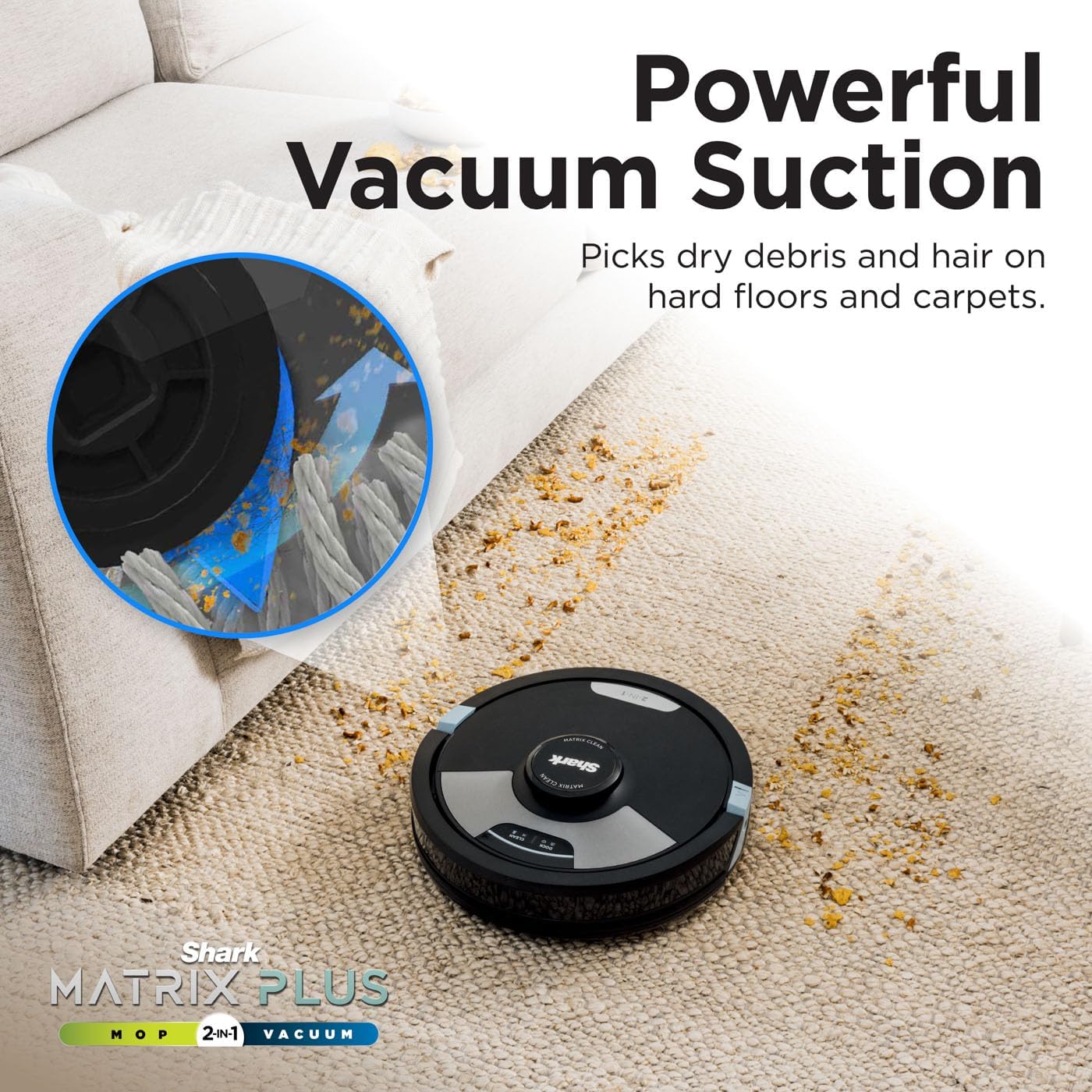
Image: A diagram comparing the thorough, grid-based cleaning pattern of Matrix Clean with the less comprehensive single-row movement of traditional robot vacuums.
3. Customization and Smart Features
- Scheduling: Set recurring cleaning times via the app.
- Targeted Cleaning: Select specific rooms or zones to clean using the app's interactive map.
- No-Go Zones: Define areas the robot should avoid (e.g., pet bowls, delicate furniture) within the app.
- CleanEdge Detect: Uses blasts of air to remove debris from corners and edges, pulling it into the cleaning path for enhanced edge cleaning.
- Object Detection: The robot sees and avoids obstacles in its cleaning path, navigating around them.
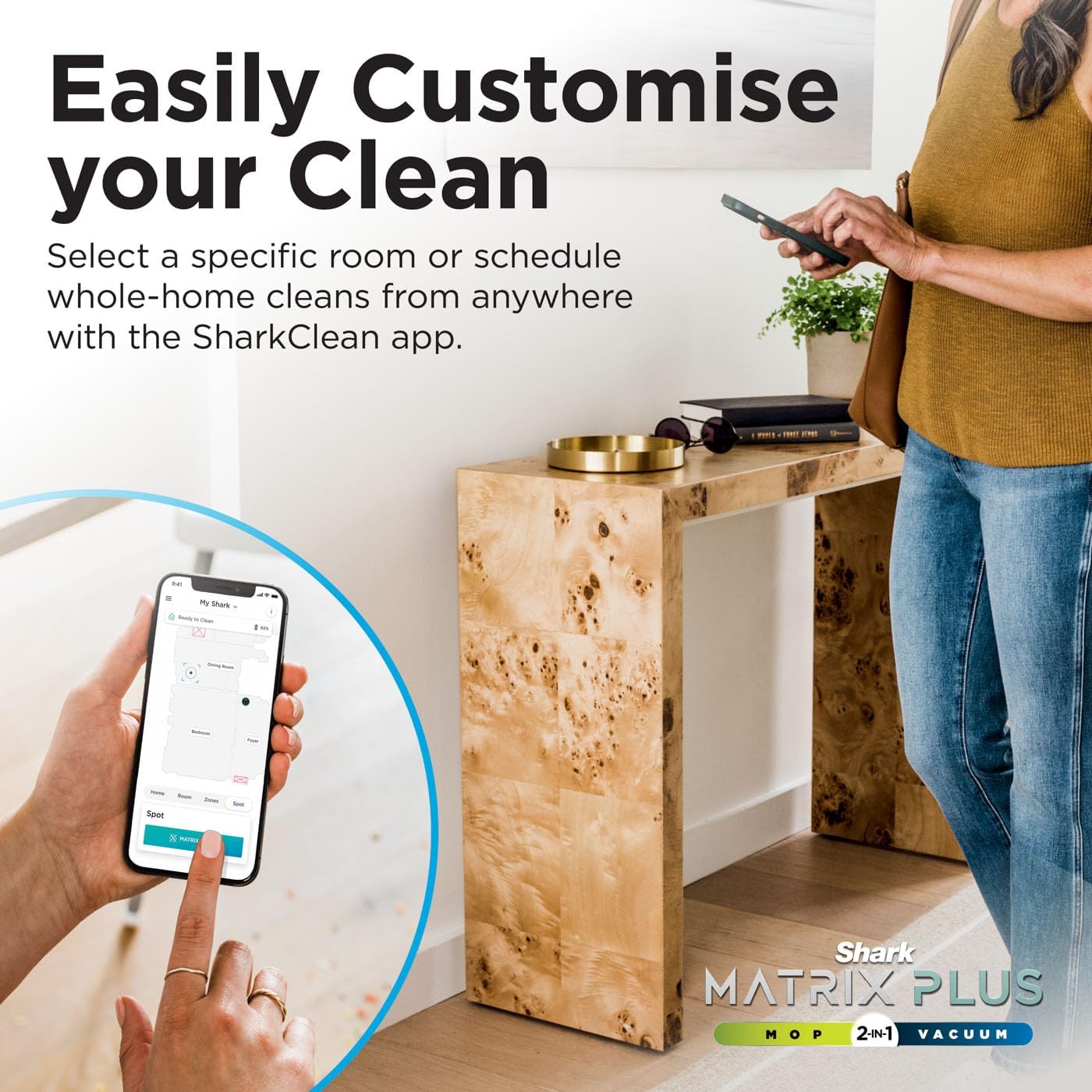
Image: A user interacting with the SharkClean app on a smartphone, demonstrating how to select specific rooms or schedule whole-home cleans.
4. Recharge & Resume
If the battery runs low during a cleaning cycle, the robot will automatically return to its base to recharge. Once sufficiently charged, it will resume cleaning from where it left off to complete the job.

Image: An illustration showing the Shark robot vacuum returning to its charging base, indicating its ability to recharge and then resume cleaning from its last location.
Maintenance
Regular maintenance ensures your Shark Matrix Plus robot operates at peak performance. Always turn off the robot and unplug the base before performing any maintenance.
1. Emptying the Self-Empty Base
The bagless self-empty base holds up to 60 days of dirt and debris. Periodically check the dust bin level indicator on the base and empty it as needed. The Anti-Allergen Complete Seal system captures and traps up to 99.9% of dust and allergens inside the base.

Image: The Shark robot vacuum docked at its self-empty base, illustrating the bagless design and the 60-day capacity for dirt and debris storage.
2. Cleaning the Brush-Roll
The self-cleaning brush-roll with Anti Hair Wrap Technology actively removes hair as it cleans. However, it's recommended to periodically check and remove any tangled hair or debris from the brush-roll.

Image: A visual comparison highlighting the effectiveness of the self-cleaning brush-roll with Anti Hair Wrap Technology in preventing hair tangles, especially beneficial for pet owners.
3. Cleaning Filters
Locate and remove the filter from the robot's dust bin. Tap off loose dirt and rinse with water if necessary. Allow the filter to air dry completely before reinserting. Replace the filter every 6-12 months, or as needed.
4. Cleaning Mopping Pads
After each mopping session, remove the microfibre mopping pads from the attachment. The pads are reusable and can be machine washed with similar colors. Air dry thoroughly before reattaching.
5. Sensor Cleaning
Wipe the robot's sensors (cliff sensors, bumper sensor, and charging contacts) with a clean, dry cloth to ensure proper navigation and docking.
Troubleshooting
If you encounter issues with your Shark Matrix Plus robot, refer to the following common troubleshooting steps:
| Problem | Possible Cause | Solution |
|---|---|---|
| Robot not charging | Not properly docked; power issue; dirty charging contacts | Ensure robot is fully seated on base; check power outlet; clean charging contacts on robot and base. |
| Robot stuck or lost | Obstacles; dark surfaces; sensor blockage | Clear obstacles; use no-go zones; clean sensors; avoid very dark carpets if robot struggles. |
| Poor suction | Full dust bin; clogged filter; tangled brush-roll | Empty dust bin; clean/replace filter; clear brush-roll of debris. |
| Mopping not effective | Dry mopping pad; insufficient water in reservoir | Dampen mopping pad before use; refill water reservoir. |
| App connectivity issues | Weak Wi-Fi signal; incorrect network settings | Ensure strong Wi-Fi signal; restart router; re-pair robot with app. |
If problems persist, please refer to the SharkClean app for more specific error codes and solutions, or contact Shark Customer Support.
Specifications
| Feature | Detail |
|---|---|
| Brand | Shark |
| Model Number | RV2620WAUK |
| Colour | Black |
| Robot Dimensions (W x D x H) | 34 x 34 x 14.5 cm |
| Dock Dimensions (W x D x H) | 33.2 x 22.7 x 30 cm |
| Item Weight | 7.58 kg |
| Cleaning Functionality | 2-in-1 Vacuum & Mop |
| Navigation | 360° LiDAR Vision Mapping |
| Dust Disposal | Bagless Self-Empty Base (up to 60 days capacity) |
| Filtration | Anti-Allergen Complete Seal |
| Brush-Roll Technology | Self-Cleaning Anti Hair Wrap Technology |
| Special Features | Sonic Mopping, Matrix Clean, CleanEdge Detect, Object Detection, App Control |
| Connectivity | WiFi/App Control, Compatible with Amazon Echo, Google Home |
Warranty and Support
Your Shark Matrix Plus 2-in-1 Robot Vacuum Cleaner & Mop comes with a manufacturer's warranty. Please refer to the warranty card included in your product packaging for specific terms and conditions, including coverage duration and limitations.
For technical support, troubleshooting assistance, or to inquire about replacement parts, please contact Shark Customer Service. Contact information can typically be found on the Shark website or within the SharkClean app.
For the most up-to-date information and support resources, visit the official Shark website: www.sharkclean.co.uk


