
1. Introduction
Thank you for choosing the RORRY Portable Charger for Apple Watch. This compact and powerful 2500mAh power bank is designed to provide fast and convenient wireless charging for your Apple Watch, along with an emergency power boost for compatible USB-C devices like iPhone 15/16 series and AirPods. Its portable design makes it an ideal travel companion, ensuring your devices stay charged wherever you go.
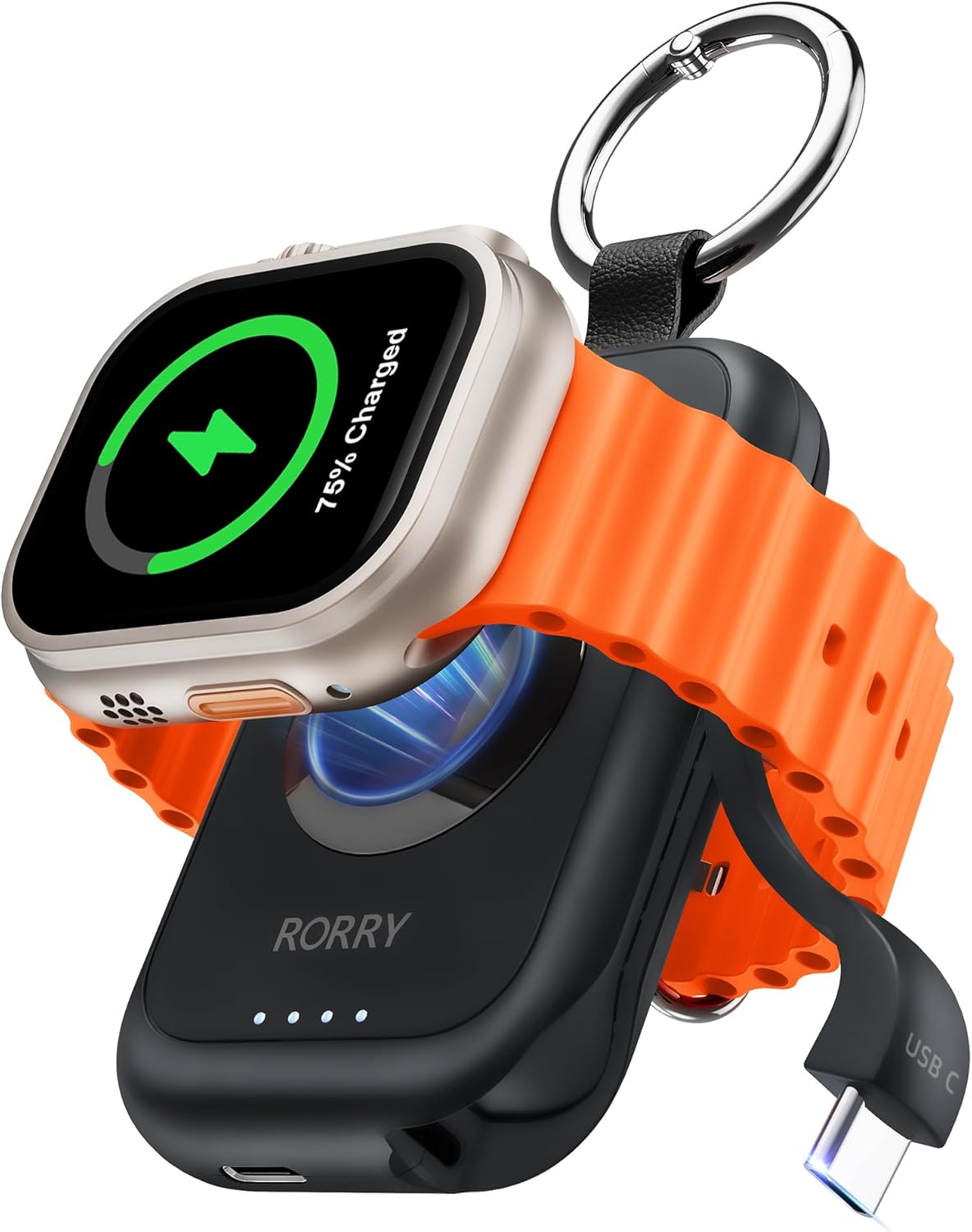
Image: The RORRY Portable Charger in black, with an Apple Watch attached to its magnetic charging pad, displaying 75% charge. A built-in USB-C cable is visible on the side.
2. Important Safety Information
Please read all safety instructions carefully before using this product. Failure to follow these instructions may result in electric shock, fire, or injury.
- Do not expose the device to extreme temperatures, direct sunlight, or high humidity.
- Do not disassemble, modify, or attempt to repair the device.
- Keep out of reach of children.
- Use only the provided or certified charging cables.
- Avoid dropping or subjecting the device to strong impacts.
- Dispose of the product responsibly according to local regulations.
3. Package Contents
Ensure all items are present in your package:
- 1 x RORRY Portable Charger for Apple Watch
- 1 x USB-A to USB-C Cable
- 1 x User Manual
- Warranty & Lifetime Support Information
4. Product Overview
The RORRY Portable Charger is designed for ultimate convenience and portability. It features a magnetic charging surface for your Apple Watch, a built-in USB-C cable, and LED indicators for battery status.
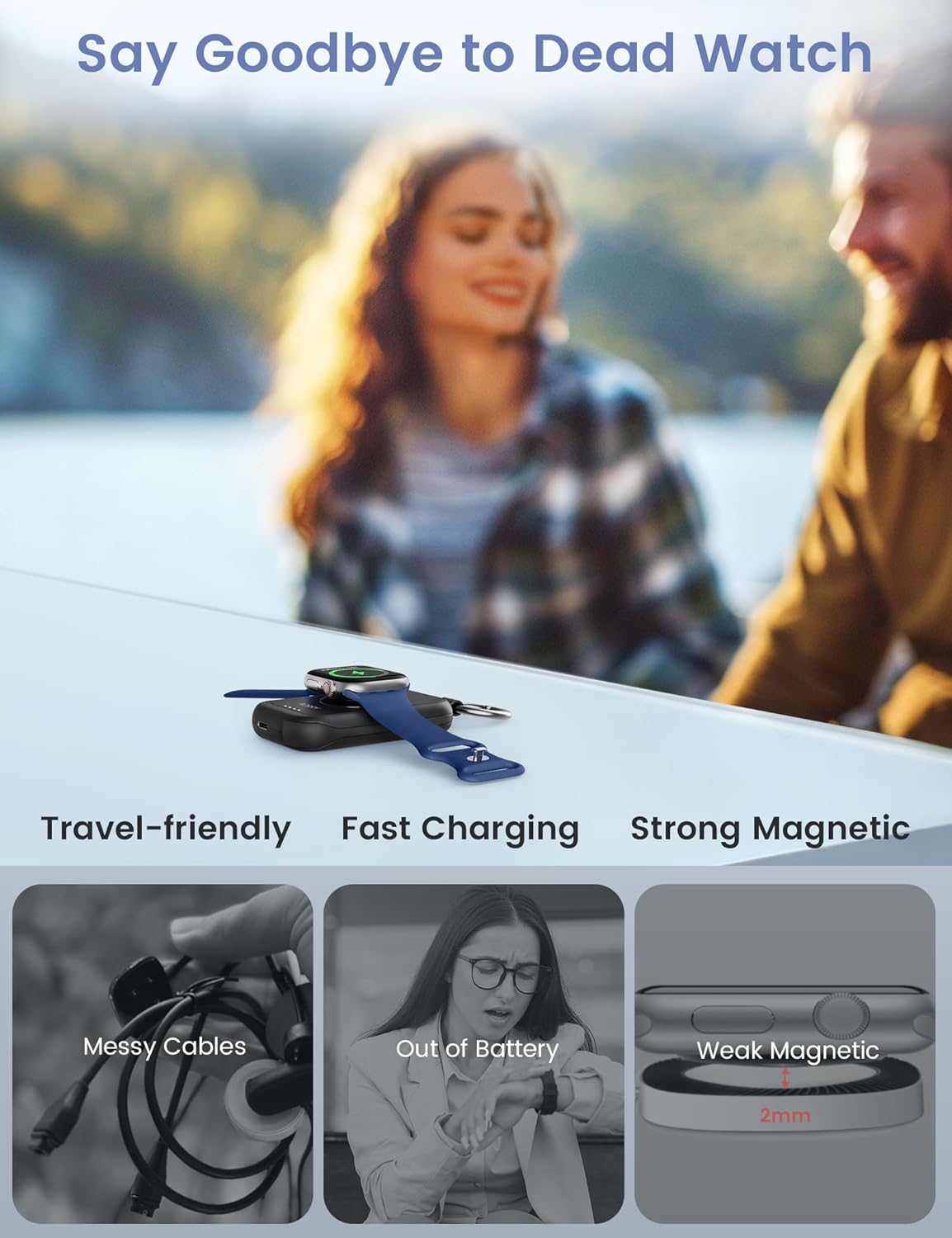
Image: Two images side-by-side. On the left, a hand holds the compact RORRY Portable Charger with a keychain. On the right, the charger is clipped to a backpack, demonstrating its portability.
Key Features:
- Magnetic Wireless Charging: Securely holds and charges your Apple Watch.
- Built-in USB-C Cable: Provides emergency charging for compatible USB-C devices.
- LED Indicator Lights: Show the remaining battery level of the portable charger.
- Compact & Portable: Car-fob sized with an integrated keychain for easy carrying.
5. Setup
Charging the Portable Charger
Before first use, it is recommended to fully charge your RORRY Portable Charger. Use the included USB-A to USB-C cable to connect the charger's USB-C input port to a power source (e.g., wall adapter, computer USB port).

Image: A diagram illustrating the USB-C input port on the portable charger, indicating it is for input only. Another image shows the power button, explaining one click for power on and double click for power off.
- The LED indicator lights will illuminate to show the charging progress.
- All four LEDs will be solid when the charger is fully charged.
- A full charge typically takes approximately 2.5 hours.
6. Operating Instructions
Charging Your Apple Watch
- Ensure the RORRY Portable Charger has sufficient power (check LED indicators).
- Press the power button once to turn on the charger. The LED indicators will light up.
- Place your Apple Watch onto the magnetic charging surface of the portable charger. The watch will magnetically snap into place.
- Your Apple Watch will begin charging wirelessly. The charger provides 3.5W wireless fast charging, capable of fully charging a Series 9 Apple Watch in approximately 56 minutes.

Image: A graphic comparing RORRY's 3.5W wireless charging, showing a full charge in 56 minutes, versus other 2.5W chargers taking 2.5-3 hours. An Apple Watch is shown charging on the RORRY device.

Image: A visual representation of the strong magnetic connection between the RORRY Portable Charger and an Apple Watch, highlighting the secure fit and alignment.
Using the Built-in USB-C Cable
The portable charger includes a built-in USB-C cable for emergency charging of other compatible devices.
- Pull out the integrated USB-C cable from its slot.
- Connect the USB-C cable to your device (e.g., iPhone 15/16 series, AirPods with USB-C).
- This cable provides a 5W emergency boost and is not intended for full charging of larger devices.
Checking Battery Level
The four LED indicator lights on the front of the charger display the remaining battery capacity:
- 4 LEDs: 75-100%
- 3 LEDs: 50-75%
- 2 LEDs: 25-50%
- 1 LED: 0-25% (recharge soon)
Power On/Off
- Power On: Press the power button once.
- Power Off: Double-click the power button. The charger will also automatically power off after a period of inactivity or when charging is complete.
7. Compatibility
The RORRY Portable Charger is designed primarily for Apple Watch models and offers limited compatibility with other USB-C devices.

Image: A compatibility chart showing the RORRY Portable Charger is compatible with Apple Watch Series (all models), Apple Watch Ultra, and Apple Watch SE. It also indicates compatibility for the built-in USB-C cable with iPhone 15/16 Series Only, iPad Pro 13"/12.9" (Gen6-3), iPad 11" (M4/Gen4-1), and AirPods Pro.
Apple Watch Compatibility:
- Apple Watch Series 10, 9, 8, 7, 6, 5, 4, 3, 2, 1
- Apple Watch SE
- Apple Watch Ultra, Ultra 2
- All sizes: 49mm, 45mm, 44mm, 42mm, 41mm, 40mm, 38mm
Built-in USB-C Cable Compatibility:
- iPhone 15/16 Series Only
- AirPods (with USB-C charging case)
- Other devices with USB-C charging ports that require low power input (e.g., some earbuds, small accessories).
Note: The built-in USB-C cable is for emergency boost only and is not compatible with iPhone models prior to the 15/16 series (which use a Lightning port).
8. Maintenance and Care
Proper care will extend the life of your RORRY Portable Charger.
- Cleaning: Wipe the device with a soft, dry cloth. Do not use harsh chemicals or abrasive materials.
- Storage: Store the charger in a cool, dry place away from direct sunlight and extreme temperatures.
- Battery Care: To maintain battery health, fully charge the portable charger at least once every three months if not in regular use.
- Avoid Water: This device is not waterproof. Keep it away from liquids.
9. Troubleshooting
If you encounter issues with your RORRY Portable Charger, please refer to the following common solutions:
| Problem | Possible Cause | Solution |
|---|---|---|
| Apple Watch not charging | Charger battery is low or depleted. Apple Watch not properly aligned. Charger is off. | Recharge the portable charger. Ensure the Apple Watch is centered on the magnetic pad. Press the power button once to turn on. |
| USB-C cable not charging device | Device is not USB-C compatible. Device requires higher power input. Cable not fully inserted. | Verify device has a USB-C port and is compatible (e.g., iPhone 15/16 series). Note that the USB-C output is for emergency boost only. Ensure the USB-C cable is firmly connected to your device. |
| LED indicators not lighting up | Charger is off. Charger battery is completely depleted. | Press the power button once. Connect the charger to a power source for recharging. |
| Slow charging | Using a low-power adapter for charging the power bank. Environmental factors (e.g., high temperature). | Use a 5V/2A or higher power adapter for optimal charging of the power bank. Ensure the charger is in a well-ventilated area. |
If the problem persists, please contact RORRY customer support for assistance.
10. Specifications
| Feature | Detail |
|---|---|
| Model Number | D2-2500 |
| Battery Capacity | 2500mAh |
| Wireless Charging Output | 3.5W (for Apple Watch) |
| Built-in USB-C Output | 5W (emergency boost for compatible devices) |
| Input Port | USB Type-C |
| Product Dimensions | 2.95 x 1.77 x 0.47 inches |
| Item Weight | 4.6 ounces |
| Color | Black |
| Special Features | Built-in USB C Cable, Fast Charging, LED Indicator Lights, Travel, Wireless Charging |
11. Warranty and Support
RORRY is committed to providing high-quality products and excellent customer service.

Image: A graphic detailing RORRY's after-sales service, including 30 Days Returns and Exchanges, 1 Year Replacement for serious product issues, and 24 Hours Quick Reply for support.
- Warranty: This product comes with a 1-Year Replacement warranty for serious product issues.
- Returns & Exchanges: Enjoy 30 days for returns and exchanges.
- Customer Support: For any inquiries, technical support, or warranty claims, please contact RORRY customer service. We aim for a 24-hour quick reply.
- Contact Information: Please refer to the contact details provided on the product packaging or the official RORRY website for the most up-to-date support channels.


