
1. Introduction
Welcome to the esonstyle S13 Sleep Earbuds user manual. These earbuds are meticulously designed to provide a peaceful and comfortable audio experience, especially for side sleepers, by effectively blocking external noise. Featuring advanced Bluetooth 5.3 connectivity and IPX6 water resistance, they are suitable for various activities beyond just sleeping, offering both tranquility and high-quality sound.
Key Features
- Tranquil Nights: Small earbuds with soft silicone earplugs effectively block external noise, including snoring, for an undisturbed sleep.
- Seamless Bluetooth 5.3: Advanced wireless technology ensures a fast, stable, and lag-free connection with wide compatibility.
- IPX6 Waterproof: Tested to IPX6 standards for water and sweat resistance, ensuring reliable performance during sleep, exercise, or other activities.
- Extended Battery Life: Up to 4 hours of music playback on a single charge, extended to approximately 24 hours with the portable 350 mAh charging case (USB-C charging).
- Designed for Sleep: Made from high-quality soft silicone with a tiny, comfortable design that stays securely in place without pressure, even for side sleepers.
2. Package Contents
Please ensure all the following items are present in your package:
- esonstyle S13 Sleep Earbuds (Left and Right)
- Charging Case
- USB-C Charging Cable
- User Manual
3. Product Overview
Familiarize yourself with the components of your esonstyle S13 Sleep Earbuds.

This image displays the esonstyle S13 Sleep Earbuds in their open charging case, showing the digital battery display. One earbud is also shown outside the case, highlighting its compact design. A person sleeping peacefully in the background illustrates the product's primary use.
This diagram illustrates the two steps for properly wearing the esonstyle S13 Sleep Earbuds: 'Insert' shows the earbud placed into the ear canal, and 'Tuck' shows the earbud rotated to fit snugly and securely within the outer ear.
4. Setup
4.1. Charging the Earbuds and Case
Before first use, it is recommended to fully charge both the earbuds and the charging case.
- Connect the provided USB-C cable to the charging port on the case and to a compatible power source (e.g., USB wall adapter, computer USB port).
- The digital display on the charging case will illuminate and show the current battery percentage.
- A full charge for the case and earbuds typically takes approximately 1 hour.
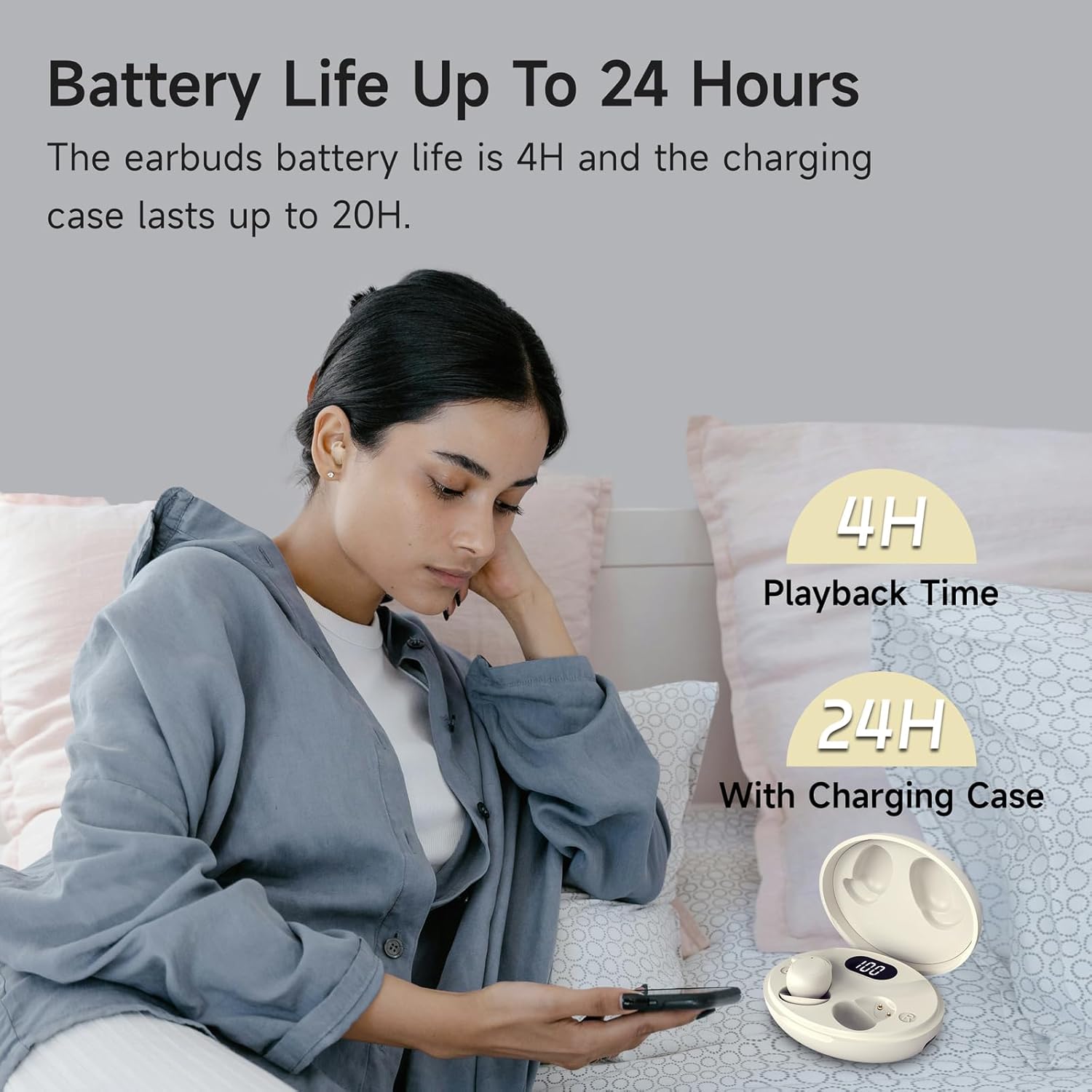
This image shows a person looking at their phone while the esonstyle S13 Sleep Earbuds charging case is visible. Overlays indicate '4H Playback Time' for the earbuds and '24H With Charging Case', emphasizing the extended battery life.
4.2. Pairing with Your Device
The earbuds utilize Bluetooth 5.3 for a quick and stable connection.
- Ensure the earbuds are charged and placed inside the charging case.
- Open the lid of the charging case. The earbuds will automatically power on and enter pairing mode.
- On your audio device (smartphone, tablet, computer, etc.), navigate to the Bluetooth settings.
- Search for available devices and select "S13" or "esonstyle S13" from the list.
- Once connected, a voice prompt will confirm the successful pairing.
- After the initial connection, the earbuds will automatically connect to the last paired device when the charging case lid is opened.

This image illustrates the one-step pairing process for the esonstyle S13 Sleep Earbuds. It shows the earbuds and their charging case next to a smartphone displaying its Bluetooth settings, with icons for 'Quick Connection', 'Low Latency', and 'Low Power Consumption'.
5. Operating Instructions
5.1. Wearing the Earbuds
For optimal comfort, noise blocking, and secure fit, ensure the earbuds are properly seated in your ear.
- Gently insert the earbud into your ear canal.
- Rotate and tuck the earbud to ensure a snug and secure fit within the outer ear, which is crucial for comfort, especially when sleeping on your side.
5.2. Touch Controls
The esonstyle S13 earbuds feature intuitive touch controls on each earbud for easy management of calls and media playback.

This image provides a detailed diagram of the touch controls for both the left and right esonstyle S13 Sleep Earbuds. It lists actions such as 'One Tap (R/L)' for calls, 'Long Press 2s (R/L)' for power, 'Triple Tap (L)' for volume down, 'Triple Tap (R)' for volume up, 'Double Tap (R/L)' for play/pause, and 'Quadruple Tap (R/L)' for voice assistant.
| Action | Left Earbud | Right Earbud |
|---|---|---|
| Answer/End Call | One Tap | One Tap |
| Power On/Off | Long Press 2s | Long Press 2s |
| Volume Down | Triple Tap | N/A |
| Volume Up | N/A | Triple Tap |
| Play/Pause | Double Tap | Double Tap |
| Voice Assistant | Quadruple Tap | Quadruple Tap |
5.3. Usage Scenarios
These earbuds are versatile and can be used in various situations where noise reduction or audio playback is desired.

This image displays three common usage scenarios for the esonstyle S13 Sleep Earbuds: 'Sleep' shows a person sleeping peacefully, 'Snoring' depicts a person sleeping with a snoring sound effect, and 'Leisure' shows a person driving, indicating suitability for various quiet listening activities.

This image features a person relaxing comfortably with the esonstyle S13 Sleep Earbuds, highlighting their soft and comfortable design for peaceful listening.
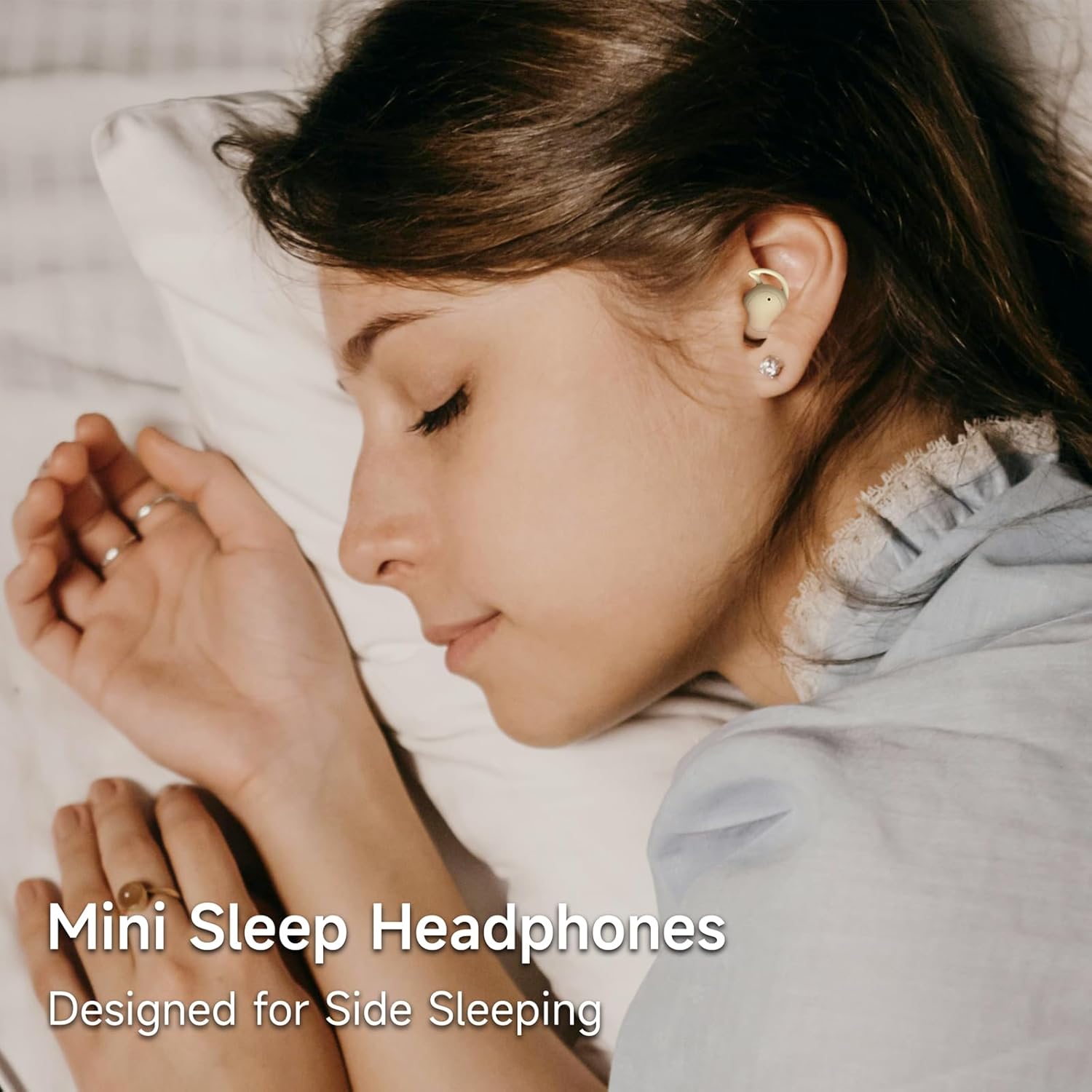
This image shows a person sleeping comfortably on their side while wearing the esonstyle S13 Sleep Earbuds, demonstrating the mini design specifically crafted for side sleepers.

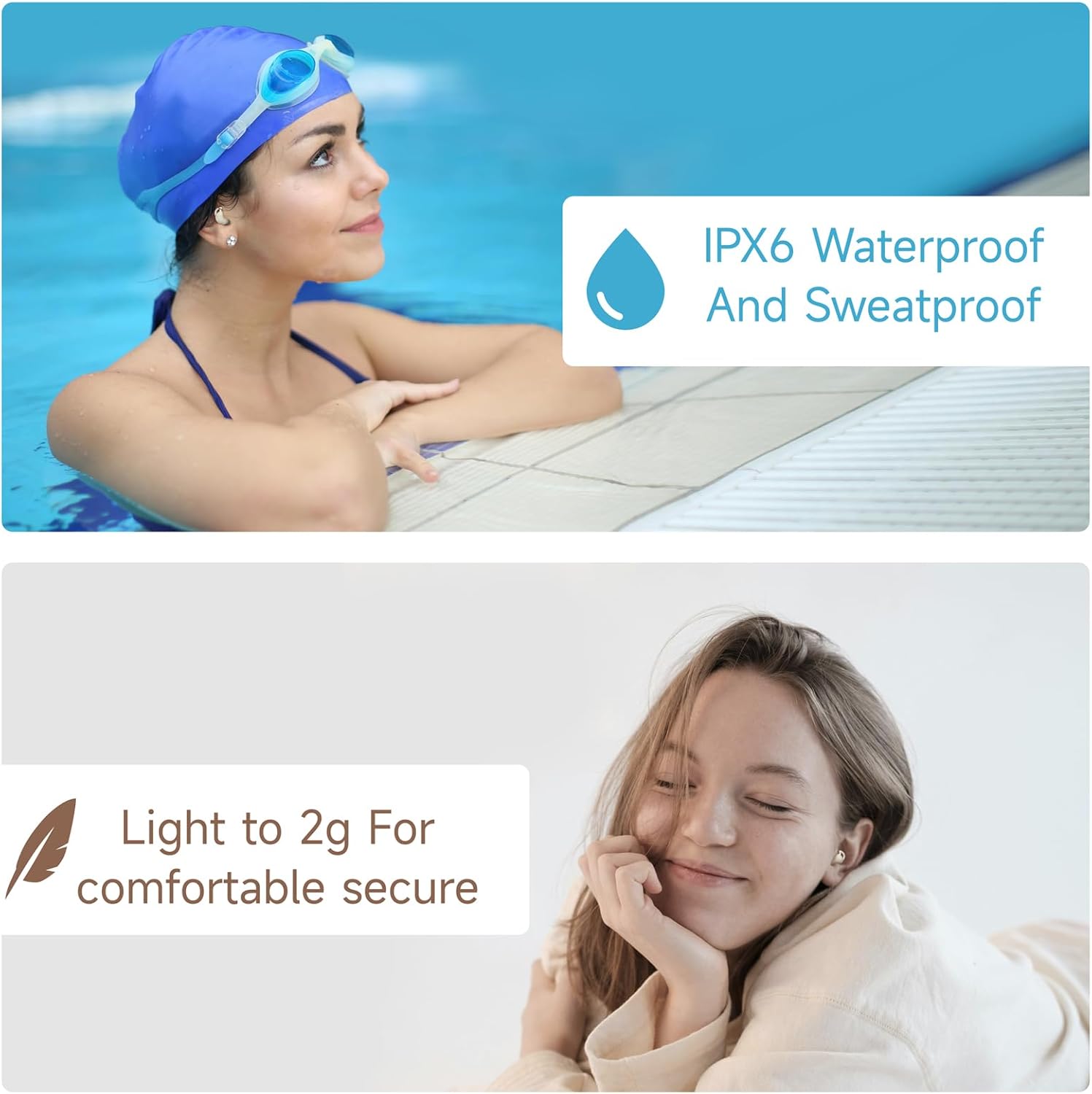
This image highlights two key features of the esonstyle S13 Sleep Earbuds: their IPX6 waterproof and sweatproof rating, shown with a person in a pool, and their lightweight design (light to 2g) for comfortable and secure wear, illustrated by a person relaxing.
6. Maintenance
6.1. Cleaning
Regular cleaning of your earbuds and charging case will ensure optimal performance and hygiene.
- Use a soft, dry, lint-free cloth to gently wipe the exterior of the earbuds and the charging case.
- For the silicone ear tips, carefully remove them from the earbuds and wash with mild soap and water. Rinse thoroughly and ensure they are completely dry before reattaching.
- Do not use abrasive cleaners, solvents, or harsh chemicals. Avoid immersing the earbuds or charging case in water.
6.2. Storage
When not in use, store the earbuds in their charging case to protect them from damage and keep them charged.
- Store the device in a cool, dry place, away from extreme temperatures, humidity, and direct sunlight.
7. Troubleshooting
Common Issues and Solutions
- Earbuds not charging:
- Ensure the charging cable is securely connected to both the charging case and the power source.
- Verify that the charging case itself has sufficient power.
- Clean the charging contacts on both the earbuds and inside the charging case with a dry cotton swab.
- Earbuds not pairing:
- Make sure Bluetooth is enabled on your device.
- Ensure the earbuds are out of the case and in pairing mode (open the charging case lid).
- On your device, forget or remove the "S13" or "esonstyle S13" from your Bluetooth device list and attempt to pair again.
- Ensure the earbuds are sufficiently charged.
- No sound or low volume:
- Check the volume level on both your connected device and the earbuds.
- Ensure the earbuds are properly connected to your device.
- Try disconnecting and reconnecting the earbuds from your device's Bluetooth settings.
- Intermittent connection:
- Move closer to your paired device to reduce signal interference.
- Avoid placing obstacles (e.g., walls, large objects) between the earbuds and your device.
- Ensure there is no interference from other wireless devices operating on the same frequency.
8. Specifications
| Feature | Detail |
|---|---|
| Model Name | S13 |
| Brand | esonstyle |
| Connectivity Technology | Wireless (Bluetooth 5.3) |
| Noise Control | Acoustic Isolation |
| Water Resistance Level | IPX6 (Water and Sweat Resistant) |
| Material | Acrylonitrile Butadiene Styrene (ABS) |
| Ear Placement | In-Ear |
| Form Factor | In-Ear |
| Impedance | 16 Ohm |
| Playback Time (Earbuds) | Up to 4 hours |
| Total Playback Time (with case) | Up to 24 hours |
| Charging Time | Approx. 1 hour |
| Battery Composition | Lithium Polymer |
| Product Dimensions | 2.2 x 1.4 x 1.4 cm |
| Product Weight | 58 Grams |
| Special Features | Fast Charging |
| Compatible Devices | Mobile Phones |
| Control Type | Media Control |
9. Warranty and Support
For detailed warranty information, customer support, or to register your product, please refer to the documentation included with your purchase or visit the official esonstyle website. Please retain your proof of purchase for any warranty claims.