
1. Safety Instructions
Please read these safety instructions carefully before using the projector to ensure safe and optimal performance. Keep this manual for future reference.
- Power Supply: Use only the specified power adapter. Ensure the power outlet matches the voltage requirements of the projector.
- Ventilation: Do not block ventilation openings. Ensure adequate airflow around the projector to prevent overheating.
- Placement: Place the projector on a stable, flat surface. Avoid placing it in direct sunlight, near heat sources, or in humid/dusty environments.
- Handling: Avoid dropping or subjecting the projector to strong impacts. Do not attempt to disassemble or repair the unit yourself. Refer to qualified service personnel.
- Eye Safety: Do not look directly into the projector lens when the lamp is on, as the bright light can cause eye damage.
2. Product Overview
2.1. Package Contents
- Projector - 1 unit
- Remote - 1 unit
- QR Code - 1 unit
2.2. Key Features
- Screen size: Up to 305cm (120 inches)
- Brightness: 3500 Lumens LED lamp
- Resolution: FHD 1080p support (Native 1280x720)
- Audio: Powerful built-in speaker
- Lamp Life: 50,000-hour LED lamp
- Connectivity: Bluetooth, HDMI, USB, AUX OUT, Wi-Fi
- Mirroring: Miracast and iOS screen mirroring
- Processor: Quad-core processor for enhanced performance
- App Support: Download and use OTT apps

The image displays the ZEBRONICS PIXAPLAY 53 Smart Vertical Projector, a compact and modern device designed for home entertainment.

This image shows the front and rear of the projector, highlighting the lens, ventilation, and various connectivity ports including HDMI, USB, and AC-in.
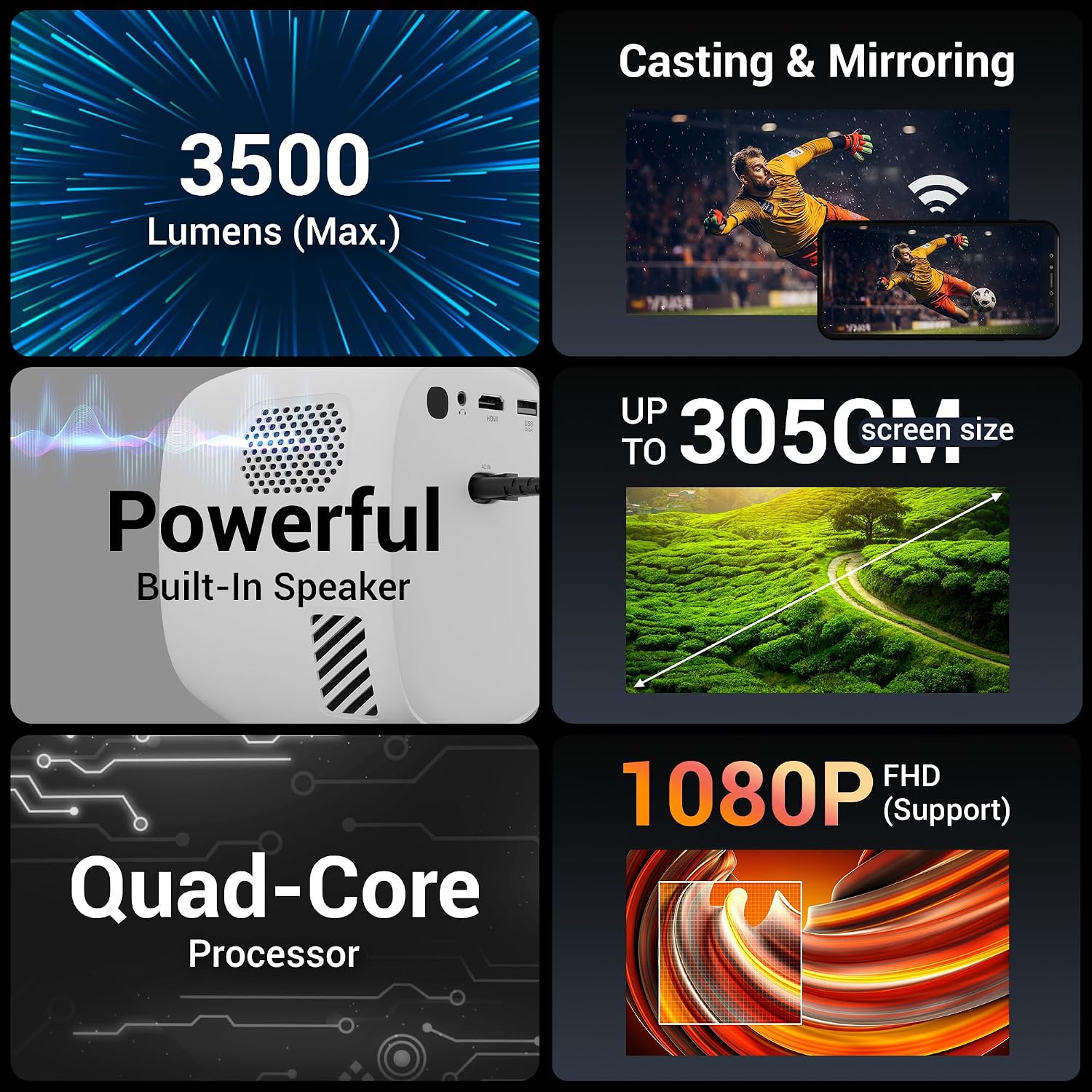
A visual summary of the projector's main features, including its brightness, screen size capability, powerful built-in speaker, quad-core processor, and 1080p Full HD support.

The image provides the physical dimensions of the projector, showing its compact size with measurements for height, width, and depth.
3. Setup
3.1. Placement
Choose a suitable location for your projector. For optimal viewing, place the projector on a stable surface at an appropriate distance from the projection screen or wall. Ensure there are no obstructions between the projector and the screen.
3.2. Power Connection
Connect the power adapter to the 'AC IN' port on the projector and then plug it into a power outlet. The power indicator light will illuminate.

The projector is shown in a home setting, demonstrating its Wi-Fi connectivity and support for various applications, allowing for seamless streaming.
4. Operating Instructions
4.1. Basic Operation
- Power On/Off: Press the power button on the projector or the remote control to turn the device on or off.
- Navigation: Use the directional buttons (Up, Down, Left, Right) and the 'OK' button on the remote control to navigate through menus and select options.
- Volume Control: Adjust the volume using the dedicated volume buttons on the remote.
4.2. Focus and Keystone Adjustment
The ZEB-Pixaplay 53 features automatic focus and vertical keystone adaptation. The projector will automatically adjust the image for clarity and correct trapezoidal distortion for vertical angles. Manual adjustments may be available in the settings menu if needed.

This image illustrates the projector's automatic focus and vertical keystone adaptation feature, ensuring a clear and properly shaped image.

This image displays the projector's remote control alongside its multi-connectivity options, including Wireless Bluetooth, HDMI, USB, and AUX OUT ports.
5. Connectivity
5.1. Wired Connections
- HDMI: Connect your laptop, gaming console, or media player using an HDMI cable for high-definition video and audio transmission.
- USB: Insert a USB drive into the USB port to play media files directly from the storage device.
- AUX OUT: Connect external speakers or headphones using a 3.5mm audio cable for enhanced audio experience.
5.2. Wireless Connections
- Wi-Fi: Connect the projector to your home Wi-Fi network to access online streaming services and apps. Navigate to the network settings to configure Wi-Fi.
- Bluetooth: Pair Bluetooth-enabled audio devices like speakers or headphones for wireless audio output.
- Screen Mirroring (Miracast/iOS): Easily mirror content from your Android or iOS devices to the projector. Ensure both devices are connected to the same Wi-Fi network or follow the on-screen instructions for direct mirroring.
This video provides an overview of the ZEBRONICS PIXAPLAY 53 Smart Vertical Projector, showcasing its features and design.
6. Maintenance
6.1. Cleaning
- Lens: Use a soft, lint-free cloth specifically designed for optical lenses to gently clean the projector lens. Avoid abrasive materials or harsh chemicals.
- Exterior: Wipe the exterior of the projector with a soft, dry cloth. Do not use liquid cleaners directly on the device.
- Ventilation: Periodically check and clean the ventilation openings to ensure proper airflow and prevent dust buildup.
6.2. Lamp Life
The ZEB-Pixaplay 53 is equipped with a long-life LED lamp, offering up to 50,000 hours of usage. This ensures extended entertainment without frequent lamp replacements.
7. Troubleshooting
If you encounter issues with your projector, refer to the following common problems and solutions:
| Problem | Possible Solution |
|---|---|
| No Power | Check if the power adapter is securely connected to both the projector and the power outlet. Ensure the power outlet is functional. |
| No Image | Verify the input source is correctly selected. Check HDMI/USB cable connections. Ensure the lens cap is removed. |
| Blurry Image | Allow the auto-focus feature to adjust. If needed, check for manual focus options in settings. Ensure the projection surface is flat. |
| No Sound | Check the volume level on the projector and the connected source. Ensure external audio devices are correctly connected or paired via Bluetooth. |
| Connectivity Issues (Wi-Fi/Bluetooth) | Restart the projector and your router/Bluetooth device. Ensure the projector is within range of the Wi-Fi network or Bluetooth device. |
If the problem persists after trying these solutions, please contact customer support.
8. Specifications
8.1. Technical Specifications
| Feature | Detail |
|---|---|
| Brand | ZEBRONICS |
| Model | ZEB-PIXAPLAY 53 |
| Product Dimensions | 10.6 x 32.5 x 10.6 cm |
| Item Weight | 2 kg |
| Hardware Interface | HDMI |
| Compatible Devices | Laptops, Smartphones, Gaming Consoles, Media Players |
| Special Features | Built-In Speaker |
| Display Type | LCD |
| Image Contrast Ratio | 1000:1 |
| Aspect Ratio | 16:9 |
| Screen Resolution | 1280 x 720 (Native) |
| Resolution Support | Up to 1080p FHD, 4K Support |
| Voltage | 240 Volts |
| Refresh Rate | 60 Hz |
| Connector Type | HDMI, Wi-Fi |
| Form Factor | Portable |
| Mounting Type | Tabletop Mount |
9. Warranty and Support
9.1. Warranty Information
This product comes with a standard brand warranty. For specific details regarding the warranty period and terms, please refer to the warranty card included in your package or visit the official ZEBRONICS website.
9.2. Customer Support
For any technical assistance, service requests, or further inquiries, please contact ZEBRONICS customer support. You can find contact information on the official ZEBRONICS website or through the QR code provided in the package contents.
Additional support options, including extended warranty plans, may be available from authorized retailers or service providers.


