
NOBIS ZWPBWWA-102C1A35W
Nobis Portable Charger 35W 10000mAh Power Bank User Manual
Model: ZWPBWWA-102C1A35W
Introduction
Thank you for choosing the Nobis Portable Charger. This 35W 10000mAh Power Bank is designed to provide fast and reliable charging for your electronic devices on the go. Featuring advanced PD 3.0 and QC 4.0 fast charging capabilities, a smart LED digital display, and multiple charging ports, it ensures your devices stay powered throughout your day. Please read this manual carefully before use to ensure optimal performance and safety.

The Nobis 35W 10000mAh Portable Charger, showcasing its compact design and included USB-C cables.
Package Contents
Verify that all items are present in the package:
- 1 x Nobis 35W 10000mAh Power Bank
- 1 x 3A Type-C to Type-C charging cable (30cm)
- 1 x Instruction Manual (this document)

Front of the product packaging, indicating the 35W, 10000mAh capacity, and port types.
Product Overview
The Nobis Portable Charger features a sleek design with multiple ports and an intuitive digital display.
- Digital LED Display: Shows remaining battery percentage (0-100%).
- USB-C Ports (x2): Both support input and output for fast charging.
- USB-A Port (x1): Output only for charging devices.
- Power Button: Activates the display and trickle charging mode.

The clear digital display provides precise battery percentage, unlike traditional indicator lights.
Setup
Initial Charging of the Power Bank
Before first use, fully charge your Nobis Portable Charger. This ensures optimal battery performance and longevity.
- Connect the provided USB-C to USB-C cable to one of the USB-C input ports on the power bank.
- Connect the other end of the cable to a compatible USB-C wall charger (not included) with a minimum of 30W output for fastest charging.
- The digital display will show the charging progress. The power bank is fully charged when the display reads 100%.
A full charge takes approximately 1.4 hours with a 30W or higher charger.
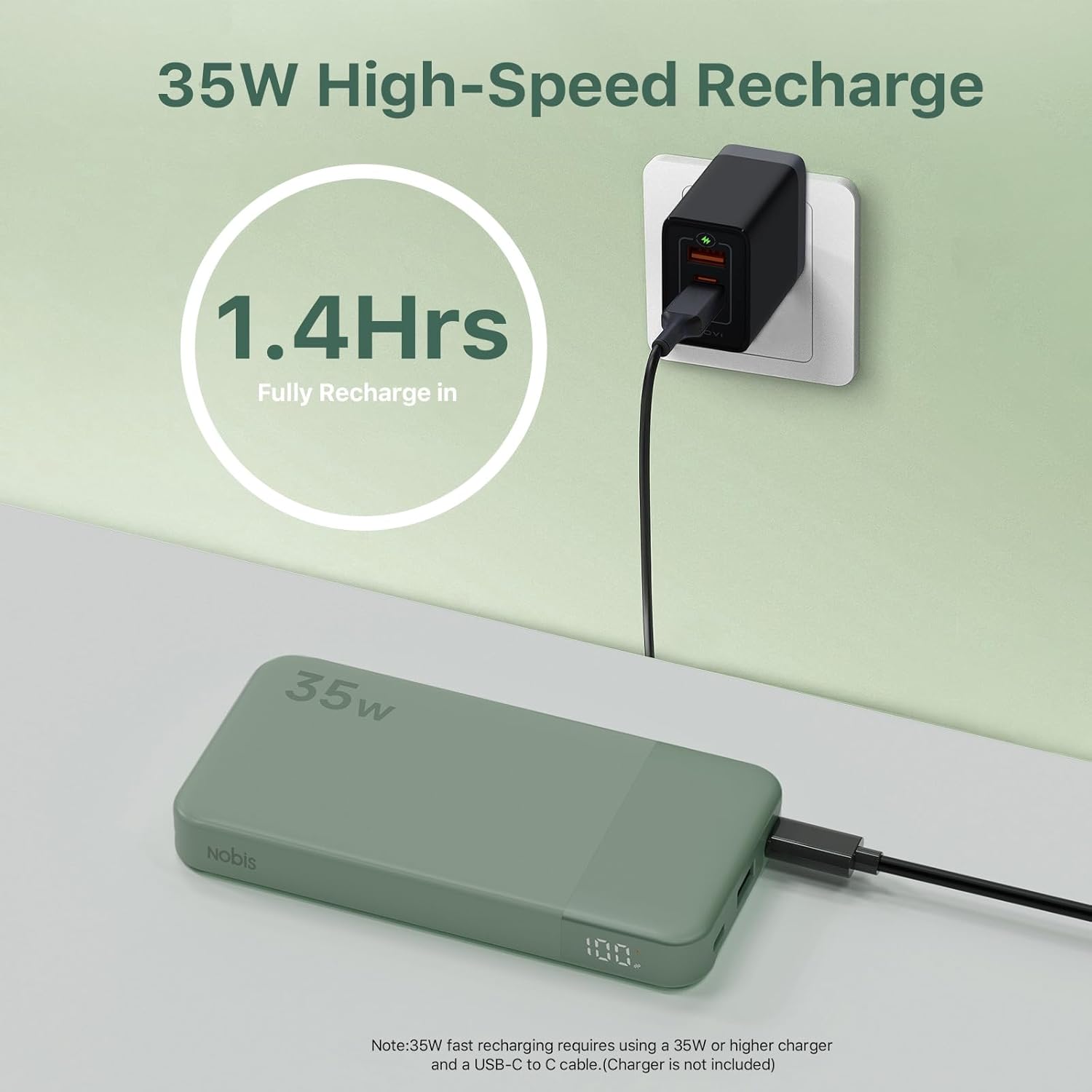
Recharging the power bank. Note: 35W fast recharging requires a 35W or higher charger and a USB-C to C cable (charger not included).
Operating Instructions
Charging Your Devices
The Nobis Portable Charger can charge up to three devices simultaneously.
- Connect your device's charging cable to the appropriate port (USB-C or USB-A) on the power bank.
- Connect the other end of the cable to your device.
- The power bank will automatically begin charging your device. The digital display will show the power bank's remaining charge.
For optimal fast charging, use a USB-C to USB-C cable with compatible devices. The power bank intelligently adapts to the power needs of connected devices.
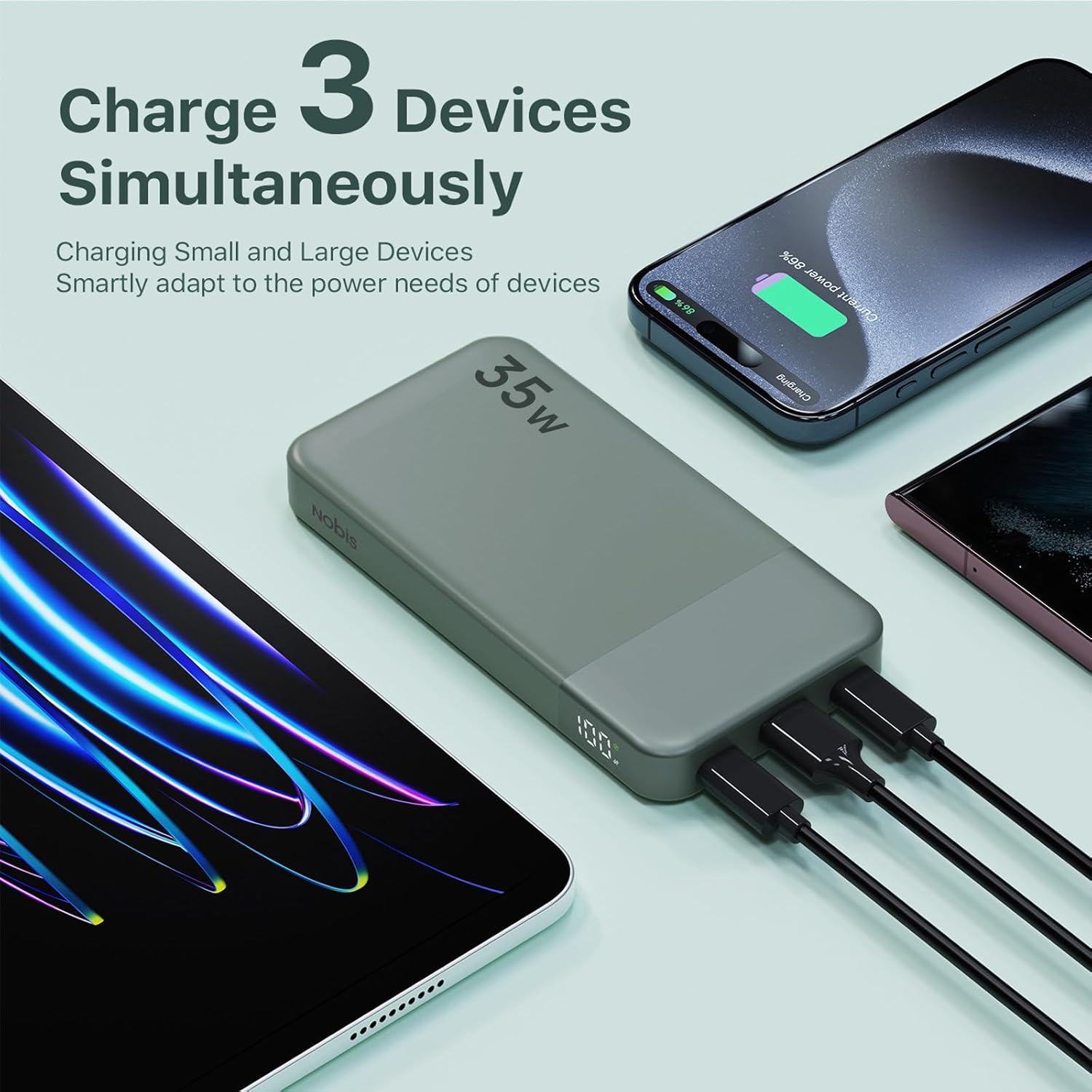
The power bank can charge three devices at once, adapting to their power requirements.
Trickle Charging Mode (Low Current Devices)
This mode is ideal for charging low-current devices such as earbuds, smartwatches, or fitness trackers, protecting their batteries from overcharging.
- To activate: Double-click the power button. The indicator will start cycling.
- Connect your low-current device.
- To exit: Double-click the power button again, or the mode will automatically deactivate after a period of time.
Maintenance
- Keep the power bank away from extreme temperatures, direct sunlight, and liquids.
- Clean the surface with a soft, dry cloth. Do not use abrasive cleaners or solvents.
- Store in a cool, dry place when not in use. For long-term storage, charge the power bank to about 50-70% every 3 months to preserve battery health.
- Avoid dropping or subjecting the power bank to strong impacts.
Troubleshooting
| Problem | Possible Cause | Solution |
|---|---|---|
| Power bank not charging devices. | Low battery on power bank; faulty cable; device not compatible; power bank in standby. | Recharge power bank; try a different cable; ensure device is compatible; press power button to activate. |
| Power bank not recharging. | Faulty charging cable or adapter; power bank port damaged. | Try a different USB-C cable and wall adapter; contact customer support if ports are damaged. |
| Slow charging. | Cable not supporting fast charging; device not supporting fast charging; multiple devices connected. | Use a high-quality fast-charging cable; ensure your device supports PD/QC fast charging; charging multiple devices simultaneously may reduce individual charging speeds. |
| Digital display not working. | Power bank is off; internal issue. | Press the power button to activate the display; if issue persists, contact customer support. |
Specifications
| Feature | Detail |
|---|---|
| Model Number | ZWPBWWA-102C1A35W |
| Battery Capacity | 10000mAh (37Wh) |
| Input (USB-C1/C2) | 5V/3A, 9V/3A, 12V/2.5A, 15V/2A, 20V/1.75A (35W Max) |
| Output (USB-C1/C2) | 5V/3A, 9V/3A, 12V/2.5A, 15V/2A, 20V/1.75A (35W Max) |
| Output (USB-A) | 4.5V/5A, 5V/4.5A, 9V/2A, 12V/1.5A (30W Max) |
| Dimensions | 13.7 x 7 x 2.63 cm |
| Weight | 228 g |
| Special Features | Auto Shut-Off, Digital Display, Fast Charging, Over Charging Protection, Short Circuit Protection |
| Battery Type | Lithium Polymer |

The power bank offers wide compatibility with a range of electronic devices.
Safety Information
To ensure safe operation and prolong the lifespan of your power bank, please observe the following:
- Do not disassemble, open, or shred the battery pack.
- Do not expose the power bank to heat or fire. Avoid storage in direct sunlight.
- Do not short-circuit the power bank. Do not store power banks haphazardly in a box or drawer where they may short-circuit each other or be short-circuited by conductive materials.
- Do not subject the power bank to mechanical shock.
- In the event of a leak, do not allow the liquid to come into contact with the skin or eyes. If contact has been made, wash the affected area with copious amounts of water and seek medical advice.
- Keep the power bank clean and dry.
- Do not leave a fully charged power bank connected to a charger, as overcharging may shorten its lifespan.
- Use only the charging cable provided or a reputable alternative.
- Supervise children when using the power bank.
- This power bank is compliant with aviation regulations for carry-on luggage.

The power bank incorporates multiple safety protections for reliable operation.
Warranty and Support
Nobis products are manufactured to the highest quality standards. For warranty information or technical support, please refer to the contact details provided on the product packaging or visit the official Nobis website.
For customer service inquiries, please contact your retailer or the manufacturer directly.
Manufacturer: Tianjin Zowda New Energy Technology Co.,Ltd
Place of Business: No.71, Xinhuan South Street,West Zone of Tianjin Economic and Technology Development Zone
For more information, you can visit the Nobis Store on Amazon.
Related documentsZWPBWWA-102C1A35W

Ask a question about this manual
Ask about setup, troubleshooting, compatibility, parts, safety, or missing instructions. Manuals+ will review the question and use this page’s manual context to help answer it.