
1. Product Overview
The BoxWave ClearTouch Crystal Screen Protector is designed to provide a protective layer for your Tidradio TD-G750A device screen. This high-quality optical film offers 99% visual transparency, ensuring vibrant color display and uninhibited clarity. It is precision-cut to fit the exact dimensions of your device, shielding it from scratches and dust.
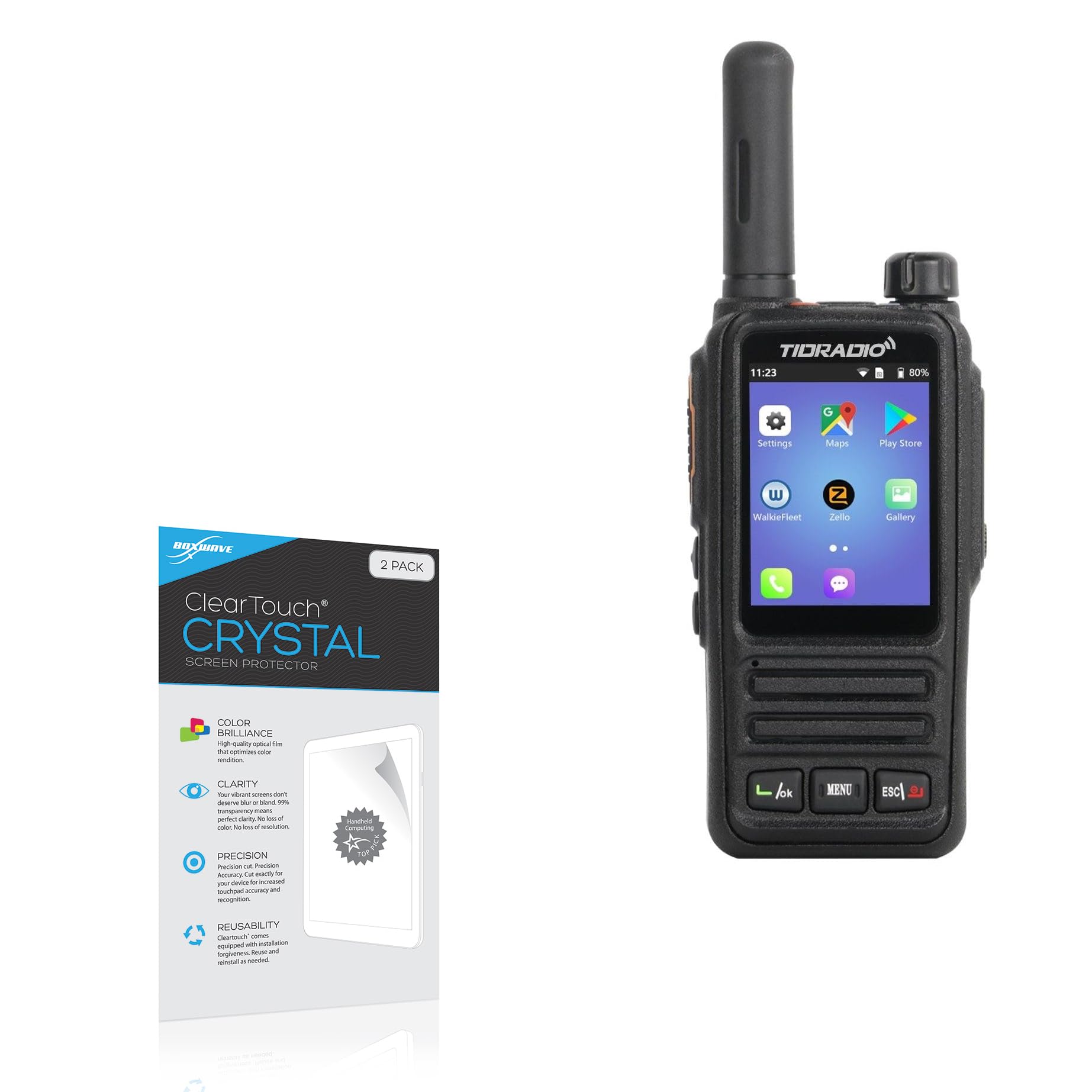
Image: Packaging for the BoxWave ClearTouch Crystal Screen Protector, showing key features like color brilliance, clarity, precision, and reusability.
2. What's Included
Each package contains the following items:
- Two (2) ClearTouch Crystal Screen Protectors for Tidradio TD-G750A.
- One (1) ClearTouch Applicator Card.
- One (1) Microfiber Cleaning Cloth.
- One (1) Dust Removing Sticker.

Image: The package contents, including two screen protectors, an applicator card, and a microfiber cleaning cloth.
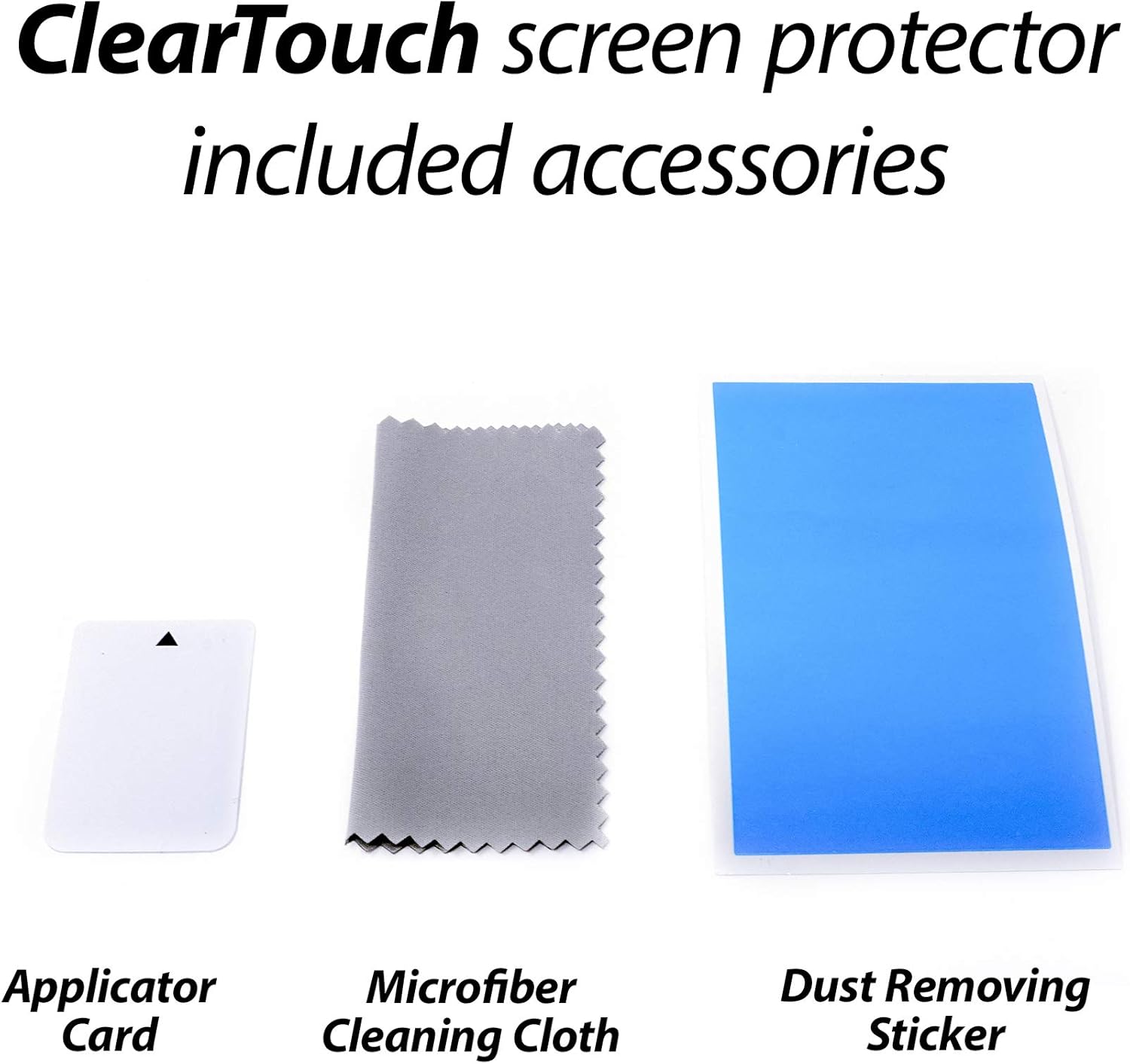
Image: Close-up of the included accessories: Applicator Card, Microfiber Cleaning Cloth, and Dust Removing Sticker.
3. Installation Instructions (Setup)
Follow these steps carefully for optimal screen protector application:
- Clean the Device Screen: Use the provided microfiber cleaning cloth to thoroughly clean the Tidradio TD-G750A screen. Ensure all dust, fingerprints, and smudges are removed. For stubborn marks, a screen cleaner (not included) can be used sparingly.
- Remove Dust: Use the dust removing sticker to lift any remaining dust particles from the screen. Gently dab the sticker across the entire screen surface.
- Align the Protector: Carefully peel back a small portion of the protective film (usually labeled "Step 1" or similar) from one end of the screen protector. Align the exposed edge of the screen protector with the corresponding edge of your device screen. Ensure precise alignment with all cutouts (e.g., speaker, camera, buttons) before proceeding.
- Apply the Protector: Slowly and steadily peel off the rest of the protective film while simultaneously applying the screen protector to the device screen. Use the ClearTouch Applicator Card to smooth out any air bubbles as you go, pushing them towards the edges.
- Remove Top Layer: Once the screen protector is fully applied, gently peel off the top protective layer (usually labeled "Step 2" or similar), if present.
- Final Smoothing: Use the microfiber cloth to gently wipe down the newly installed screen protector, removing any remaining small bubbles or smudges.
Note: The special low-tack adhesive may take approximately 2 days to fully adhere around the edges, during which small air gaps may clear out with regular use.
4. Usage (Operating)
Once installed, the ClearTouch Crystal Screen Protector operates passively to protect your device. It is designed to be:
- Scratch Resistant: Shields your screen from daily scratches, scuffs, and abrasions.
- Dust Repellent: Helps prevent dust and debris from accumulating on the screen surface.
- Visually Clear: Maintains 99% visual transparency for an uncompromised viewing experience with vibrant colors.
No special operation is required after installation. The screen protector functions as an invisible barrier.

Image: An example demonstrating the high definition clarity of the screen protector, showing a vibrant field of yellow flowers through the protected screen area.
5. Maintenance
To ensure the longevity and clarity of your screen protector, follow these maintenance guidelines:
- Cleaning: Use a soft, lint-free cloth, such as the provided microfiber cloth, to gently wipe the screen protector. For smudges or fingerprints, lightly dampen the cloth with water or a screen-safe cleaning solution. Avoid harsh chemicals or abrasive materials.
- Avoid Sharp Objects: While the protector offers scratch resistance, extreme pressure or sharp objects can still damage it.
- Storage: If you are not using the second screen protector immediately, store it in its original packaging in a cool, dry place to prevent damage or dust accumulation.
6. Troubleshooting
| Issue | Possible Cause | Solution |
|---|---|---|
| Bubbles under the protector | Dust particles or uneven application. |
|
| Protector not adhering at edges | Dust under the edge or insufficient pressure during application. |
|
| Reduced touch sensitivity | Incorrect installation or a faulty protector. |
|
7. Specifications
- Product Type: Screen Protector Film
- Material: High-grade Thermoplastics (Polyethylene Terephthalate - PET)
- Transparency: 99% Visual Transparency
- Compatibility: Specifically designed for Tidradio TD-G750A
- Adhesive Type: Glueless, low-tack adhesive (leaves no sticky residue)
- Package Contents: 2x Screen Protectors, 1x Applicator Card, 1x Microfiber Cleaning Cloth, 1x Dust Removing Sticker
- Item Weight: 0.7 ounces (approximate, for the package)
- Manufacturer: BoxWave
8. Warranty and Support
BoxWave products are designed for quality and durability. For any questions, concerns, or support regarding your ClearTouch Crystal Screen Protector, please contact BoxWave Corporation directly through their official website or customer service channels. Please refer to your purchase documentation for specific warranty details.
For more information, visit the official BoxWave website: www.boxwave.com