
1. Introduction
Thank you for choosing the Hape Dual Mode Space Shuttle Toy. This innovative toy offers a unique 2-in-1 experience, transforming between a space shuttle and a train engine. It features realistic sounds, lights, and convenient USB charging for extended playtime. This manual provides essential information for safe setup, operation, and maintenance of your toy.

Figure 1: The Hape Dual Mode Space Shuttle Toy in its primary configuration.
2. Safety Information
- Recommended Age: This toy is suitable for children aged 3 years and up.
- Choking Hazard: Small parts may be present. Not for children under 3 years.
- USB Charging Cable: The included USB recharging cable is not a toy. It is an accessory for adult use only. Do not allow children to play with the cable.
- Charging: Use only the provided USB cable or a compatible USB charger (5V/1A) to charge the toy. Do not use other USB cables to charge this product.
- Battery Safety: The toy contains a nonstandard rechargeable battery. Do not attempt to replace or open the battery compartment.
- Water Exposure: Keep the toy away from water and moisture to prevent damage to electronic components.

Figure 2: The included USB charging cable. Read the caution label carefully.
3. What's in the Box
Upon opening the package, please ensure all the following components are present:
- 1 x Hape Dual Mode Space Shuttle Toy (electric train)
- 1 x USB Type-C Charging Cable
4. Setup
4.1 Initial Charging
- Locate the USB Type-C charging port on the toy.
- Connect the provided USB Type-C charging cable to the toy.
- Plug the other end of the USB cable into a standard USB power adapter (not included) or a computer USB port.
- Allow the toy to charge fully before first use. A full charge typically takes approximately 2-3 hours. The indicator light (if present) will change or turn off when charging is complete.
4.2 Transforming Between Modes
The Hape Dual Mode Space Shuttle Toy can switch between a space shuttle and a train engine. Gently adjust the retractable wheels or components as indicated by the toy's design to transition between modes. Ensure all parts click securely into place for stable operation.

Figure 3: The toy operating on wooden train tracks in train mode.
5. Operating Instructions
5.1 Power On/Off
Locate the power button on the top or side of the toy. Press and hold the button for a few seconds to turn the toy on. Repeat the action to turn it off.

Figure 4: Pressing the power/function button on the toy.
5.2 Sound and Light Features
Once powered on, the toy will emit realistic sounds and display vivid lights. These features are designed to enhance the play experience. Some models may have additional buttons to activate specific sound effects or light patterns.
5.3 Movement
In train mode, place the toy on compatible wooden train tracks. The motorized wheels will propel the toy along the tracks. In space shuttle mode, the toy can be manually pushed or rolled on flat surfaces.
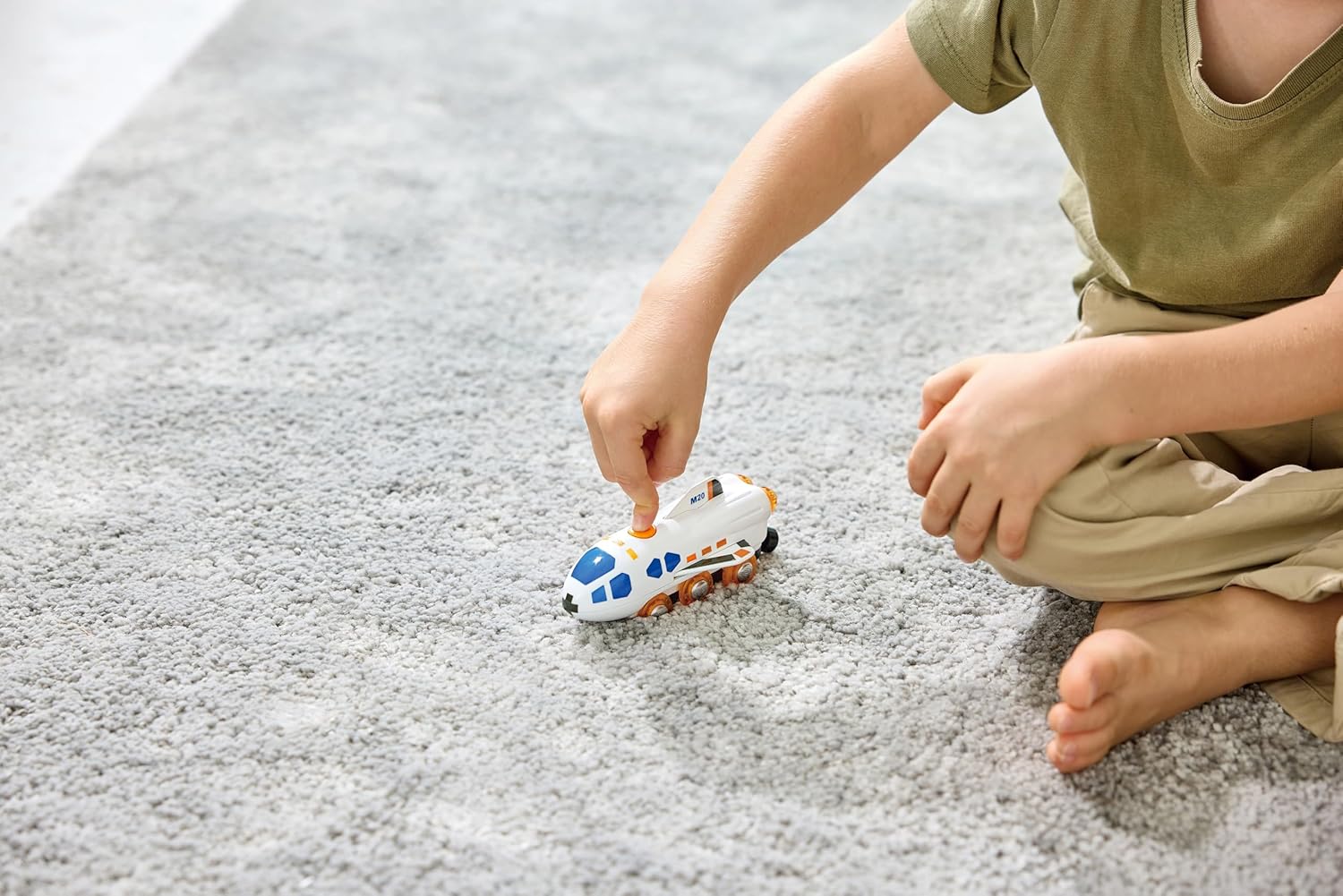
Figure 5: The toy being played with on a carpeted surface.
6. Maintenance
6.1 Cleaning
To clean the toy, wipe it gently with a soft, dry cloth. For stubborn dirt, a slightly damp cloth can be used, but ensure no water enters the electronic components. Do not use harsh chemicals or abrasive cleaners.
6.2 Battery Care
To prolong battery life, charge the toy regularly. Avoid completely draining the battery before recharging. If the toy will not be used for an extended period, charge it fully and store it in a cool, dry place.
7. Troubleshooting
- Toy does not turn on: Ensure the toy is fully charged. Connect it to the USB charging cable and allow sufficient time for charging.
- No sound or lights: Check if the toy is powered on. If it is, and still no sound or lights, the battery might be too low, or there could be an internal issue. Try recharging.
- Toy moves slowly or inconsistently: This often indicates a low battery. Recharge the toy. Also, ensure the wheels are clean and free from debris, and that the surface or tracks are smooth and unobstructed.
- Toy does not transform correctly: Gently check for any obstructions or misalignments in the transforming parts. Do not force the components.
If problems persist after attempting these troubleshooting steps, please contact Hape customer support for assistance.
8. Specifications
| Feature | Detail |
|---|---|
| Model Number | E3872 |
| Product Dimensions | 7.95 x 1.3 x 9.45 inches |
| Item Weight | 6.2 ounces |
| Recommended Age | 3 years and up |
| Battery Type | 1 Nonstandard Battery (included) |
| Charging Interface | USB Type-C |
9. Warranty and Support
Hape products are manufactured to high-quality standards. For warranty information or technical support, please refer to the contact details provided on the product packaging or visit the official Hape website. Please retain your proof of purchase for any warranty claims.