
QCY QT30
Contents
QCY Crossky GTR2 Open Ear Headphones User Manual
Model: QT30 | Brand: QCY
Introduction
Welcome to the user manual for your QCY Crossky GTR2 Open Ear Headphones. These wireless earbuds are designed for comfort and performance, featuring open-ear design, Bluetooth 5.4 connectivity, and a long-lasting battery. This manual will guide you through the setup, operation, maintenance, and troubleshooting of your new headphones.
Official product overview video for QCY Crossky GTR2 Open Ear Headphones, demonstrating key features and design.
Product Overview
The QCY Crossky GTR2 headphones offer a unique open-ear design for comfort and situational awareness, combined with advanced audio technology.

The QCY Crossky GTR2 Open Ear Headphones in black, shown with their sleek charging case.
Key Features:
- 360° Stereo Surround Sound & Bass Boost 2.0: Enhanced audio experience with a 14.8mm dynamic driver unit.
- Design for Sports & IPX5 Waterproof: Secure earhook and tri-hold structure, resistant to sweat and rain.
- Durable Battery Life: Up to 8 hours on a single charge, extended to 28 hours with the charging case.
- Touch Control & Clear Calls: Intuitive controls and dual built-in microphones for clear hands-free calls.
- Dual Connection & Smart App: Connect to two devices simultaneously and customize settings via the QCY App.

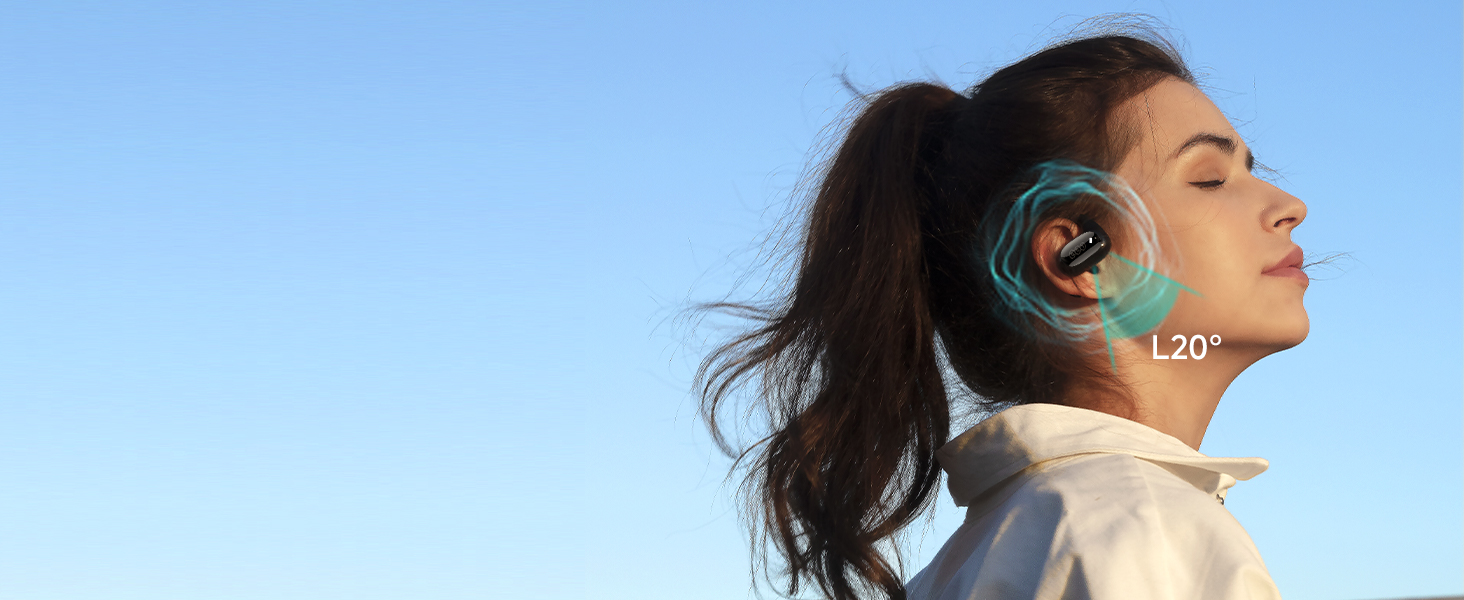
The ergonomic design, soft silicone, and ultra-lightweight construction of the QCY Crossky GTR2 ensure comfort for extended wear.

Experience incredible audio with the 14.8mm dynamic driver unit and Bass Boost 2.0 technology, providing a concert-like listening experience.
What's Included
Your QCY Crossky GTR2 package includes the following items:
- QCY Crossky GTR2 Open Ear Headphones (Left and Right)
- Charging Case
- USB Charging Cable
- User Manual

The complete package contents for the QCY Crossky GTR2 Open Ear Headphones.
Initial Setup
1. Charging the Headphones
Before first use, fully charge your QCY Crossky GTR2 headphones and their charging case.
- Place the earbuds into the charging case, ensuring they are properly seated.
- Connect the USB charging cable to the charging port on the case and to a power source (e.g., USB wall adapter, computer USB port).
- The indicator lights on the case will show charging status. A full charge for the case takes approximately 2.5 hours.
- Once fully charged, the earbuds provide up to 8 hours of playback, and the charging case extends this to a total of 28 hours.

The charging case provides extended battery life for your QCY Crossky GTR2 headphones.
2. Pairing with Your Device
The QCY Crossky GTR2 headphones use Bluetooth 5.4 for a stable and efficient connection.
- Ensure the earbuds are in the charging case and the case lid is open.
- On your smartphone or other Bluetooth-enabled device, go to the Bluetooth settings.
- Search for new devices and select "QCY Crossky GTR2" from the list.
- Once connected, you will hear an audible confirmation.
- Multipoint Connection: These earbuds support connecting to two devices simultaneously. After pairing with the first device, disable Bluetooth on the first device, then pair with the second. Re-enable Bluetooth on the first device, and the earbuds should connect to both.

The multipoint connection feature allows seamless switching between two paired devices.
Operating Instructions
Touch Controls:
The QCY Crossky GTR2 features intuitive touch controls on each earbud. Refer to the diagram below for specific functions:
Detailed touch control functions for your QCY Crossky GTR2 headphones.
- Playback/Pause: Double touch (either earbud).
- Answer/End Call: Double touch (either earbud).
- Voice Assistant: Triple touch left earbud.
- Skip Track Forward/Backward: Keep touching right/left earbud for 1.5 seconds.
- Ignore Call: Keep touching for 1.5 seconds.
- Factory Reset: Push earbuds back in case and touch both earbuds 5 times (LEDs will blink white 5 times).
QCY App Customization:
Download the official QCY App to unlock full customization options for your headphones.
- EQ Settings: Adjust the equalizer to personalize your audio experience.
- Customizable Control: Remap touch controls to your preference.
- Find Headset: Locate misplaced earbuds.
- OTA Update: Keep your headphones updated with the latest firmware for optimal performance.
The QCY App provides extensive customization and utility features for your headphones.
Care and Maintenance
Proper care ensures the longevity and optimal performance of your QCY Crossky GTR2 headphones.
- Cleaning: Regularly wipe the earbuds and charging case with a soft, dry, lint-free cloth. Avoid using harsh chemicals or abrasive materials.
- Water Resistance: The headphones are IPX5 waterproof, meaning they are resistant to sweat and light rain. Do not submerge them in water or expose them to strong jets of water. Dry them thoroughly before placing them back in the charging case.
- Storage: When not in use, store the headphones in their charging case to protect them from dust and damage. Store in a cool, dry place away from extreme temperatures.
- Battery Care: To preserve battery life, avoid fully discharging the headphones frequently. Charge them regularly, even if not in constant use.

The IPX5 waterproof rating makes the QCY Crossky GTR2 suitable for sports and outdoor activities.
Troubleshooting
If you encounter any issues with your QCY Crossky GTR2 headphones, refer to the table below for common problems and their solutions.
| Problem | Possible Cause | Solution |
|---|---|---|
| Headphones not pairing. | Bluetooth is off, earbuds not in pairing mode, or previously paired. | Ensure Bluetooth is on. Place earbuds in case, open lid to enter pairing mode. Forget device on your phone and re-pair. Perform a factory reset if needed. |
| No sound or low volume. | Volume too low, earbuds not properly seated, or connection issue. | Increase volume on both headphones and device. Ensure earbuds are clean and seated correctly. Reconnect Bluetooth. |
| Intermittent connection. | Too far from device, interference, or low battery. | Stay within 15 meters of your device. Avoid strong electromagnetic interference. Charge the headphones. |
| Microphone not working. | Microphone blocked or software issue. | Ensure microphone holes are clear. Check device's privacy settings for microphone access. Restart your device. |
| Earbuds not charging. | Poor contact, faulty cable/charger, or case battery empty. | Clean charging contacts on earbuds and case. Try a different USB cable and power adapter. Ensure charging case has power. |

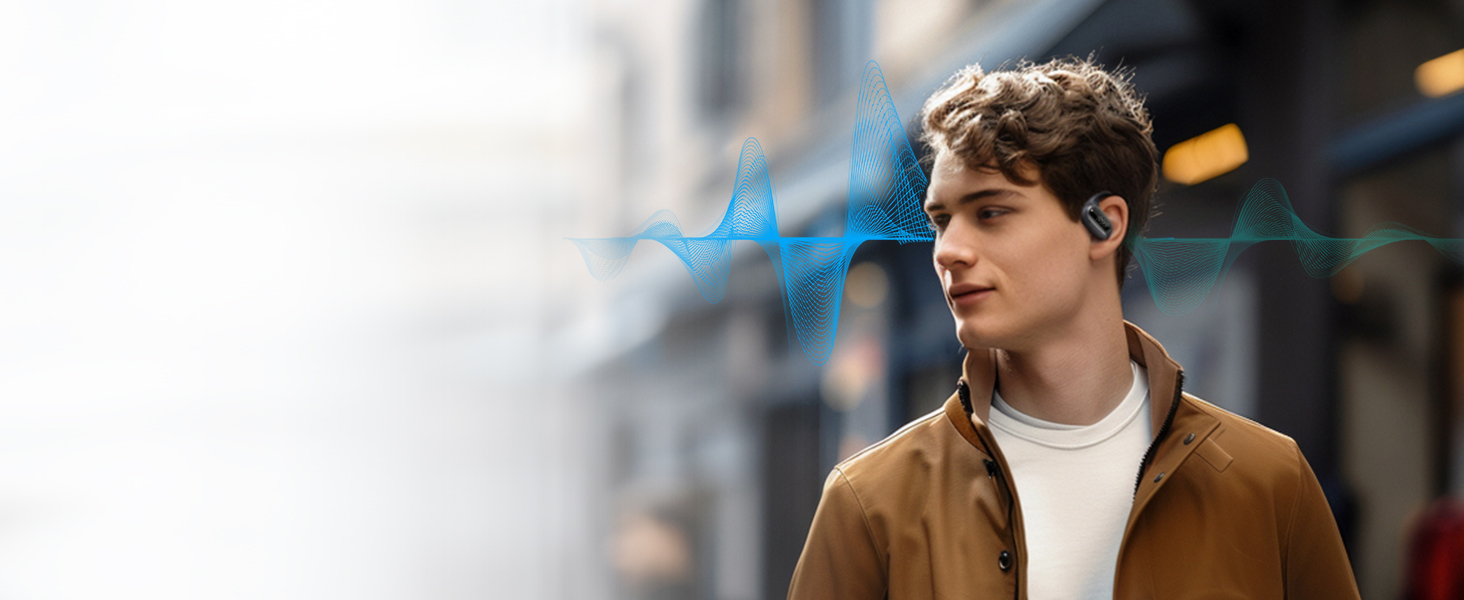
The dual microphones with ENC ensure clear calls even in noisy environments.
Technical Specifications
| Feature | Specification |
|---|---|
| Model Name | QT30 |
| Connectivity Technology | Wireless (Bluetooth) |
| Bluetooth Version | 5.4 |
| Bluetooth Range | Up to 15 meters |
| Audio Driver Size | 14.8 mm |
| Single Charge Playback | 8 Hours |
| Total Playback with Charging Case | 28 Hours |
| Water Resistance Level | IPX5 |
| Control Type | Touch Control, App |
| Compatible Devices | Cellphones, Laptops, Smart Watch, Car Audio Systems, Telephones |
| Product Dimensions | 4.03 x 2.12 x 1.21 inches |
| Item Weight | 7 ounces |
Warranty and Support
Warranty Information:
QCY products are covered by a limited warranty from the date of purchase. Please refer to the warranty card included in your product packaging for specific terms and conditions. This warranty typically covers manufacturing defects but does not cover damage caused by misuse, accidents, or unauthorized modifications.
Customer Support:
For further assistance, technical support, or warranty claims, please contact QCY customer service through the following channels:
- Visit the official QCY Store on Amazon: QCY Amazon Store
- Refer to the contact information provided in your product packaging.
Ask a question about this manual
Ask about setup, troubleshooting, compatibility, parts, safety, or missing instructions. Manuals+ will review the question and use this page’s manual context to help answer it.