
1. Introduction
Thank you for choosing the EVERSECU 2K 3MP Solar-Powered Wireless Security Camera. This manual provides detailed instructions for setting up, operating, and maintaining your camera system. This camera offers advanced features including 2K resolution video, solar power for wire-free operation, Bluetooth pairing for easy setup, 2-way audio, PIR motion detection with AI analysis, and full-color night vision with a motion-activated spotlight. It is designed for both indoor and outdoor use, compatible with iOS/Android devices and Amazon Alexa.
2. What's in the Box
Please verify that all components are present in your package:
- EVERSECU 2K 3MP Wireless Security Camera(s)
- Solar Panel(s)
- Mounting Brackets
- Mounting Screws and Anchors
- USB-C Charging Cable
- User Manual

This image displays the EVERSECU 2K 3MP Solar-Powered Wireless Security Camera and its accompanying accessories, including solar panels, mounting hardware, and cables.
3. Product Overview
Familiarize yourself with the camera's physical features:
- Camera Lens: Captures 2K resolution video.
- PIR Motion Sensor: Detects motion for alerts and recording.
- Spotlight: Provides illumination for color night vision and acts as a deterrent.
- Microphone: For 2-way audio communication.
- Speaker: For 2-way audio communication and siren alarm.
- Power Button: To turn the camera on/off.
- Reset Button: To reset the camera to factory settings.
- USB-C Charging Port: For charging the internal battery or connecting the solar panel.
- Micro SD Card Slot: For local video storage (up to 128GB).

A detailed view of the camera's underside reveals the waterproof cover protecting the USB-C charging port, micro SD card slot, and the power/reset buttons.
4. Setup Instructions
4.1 App Installation & Bluetooth Pairing
- Download the O-KAM APP from your device's app store (iOS/Android).
- Ensure your phone's Bluetooth is enabled.
- Open the O-KAM APP. It will automatically search for and pair with the camera via Bluetooth, simplifying the connection process to your 2.4GHz Wi-Fi network.
- Follow the on-screen prompts to complete the Wi-Fi connection and initial setup.
4.2 Mounting the Camera
The camera offers versatile mounting options:
- Screw Mount: Use the provided mounting brackets, screws, and anchors to securely attach the camera to a wall or ceiling.
- Magnetic Mount: The camera features a magnetic base for easy attachment to metallic surfaces, allowing for flexible positioning without drilling.

This image illustrates the camera mounted on an exterior wall, powered by a solar panel, highlighting its 100% wire-free installation and continuous power supply.
The camera is shown attached to a magnetic surface, demonstrating the ease of flexible placement without the need for drilling.
4.3 Setting Activity Zones
To optimize motion detection and reduce false alerts, you can customize specific activity zones within the camera's view:
This video demonstrates how to effectively set up and customize the activity zone for your camera using the O-KAM app, helping to reduce unnecessary notifications from passing cars or irrelevant movements.
5. Operating Instructions
5.1 Live View & Monitoring
Access the live feed of your camera anytime through the O-KAM APP. The app displays the current date, time, and live status, allowing you to monitor your property in real-time 2K resolution.
5.2 Motion Detection & Alerts
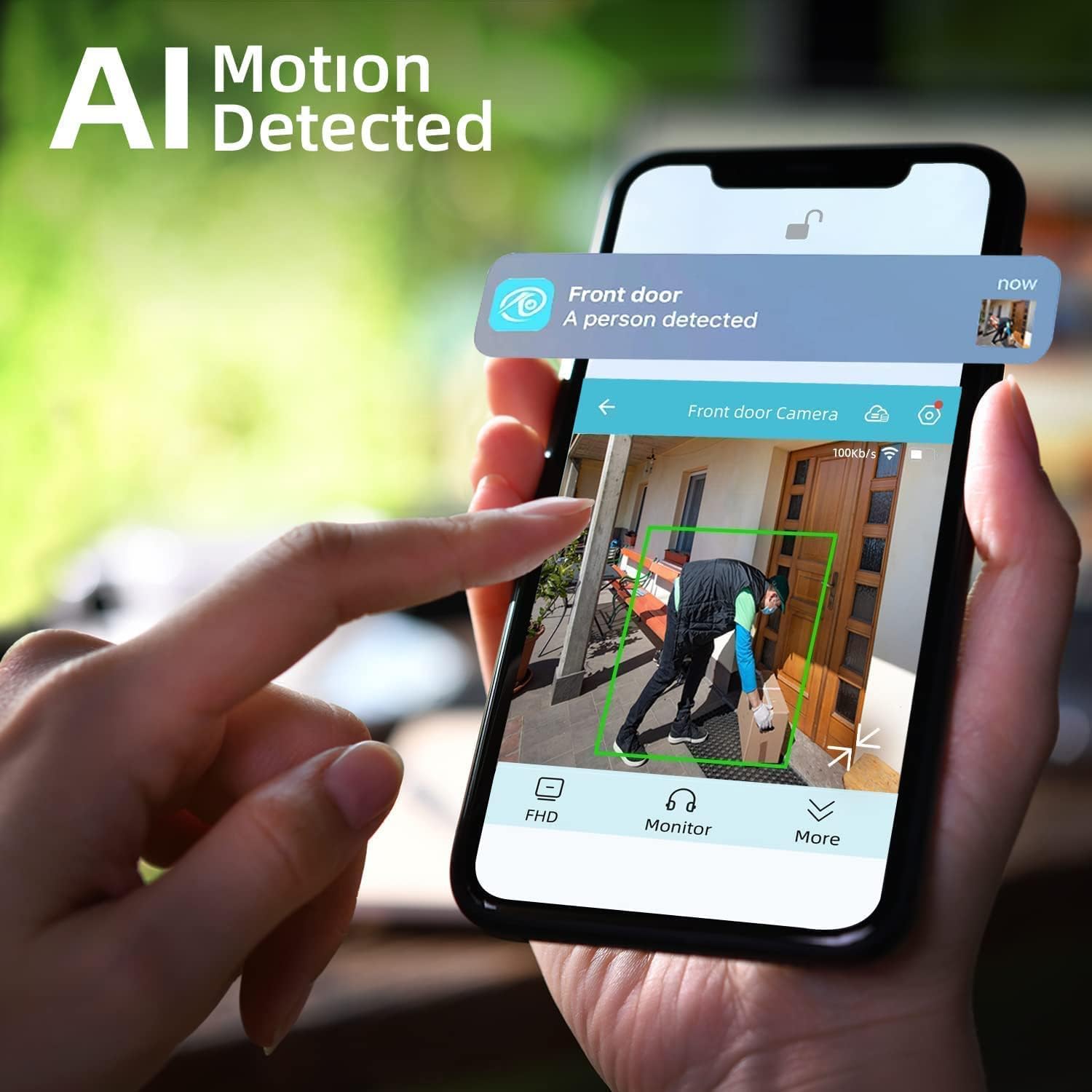
The camera features a highly sensitive PIR motion sensor. Upon detecting motion, it sends real-time alerts to your phone and saves motion-triggered videos to either a micro SD card or cloud storage. The AI analysis helps distinguish between people, vehicles, and pets to minimize false alarms.

This image demonstrates the camera's PIR motion detection capabilities, highlighting how it picks up useful information and sends alerts to the O-KAM Pro mobile application.

A smartphone screen shows a real-time AI motion detection alert from the camera, indicating a person has been detected, demonstrating the intelligent alert system.
5.3 2-Way Audio
Utilize the built-in microphone and high-power speaker to communicate with visitors or deter intruders directly through the O-KAM APP.
5.4 Night Vision & Spotlight
The camera provides 2K full-color night vision, enhanced by a motion-activated spotlight, ensuring clear and detailed images even in complete darkness. Infrared night vision is also available.
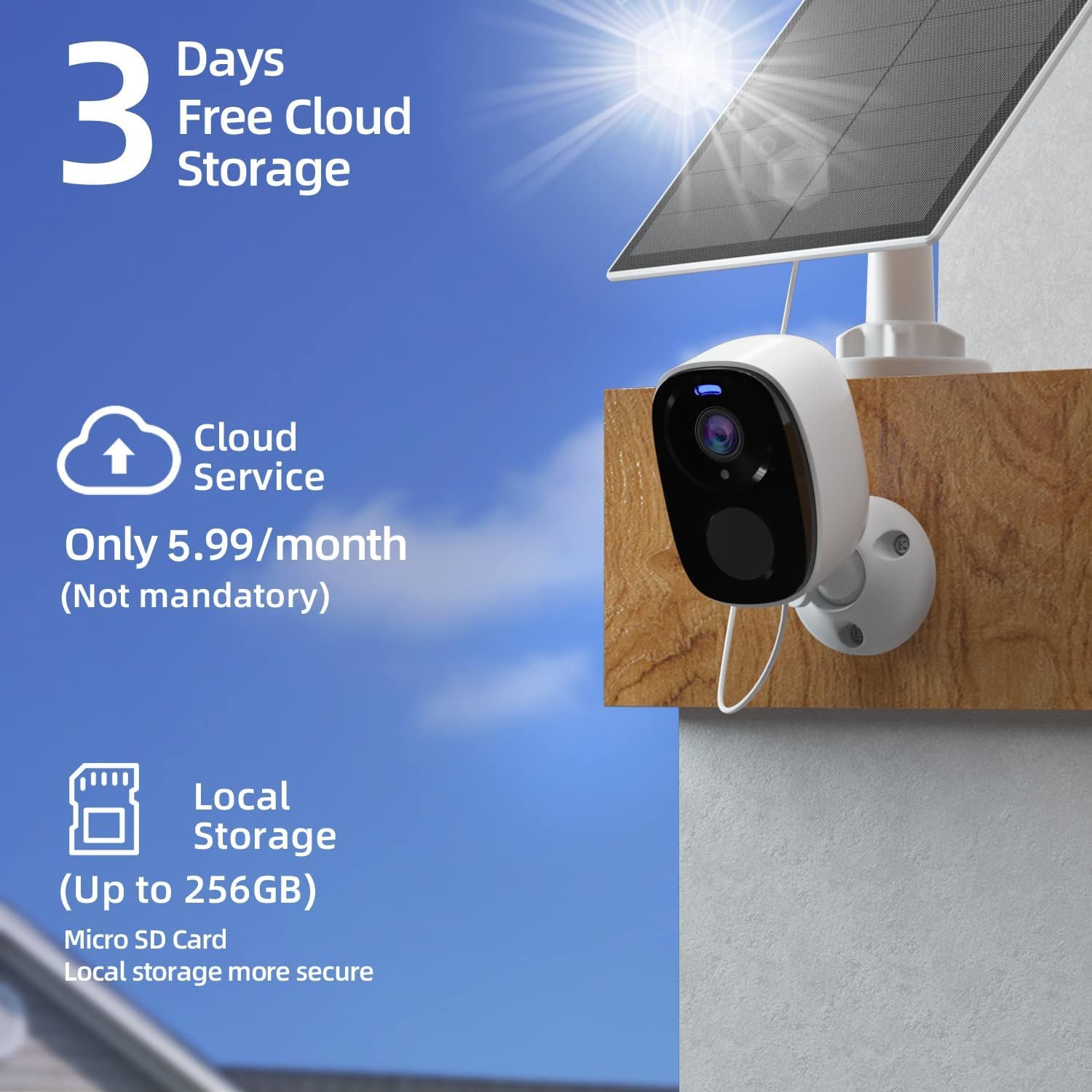
5.5 Storage Options
Recorded videos can be stored in two ways:
- Micro SD Card: Supports up to 128GB (not included) for local storage.
- Cloud Storage: Offers a 7-day free trial, with subscription options available for extended cloud storage.
The image details the camera's flexible storage solutions, offering 3 days of free cloud storage and the option for local storage on a micro SD card (up to 256GB).
This video demonstrates key operational features of a solar WiFi camera, including easy installation, weatherproofing, pan/tilt/zoom functions, infrared and color night vision, smart human detection, 2-way audio, and customizable alarm zones.
6. Battery Management
The EVERSECU camera is equipped with a built-in 5000mAh rechargeable battery and a solar panel for continuous power. To prolong battery life, consider the following:
- Change Power Mode: Switch from 'Continuous Working Mode' to 'Sleep Mode' in the app settings when continuous monitoring is not required.
- Adjust Video Recording Length: Set motion-triggered video recording duration to 5-15 seconds (recommended) to conserve power.
- Map Monitoring Area: Customize specific monitoring areas to avoid unnecessary triggers from irrelevant zones.
- Motion Detection Schedule: Set a schedule for motion detection to reduce alarm interference during specific times.
- Avoid Crowded Areas: Placing the camera in high-traffic areas will increase triggers and battery consumption.
- Avoid Direct Sun Exposure: While solar-powered, extreme direct sun can affect battery longevity.
- Avoid Heat Sources: Keep the camera away from heat sources that could impact battery performance.
This video provides essential tips on how to prolong the battery life of your EVERSECU camera, including changing power modes, adjusting recording length, mapping monitoring areas, and scheduling motion detection.
7. Specifications
| Feature | Detail |
|---|---|
| Model Number | BS8-4 |
| Video Capture Resolution | 2K (1920p) |
| Indoor/Outdoor Usage | Outdoor |
| Power Source | Battery Powered (5000mAh) |
| Connectivity Technology | Wireless (Bluetooth, Wi-Fi 2.4GHz) |
| Compatible Devices | iOS/Android, Amazon Alexa |
| International Protection Rating | IP65 |
| Viewing Angle | 110 Degrees |
| Storage | Micro SD Card (up to 128GB), Cloud Storage |
| Alert Type | Motion Only |
| Item Dimensions L x W x H | 10 x 10 x 10 inches |
| Item Weight | 5.5 pounds |
8. Troubleshooting
- Camera not connecting to Wi-Fi: Ensure your Wi-Fi network is 2.4GHz. Check Wi-Fi signal strength at the camera's location. Try resetting the camera and re-pairing via Bluetooth.
- No motion alerts: Verify PIR motion detection is enabled in the app. Check activity zone settings. Ensure camera battery is charged.
- Poor video quality: Check your Wi-Fi connection speed. Ensure the camera lens is clean and free from obstructions.
- Battery draining quickly: Review battery management tips in Section 6. Adjust power mode, recording length, and motion detection schedule.
- 2-Way audio not working: Check microphone and speaker settings in the app. Ensure your phone's volume is up.
9. Warranty & Support
For warranty information, technical support, or any inquiries regarding your EVERSECU 2K 3MP Solar-Powered Wireless Security Camera, please refer to the contact information provided in your product packaging or visit the official EVERSECU website.