
ANCEL BA101
ANCEL DS300 Bidirectional Scan Tool & BA101 Battery Tester User Manual
Model: DS300 & BA101
1. Introduction
This manual provides detailed instructions for the ANCEL DS300 Bidirectional Scan Tool and the ANCEL BA101 12V Car Battery Tester. This bundle offers comprehensive diagnostic capabilities for vehicle systems and precise battery health assessment. Please read this manual thoroughly before operating the devices to ensure proper use and to maximize their functionality.

Image 1.1: The ANCEL DS300 Bidirectional Scan Tool and BA101 12V Car Battery Tester included in this bundle.
2. Setup
2.1 ANCEL DS300 Scan Tool Setup
The DS300 is designed for user-friendly setup. Follow these steps to prepare your device for first use:
- Select Language: Upon first boot, choose your preferred operating language from the available options.
- Connect to WiFi: Connect the device to a stable Wi-Fi network to enable updates and online features.
- Agree to Terms: Review and accept the terms and conditions to proceed with the device activation.

Image 2.1: The ANCEL DS300 Scan Tool displaying its main interface.
2.2 ANCEL BA101 Battery Tester Setup
The BA101 is ready for use with minimal setup:
- Connect Clamps: Connect the red clamp to the positive (+) terminal of the 12V battery and the black clamp to the negative (-) terminal. Ensure a secure connection.
- Power On: The device will power on automatically once connected to the battery.

Image 2.2: The ANCEL BA101 Battery Tester with its positive and negative clamps.
3. Operating Instructions
3.1 ANCEL DS300 Scan Tool Operation
The DS300 offers a wide range of diagnostic functions:
- Full System Diagnostics: Access and diagnose all available electronic control modules (ECUs) in the vehicle, including Engine, ABS, SRS, Transmission, EPB, TPMS, and more. This allows for reading and clearing diagnostic trouble codes (DTCs), viewing live data streams, and retrieving ECU information.
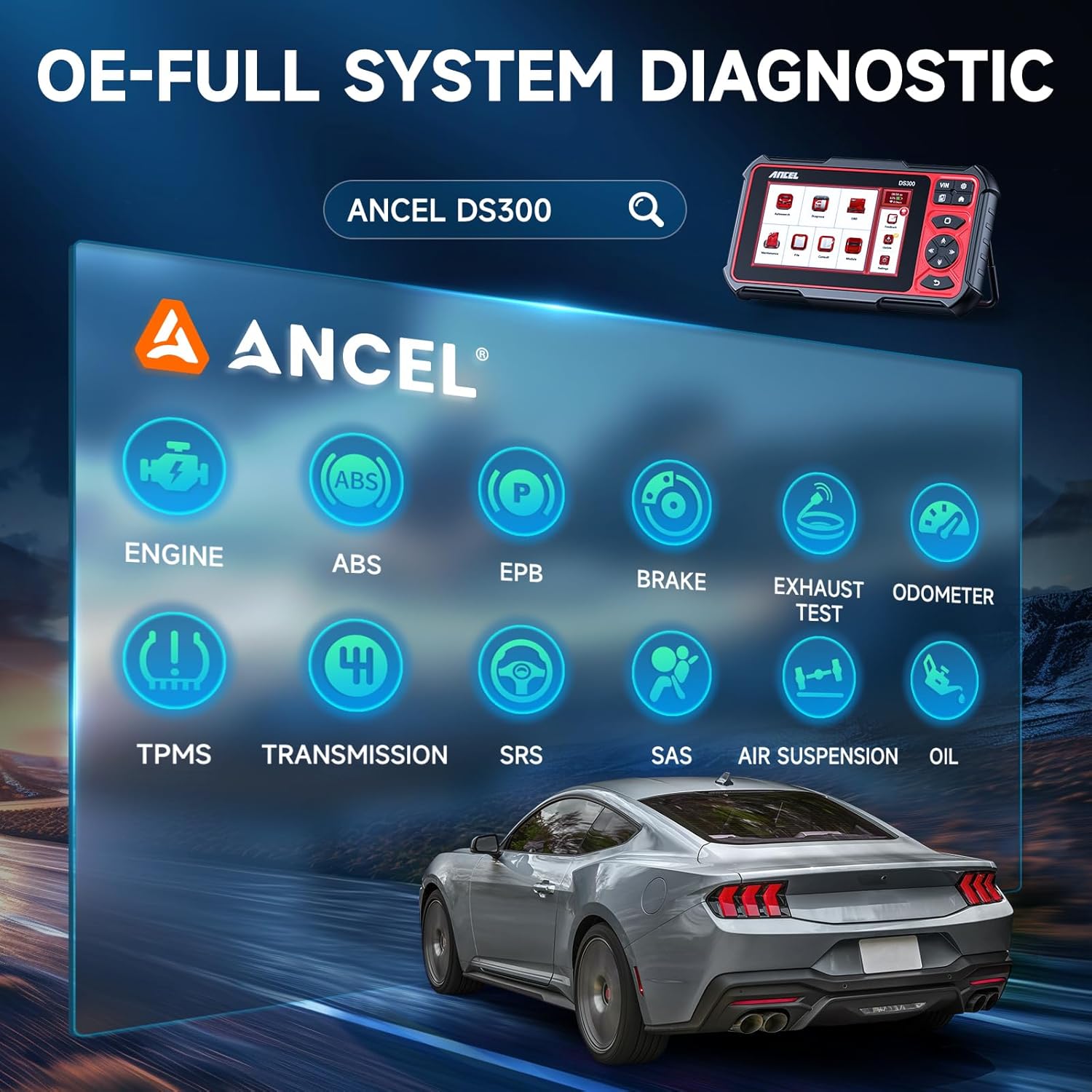
Image 3.1: The ANCEL DS300's capability for OE-level full system diagnostics.
- Bidirectional Control (Active Tests): Perform active tests to send commands to vehicle systems and components (e.g., turning on/off lights, windows, fuel pump, cycling ABS pump) to verify their functionality and pinpoint issues. This two-way communication with the ECU helps in accurate diagnosis and reduces repair time.
- Reset Services: The DS300 supports over 30 common maintenance reset functions, including:
- Oil Reset
- EPB (Electronic Parking Brake) Reset
- BMS (Battery Management System) Reset
- DPF (Diesel Particulate Filter) Regeneration
- SAS (Steering Angle Sensor) Calibration
- Throttle Matching
- Injector Coding
- ABS Bleeding
- TPMS (Tire Pressure Monitoring System) Reset

Image 3.2: A visual representation of the 30+ hot reset services available on the ANCEL DS300.
3.2 ANCEL BA101 Battery Tester Operation
The BA101 provides quick and accurate assessments of 12V battery health:
- Battery Test: Measures the actual cold cranking amps (CCA) capability of the battery, its state of health (SOH), state of charge (SOC), voltage, and internal resistance. This test determines if the battery is good, needs recharging, or requires replacement.
- Cranking Test: Analyzes the starting system of the vehicle, including the starter motor. It measures the cranking voltage and cranking time to determine if the starter is functioning correctly.
- Charging Test: Evaluates the vehicle's charging system, including the alternator, rectifier, and diodes. It measures the loaded and unloaded voltage to ensure the alternator is providing proper output.

Image 3.3: The ANCEL BA101 performing cranking, charging, and battery tests.
Compatibility: The BA101 supports various 12V battery types, including flooded, AGM, GEL, and EFB. It is compatible with cars, trucks, hybrids, SUVs, boats, RVs, and motorcycles. It complies with multiple standards: JIS, EN, DIN, SAE, CCA, BCI, GB, CA, MCA, and IEC. Note: It is not compatible with 6V, 8V, or 24V batteries and is not suitable for use with lithium batteries.
3.3 Safety Features (BA101)
The BA101 incorporates safety features to protect both the user and the vehicle:
- Reverse Polarity Protection: Prevents damage to the tester and battery if the clamps are connected incorrectly.
- Short Circuit Protection: Protects against accidental short circuits.
- No Need to Charge the Battery: The tester can accurately assess the battery even if it is partially discharged.

Image 3.4: Safety features of the ANCEL BA101, including reverse polarity and short circuit protection.

Image 3.5: The ANCEL BA101 boasts 99.6% testing accuracy for reliable results.
4. Maintenance
- Cleaning: Use a soft, damp cloth to clean the exterior of both devices. Do not use abrasive cleaners or solvents.
- Storage: Store the devices in a dry, cool place away from direct sunlight and extreme temperatures.
- Software Updates (DS300): Regularly check for software updates via the Wi-Fi connection on the DS300. ANCEL provides 3 years of free updates to ensure compatibility with new vehicle models and improved functionality.
- Cable Inspection: Periodically inspect all cables and connectors for signs of wear or damage. Replace if necessary.
5. Troubleshooting
- Device Not Powering On: Ensure the DS300 is charged or connected to a power source. For the BA101, ensure clamps are securely connected to a 12V battery.
- Connection Issues (DS300): Verify Wi-Fi connection settings. For vehicle communication, ensure the OBDII cable is securely connected to both the DS300 and the vehicle's OBDII port.
- Inaccurate Readings (BA101): Ensure battery terminals are clean and free of corrosion. Verify clamps are making good contact.
- Software Glitches: Try restarting the device. If issues persist, check for available software updates.
For further assistance, ANCEL offers 24-hour online chat support. You can access this feature directly from your DS300 device or through the official ANCEL website.

Image 5.1: ANCEL provides 24-hour online chat support for customer queries.
6. Specifications
6.1 ANCEL DS300 Scan Tool
- Operating System: Android 10
- Processor: Quad-core CPU
- Battery: 6300mAh
- Display: 7-inch Touchscreen
- Updates: 3 Years Free Updates
- Connectivity: Wi-Fi, Bluetooth
6.2 ANCEL BA101 Battery Tester
- Application: 12V Batteries
- Supported Battery Types: Flooded, AGM, GEL, EFB
- Test Standards: JIS, EN, DIN, SAE, CCA, BCI, GB, CA, MCA, IEC
- Functions: Battery Test, Cranking Test, Charging Test
- Safety Features: Reverse Polarity Protection, Short Circuit Protection
7. Warranty and Support
The ANCEL DS300 comes with 3 years of free software updates, ensuring your device remains current with the latest vehicle data and diagnostic capabilities. For any technical inquiries or operational assistance, please utilize the 24-hour online chat support available directly through the DS300 device or by visiting the official ANCEL website. ANCEL is committed to providing prompt and efficient customer service.
For more information, visit the official ANCEL store: ANCEL Store on Amazon
Related documentsBA101


Ask a question about this manual
Ask about setup, troubleshooting, compatibility, parts, safety, or missing instructions. Manuals+ will review the question and use this page’s manual context to help answer it.