
Introduction
This manual provides essential information for the safe and effective use of your QearFun Kids Wired Headphones. Please read these instructions carefully before use and retain them for future reference.
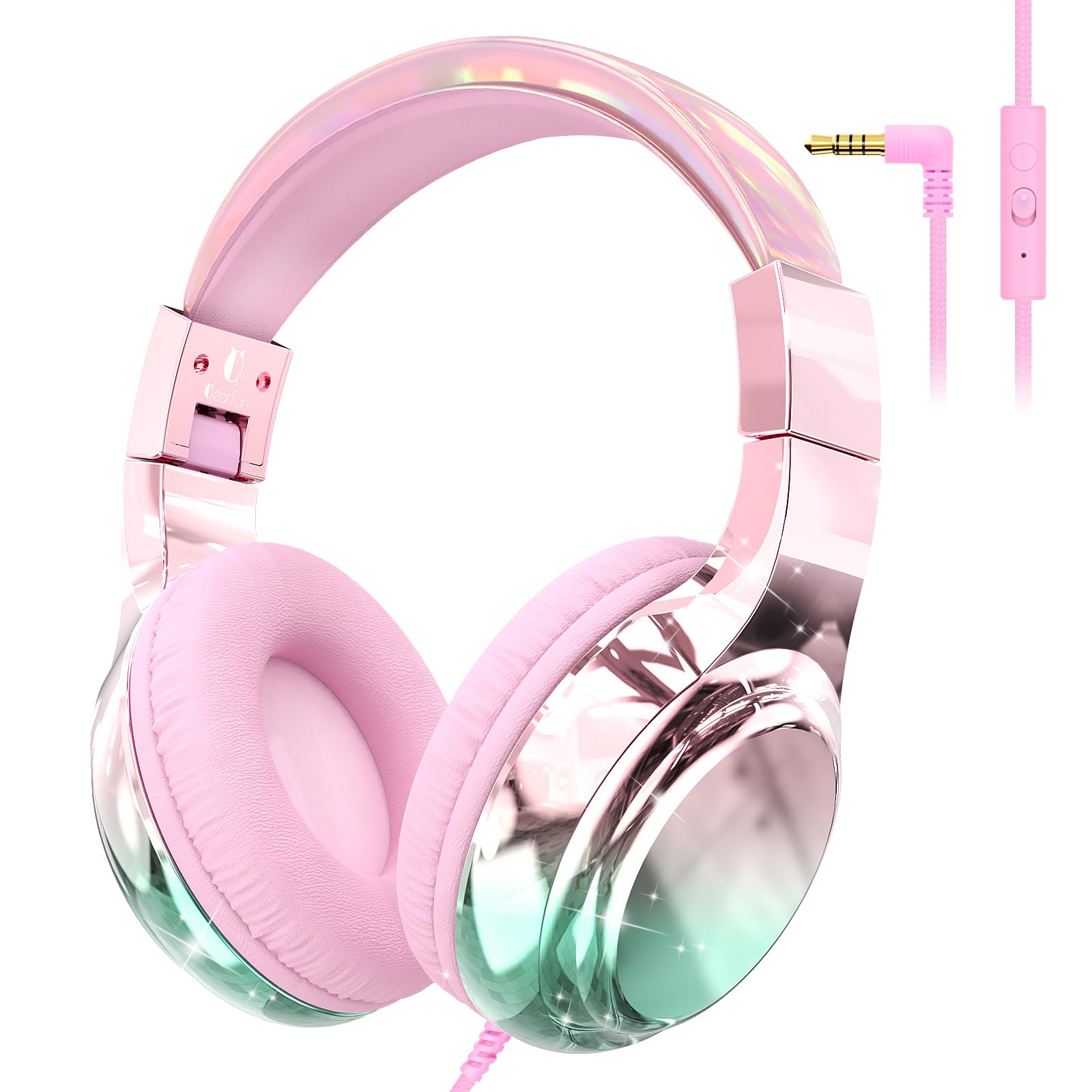
Image: QearFun Kids Wired Headphones, showcasing the pink aurora color and foldable design.
Product Overview
Key Features
- 85/94dB Dual Volume Limit: Switchable modes for safe listening in various environments.
- Built-in Microphone: Integrated for online classes, calls, and gaming.
- Unique Audio Sharing Port: Allows connection of a second headphone for shared listening.
- Foldable Design: Compact for easy storage and portability.
- Adjustable Headband: Ensures a comfortable and secure fit for various head sizes.
- Soft Padded Ear Cushions: Designed for extended comfort.
- Durable, Tangle-Free Braided Nylon Cord: Resists tangles and wear.
- 3.5mm Jack Connectivity: Universal compatibility with most audio devices.
- 40mm Drivers: Deliver clear stereo sound.
What's in the Box
- 1 x QearFun Wired Headphones
Setup
Your QearFun Kids Wired Headphones are designed for simple plug-and-play operation.
- Unpack: Carefully remove the headphones from their packaging.
- Adjust Headband: Gently slide the headband extenders on both sides to achieve a comfortable fit. The headband is designed to be adjustable for various head sizes.
- Connect to Device: Insert the 3.5mm audio jack firmly into the headphone port of your compatible device (e.g., tablet, smartphone, Chromebook, laptop).

Image: Close-up of the adjustable headband and soft ear cushions, highlighting comfort and fit.
Operating Instructions
Volume Limit Switch (85/94dB)
The headphones feature a dual volume limit switch to protect hearing. Locate the small switch on the in-line control unit on the cord.
- 85dB Mode: Slide the switch to the 85dB position for daily listening in quiet environments.
- 94dB Mode: Slide the switch to the 94dB position for clearer audio in noisy environments like airplanes or cars.

Image: Detail of the in-line control unit, showing the switch for 85dB and 94dB volume limits.
In-line Controls & Microphone
The cord includes an in-line control unit with a built-in microphone and a multi-function button.
- Play/Pause/Answer/Hang Up: Single-click the button.
- Next Song: Double-click the button.
- Last Song: Triple-click the button.

Image: Close-up of the in-line control unit, highlighting the microphone and control buttons.
Audio Sharing Port
To share audio with another person, connect a second pair of headphones (with a 3.5mm plug) into the sharing jack located on one of the earcups.
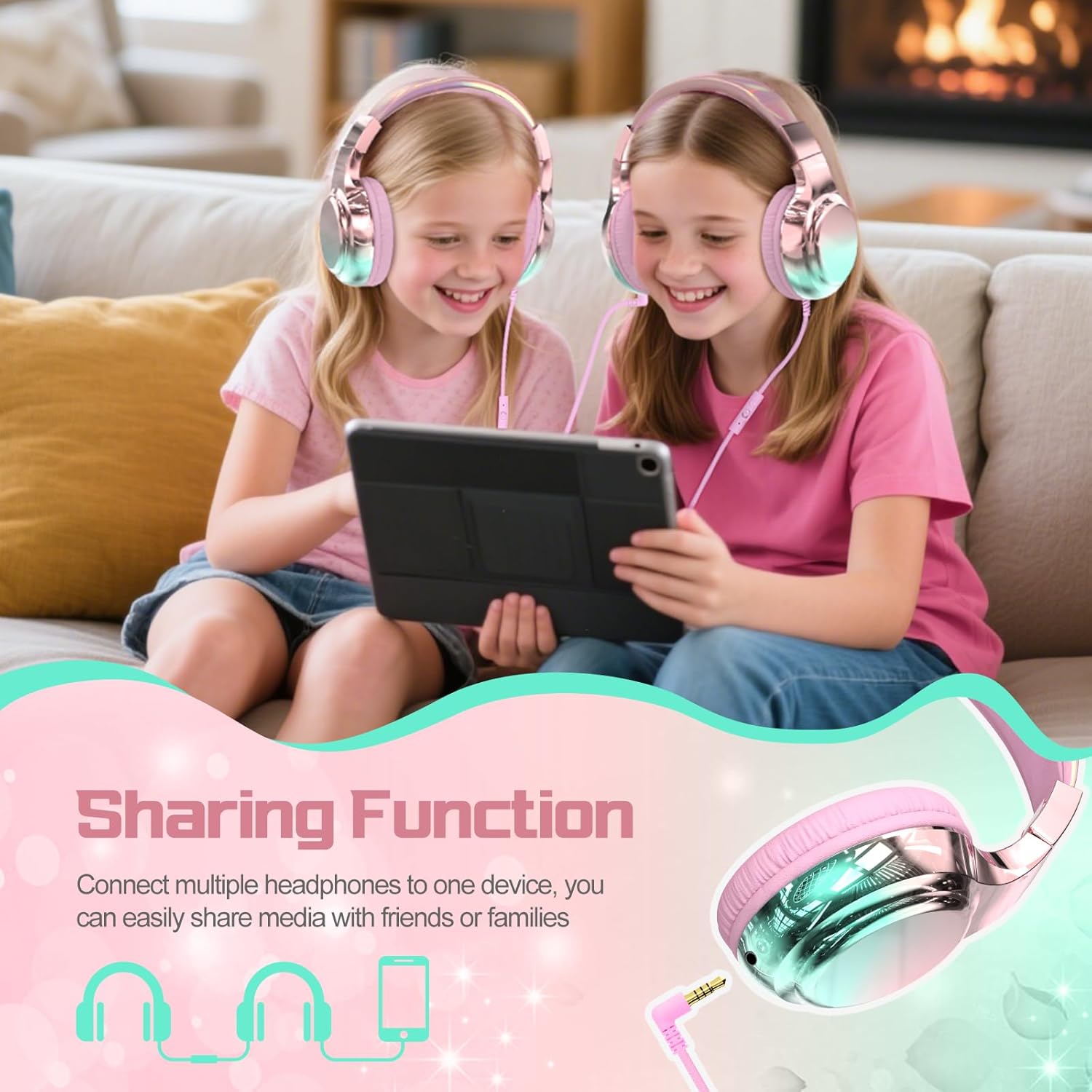
Image: Two children sharing audio from one device using the headphone's sharing port.
Folding for Storage
The headphones are designed to fold compactly for easy storage. Gently fold the earcups inwards towards the headband until they are flat.

Image: The headphones folded into a compact form, ready for storage or travel.
Maintenance
- Cleaning: Use a soft, dry cloth to clean the headphones. Do not use liquid cleaners or aerosols.
- Storage: When not in use, store the headphones in a cool, dry place. Utilize the foldable design for compact storage to prevent damage.
- Cable Care: Avoid sharp bends or excessive pulling on the cable to maintain its integrity. The braided nylon cord is designed to be tangle-free and durable.
Troubleshooting
| Problem | Possible Cause | Solution |
|---|---|---|
| No sound | 1. Headphone jack not fully inserted. 2. Device volume too low or muted. 3. Incorrect volume limit setting. | 1. Ensure 3.5mm jack is fully inserted. 2. Increase device volume and check mute settings. 3. Verify the 85/94dB switch is in the desired position. |
| Microphone not working | 1. Device microphone settings. 2. Connection issue. | 1. Check microphone permissions and settings on your device. 2. Ensure the 3.5mm jack is securely connected. |
| Audio quality is poor | 1. Loose connection. 2. Source audio quality. 3. Volume limit setting. | 1. Re-insert the 3.5mm jack firmly. 2. Test with different audio sources. 3. Adjust the 85/94dB switch if sound is too low in noisy environments. |
Specifications
- Model Name: Laser Wired Headphone-Pink
- Connectivity Technology: Wired (3.5mm Jack)
- Audio Driver Size: 40 Millimeters
- Noise Control: Sound Isolation
- Volume Limit: Switchable 85dB / 94dB
- Microphone: Built-in
- Cable Feature: Tangle Free Braided Nylon Cord
- Material: Electroplating process, Plastic
- Age Range (Recommended): Over 3 years old
- Compatible Devices: Cellphones, Desktops, Gaming Consoles, Laptops, Tablets, Portable Media Player
- Product Dimensions: 4.88 x 3.27 x 6.18 inches
- Item Weight: 7.4 ounces (0.21 Kilograms)
Warranty and Support
For warranty information or technical support, please refer to the product packaging or contact QearFun customer service directly. Keep your purchase receipt as proof of purchase.

