
Introduction
Thank you for choosing the iWALK Portable Charger. This 10,000mAh power bank is designed for convenient and fast charging of your electronic devices on the go. Featuring a built-in retractable USB-C cable, multiple output ports, and a smart LED display, it provides a reliable power solution for your smartphones, tablets, and other compatible gadgets.

Image: The iWALK Portable Charger in black, showing the retractable USB-C cable being inserted into its housing.
Product Features
- 10,000 mAh High Capacity: Provides sufficient power for nearly two full charges for most smartphones, ensuring extended device usage.
- 30W PD Bi-Directional Fast Charging: Supports Power Delivery (PD) for rapid charging of both the power bank itself and connected devices. Recharge the power bank to 50% in approximately 45 minutes, or charge an iPhone 16 Pro Max to 60% in about 30 minutes.
- Built-in 2.3ft Retractable USB-C Cable: Eliminates the need for carrying extra cables, offering a tangle-free and convenient charging experience. The cable extends up to 2.3 feet (approximately 27 inches).
- Triple Device Simultaneous Charging: Equipped with one built-in PD USB-C cable, one PD USB-C port, and one QC USB-A port, allowing you to charge up to three devices concurrently.
- Smart LED Display: A clear digital display indicates the remaining battery percentage of the power bank, so you always know your power status.
- Compact and Portable Design: Designed to be pocket-sized and lightweight (6.8 ounces), making it easy to carry for daily use or travel.
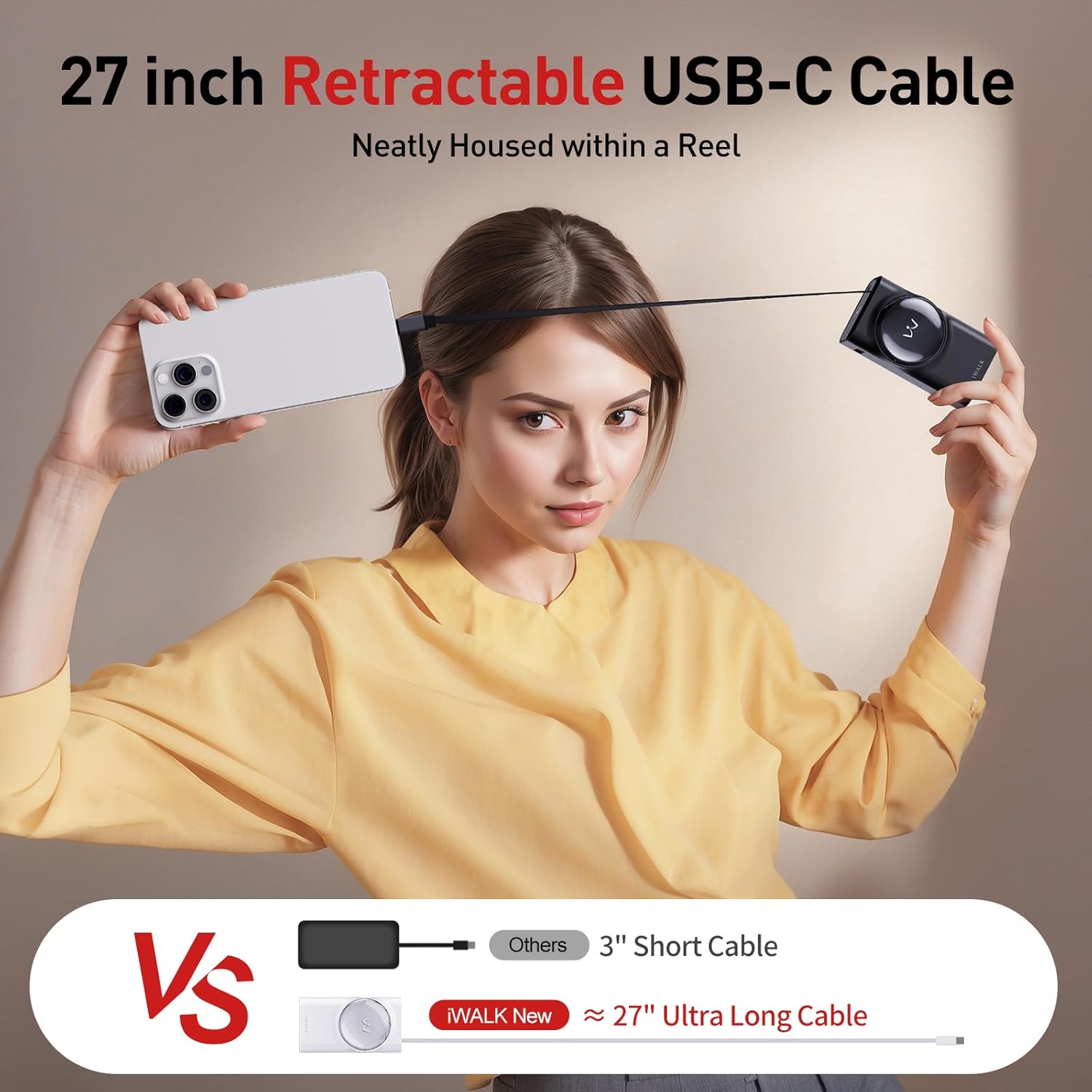
Image: The 2.3ft (27-inch) retractable USB-C cable fully extended from the power bank.
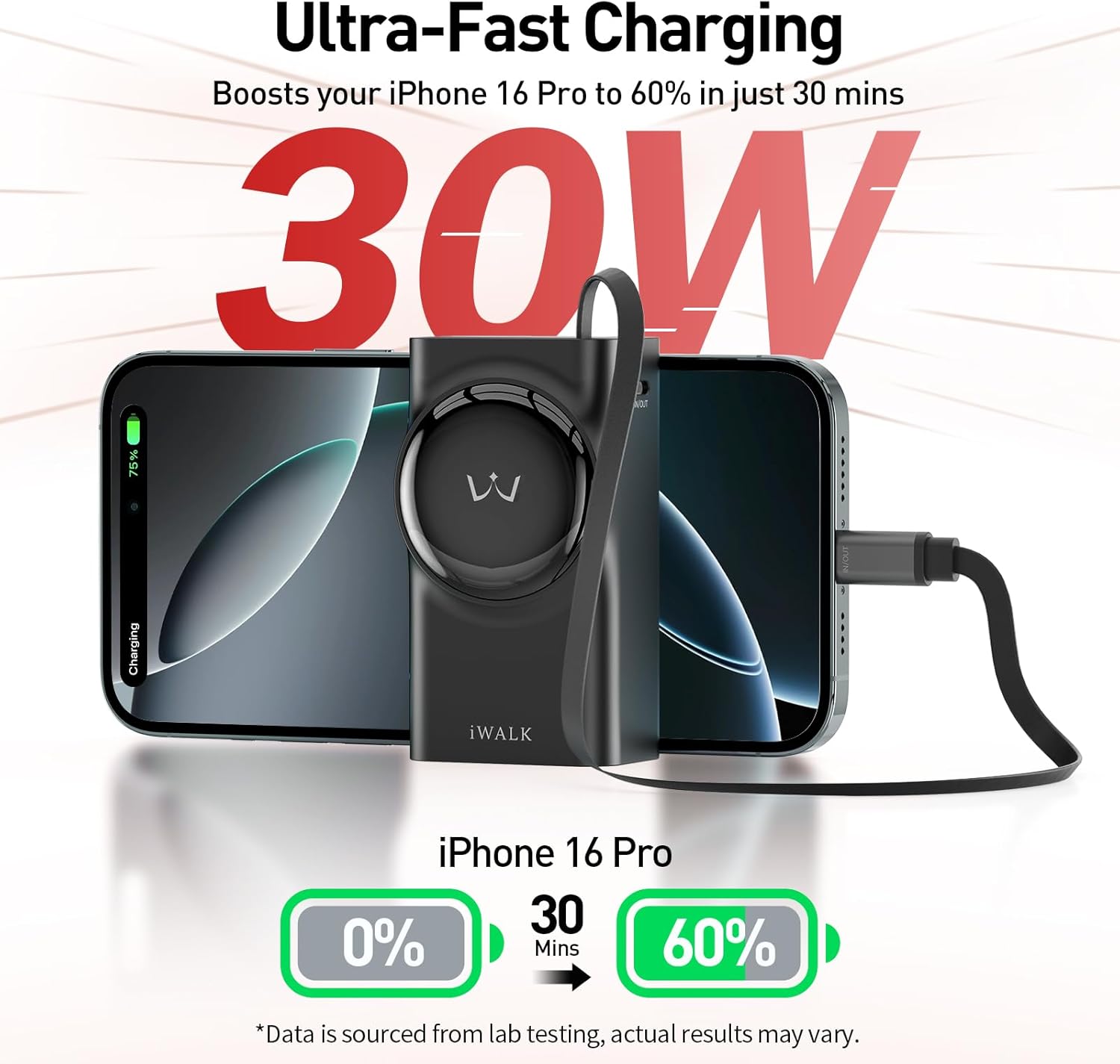
Image: Illustration of 30W fast charging, showing an iPhone 16 Pro charging from 0% to 60% in 30 minutes.

Image: The power bank connected to and charging three different devices simultaneously using its multiple output ports.
Setup and Initial Use
1. Unboxing
Carefully remove the iWALK Portable Charger and its accessories from the packaging. The box should contain:
- 1 x iWALK Power Bank with Built-in 2.3ft Retractable USB-C Cable
- 1 x Extra USB-C to USB-C Cable
- 1 x Welcome Guide
2. Initial Charging of the Power Bank
Before first use, it is recommended to fully charge your iWALK Portable Charger. Use the provided USB-C to USB-C cable or the built-in retractable cable to connect the power bank to a compatible USB wall adapter (not included) or a computer's USB port. The smart LED display will show the charging progress.
A full charge typically takes approximately 1.5 hours with a 30W PD charger.
Operating Instructions
1. Charging Your Devices
The iWALK Portable Charger offers three ways to charge your devices:
- Using the Built-in Retractable USB-C Cable: Gently pull the USB-C connector from its housing until the cable extends to your desired length (up to 2.3ft). Plug the USB-C connector into your compatible device. The power bank will automatically begin charging. To retract the cable, gently pull it slightly further, and it will automatically rewind into the housing.
- Using the USB-C Output Port: Connect your device's USB-C charging cable (if different from the built-in one) to the USB-C output port on the power bank.
- Using the USB-A Output Port: Connect your device's USB-A charging cable to the USB-A output port on the power bank.
The LED display will show the remaining battery percentage of the power bank while charging your devices.
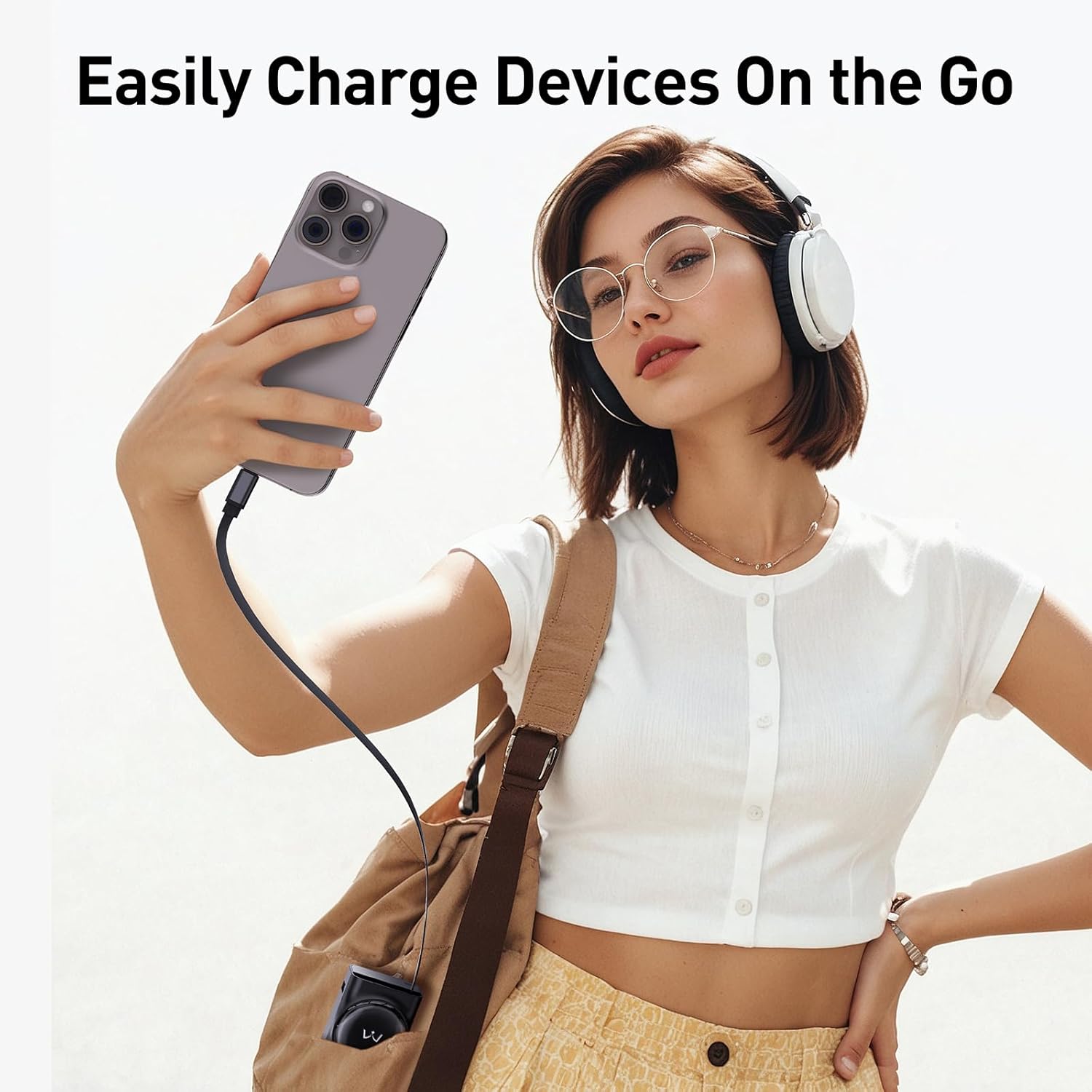
Image: A user charging their phone on the go using the retractable cable.
2. Recharging the Power Bank
To recharge the iWALK Portable Charger, use the provided USB-C to USB-C cable or the built-in retractable cable. Connect the power bank to a USB wall charger or a computer's USB port. The LED display will show the charging status, indicating when it is fully charged (100%).
3. Understanding the LED Display
The digital LED display provides real-time information about the power bank's battery level. When charging or discharging, the percentage will update to reflect the current battery status.
Maintenance and Care
- Keep the power bank away from extreme temperatures, direct sunlight, and liquids.
- Avoid dropping or subjecting the device to strong impacts.
- Clean the power bank with a soft, dry cloth. Do not use harsh chemicals or abrasive materials.
- Store the power bank in a cool, dry place when not in use. For long-term storage, it is recommended to charge the power bank to about 50% every three months to maintain battery health.
Troubleshooting
| Problem | Possible Solution |
|---|---|
| Power bank not charging | Ensure the charging cable is securely connected to both the power bank and the power source. Try a different USB wall adapter or USB port. |
| Device not charging from power bank | Check if the power bank has sufficient charge (check LED display). Ensure the cable connecting the device to the power bank is securely plugged in. Try a different output port or cable. Verify device compatibility. |
| Retractable cable not extending/retracting smoothly | Gently pull the cable slightly further to engage the retraction mechanism. Avoid forcing the cable. Ensure no debris is obstructing the mechanism. |
| LED display not working | Press the power button to activate the display. If it remains off, the power bank might be completely discharged or require service. |
Specifications
- Model: LPR001C
- Battery Capacity: 10,000 mAh
- Input (USB-C Port): 5V/3A, 9V/3A, 12V/2.5A, 15V/2A, 20V/1.5A (30W Max)
- Output (Built-in USB-C Cable): 5V/3A, 9V/3A, 12V/2.5A, 15V/2A, 20V/1.5A (30W Max)
- Output (USB-C Port): 5V/3A, 9V/3A, 12V/2.5A, 15V/2A, 20V/1.5A (30W Max)
- Output (USB-A Port): 5V/3A, 9V/2A, 12V/1.5A (18W Max)
- Total Output: 30W Max
- Weight: 6.8 ounces
- Cable Length: 2.3 feet (retractable USB-C)
Safety Information
- Do not disassemble, open, or shred the battery pack.
- Do not expose the power bank to heat or fire. Avoid storage in direct sunlight.
- Do not short-circuit the battery pack. Do not store battery packs haphazardly in a box or drawer where they may short-circuit each other or be short-circuited by conductive materials.
- Do not subject the battery pack to mechanical shock.
- In the event of a battery leaking, do not allow the liquid to come into contact with the skin or eyes. If contact has been made, wash the affected area with copious amounts of water and seek medical advice.
- Keep the power bank clean and dry.
- Do not leave a battery on prolonged charge when not in use.
- Do not use any charger other than that specifically provided for use with the equipment.
- Do not use any battery pack which is not designed for use with the equipment.
- Battery usage by children should be supervised.
Official Product Video
Video: An official product video from iWALK Direct showcasing the features of the iWALK Power Bank with built-in retractable USB-C cable, 10,000mAh capacity, and 30W fast charging capabilities.
Warranty and Support
For warranty information or technical support, please refer to the contact details provided in your Welcome Guide or visit the official iWALK website. Keep your purchase receipt for warranty claims.


