
1. Introduction
This manual provides detailed instructions for the installation, operation, and maintenance of your ANNKE C1200 12MP PoE IP Camera. Please read this manual thoroughly before using the product to ensure proper setup and functionality. This camera is designed for outdoor surveillance, offering high-resolution imaging, advanced detection capabilities, and versatile night vision modes.

Figure 1: ANNKE C1200 12MP PoE IP Camera with included Ethernet cable.
2. Setup and Installation
Follow these steps to set up your ANNKE C1200 PoE IP Camera.
2.1 Package Contents
- ANNKE C1200 12MP PoE IP Camera
- Mounting Screws and Plugs
- Waterproof Kit for Ethernet Connector
- Quick Start Guide (refer to this manual for full details)
- Ethernet Cable (may be included depending on package)
2.2 Connecting the Camera
The C1200 camera uses Power over Ethernet (PoE) for both power and data transmission, simplifying installation.
- Prepare the Ethernet Cable: Ensure you have a standard Ethernet cable. For outdoor installations, use a waterproof connector.
- Connect to PoE Device: Connect one end of the Ethernet cable to the camera's Ethernet port. Connect the other end to a PoE-enabled NVR, PoE switch, or PoE injector.
- Power On: Once connected to a PoE source, the camera will power on automatically.
- Network Configuration: Refer to your NVR or ANNKE APP instructions for initial network configuration and device discovery.

Figure 2: Connection diagram illustrating the PoE camera connected to an NVR using a 30m/100ft Ethernet cable.
2.3 Mounting the Camera
The C1200 is a bullet-style camera suitable for ceiling or wall mounting.
- Choose a Location: Select a mounting location that provides the desired viewing angle and is within range of your Ethernet cable. Consider areas that offer optimal coverage and are protected from direct impact.
- Drill Pilot Holes: Use the provided mounting template (if available) or mark the positions for drilling. Drill pilot holes for the mounting screws.
- Secure the Camera: Attach the camera base to the mounting surface using the screws and wall plugs.
- Adjust Angle: Loosen the adjustment screws on the camera body to position the camera for the desired field of view. Tighten the screws once the angle is set.

Figure 3: The ANNKE C1200 camera features IP67 dust and weatherproof construction, along with a built-in microphone for audio recording.
3. Operation
The ANNKE C1200 camera offers advanced features for effective surveillance.
3.1 High-Resolution Video
The camera captures video at 12MP (4096x3072) resolution, providing clear and detailed images.

Figure 4: Visual representation of the 12MP Ultra HD resolution, showcasing enhanced detail in a typical outdoor surveillance scenario.
3.2 Smart Dual Light Night Vision
The camera features three night vision modes for optimal visibility in low-light conditions:
- IR Night Vision Mode: Default black and white vision using infrared illumination, effective up to 100ft.
- Color Night Vision Mode: Provides full-color images in low-light conditions (above 0.005 Lux).
- Human & Vehicle Triggered Color Mode: Automatically switches from IR to color night vision when human or vehicle motion is detected.

Figure 5: Illustration of the three distinct night vision modes available on the C1200 camera, demonstrating their visual output.
3.3 Human & Vehicle Detection
Utilize advanced AI to accurately detect human and vehicle movements, significantly reducing false alarms from other sources like animals or swaying branches. This feature helps focus on relevant events.

Figure 6: The camera's AI-powered human and vehicle detection system, showing on-screen identification and a push notification example.
3.4 Recording and Storage
The camera supports various recording options and storage methods:
- MicroSD Card: Supports up to 512GB microSD cards (not included) for local storage.
- NVR Storage: Compatible with ANNKE NVRs for extended recording and centralized management.
- Recording Modes: Continuous, Cyclical, Scheduled, and Motion Detection recording are available.

Figure 7: The camera's microSD card slot, capable of supporting up to 512GB, and its compatibility with ANNKE NVR systems.

Figure 8: Overview of the smart search and playback interface, detailing various recording options and event timeline.
3.5 Remote Access and Control
Access and control your C1200 camera remotely using the ANNKE APP on your smartphone. This allows for live viewing, playback, and configuration adjustments from anywhere.
4. Maintenance
Regular maintenance ensures optimal performance and longevity of your camera.
- Cleaning: Gently wipe the camera lens and body with a soft, damp cloth. Avoid abrasive cleaners or solvents.
- Firmware Updates: Periodically check for and install firmware updates via the ANNKE APP or official website to ensure the latest features and security patches.
- Cable Inspection: Inspect the Ethernet cable and connections for any signs of wear or damage, especially in outdoor environments.
- Storage Management: Regularly review recorded footage and manage storage space on your microSD card or NVR.
5. Troubleshooting
If you encounter issues with your ANNKE C1200 camera, refer to the following common problems and solutions.
5.1 No Power/No Image
- Check PoE Connection: Ensure the Ethernet cable is securely connected to both the camera and the PoE device (NVR/switch/injector).
- Verify PoE Source: Confirm that your PoE device is powered on and providing power. Check its status indicators.
- Cable Integrity: Test the Ethernet cable for damage or try a different cable.
5.2 Poor Image Quality
- Clean Lens: Ensure the camera lens is clean and free from dust, dirt, or smudges.
- Lighting Conditions: Verify that lighting conditions are adequate for the chosen night vision mode.
- Network Bandwidth: Ensure sufficient network bandwidth for high-resolution streaming. A stable 100 Mbps connection is recommended.
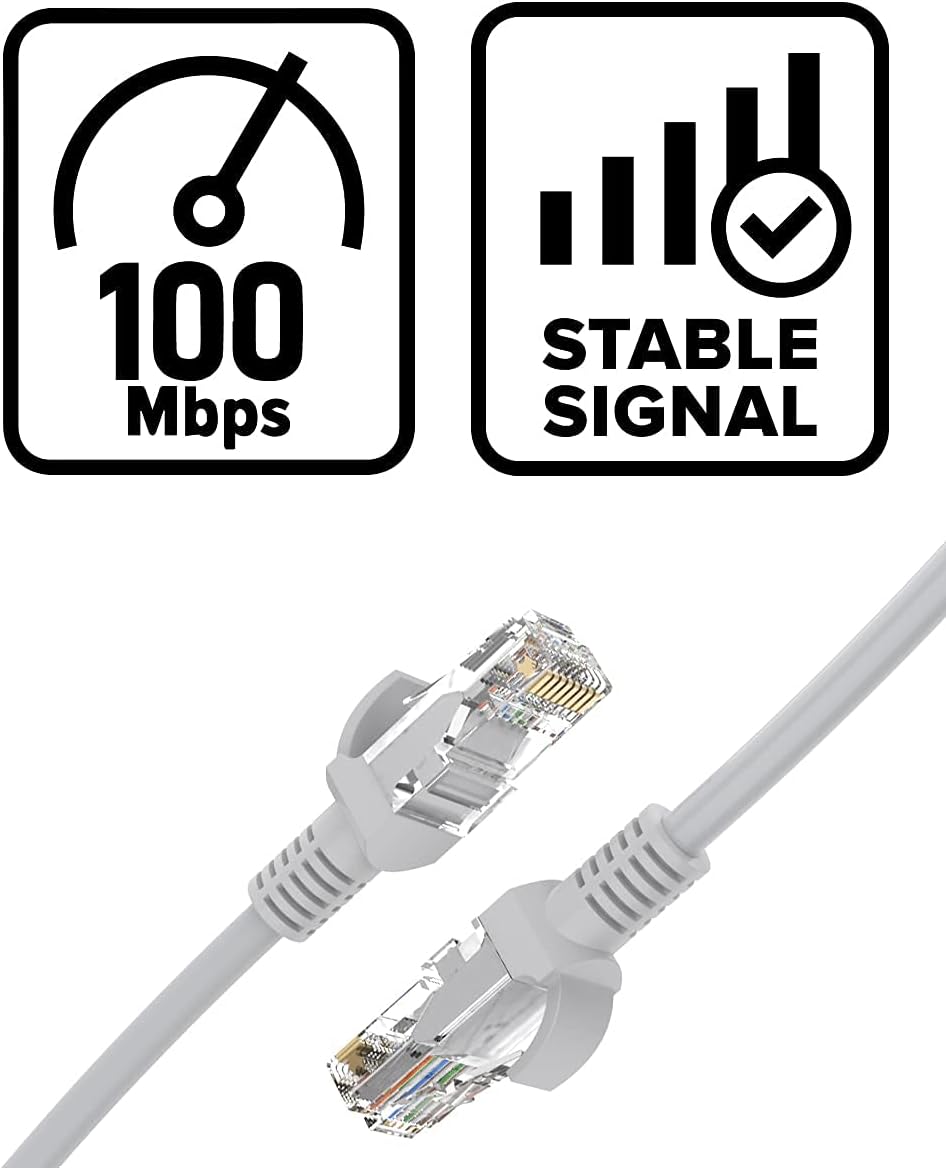
Figure 9: Visual representation of recommended network performance: 100 Mbps speed and a stable signal for optimal camera operation.
5.3 False Alarms
- Adjust Detection Sensitivity: Lower the sensitivity settings for human/vehicle detection in the ANNKE APP or NVR interface.
- Define Detection Zones: Configure specific detection zones to exclude areas with irrelevant motion (e.g., public roads, swaying trees).
5.4 Remote Access Issues
- Internet Connection: Ensure both your camera's network and your smartphone's internet connection are stable.
- APP Version: Update the ANNKE APP to the latest version.
- Firewall/Router Settings: Check your router's firewall settings to ensure they are not blocking camera access.
6. Specifications
| Feature | Detail |
|---|---|
| Model | C1200 |
| Effective Still Resolution | 12 MP (4096x3072) |
| Video Capture Resolution | 1080p (for general streaming, higher for recording) |
| Photo Sensor Technology | CMOS (1/2.7" progressive scan BSI CMOS) |
| Night Vision Range | 100 Feet (IR & Color) |
| Form Factor | Bullet |
| Mounting Type | Ceiling Mount |
| Wireless Communication Technology | Wi-Fi (Note: Primary connection is PoE Ethernet) |
| Alert Type | Motion Only (Human/Vehicle Detection) |
| Compatible Devices | Smartphone, ANNKE NVR |
| Controller Type | Amazon Alexa (via ANNKE APP integration) |
| Storage Support | Up to 512GB microSD Card (not included), NVR |
| Weatherproof Rating | IP67 |
7. Warranty and Support
ANNKE products are designed for reliability and performance. For warranty information, technical support, or service inquiries, please visit the official ANNKE website or contact their customer support team.
ANNKE Official Website: www.annke.com
Please have your product model (C1200) and purchase details ready when contacting support.