
Introduction
The World Tech Toys Marvel Thor Flying Toy is a motion-sensing flying orb designed for interactive play. This officially licensed Marvel toy allows users to guide its flight with simple hand movements, eliminating the need for a traditional remote control. Featuring a dual-rotor system for stable flight and constructed from lightweight, durable materials, it is suitable for both indoor and outdoor use. The toy is equipped with a rechargeable battery and includes a USB charging cable for convenience.
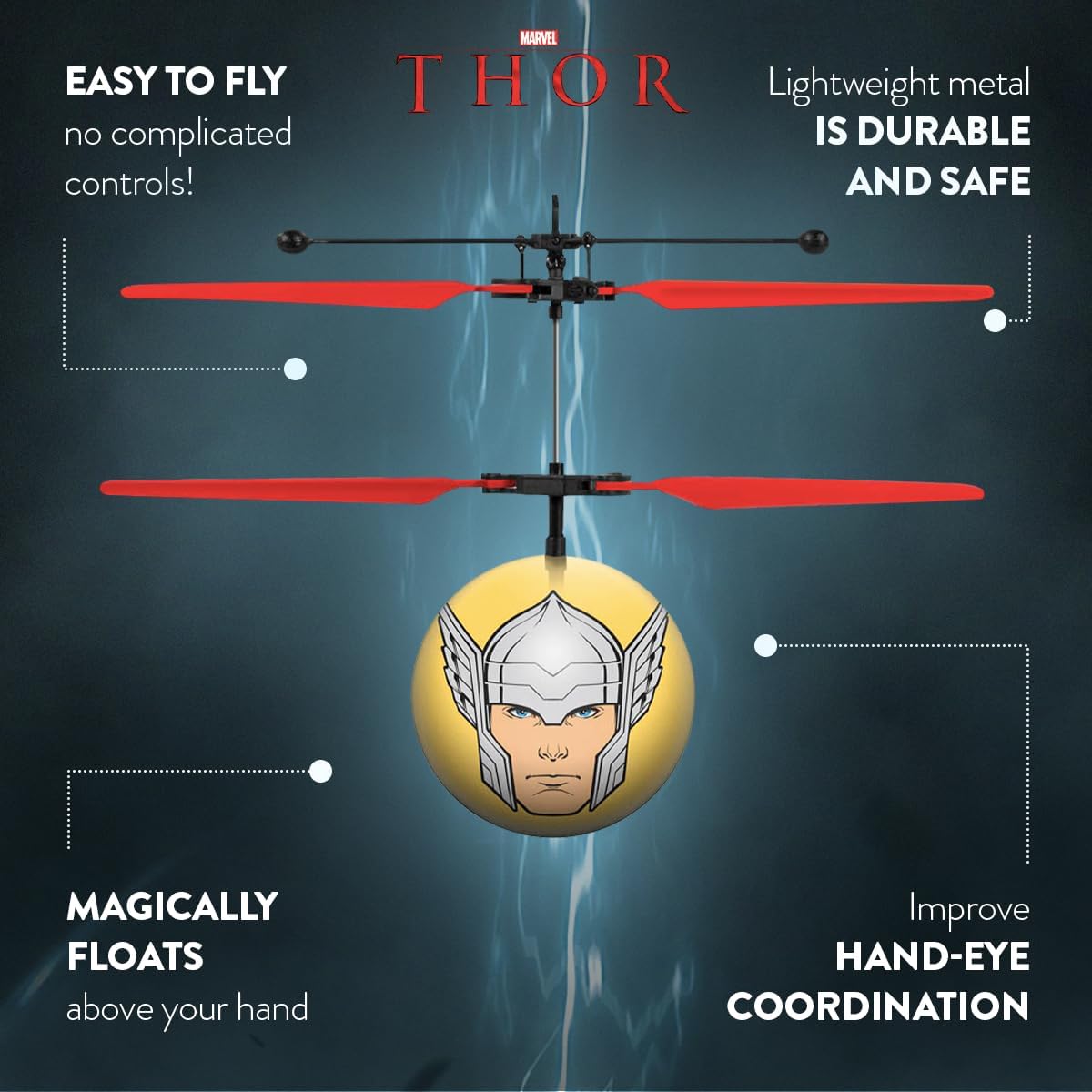
Image: The Marvel Thor Flying Toy hovering, demonstrating its motion-sensing capabilities and lightweight design.
Safety Information
- Age Recommendation: This toy is recommended for children ages 6 and up.
- Adult Supervision: Adult supervision is recommended, especially during initial use.
- Indoor/Outdoor Use: Designed for both indoor and outdoor use. Ensure a clear, open space free from obstacles, people, or pets during operation.
- Avoid Obstacles: Do not fly near faces, hair, or loose clothing. Keep hands and fingers away from rotating blades.
- Battery Safety: Use only the provided USB charging cable. Do not attempt to modify or puncture the battery.
- Water Exposure: Keep the toy away from water or damp conditions to prevent damage to electronic components.
What's in the Box
Carefully unpack all components and ensure the following items are present:
- Marvel Thor Flying Toy
- USB Charging Cable
- Internal Lithium-Ion Polymer Battery (pre-installed)

Image: The product packaging displaying the Marvel Thor Flying Toy and the included USB charging cable.
Setup
Charging the Toy
The Marvel Thor Flying Toy is powered by an internal rechargeable Lithium-Ion Polymer battery. Before first use, fully charge the toy.
- Locate the charging port on the toy.
- Connect the small end of the provided USB charging cable to the toy's charging port.
- Connect the larger end of the USB charging cable to a standard USB power source (e.g., computer USB port, USB wall adapter, power bank).
- The toy's indicator light will illuminate during charging and turn off or change color when fully charged.
- Charging typically takes approximately 30-45 minutes. Do not overcharge.

Image: The Marvel Thor Flying Toy connected to a USB charging cable, illustrating the charging process.
Operating Instructions
The Marvel Thor Flying Toy uses motion-sensing technology for hands-free control.
- Power On: Locate the power switch (ON/OFF) on the toy and slide it to the 'ON' position. The toy's lights will illuminate, and the propellers will begin to spin.
- Launch: Hold the flying ball vertically for 3-5 seconds. Gently release it, and it will ascend.
- Height Control: The toy features motion sensors on its underside. To make the toy ascend, place your hand underneath it. The sensors will detect your hand and cause the toy to rise. Lower your hand to allow the toy to descend.
- Directional Control: Guide the toy by moving your hand to direct its flight path. It will generally move away from obstacles detected by its sensors.
- Landing: To land the toy, simply lower your hand and allow it to descend naturally. You can also gently catch it from below when it is close to the ground.
- Power Off: After playing, slide the power switch to the 'OFF' position to conserve battery life.

Image: A four-panel graphic illustrating the steps to open the switch, hold the flying ball, control height by hand, and enjoy the toy.
Official Product Video
Video: An official product video demonstrating the Marvel Thor Flying Toy in action, showcasing its motion-sensing flight and ease of use.
Maintenance
Cleaning
To maintain the toy's performance and appearance:
- Wipe the toy gently with a clean, dry cloth.
- Do not use harsh chemicals or abrasive cleaners.
- Ensure no dust or debris accumulates around the propellers or sensors.
Battery Care
Proper battery care extends the life of your toy:
- Always use the provided USB charging cable.
- Avoid completely draining the battery before recharging.
- Store the toy in a cool, dry place when not in use.
- If storing for an extended period, charge the battery to approximately 50% capacity.
Troubleshooting
| Problem | Possible Cause | Solution |
|---|---|---|
| Toy does not turn on. | Battery is depleted. | Charge the toy using the USB cable. |
| Toy does not fly or flies erratically. | Low battery. Obstruction in propellers. Sensors are dirty. | Recharge the toy. Check for and remove any debris from propellers. Gently clean the underside sensors. |
| Toy does not respond to hand gestures. | Sensors are blocked or dirty. Insufficient light. | Ensure nothing is blocking the underside sensors. Clean sensors if necessary. Operate in a well-lit area. |
| Charging indicator light does not come on. | Cable not properly connected. USB power source not active. | Ensure USB cable is securely connected to both the toy and the power source. Try a different USB port or power adapter. |
Specifications
- Brand: World Tech Toys
- Model Name: MarvelHeli-P
- Model Number: 36261
- Power Source: Battery Powered (Lithium-Ion Polymer)
- Charging: USB Charging Cable (included)
- Material: Plastic
- Item Weight: 0.25 Pounds
- Item Dimensions: 2 x 4.5 x 2 inches
- Recommended Age: 6+ years (Manufacturer Minimum Age: 72 months)
- Operation Mode: Manual (Motion Sensing)
Warranty and Support
For product support, troubleshooting assistance, or warranty inquiries, please contact World Tech Toys customer service. Refer to the product packaging or the official World Tech Toys website for the most current contact information.
Please retain your proof of purchase for any warranty claims.