
1. Introduction
The Flipo F-RPZOOM is a portable, compact, and lightweight magnifying glass designed for enhancing visibility of fine print and small objects. It features a 5X magnifying lens and an integrated white LED light for illumination in low-light conditions. This device includes a rechargeable Li-Ion battery and a convenient keyring attachment for portability. This manual provides instructions for the proper use and care of your Flipo F-RPZOOM magnifying glass.
2. Product Features
- 5X Magnification: High-quality lens provides 5 times magnification for detailed viewing.
- Integrated LED Light: Push-button activated LED light for bright, focused illumination.
- Ultra-Portable Design: Compact dimensions (approximately 3.75” x 2.165” x 0.6”) and lightweight construction for easy carrying.
- Rechargeable Battery: Built-in Li-Ion battery with USB-C charging capability.
- Keyring Attachment: For convenient attachment to keys, bags, or lanyards.
- Ergonomic Shape: Smooth, tapered edges for comfortable handling.
3. Setup and Charging
3.1 Initial Charging
Before first use, fully charge the magnifying glass. Use the included USB-C charging cable to connect the device to a compatible USB power source (e.g., computer USB port, wall adapter). The charging indicator (if present) will typically show the charging status and turn off or change color when fully charged.

Image: The Flipo F-RPZOOM magnifying glass shown connected to a USB-C charging cable, illustrating the charging port location.
3.2 Attaching the Keyring
The magnifying glass comes with an attached keyring. You can use this to secure the device to your keys, bag, or a lanyard for easy access and to prevent misplacement.

Image: The Flipo F-RPZOOM magnifying glass in gold, showcasing its compact size and the attached keyring.
4. Operating Instructions
4.1 Using the Magnifier
Hold the magnifying glass approximately 1-2 inches (2.5-5 cm) above the object or text you wish to magnify. Adjust the distance until the image appears clear and in focus. The 5X magnification is suitable for reading small print, examining details on coins, jewelry, or other small items.

Image: The Flipo F-RPZOOM magnifying glass in use, demonstrating its ability to enlarge text on a document.
4.2 Activating the LED Light
To turn on the integrated LED light, press the circular button located on the front of the device. Press the button again to turn the light off. The LED light provides additional illumination, which is particularly useful in dimly lit environments or for objects requiring extra brightness.

Image: The Flipo F-RPZOOM magnifying glass held in a hand, with its LED light active, illustrating its compact size and ergonomic design.
5. Maintenance
5.1 Cleaning the Lens
To clean the lens, gently wipe it with a soft, lint-free cloth. For stubborn smudges, a small amount of lens cleaning solution can be applied to the cloth, not directly to the lens. Avoid using abrasive materials or harsh chemicals, as these can scratch or damage the lens surface.
5.2 Charging Practices
Recharge the device when the LED light dims or fails to turn on. Use only the provided USB-C cable or a compatible high-quality USB-C cable. Avoid overcharging by disconnecting the device once fully charged. Do not expose the device to extreme temperatures during charging.
5.3 Storage
Store the magnifying glass in a clean, dry place away from direct sunlight and extreme temperatures. Keeping it in a protective pouch (not included) can help prevent scratches to the lens and body.
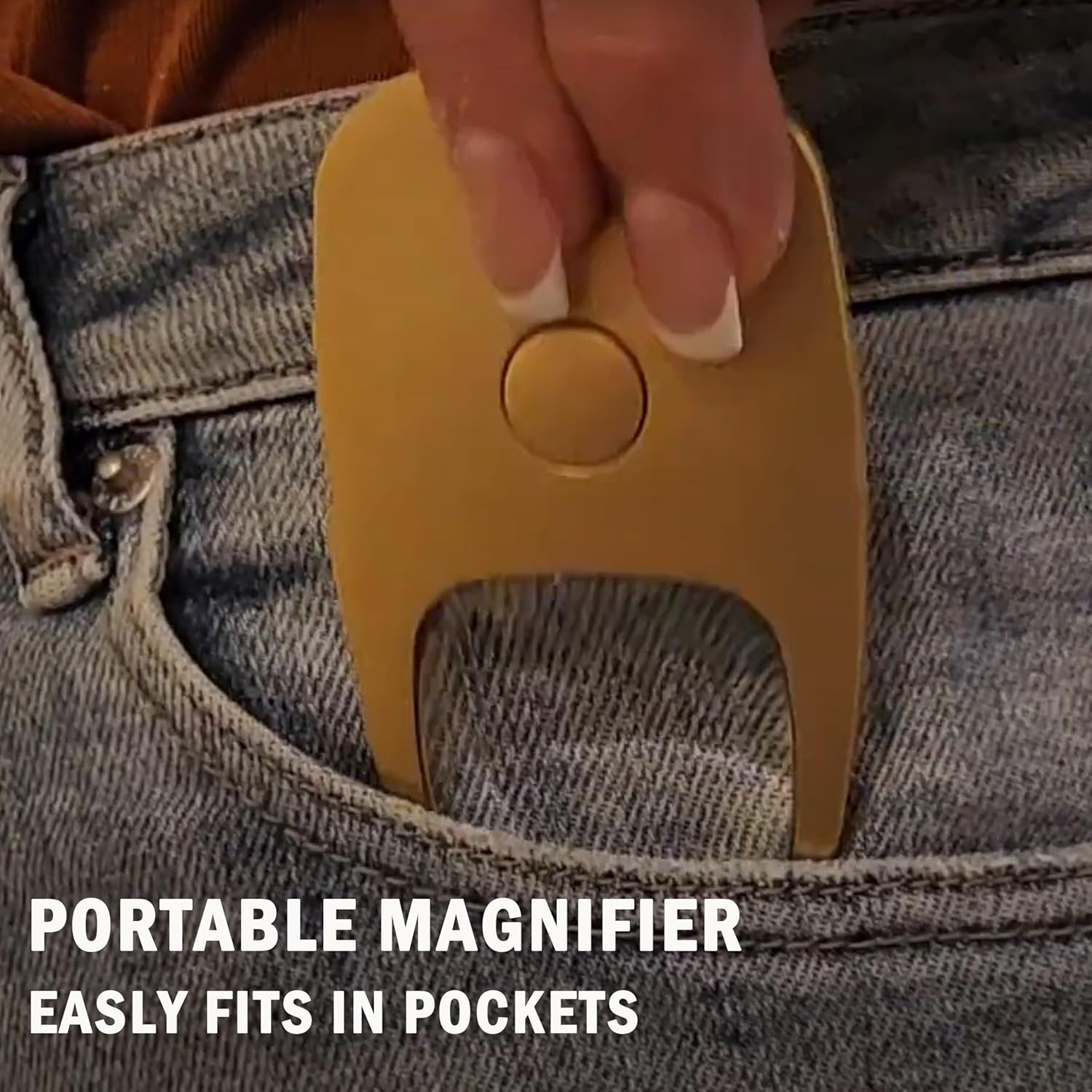
Image: The Flipo F-RPZOOM magnifying glass being easily slipped into a pocket, highlighting its portable design.
6. Troubleshooting
- LED Light Not Turning On:
- Ensure the device is charged. Connect it to a USB-C power source and allow it to charge for at least 30 minutes.
- Press the power button firmly.
- Magnified Image Appears Blurry or Distorted:
- Adjust the distance between the magnifying glass and the object. Optimal focus is typically achieved at a specific distance.
- Clean the lens surface for any smudges or dust.
- Device Not Charging:
- Ensure the USB-C cable is securely connected to both the device and the power source.
- Try using a different USB-C cable or power adapter to rule out cable/adapter issues.
- Verify the power source is active.
7. Specifications
| Feature | Specification |
|---|---|
| Brand | Flipo |
| Model Number | F-RPZOOM |
| Magnification Strength | 5X |
| Light Source | Integrated LED |
| Power Source | Rechargeable Li-Ion Battery |
| Charging Port | USB-C |
| Product Dimensions | 3.75"L x 2.25"W (approx. 9.5 cm L x 5.7 cm W) |
| Item Weight | 2.4 ounces (approx. 68 grams) |
| Lens Material | Plastic |
| Handle Material | Plastic |
| Color (as reviewed) | Gold |
8. Warranty and Support
For warranty information or technical support, please refer to the product packaging or contact Flipo Group LTD directly. Contact details can typically be found on the manufacturer's official website or through the retailer where the product was purchased.