
Introduction
Thank you for choosing the GenSDH Portable Evaporative Air Cooler. This device is designed to provide personal cooling by utilizing natural water evaporation technology. It functions as an air cooler, fan, and dehumidifier, creating a comfortable environment in your home or dormitory. This manual provides essential information for the safe and efficient operation, setup, and maintenance of your evaporative air cooler.
Key features include:
- Personal cooling zone creation through water evaporation.
- Helps maintain skin moisture and provides fresh air.
- Equipped with four casters for easy mobility.
- Suitable for hot and dry climates with low air humidity.
- Quiet operation, ideal for sleeping, reading, or working environments.
- Automatic shut-off for cold air mode when water tank is empty, transitioning to fan mode.
- Compact and portable design, safe for use around children and pets due to no exposed fan blades.
Setup Instructions
- Unpacking: Carefully remove the air cooler from its packaging. Retain all packaging materials for future storage or transport.
- Placement: Place the air cooler on a flat, stable, and level surface. Ensure the unit remains balanced and do not tilt it during operation to prevent water spillage.
- Water Filling:

Image: The water tank level indicator, showing 'high' and 'low' marks for proper filling.
Open the water tank cover. Add pure water or household tap water. To ensure optimal cooling function, avoid adding water beyond the 3/4 full mark. Do not overfill the tank. You may add small ice cubes or essential oils to the water for enhanced cooling or fragrance, if desired. - Power Connection: Plug the power cord into a suitable electrical outlet. Ensure the voltage matches the specifications of the unit.
Operating Instructions
The GenSDH Portable Evaporative Air Cooler features a mechanical control panel and can also be operated via remote control.
Control Panel Overview

Image: Close-up of the control panel showing various function buttons and indicator lights for timer settings (6H, 4H, 2H).
- Power On/Off: Press the 'Power Supply' button on the control panel or remote control to turn the unit on or off.
- Cold Wind Mode: Press the 'Cold Wind' button to activate the evaporative cooling function. This mode requires water in the tank. If the water tank runs out, the unit will automatically switch to normal fan mode. A warning light may indicate low water levels.
- Wind Speed Adjustment: Use the 'Wind Speed' button to cycle through the 3 available fan speeds (low, medium, high).
- Wind Type: Select different wind modes (e.g., normal, natural, sleep) using the 'Wind Type' button, if available.
- Swing Function: Press the 'Swing' button to activate or deactivate the oscillation feature, which helps distribute air evenly across a wider area.
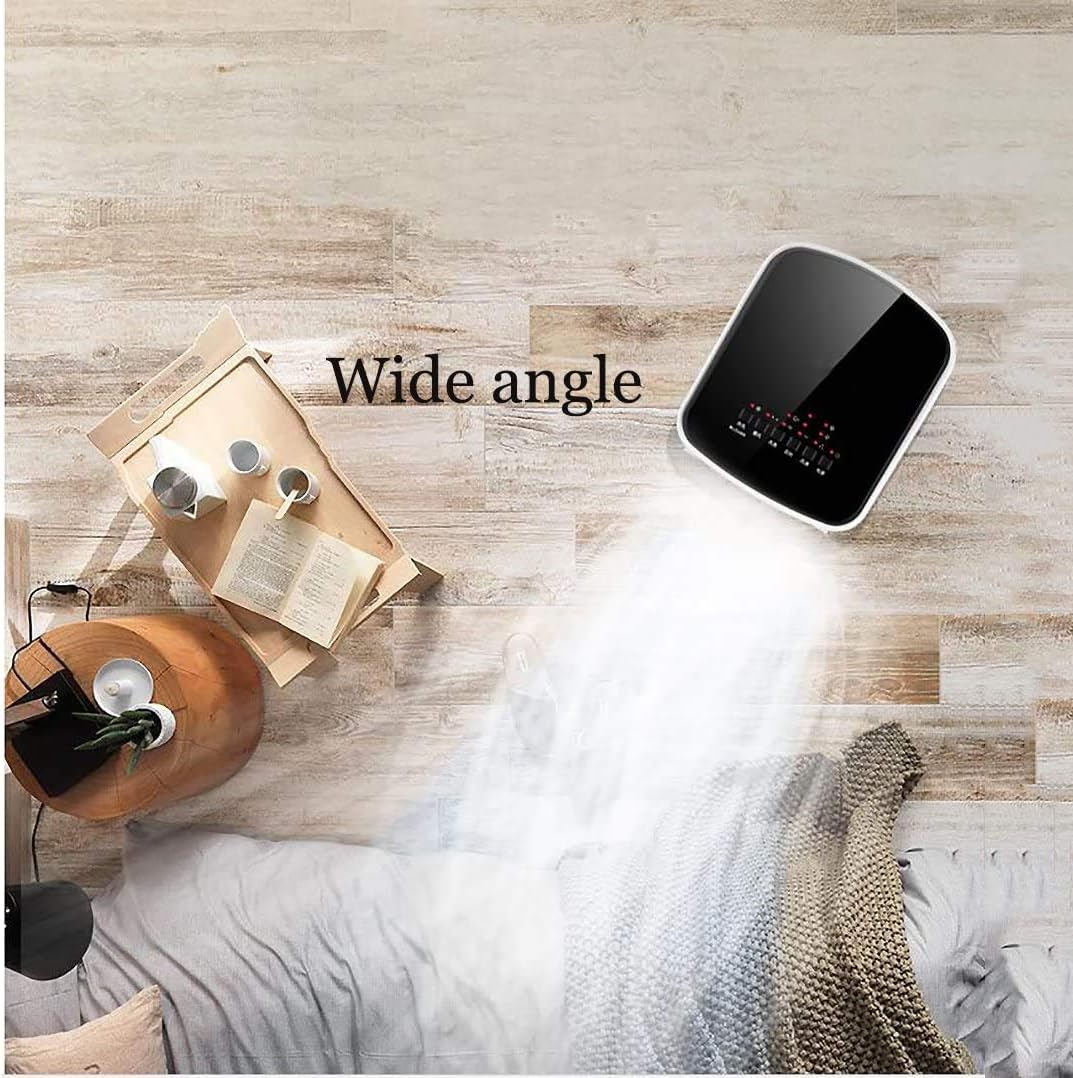
Image: An overhead view illustrating the wide-angle air distribution from the evaporative cooler.
- Timer Setting: Use the 'Timing' button to set an operating duration (e.g., 2H, 4H, 6H). The unit will automatically turn off after the set time.
- Remote Control:

Image: The evaporative cooler shown with its remote control, indicating intelligent remote operation.
The included remote control allows for convenient operation of all functions from a distance. Ensure the remote control has working batteries.
Maintenance
Regular maintenance ensures the longevity and efficient performance of your evaporative air cooler.
- Water Tank Cleaning: To prevent scale buildup and maintain hygiene, empty the water tank completely after each use. Clean the water tank once a week using a cup brush or toothbrush with mild soap and water. Rinse thoroughly.
- Filter Cleaning:

Image: A detailed view of the internal filter, which should be cleaned regularly.
Periodically check and clean the air filter to ensure optimal airflow and cooling efficiency. Refer to the product diagram for filter location. Gently remove the filter and rinse it under running water. Allow it to dry completely before reinserting. - Exterior Cleaning: Wipe the exterior of the unit with a soft, damp cloth. Do not use abrasive cleaners or solvents.
- Storage: If storing the unit for an extended period, ensure the water tank is empty and clean, and the unit is dry. Store in a cool, dry place.
Troubleshooting Guide
If you encounter issues with your GenSDH Portable Evaporative Air Cooler, please refer to the following common solutions before contacting customer support.
| Problem | Possible Cause | Solution |
|---|---|---|
| Unit does not power on | No power supply; Power cord not securely plugged in; Remote control batteries depleted. | Check power outlet; Ensure power cord is firmly connected; Replace remote control batteries. |
| No cold air / Weak cooling effect | Water tank empty; Insufficient water; Dirty filter; Unit not in cold wind mode. | Fill water tank to 3/4 capacity; Clean the air filter; Activate 'Cold Wind' mode. |
| Water leakage | Water tank overfilled; Unit tilted; Drain plug not secured. | Do not overfill water tank; Ensure unit is on a level surface; Check and secure the drain plug. |
| Unpleasant odor | Stagnant water in tank; Dirty filter. | Empty and clean the water tank regularly; Clean the air filter. |
Specifications
| Feature | Detail |
|---|---|
| Model | B0D4YT7BDC |
| Type | Evaporative Air Cooler (Single Cold Type) |
| Water Tank Capacity | 3L - 5L |
| Control Method | Mechanical / Remote Control |
| Fan Gears | 3 (Low, Medium, High) |
| Dimensions (Approx.) | 260mm (Width) x 290mm (Depth) x 600mm (Height) Image: Side and front views of the evaporative cooler with labeled dimensions. |
| Manufacturer | GenSDH |
Warranty and Support
For information regarding warranty coverage, product registration, or technical support, please refer to the documentation included with your purchase or contact the retailer where the product was acquired. Keep your purchase receipt as proof of purchase.