
1. Introduction
Thank you for purchasing the Technical Pro TPSPARK28-2 Portable Rechargeable Bluetooth Speaker. This manual provides essential information for the safe and efficient operation of your speaker system. Please read it thoroughly before use and retain it for future reference.

Image 1.1: Two Technical Pro TPSPARK28-2 speakers, showcasing their design and LED woofers.
2. Safety Instructions
- Do not expose the speaker to water, moisture, or extreme temperatures.
- Avoid placing the speaker near heat sources or in direct sunlight.
- Do not attempt to disassemble or modify the speaker. Refer all servicing to qualified personnel.
- Use only the specified charging voltage and cable.
- Keep the speaker away from children and pets.
- Ensure proper ventilation around the speaker during operation.
3. Package Contents
Verify that all items are present in the package:
- Technical Pro TPSPARK28-2 Portable Bluetooth Speaker (2 units)
- USB Charging Cable
- Instruction Manual
4. Product Overview
4.1 Speaker Features
- Dual 8-inch woofers with dynamic LED lighting
- True Wireless Stereo (TWS) for connecting two speakers
- Bluetooth connectivity for wireless audio streaming
- USB and SD Card inputs for direct media playback
- FM Radio tuner
- Microphone input for karaoke
- Built-in rechargeable battery

Image 4.1: Key features of the TPSPARK28-2 speaker.
4.2 Control Panel and Ports

Image 4.2: Detailed view of the control panel and input/output ports.
- USB Port: For USB drive playback.
- On/Off Switch: Powers the speaker on or off.
- DC 5V Charging Point: Connect the USB charging cable here.
- LED Display: Shows current mode and track information.
- Playback Controllers: Buttons for Play/Pause, Next/Previous Track, Mode selection.
- SD Card Slot: For SD card playback.
- Mic Input: 6.35mm jack for microphone connection.
- AUX Input: 3.5mm jack for external audio devices.
5. Setup
5.1 Charging the Speaker
Before first use, fully charge the speaker. Connect the USB charging cable to the DC 5V charging point on the speaker and the other end to a compatible USB power adapter (not included) or a computer USB port. The LED indicator will show charging status.
5.2 Power On/Off
To power on the speaker, toggle the On/Off switch to the 'ON' position. To power off, toggle it to the 'OFF' position.
5.3 True Wireless Stereo (TWS) Pairing
TWS allows you to connect two TPSPARK28-2 speakers wirelessly for a stereo sound experience.
- Ensure both speakers are powered on and in Bluetooth mode.
- On one speaker (this will be the primary speaker), press and hold the TWS button (often combined with the Play/Pause button or a dedicated TWS button, refer to your specific unit's button layout).
- The primary speaker will search for the secondary speaker. Once connected, you will hear an audible confirmation.
- Now, connect your Bluetooth device to the primary speaker. Both speakers will play audio in stereo.

Image 5.1: TWS wireless connection setup.
6. Operating Instructions
6.1 Bluetooth Mode
- Power on the speaker. It will automatically enter Bluetooth pairing mode, indicated by a flashing 'BLUE' on the LED display.
- On your mobile device, enable Bluetooth and search for available devices.
- Select 'TPSPARK28-2' from the list. Once connected, you will hear a confirmation tone, and 'BLUE' will stop flashing.
- You can now play audio from your device through the speaker.
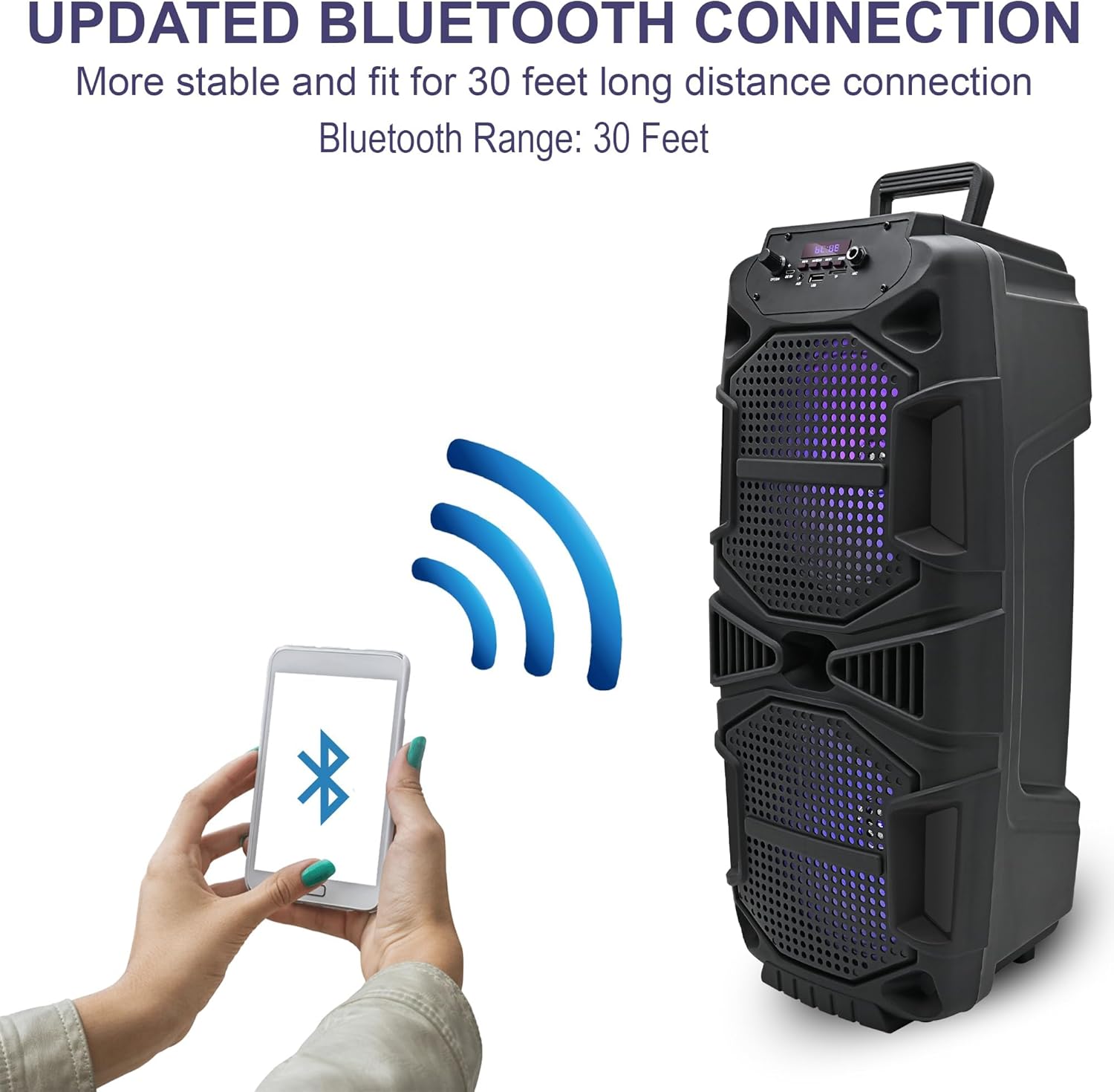
Image 6.1: Bluetooth connection process.
6.2 USB/SD Card Mode
- Insert a USB drive or SD card into the respective port.
- The speaker will automatically switch to USB or SD card mode and begin playing audio. If not, press the 'Mode' button to select the correct input.
- Use the playback control buttons (Play/Pause, Next/Previous) to manage your music.
6.3 FM Radio Mode
- Press the 'Mode' button until 'FM' appears on the LED display.
- Press and hold the Play/Pause button to initiate an automatic scan for FM stations. The speaker will save all found stations.
- Use the Next/Previous buttons to navigate through the saved stations.
6.4 Microphone Input
Connect a microphone (not included) to the 'Mic Input' jack. Adjust the microphone volume using the dedicated knob on the control panel (if available) or the main volume control.

Image 6.2: Speaker in use for karaoke.
6.5 LED Lights
The speaker features dynamic LED woofers that synchronize with the music. There is no specific control for the LED lights; they operate automatically when the speaker is on and playing audio.
7. Maintenance
- Cleaning: Use a soft, dry cloth to clean the exterior of the speaker. Do not use liquid cleaners or abrasive materials.
- Storage: Store the speaker in a cool, dry place away from direct sunlight and extreme temperatures when not in use.
- Battery Care: To prolong battery life, avoid fully discharging the battery frequently. Recharge the speaker regularly, even if not in constant use.
8. Troubleshooting
| Problem | Possible Solution |
|---|---|
| Speaker does not power on. | Ensure the battery is charged. Connect the speaker to a power source using the USB charging cable. |
| No sound. | Check the volume level on both the speaker and your connected device. Ensure the correct input mode is selected. |
| Bluetooth device cannot connect. | Ensure the speaker is in Bluetooth pairing mode. Turn off and on Bluetooth on your device. Move your device closer to the speaker. |
| TWS pairing fails. | Ensure both speakers are in Bluetooth mode and within close proximity. Repeat the TWS pairing steps. |
| USB/SD card not playing. | Ensure the USB drive or SD card is inserted correctly and contains compatible audio files (e.g., MP3). Press the 'Mode' button to select the correct input. |
9. Specifications
| Feature | Detail |
|---|---|
| Model Name | TPSPARK28-2 |
| Speaker Type | Woofer |
| Speaker Size | 8 Inches (Woofer Diameter) |
| Peak Power (Per Speaker) | 400 Watts |
| Connectivity Technology | Bluetooth, USB |
| Wireless Communication | Bluetooth |
| Bluetooth Range | 30 Feet |
| Power Source | Battery Powered |
| Product Dimensions (Each) | 9.3"D x 8.6"W x 22"H |
| Item Weight (Each) | 4.5 Pounds |
| Included Components | Bluetooth, USB, SD Card, and FM radio functionality |

Image 9.1: Speaker dimensions.
10. Warranty Information
This product comes with a Limited Warranty. For specific details regarding warranty coverage, terms, and conditions, please refer to the warranty card included with your purchase or contact Technical Pro customer support.
11. Support
For further assistance, technical support, or inquiries, please visit the official Technical Pro website or contact their customer service department. Contact information can typically be found on the product packaging or the brand's official website.


