1. Introduction
Thank you for choosing the DreamSky DS312 Type-C Adapter. This manual provides essential information for the safe and efficient use of your new adapter. Please read it thoroughly before use and retain it for future reference.
2. Safety Information
- Use the adapter only with compatible devices and within specified voltage ranges (Input: 110V, Output: 5V).
- Do not expose the adapter to water, moisture, or extreme temperatures.
- Avoid dropping or subjecting the adapter to severe impact.
- Do not attempt to disassemble or modify the adapter. This will void the warranty and may cause damage or injury.
- Keep out of reach of children.
- Unplug the adapter from the power outlet when not in use for extended periods.
3. Package Contents
Please check the package for the following items:
- 1 x DreamSky DS312 Type-C Adapter
- 1 x User Manual (this document)
4. Product Overview
The DreamSky DS312 is a compact and efficient Type-C adapter designed to provide reliable power to your compatible devices.
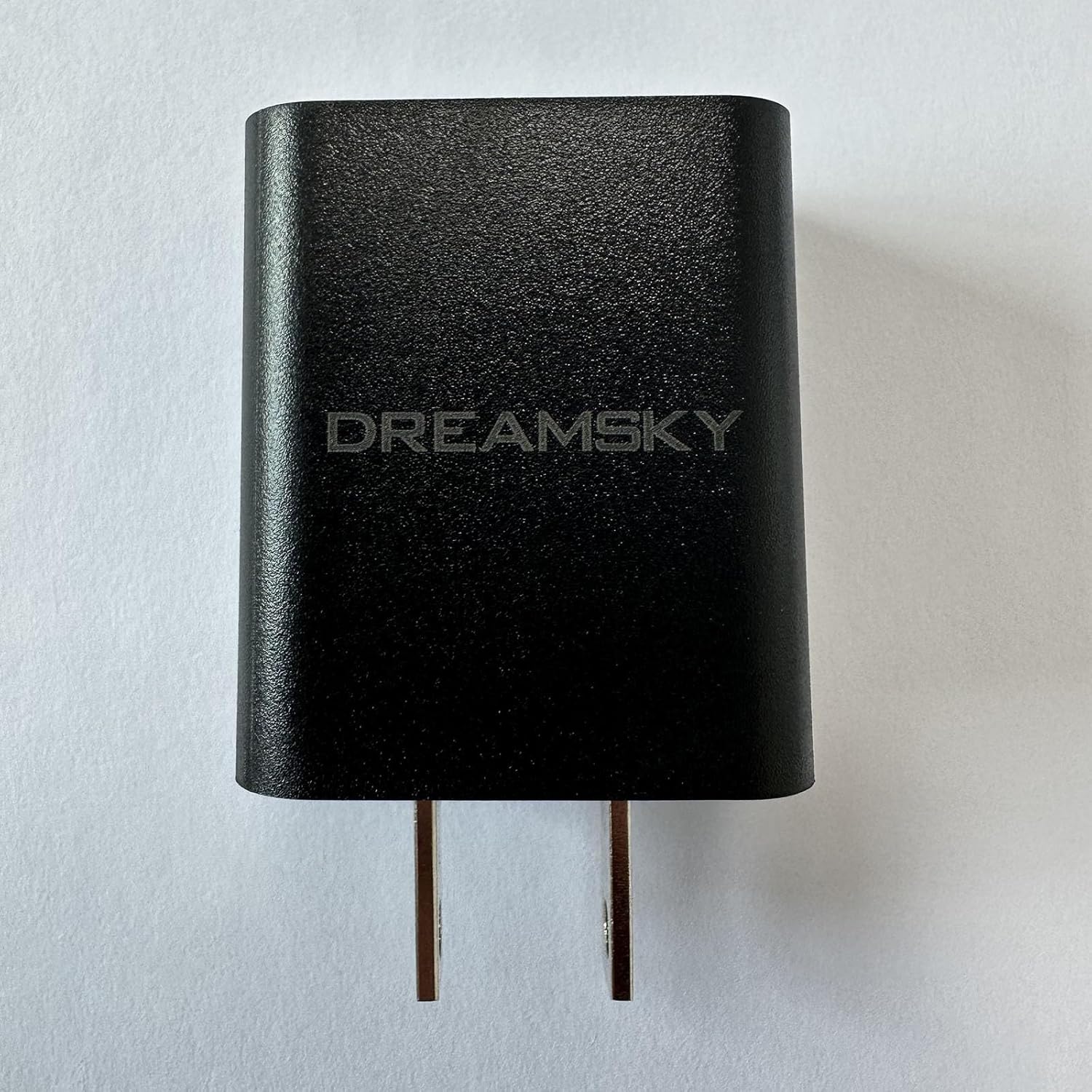
Figure 4.1: Front view of the DreamSky DS312 Type-C Adapter. This image shows the black adapter with the "DREAMSKY" logo prominently displayed on its surface, along with the two prongs for wall outlet connection.
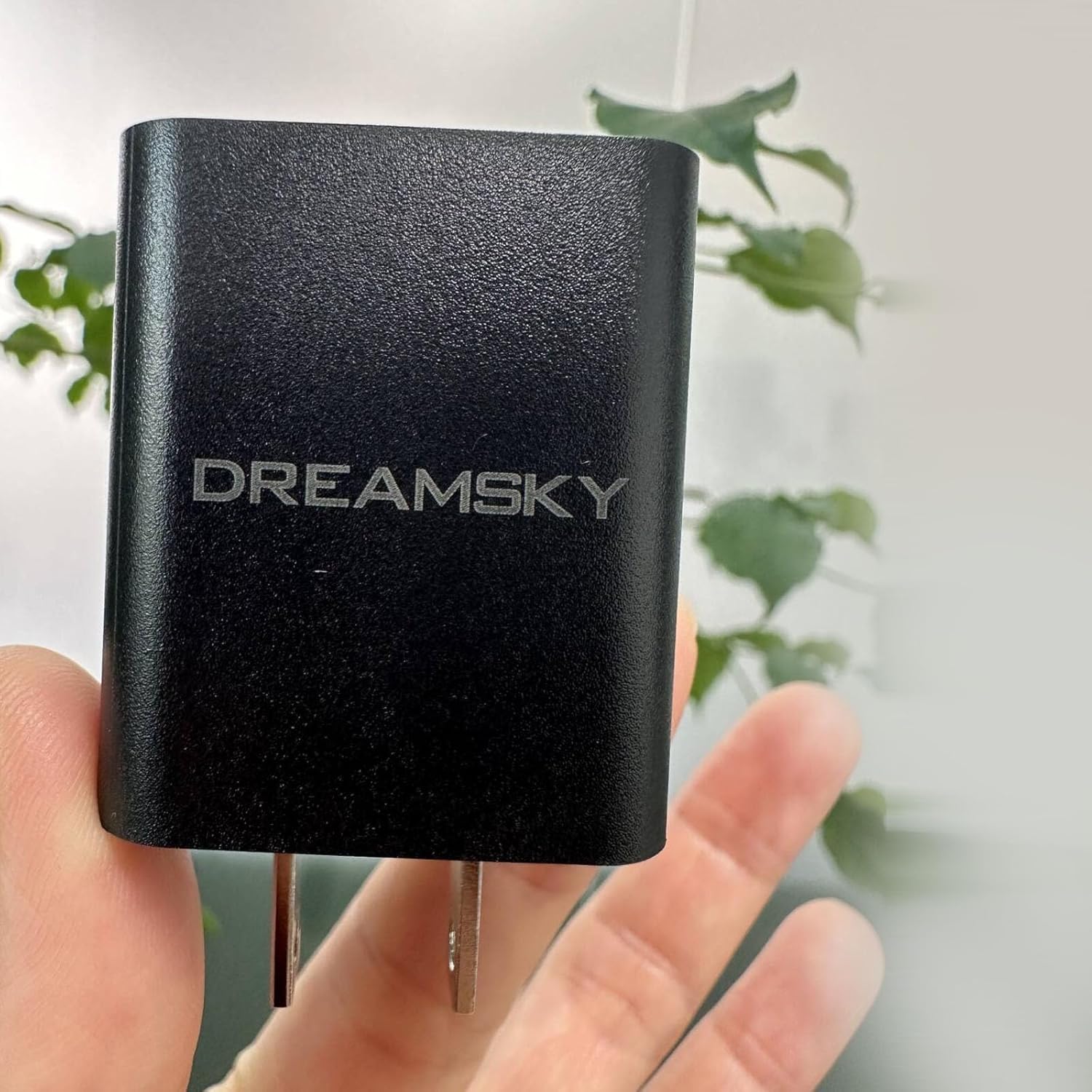
Figure 4.2: The DreamSky DS312 Type-C Adapter held in a hand. This image provides a sense of the adapter's compact size and ergonomic design, with a hand holding the black adapter against a blurred background.
5. Setup Instructions
- Unpack: Carefully remove the DreamSky DS312 Type-C Adapter from its packaging.
- Connect to Power: Insert the adapter's prongs into a standard 110V AC wall outlet. Ensure the connection is firm.
- Connect to Device: Plug your device's Type-C charging cable into the Type-C port on the adapter. Then, connect the other end of the cable to your compatible device.
- Verify Connection: Confirm that your device indicates it is receiving power or charging.
6. Operating Instructions
Once properly connected, the DreamSky DS312 Type-C Adapter will automatically begin supplying power to your connected device. No additional user interaction is typically required for basic operation.
- Ensure the adapter is securely plugged into a functional power outlet.
- Connect only Type-C compatible devices to the adapter.
- Monitor your device's charging status to ensure proper function.
- Disconnect the adapter from the power source and your device when charging is complete or when the adapter is not in use.
7. Maintenance
- Cleaning: Disconnect the adapter from all power sources and devices before cleaning. Use a soft, dry cloth to wipe the exterior. Do not use liquid cleaners or aerosols.
- Storage: Store the adapter in a cool, dry place away from direct sunlight and extreme temperatures when not in use.
- Inspection: Periodically inspect the adapter for any signs of damage, such as frayed cables or cracked casing. If damage is observed, discontinue use immediately.
8. Troubleshooting
| Problem | Possible Cause | Solution |
|---|---|---|
| Adapter not providing power. | No power from outlet; loose connection; faulty cable; incompatible device. | Check outlet with another device; ensure adapter is firmly plugged in; try a different Type-C cable; verify device compatibility. |
| Slow charging. | Device drawing more power than supplied; background apps running; cable quality. | Close unnecessary applications on your device; ensure the cable is high-quality and suitable for charging; check if the device supports faster charging. |
| Adapter feels warm. | Normal operation during charging; excessive load. | A slight warmth is normal. If it becomes excessively hot, disconnect immediately and contact support. Ensure proper ventilation. |
9. Specifications
| Feature | Detail |
|---|---|
| Model Number | DS312 |
| Brand | DreamSky |
| Color | Black |
| Input Voltage | 110 Volts |
| Output Voltage | 5 Volts |
| Item Weight | 3.19 ounces |
| Package Dimensions | 5.5 x 5 x 1 inches |
| Manufacturer | ShenZhen litian technology Co.,Ltd |
| Date First Available | May 22, 2024 |
10. Warranty and Support
The DreamSky DS312 Type-C Adapter comes with a standard manufacturer's warranty. For specific warranty terms and conditions, please refer to the documentation provided with your purchase or visit the official DreamSky website.
For technical support, troubleshooting assistance, or warranty claims, please contact DreamSky customer service through their official website or the contact information provided on your purchase receipt.


