
1. Product Overview
The HP 255 G10 is a 15.6-inch Full HD Business Laptop designed for productivity and everyday use. It features an AMD Ryzen 7 7730U processor, ample RAM, and fast storage, making it suitable for multitasking, office applications, and general computing tasks. This manual provides essential information for setting up, operating, maintaining, and troubleshooting your laptop.

Figure 1: HP 255 G10 15.6-inch FHD Business Laptop
2. What's in the Box
- HP Laptop
- Power Adapter
- Quick Start Guide (may be a separate document)
3. Setup Guide
3.1 Initial Power On
- Unpack: Carefully remove the laptop and all accessories from the packaging.
- Connect Power: Plug the power adapter into the laptop's power port and then into a wall outlet.
- Power On: Open the laptop lid and press the power button, usually located on the keyboard deck.
- Initial Windows Setup: Follow the on-screen prompts to complete the Windows 11 Pro setup, including language, region, network connection, and user account creation.
3.2 Connecting to Wi-Fi
- During initial setup, you will be prompted to connect to a Wi-Fi network. Select your network from the list and enter the password.
- If setting up later, click the Wi-Fi icon in the taskbar, select your network, and connect.
4. Operating Instructions
4.1 Basic Usage
- Power On/Off: Press the power button to turn on. To turn off, click Start > Power > Shut down.
- Sleep Mode: Close the lid or click Start > Power > Sleep to enter sleep mode.
- Keyboard and Touchpad: Utilize the full-size keyboard and precision touchpad for navigation and input. The numeric keypad is integrated for efficient data entry.
- Webcam: The integrated webcam can be used for video calls and conferences.
4.2 Connecting Peripherals
The laptop offers various ports for connecting external devices:
- USB Type-A: Connect USB devices such as mice, keyboards, or external drives.
- USB Type-C: For data transfer and connecting compatible USB-C devices.
- HDMI: Connect to external monitors or projectors for extended display.
- Headphone/Microphone Combo: For audio input and output.

Figure 2: Side view showing available ports (USB, HDMI, USB-C, Headphone/Mic Combo)
5. Key Features
5.1 Performance
The HP 255 G10 is equipped with an AMD Ryzen 7 7730U processor, featuring 8 cores and 16 threads, with a max turbo frequency of 4.50GHz. This provides robust performance for demanding business applications and efficient multitasking. The integrated AMD Radeon Graphics handles visual tasks smoothly.

Figure 3: Laptop highlighting AMD Ryzen 7 processor for ready-to-go performance.
5.2 Memory and Storage
With 32GB of high-bandwidth DDR4 RAM, the laptop ensures smooth operation of multiple applications simultaneously. The 1TB PCIe M.2 Solid State Drive (SSD) provides fast boot-up times, quick application loading, and ample storage for documents, media, and software.
5.3 Display
The 15.6-inch Full HD (1920 x 1080) IPS display features an anti-glare coating and micro-edge design, offering clear visuals and a comfortable viewing experience, even in varying lighting conditions. It provides 250 nits brightness and 45% NTSC color gamut.

Figure 4: Laptop display showcasing the 15.6-inch FHD screen.
5.4 Connectivity and Operating System
The laptop supports Wi-Fi 6 for faster wireless speeds and improved network performance, along with Bluetooth for connecting wireless accessories. It comes pre-installed with Windows 11 Pro, offering advanced security features, management tools, and enhanced productivity.
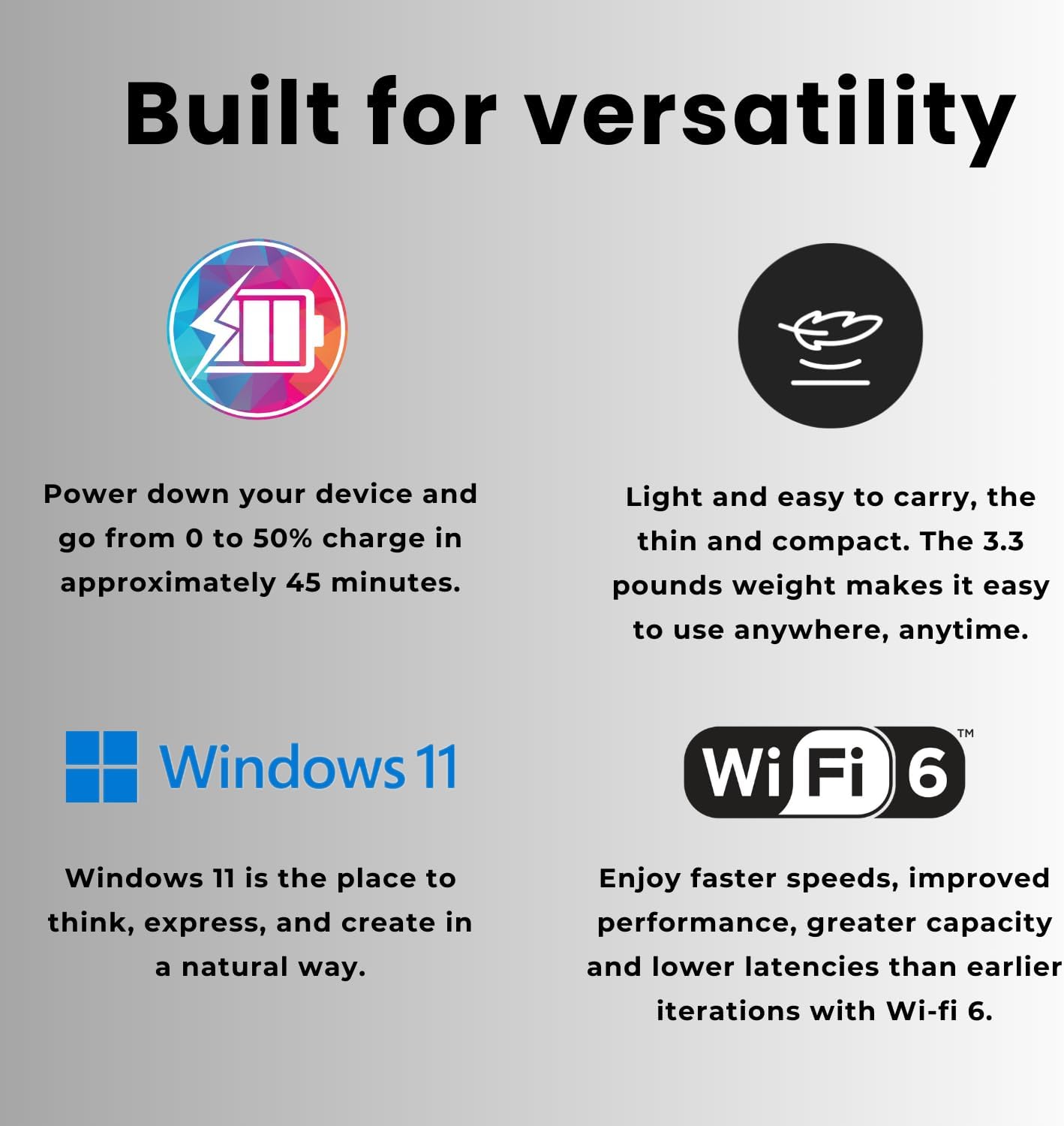
Figure 5: Laptop features including fast charging, lightweight design, Windows 11, and Wi-Fi 6.
6. Maintenance
- Cleaning: Use a soft, lint-free cloth to clean the screen and exterior. Avoid harsh chemicals.
- Software Updates: Regularly check for and install Windows updates and HP driver updates to ensure optimal performance and security.
- Battery Care: To prolong battery life, avoid extreme temperatures and try to keep the battery charge between 20% and 80% when possible.
- Ventilation: Ensure the laptop's vents are not obstructed to prevent overheating.
7. Troubleshooting
7.1 Common Issues and Solutions
- Laptop not powering on: Ensure the power adapter is securely connected and the outlet is functional. Try a different outlet.
- No Wi-Fi connection: Check if Wi-Fi is enabled in Windows settings. Restart your router and the laptop.
- Slow performance: Close unnecessary applications and browser tabs. Check for background updates or malware. Ensure sufficient free storage space.
- Screen issues (no display, flickering): Restart the laptop. If connected to an external monitor, try disconnecting it.
8. Technical Specifications
| Feature | Specification |
|---|---|
| Model Name | TPN-Q287 |
| Processor | AMD Ryzen 7 7730U (8 Cores, 16 Threads, up to 4.50GHz) |
| Graphics | AMD Radeon Graphics (Integrated) |
| RAM | 32GB DDR4 (3200 MHz) |
| Storage | 1TB PCIe M.2 SSD |
| Display | 15.6-inch FHD (1920 x 1080) IPS, Anti-glare, Micro-edge, 250 nits, 45% NTSC |
| Operating System | Windows 11 Pro |
| Ports | 2x SuperSpeed USB Type-A, 1x SuperSpeed USB Type-C, 1x HDMI, 1x Headphone/Microphone Combo |
| Wireless Connectivity | Wi-Fi 6 (802.11ax), Bluetooth |
| Webcam | Yes |
| Dimensions (LxWxH) | 14.17 x 9.29 x 0.73 inches |
| Weight | 3.35 pounds |
| Color | Black |
| Special Feature | Numeric Keypad |
9. Warranty and Support
For warranty information and technical support, please refer to the documentation included with your product or visit the official HP support website. You can typically find support resources, driver downloads, and contact information for customer service there.
Online Support: HP Official Support


