
Introduction
Thank you for choosing the Xech Eon Digital Alarm Clock Speaker. This device combines a digital alarm clock with a wireless speaker, offering convenience and functionality for your bedroom, study, or office. This manual provides essential information for setting up, operating, maintaining, and troubleshooting your new device. Please read it thoroughly before use.
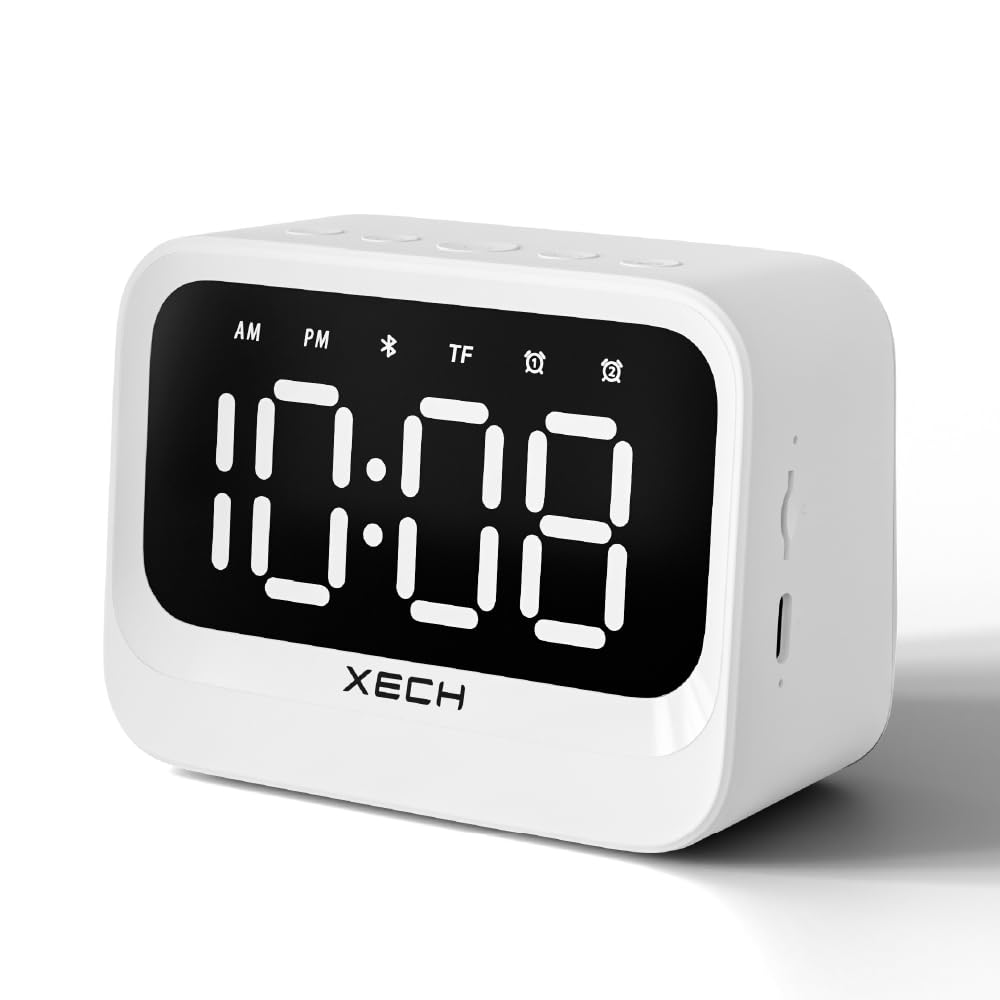
Image: Front view of the Xech Eon Digital Alarm Clock Speaker, displaying the time 10:08. The clock is white with a black display and the Xech logo at the bottom.
Package Contents
Please ensure all items are present in the package:
- Xech Eon Digital Alarm Clock Speaker
- USB-C Charging Cable
- User Manual (this document)
Product Overview
The Xech Eon features a clear LED display, intuitive controls, and a powerful speaker. Familiarize yourself with the various components:

Image: Detailed diagram illustrating the control buttons on top (Mode, Volume -, Power, Volume +, Alarm) and ports on the side (Microphone, TF Card Slot, Power Input, LED Indicator) of the Xech Eon Digital Alarm Clock Speaker.
- LED Display: Shows time, AM/PM indicator, Bluetooth status, TF card mode, and alarm indicators.
- Control Buttons (Top):
- Mode Button (M)
- Volume Down / Previous Track Button
- Power Button
- Volume Up / Next Track Button
- Alarm Setting Button
- Side Ports:
- Microphone
- TF Card Slot
- USB-C Power Input
- LED Indicator
Setup
Initial Charging
Before first use, fully charge the device. Connect the supplied USB-C cable to the power input port on the side of the clock and the other end to a 5V 1A USB power adapter (not included). The LED indicator will show charging status.

Image: The Xech Eon Digital Alarm Clock Speaker connected to a USB-C charging cable, illustrating its rechargeable feature.
Powering On/Off
- To power on, press and hold the Power Button until the display lights up.
- To power off, press and hold the Power Button until the display turns off.
Operating Instructions
Setting the Time
The clock features an auto-sync time function when paired with a Bluetooth device. For manual setting:
- Ensure the clock is powered on.
- Press the Mode Button (M) repeatedly until the time display flashes.
- Use the Volume Up (+) and Volume Down (-) buttons to adjust the hours.
- Press the Mode Button (M) again to switch to minutes, then adjust using the Volume Up (+) and Volume Down (-) buttons.
- Press the Mode Button (M) one more time to confirm and exit time setting mode.
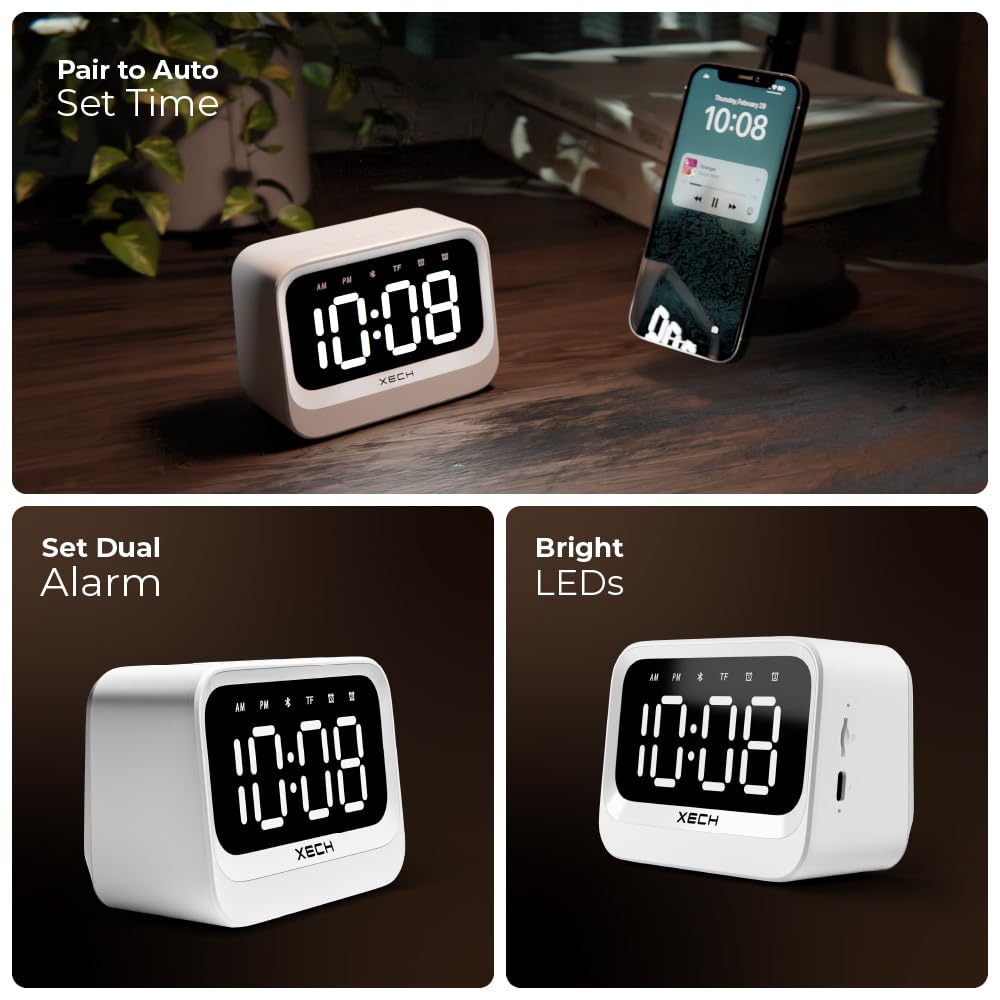
Image: The Xech Eon Digital Alarm Clock Speaker demonstrating its auto-sync time feature when paired with a smartphone, and highlighting its bright LED display.
Setting Alarms (Dual Alarm Feature)
The clock supports two independent alarms.
- Press the Alarm Setting Button once to set Alarm 1. The Alarm 1 icon and hour display will flash.
- Use the Volume Up (+) and Volume Down (-) buttons to adjust the hour.
- Press the Alarm Setting Button again to switch to minutes, then adjust using the Volume Up (+) and Volume Down (-) buttons.
- Press the Alarm Setting Button a third time to confirm Alarm 1.
- To set Alarm 2, repeat steps 1-4, pressing the Alarm Setting Button until the Alarm 2 icon flashes.
- To activate/deactivate an alarm, short press the Alarm Setting Button until the desired alarm icon (Alarm 1 or Alarm 2) appears or disappears from the display.
- When an alarm sounds, press any button to snooze for 5 minutes, or press and hold the Power Button to turn off the alarm.
Bluetooth Speaker Function
The Xech Eon can connect wirelessly to your smartphone or other Bluetooth-enabled devices to play audio.
- Ensure the clock is powered on.
- Press the Mode Button (M) until the Bluetooth icon appears and flashes on the display, indicating pairing mode.
- On your device, enable Bluetooth and search for "XECH EON".
- Select "XECH EON" to pair. Once connected, the Bluetooth icon will stop flashing and remain solid.
- You can now play audio from your device through the Xech Eon speaker.
- Use the Volume Up (+) and Volume Down (-) buttons on the clock to adjust speaker volume. Long press these buttons to skip tracks.

Image: The Xech Eon Digital Alarm Clock Speaker positioned next to a smartphone, demonstrating its capability as a wireless speaker for playing music.
TF Card Playback
The clock supports audio playback from a TF (microSD) card.
- Insert a TF card (with audio files) into the TF card slot on the side of the clock.
- The clock should automatically switch to TF card mode. If not, press the Mode Button (M) until the TF icon appears on the display.
- Audio playback will begin automatically.
- Use the Volume Up (+) and Volume Down (-) buttons to adjust volume and skip tracks.
Maintenance
- Clean the clock with a soft, dry cloth. Do not use abrasive cleaners or solvents.
- Avoid exposing the device to extreme temperatures, direct sunlight, or high humidity.
- Do not immerse the device in water or any other liquids.
- Keep the device away from strong magnetic fields.
- When not in use for extended periods, store the clock in a cool, dry place.
Troubleshooting
| Problem | Possible Cause | Solution |
|---|---|---|
| Clock does not power on. | Low battery or no power. | Connect the USB-C cable and charge the device. Ensure the power adapter is working. |
| Alarm does not sound. | Alarm not activated or volume too low. | Check if the alarm icon is displayed. Increase the volume. Re-set the alarm time. |
| Cannot pair with Bluetooth device. | Clock not in pairing mode, or device too far. | Ensure the Bluetooth icon is flashing. Move the device closer to the clock (within 10m). Restart both devices. |
| No sound from speaker. | Volume too low, or incorrect mode. | Increase the volume on both the clock and the connected device. Ensure the correct mode (Bluetooth or TF card) is selected. |
| Time display is incorrect. | Time not set correctly or power interruption. | Manually set the time as per instructions. The clock has temporal memory, but significant power loss might require re-setting. |
Specifications
| Feature | Detail |
|---|---|
| Brand | Xech |
| Model Number | Eon Digital Alarm Clock Speaker |
| Colour | Black |
| Display Type | Digital LED |
| Special Features | Alarm, Audio Input, Illuminated, Large Display, Loud Alarm, Dual Alarm, Wireless Speaker, TF Card Playback |
| Product Dimensions | 10.8W x 7.8H Centimeters |
| Power Source | Corded Electric (USB-C) with 8-hour battery backup |
| Material | Plastic, Acrylonitrile Butadiene Styrene |
| Item Weight | 250 Grams |
| Battery | 1 Lithium Ion battery (included) |
| Wireless Speaker Wattage | 5W |
| Bluetooth Version | 5.3v |
| Speaker Driver Size | 50mm |
| Bluetooth Range | 10m |
| Frequency Response | 40Hz – 18KHz |
| Clock Voltage | 5V 1A |

Image: An infographic summarizing the key features: Dual Alarms, Wireless Speaker, Loud Alarm, Bright & Clear Display, USB Rechargeable, and Auto-Sync Time.
Warranty Information
The Xech Eon Digital Alarm Clock Speaker comes with a limited warranty. Please refer to the warranty card included in your package for specific terms and conditions. This warranty typically covers manufacturing defects and malfunctions under normal use. It does not cover damage caused by misuse, accidents, unauthorized modifications, or natural disasters.
Customer Support
For any questions, technical assistance, or warranty claims, please contact Xech customer support:
- Customer Care Number: +91 88288 44466
- Manufacturer: XECH Technologies Pvt Ltd
- Address: MIDC, Andheri East
You can also visit the official Xech store on Amazon for more information and product updates: Xech Amazon Store
