
1. Product Overview
The ROBOTIME Bubinga Plywood Sheets are designed for various crafting applications, including laser cutting, engraving, and wood burning. These sheets are made from natural bubinga wood, offering a smooth and sturdy surface while preserving the wood's natural grain.
Key Features:
- Premium Plywood Selection: ROBOTIME offers plywood in diverse wood species, including Bubinga, suitable for CO2 laser cutters and engravers.
- Easy Processing: Features smooth, sturdy, and natural wood surfaces, ideal for laser cutting, rotary engraving, wood burning, UV-LED printing, and toner heat transfer.
- Dimensions: Each sheet measures 30 x 30 cm (12 x 12 inches) with a thickness of 1/8 inch (3mm). A thickness tolerance of 0.2mm should be considered.
- Versatile Applications: Suitable for creating interior signage, custom-cut shapes, gift tags, cake toppers, ornaments, and name badges.
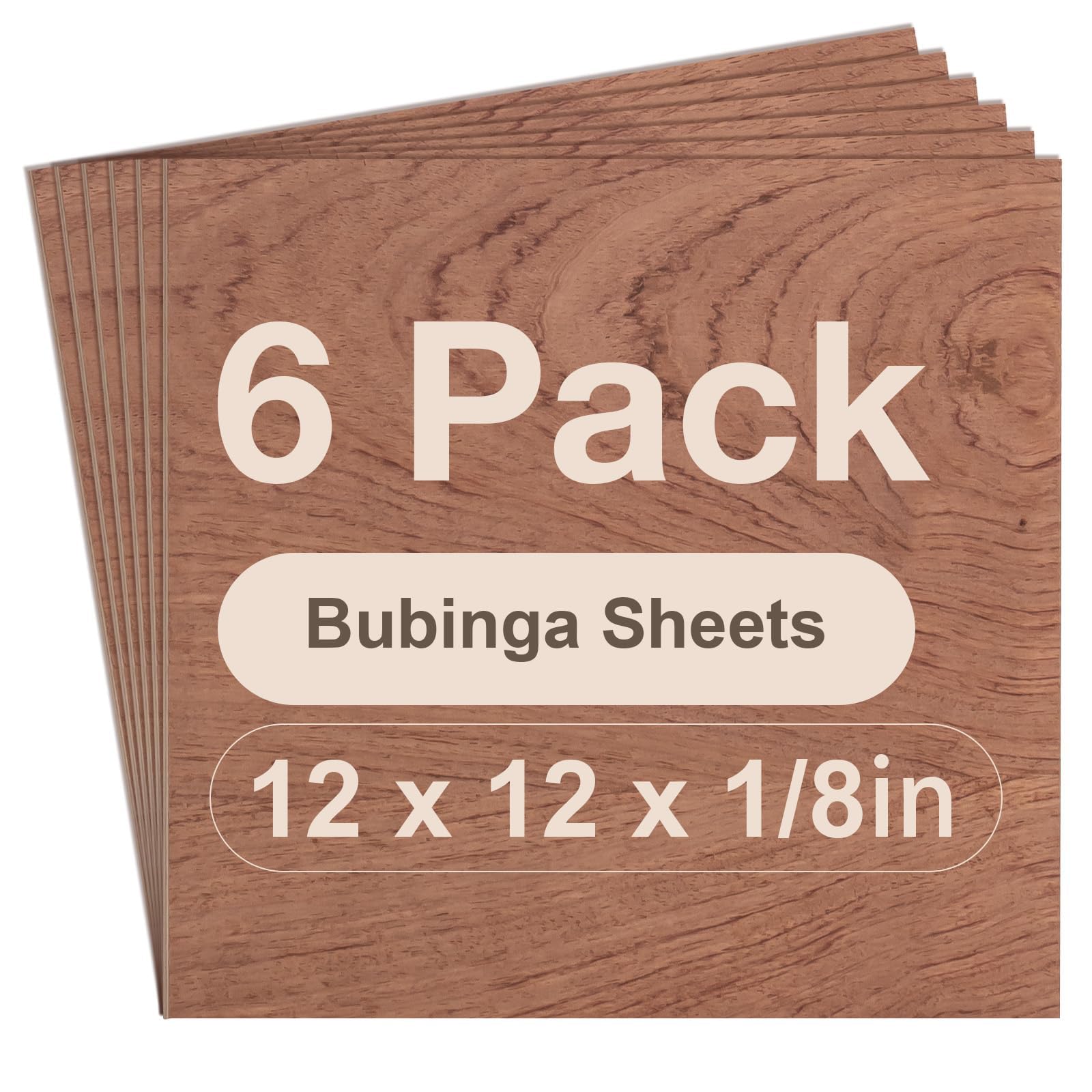
Figure 1: ROBOTIME Bubinga Plywood Sheets, illustrating the 6-pack and individual sheet dimensions.
2. Setup and Preparation
Before using the plywood sheets for your projects, ensure they are properly prepared and inspected.
- Inspection: Carefully inspect each sheet for any visible defects or warping upon receipt.
- Cleaning: Ensure the surface of the plywood is clean and free from dust or debris before use, especially for laser cutting or engraving, to prevent uneven results.
- Acclimatization: Allow the wood sheets to acclimatize to your workshop environment for a few hours or a day to minimize potential warping due to temperature and humidity changes.

Figure 2: Visual comparison highlighting the quality of ROBOTIME plywood sheets, showing smooth, flat surfaces without burrs.
3. Operating Instructions
These plywood sheets are suitable for various crafting techniques. Always follow the safety guidelines of your equipment.
3.1 Laser Cutting and Engraving
- Equipment: Compatible with CO2 laser cutters and diode lasers.
- Settings: Adjust laser power and speed settings according to your specific laser machine and desired cut/engrave depth. Test on a scrap piece first.
- Ventilation: Ensure adequate ventilation when laser cutting or engraving to remove smoke and fumes.
- Burn Marks: The plywood is designed to minimize visible burn marks on the cut edges.
3.2 Wood Burning (Pyrography)
- Tools: Use standard wood burning tools.
- Technique: The smooth surface allows for detailed designs. Practice on a small area to achieve desired shading and line thickness.
3.3 Knife Cutting
- Tools: A sharp craft knife or utility knife is recommended.
- Method: For clean cuts, make multiple shallow passes along a straight edge rather than one deep cut.

Figure 3: Examples of various crafting methods applicable to the plywood sheets, including laser cutting, laser engraving, wood burning, and knife cutting.
4. Maintenance and Storage
Proper care and storage will help maintain the quality of your plywood sheets.
- Storage: Store sheets flat in a cool, dry environment away from direct sunlight and extreme temperature fluctuations to prevent warping.
- Handling: Handle sheets carefully to avoid dents or scratches on the surface.
5. Troubleshooting
5.1 Warped Boards
While efforts are made to minimize warping during shipping, it can occasionally occur. Here is a method to attempt to fix a warped board:
- Moisten: Lightly spray both sides of the warped board with water or wipe it down with a damp cloth.
- Flatten: Lay the moistened board on a flat, stable surface.
- Weigh Down: Place a heavy, flat object evenly across the entire surface of the board.
- Wait: Allow the board to flatten under the weight for several hours to a full day. Check periodically for progress.
6. Specifications
| Attribute | Value |
|---|---|
| Brand | ROBOTIME |
| Model Number | RBT-RB003 |
| Material | Bubinga Veneers, Poplar Core |
| Item Thickness | 0.13 Inches (3mm) |
| Product Dimensions (Individual Sheet) | 12 x 12 inches (30 x 30 cm) |
| Number of Items | 6 Sheets |
| Item Form | Sheets |
| Finish Types | Premium, Smooth, Unfinished |
| Shape | Square |
| Approximate Item Weight (6 sheets) | 2.35 pounds |
7. Warranty and Support
7.1 Warranty Information
No specific warranty information is provided for this product in the available data. Please refer to the retailer's return policy for details on returns or exchanges.
7.2 Customer Support
For further assistance or inquiries regarding ROBOTIME products, please visit the official ROBOTIME store on Amazon or contact their customer service through the platform where the product was purchased.
Official ROBOTIME Store: ROBOTIME Amazon Store