
1. Product Overview
The XOSS XR01 is an advanced bicycle tail light designed to enhance cycling safety. It features intelligent automatic lighting, a sensitive brake sensor, and a durable waterproof design. This manual provides detailed instructions for its installation, operation, and maintenance.

Image: XOSS XR01 Smart Tail Light highlighting its key features.
2. Package Contents
Please verify that all items listed below are included in your package:

- XOSS XR01 Tail Light x 1
- Saddle Bracket x 1
- Seatpost Bracket x 1
- Type-C Charging Cable x 1
- Rubber Band x 1
- Binding Bands x 4
- User Manual x 1
3. Installation
The XOSS XR01 offers two convenient installation methods without requiring any tools.

3.1 Seatpost Mount
Attach the seatpost bracket to your bicycle's seatpost using the provided rubber band. Then, slide the XR01 tail light onto the bracket until it clicks securely into place.

3.2 Saddle Mount
Secure the saddle bracket to the saddle rails using the binding bands. Once the bracket is firm, slide the XR01 tail light onto the bracket until it locks securely.
4. Charging
The XOSS XR01 features a convenient Type-C charging port for quick and efficient power replenishment.

To charge, open the rubber cover on the side of the light to reveal the Type-C port. Insert the provided Type-C charging cable into the port and connect the other end to a USB power source. A full charge takes approximately 1 hour, providing 7-16 hours of use depending on the mode, and up to 3 months of standby time.
Video: Demonstrates Type-C charging and automatic light functions of a bicycle tail light.
5. Operation
5.1 Power On/Off
Press and hold the power button for 2 seconds to turn the light on or off.
5.2 Mode Switching
Once powered on, short press the power button to cycle through the available lighting modes. The XR01 features mode memory, automatically recalling the last used mode when turned on.

5.3 Automatic Lighting/Extinguishing
The XR01 is equipped with a vibration sensor. It will automatically turn on when vibration is detected. If no vibration is detected for 30 seconds, the light will automatically turn off to conserve battery. It will automatically turn back on when vibration is detected again.

5.4 Smart Brake Sensor
The built-in brake sensor detects when you are braking and automatically illuminates the light at maximum brightness, significantly enhancing safety by alerting vehicles behind you.

5.5 Mode Memory
The device automatically remembers the last used lighting mode before it was turned off, ensuring convenience for your next ride.
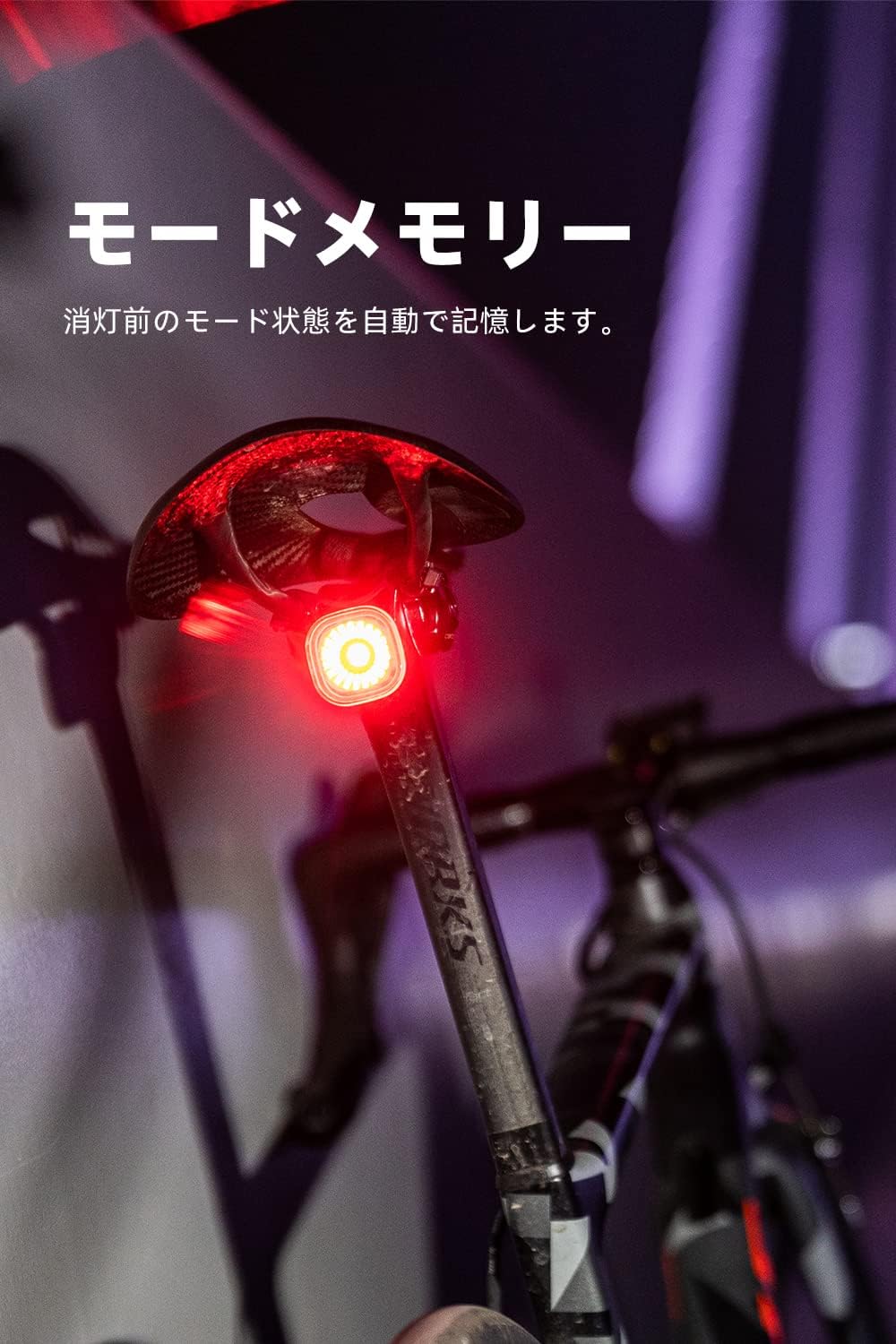
Video: Demonstrates various lighting modes and smart features of a bicycle tail light.
6. Maintenance
6.1 Waterproofing
The XOSS XR01 features an IPX6 waterproof rating, meaning it is protected against high-pressure water jets from any direction. This allows for continued use even in heavy rain. Ensure the Type-C charging port cover is securely closed to maintain its waterproof integrity.

6.2 Cleaning
Wipe the light with a soft, damp cloth to remove dirt and dust. Avoid using abrasive cleaners or solvents that could damage the surface or lens.
6.3 Storage
When not in use for extended periods, store the tail light in a cool, dry place. It is recommended to fully charge the battery every three months to prolong its lifespan.
7. Troubleshooting
- Light not turning on: Ensure the battery is charged. Press and hold the power button for 2 seconds to activate.
- Brake sensor not working: Check if the light is securely mounted and positioned correctly. Ensure the sensor area is clean and unobstructed.
- Short battery life: Ensure the light is fully charged. Battery life can vary based on the selected lighting mode.
- Water ingress: If water enters the device, immediately turn it off and allow it to dry completely. Ensure the Type-C port cover is properly sealed during use.
8. Specifications
| Feature | Detail |
|---|---|
| Model Number | XR01 |
| Brand | XOSS |
| Power Source | Battery Powered (Type-C Rechargeable) |
| Water Resistance Level | IPX6 Waterproof |
| Mounting Type | Seat Mount (Saddle & Seatpost) |
| Special Features | Brake Sensor, Automatic On/Off, Mode Memory, Innovative Optical Lens |
| Charging Time | Approx. 1 hour |
| Usage Time | 7-16 hours (depending on mode) |
| Standby Time | Up to 3 months |
9. Safety Information
- Always ensure the tail light is securely mounted before riding.
- Do not look directly into the light when it is on, as it may cause temporary vision impairment.
- Keep out of reach of children.
- Do not disassemble or attempt to repair the device yourself. Contact customer support for assistance.
- Dispose of the battery according to local regulations.
10. Warranty and Support
Your XOSS XR01 Bicycle Tail Light comes with a standard manufacturer's warranty. For warranty claims, technical support, or any questions regarding your product, please contact XOSS customer service through the retailer where you purchased the product or visit the official XOSS website.

