
1. Introduction
The EEBBL Smart Scale is a digital bathroom scale designed to measure body weight and provide comprehensive body composition analysis. Utilizing Bluetooth 5.0 technology, it connects seamlessly with a smartphone application to track and analyze 16 key biometric data points, helping you monitor your health and fitness journey effectively. This manual provides detailed instructions for setting up, operating, maintaining, and troubleshooting your smart scale.
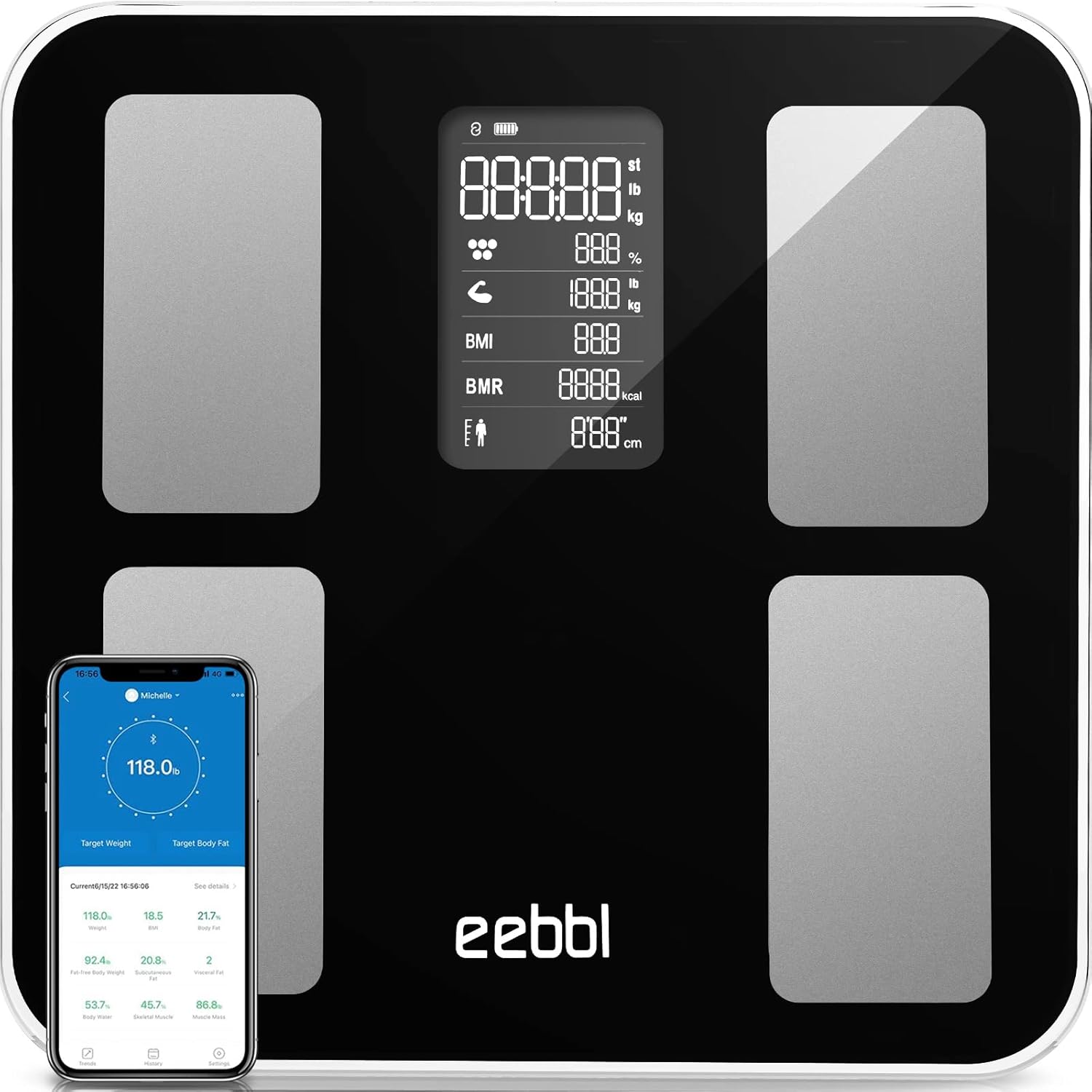
Image 1.1: The EEBBL Smart Scale, showcasing its sleek design and connectivity with a smartphone app for detailed health insights.
2. Setup Guide
2.1 Battery Installation
Your EEBBL Smart Scale requires 3 Lithium Polymer batteries, which are included. To install:
- Locate the battery compartment on the underside of the scale.
- Open the battery compartment cover.
- Insert the 3 Lithium Polymer batteries, ensuring correct polarity (+/-) as indicated inside the compartment.
- Close the battery compartment cover securely.
2.2 App Download and Pairing
The EEBBL Smart Scale works with the "Fitdays" app. Follow these steps to download and pair the app:
- Download the "Fitdays" app from the App Store (for iOS 8.0 and above) or Google Play (for Android 4.3 and above).
- Create a user account and set up your personal profile within the app.
- Ensure Bluetooth is enabled on your smartphone.
- Open the Fitdays app and step onto the scale. The scale will automatically turn on and attempt to connect via Bluetooth.
- Confirm the connection within the app. Your measurements will now synchronize automatically.
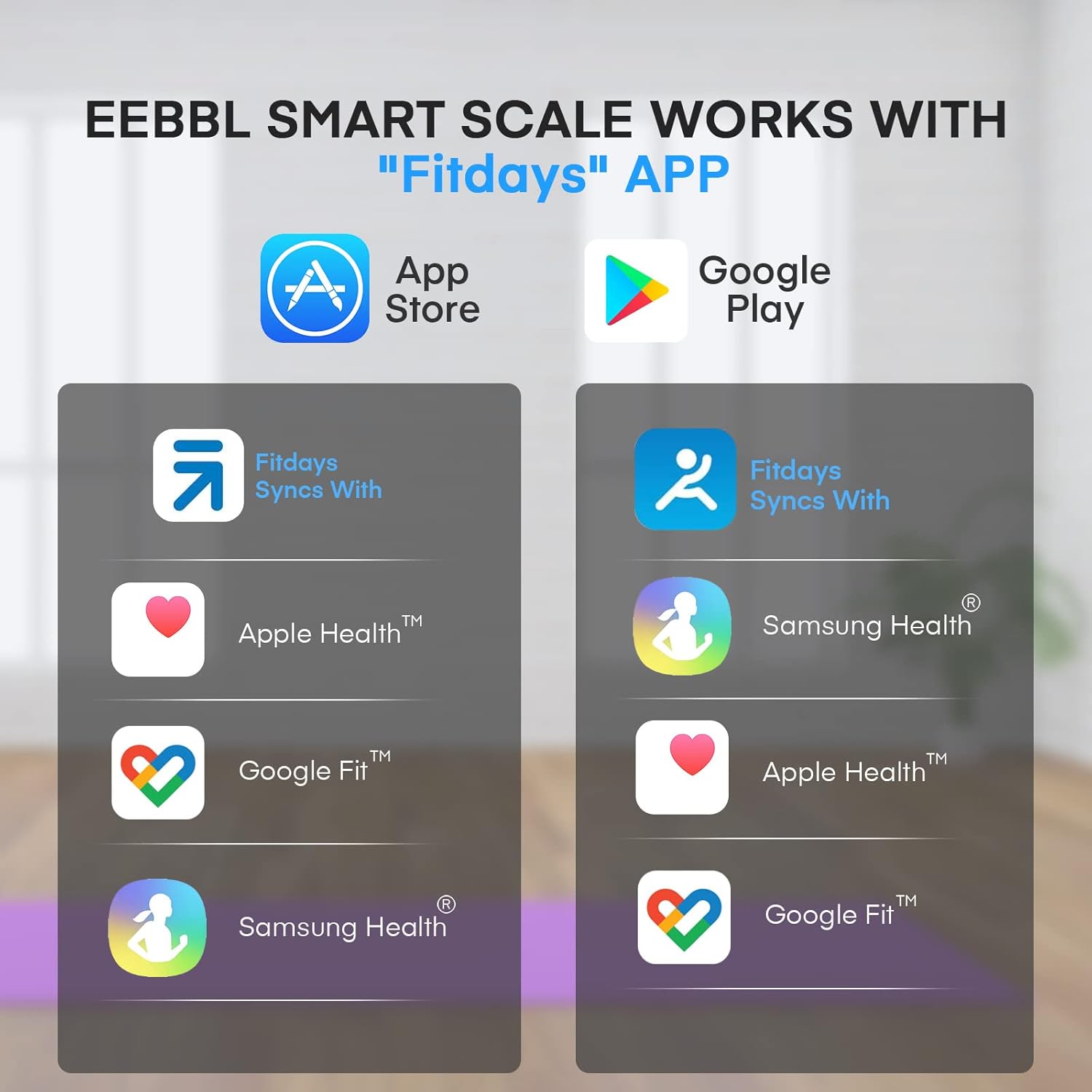
Image 2.1: The Fitdays app, compatible with both iOS and Android devices, is essential for accessing full scale features.
3. Operating Instructions
3.1 Taking Measurements
To take an accurate measurement:
- Place the scale on a hard, flat, and level surface. Avoid carpets or uneven flooring.
- Ensure your feet are clean and dry.
- Step onto the scale barefoot. The scale features "Step auto ON" functionality.
- Stand still on the scale until your weight is displayed and the measurement is complete.
- If the app is open and Bluetooth is connected, your data will automatically sync to your profile.
Video 3.1: Demonstration of stepping onto the EEBBL Smart Scale for an automatic measurement and data synchronization with the app.
3.2 Multiple User Profiles & Baby Mode
The Fitdays app supports unlimited user profiles, making it ideal for families. Each user can have their data tracked separately. Additionally, the scale features a "Baby Mode" for accurately weighing infants or pets. To use Baby Mode, first weigh yourself, then hold the baby/pet and step on the scale again. The app will calculate the baby's/pet's weight by subtracting your initial weight.
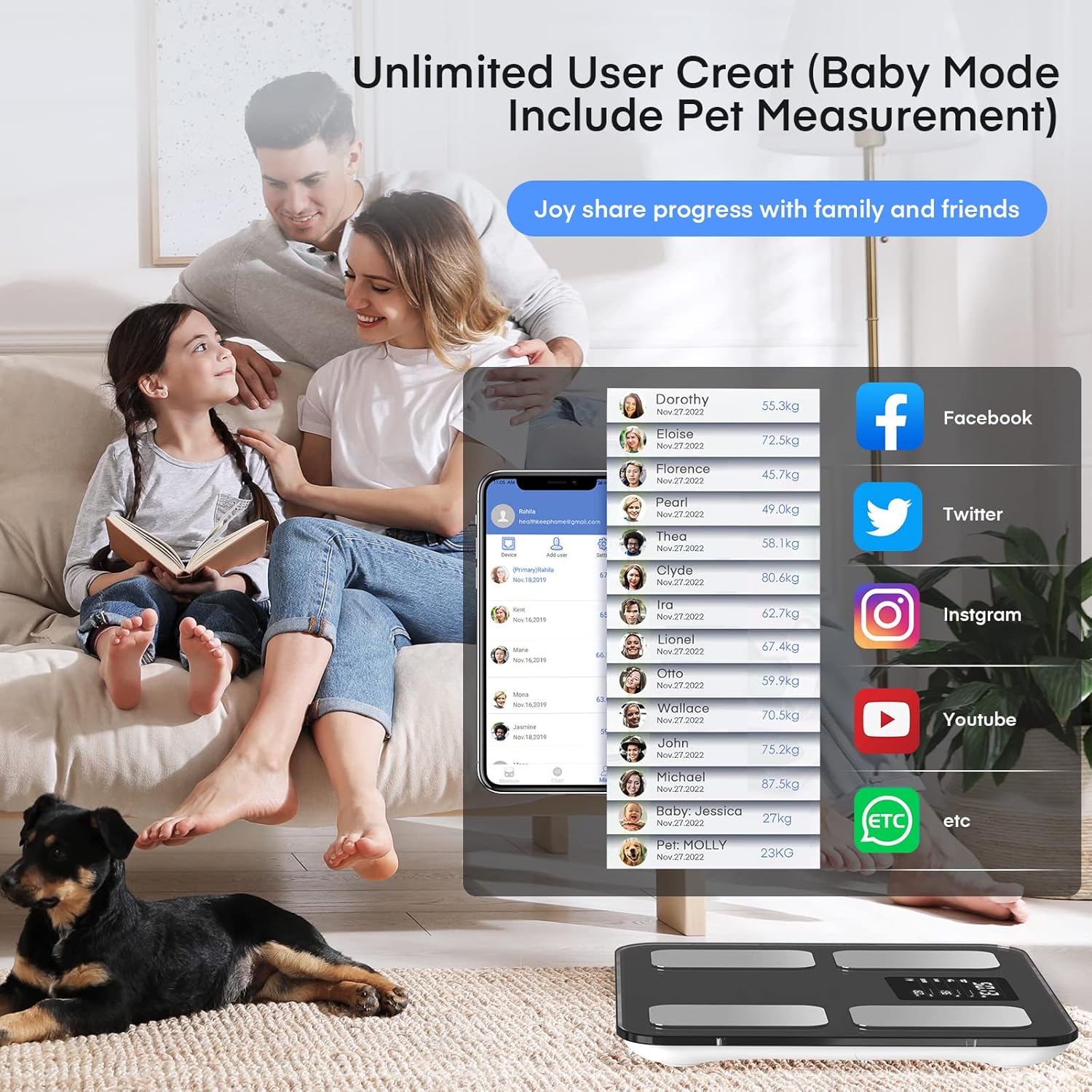
Image 3.1: The scale supports unlimited user profiles, allowing families to track individual health data, including a dedicated baby mode for weighing infants or pets.
4. Features and Biometric Analysis
The EEBBL Smart Scale provides 16 key body composition metrics to give you a comprehensive overview of your health:
- Weight: Your total body mass.
- BMI (Body Mass Index): A measure of body fat based on height and weight.
- Body Fat: The percentage of fat in your body.
- Muscle Rate: The percentage of muscle in your body.
- Fat-free Body Weight: Your total body weight minus body fat.
- Subcutaneous Fat: Fat stored directly under the skin.
- Visceral Fat: Fat stored around internal organs.
- Body Water: The total amount of fluid in your body.
- Skeletal Muscle: Muscle attached to bones, responsible for movement.
- Muscle Mass: The total weight of muscle in your body.
- Bone Mass: The total weight of bone in your body.
- Protein: The amount of protein in your body.
- BMR (Basal Metabolic Rate): The number of calories your body needs to function at rest.
- Body Age: An estimation of your body's biological age based on your metrics.
- Heart Rate: Your heart rate can be measured via the app using your phone's camera lens.

Image 4.1: Visual representation of the 16 body composition metrics tracked by the EEBBL Smart Scale.

Image 4.2: The Fitdays app allows for heart rate measurement using your smartphone's camera lens.
5. Maintenance
5.1 Cleaning the Scale
To ensure longevity and accurate readings, clean your scale regularly:
- Wipe the surface of the scale with a soft, damp cloth.
- Do not use abrasive cleaners or immerse the scale in water.
- Keep the scale dry after cleaning.
5.2 Battery Care and Safety Warnings
Observe the following warnings regarding battery usage:
- Keep batteries out of the reach of children.
- Do not mix old and new batteries, or batteries of different compositions, to prevent potential leaks.
- The original batteries supplied are not rechargeable.
- Do not attempt to charge the batteries.

Image 5.1: Important safety warnings for battery handling and usage.
6. Troubleshooting
6.1 Inaccurate Readings
If you experience inconsistent or inaccurate weight readings:
- Ensure the scale is placed on a hard, flat, and level surface. Soft surfaces like carpets can significantly affect accuracy.
- Make sure your feet are clean and dry when stepping on the scale.
- Stand still and centered on the scale during measurement.
- Check battery levels and replace if low.
6.2 Bluetooth Connection Issues
If the scale is not connecting to the Fitdays app:
- Ensure Bluetooth is enabled on your smartphone.
- Make sure the Fitdays app is open and running in the foreground or background.
- Restart your smartphone's Bluetooth.
- Try restarting both the scale (by removing and reinserting batteries) and the Fitdays app.
- Ensure your smartphone meets the minimum OS requirements (iOS 8.0+ or Android 4.3+).
7. Specifications
| Feature | Detail |
|---|---|
| Product Dimensions | 11.42 x 11.42 x 1.57 inches |
| Item Model Number | FG2019LB |
| Weight | 3.31 Pounds |
| Batteries | 3 Lithium Polymer batteries (included) |
| Manufacturer | EEBBL |
| Color | Black |
| Special Features | Body Fat, Body Mass Index, Bodyweight, Smart connectivity |
| Display Type | Digital LCD |
| Weight Limit | 400 lbs |
| Connectivity | Bluetooth 5.0 |

Image 7.1: Detailed dimensions and Bluetooth 5.0 connectivity information for the scale.
8. Warranty and Support
For warranty information and customer support, please refer to the product packaging or contact EEBBL customer service directly. You can typically find contact details on the manufacturer's official website or through the retailer where the product was purchased.
