
Introduction
Thank you for purchasing the ZEBRONICS Zeb-Escape 10 Wireless BT Earphone. This manual provides essential information for setting up, operating, and maintaining your device. Please read it carefully before use to ensure optimal performance and longevity of your earphones.
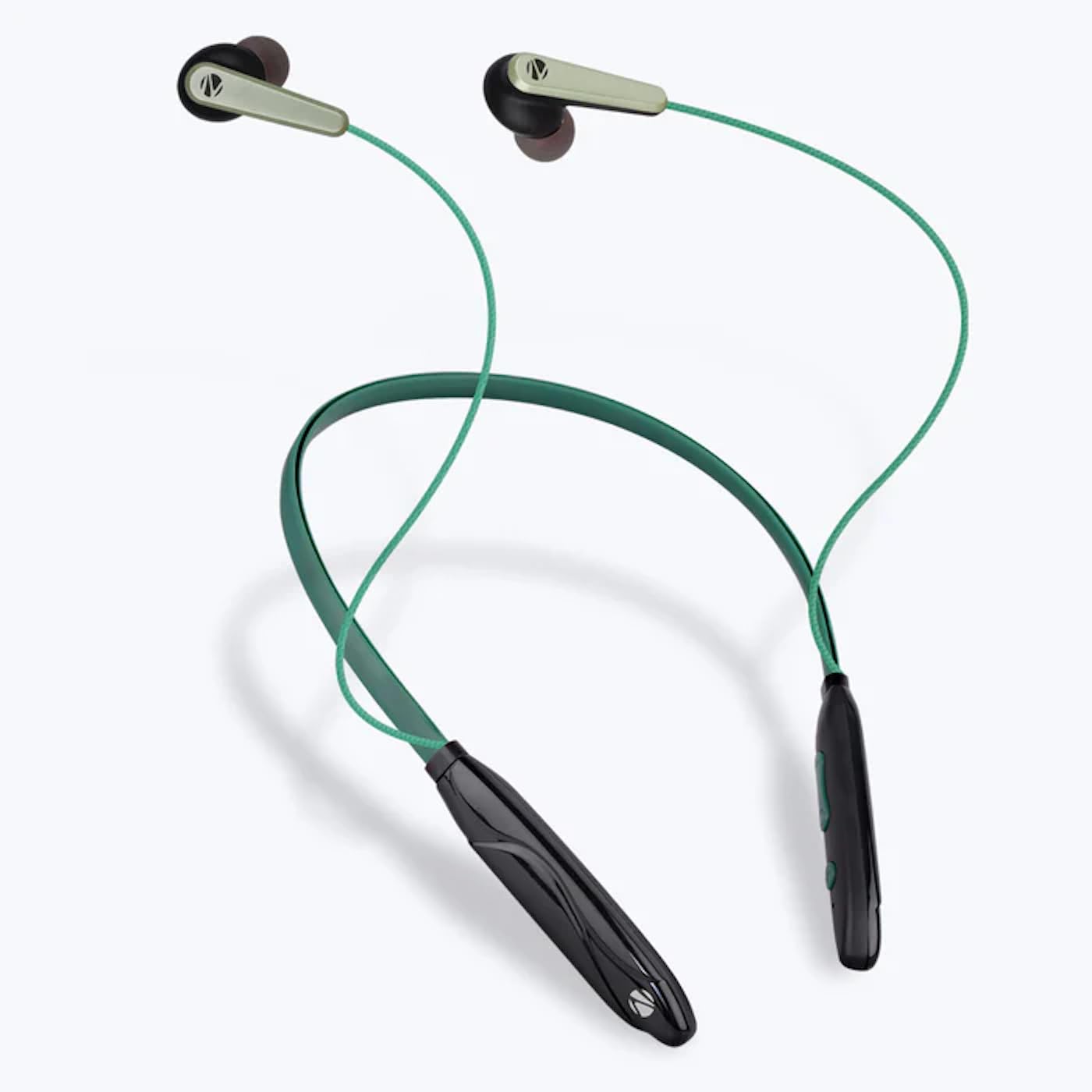
Image: The ZEBRONICS Zeb-Escape 10 Wireless BT Earphone, featuring a green and black neckband design with in-ear earbuds.
Package Contents
The following items are included in your product package:
- 1 U Neckband Earphone
- 1 U Charging Cable (Type-C)
- 1 U QR Code Guide
Setup
1. Charging the Earphone
Before first use, fully charge the earphone. Use the provided Type-C charging cable to connect the earphone to a USB power source (e.g., computer USB port, wall adapter). The LED indicator will show the charging status.
- Charging Time: Approximately 1.5 hours.

Image: The earphone's control module with a Type-C charging port, showing a charging cable connected.
2. Bluetooth Pairing
To connect your earphone to a Bluetooth-enabled device:
- Ensure the earphone is charged and powered off.
- Press and hold the multi-function button on the earphone until the LED indicator flashes red and blue, indicating it is in pairing mode.
- On your device (smartphone, tablet, etc.), enable Bluetooth and search for available devices.
- Select "ZEB-ESCAPE 10" from the list of found devices.
- Once connected, the LED indicator will flash blue slowly or turn off, depending on the model.

Image: A smartphone display illustrating the Bluetooth pairing process, showing the earphone model 'ZEB-ESCAPE 10' as connected.
Operating Instructions
Power On/Off
- Power On: Press and hold the multi-function button until the LED indicator lights up.
- Power Off: Press and hold the multi-function button until the LED indicator turns off.
Volume and Media Control
The earphone features integrated controls for managing audio playback and volume.
- Volume Up: Press the '+' button.
- Volume Down: Press the '-' button.
- Play/Pause: Press the multi-function button once.
- Next Track: Press and hold the '+' button.
- Previous Track: Press and hold the '-' button.
Call Function
Manage calls directly from your earphone.
- Answer Call: Press the multi-function button once.
- End Call: Press the multi-function button once during a call.
- Reject Call: Press and hold the multi-function button.
- Redial Last Number: Double-press the multi-function button.
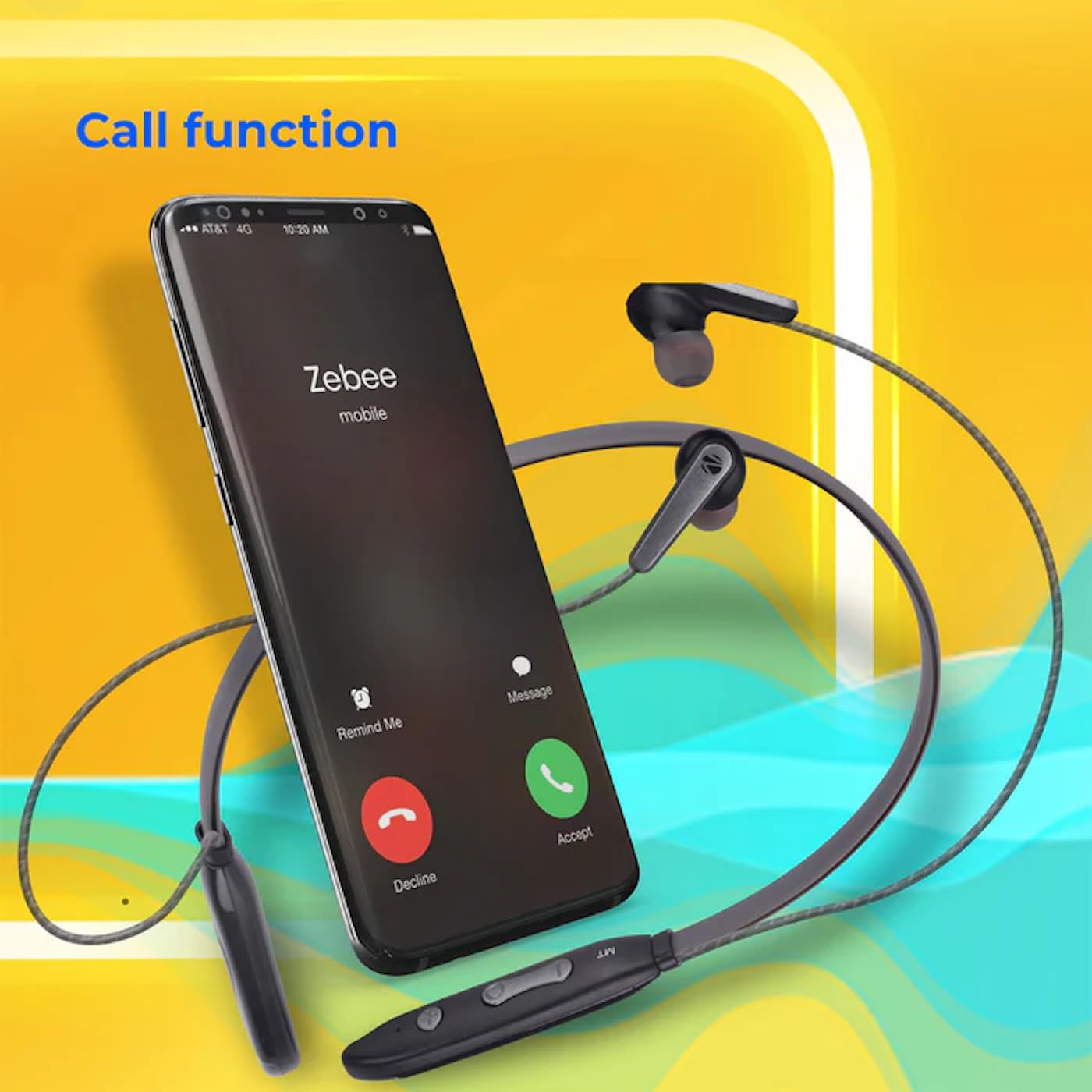
Image: A smartphone showing an incoming call interface, indicating the earphone's call handling capability.
Voice Assistant Support
Activate your device's voice assistant (e.g., Google Assistant, Siri) by triple-pressing the multi-function button.
Magnetic Earpiece
The earpieces are magnetic, allowing them to securely attach to each other when not in use, preventing tangling and ensuring they stay in place around your neck.

Image: A detailed view of an earbud, illustrating its design for a stable and comfortable fit.
Maintenance
To ensure the longevity and optimal performance of your ZEBRONICS Zeb-Escape 10 earphones, follow these maintenance guidelines:
- Cleaning: Use a soft, dry cloth to clean the earphones. Do not use harsh chemicals or abrasive materials.
- Storage: Store the earphones in a cool, dry place away from direct sunlight and extreme temperatures.
- Water Resistance: The earphones are water resistant. Avoid submerging them in water or exposing them to heavy rain.
- Charging: Only use the provided charging cable or a certified Type-C cable. Avoid overcharging.
Troubleshooting
If you encounter issues with your earphone, refer to the following common problems and solutions:
| Problem | Possible Solution |
|---|---|
| Earphone does not power on. | Ensure the earphone is fully charged. |
| Cannot pair with device. | Ensure the earphone is in pairing mode (flashing red/blue). Turn off and on Bluetooth on your device. Move closer to the earphone. |
| No sound or low volume. | Check volume levels on both the earphone and your connected device. Ensure the earphone is properly paired. |
| Call quality issues. | Ensure you are within Bluetooth range. Check for obstructions between the earphone and your device. |
Specifications
Technical specifications for the ZEBRONICS Zeb-Escape 10 Wireless BT Earphone:
| Feature | Detail |
|---|---|
| Model Name | ZEB-NBI 5 |
| Bluetooth Version | v5.3 |
| Supported BT Profiles | HSP / HFP / A2DP / AVRCP |
| Driver Size | 10mm |
| Speaker Impedance | 16Ω |
| Playback Time | Up to 20 hours (at 50% volume) |
| Talk Time | Up to 20 hours |
| Charging Time | 1.5 hours |
| Standby Time | 200 hours |
| Net Weight | 26g |
| Control Type | Media Control, Touch |
| Water Resistance Level | Water Resistant |
| Special Features | Fast Charging, Foldable, Microphone Included, Sweatproof |

Image: Visual representation of the earphone's 20-hour playback capability.
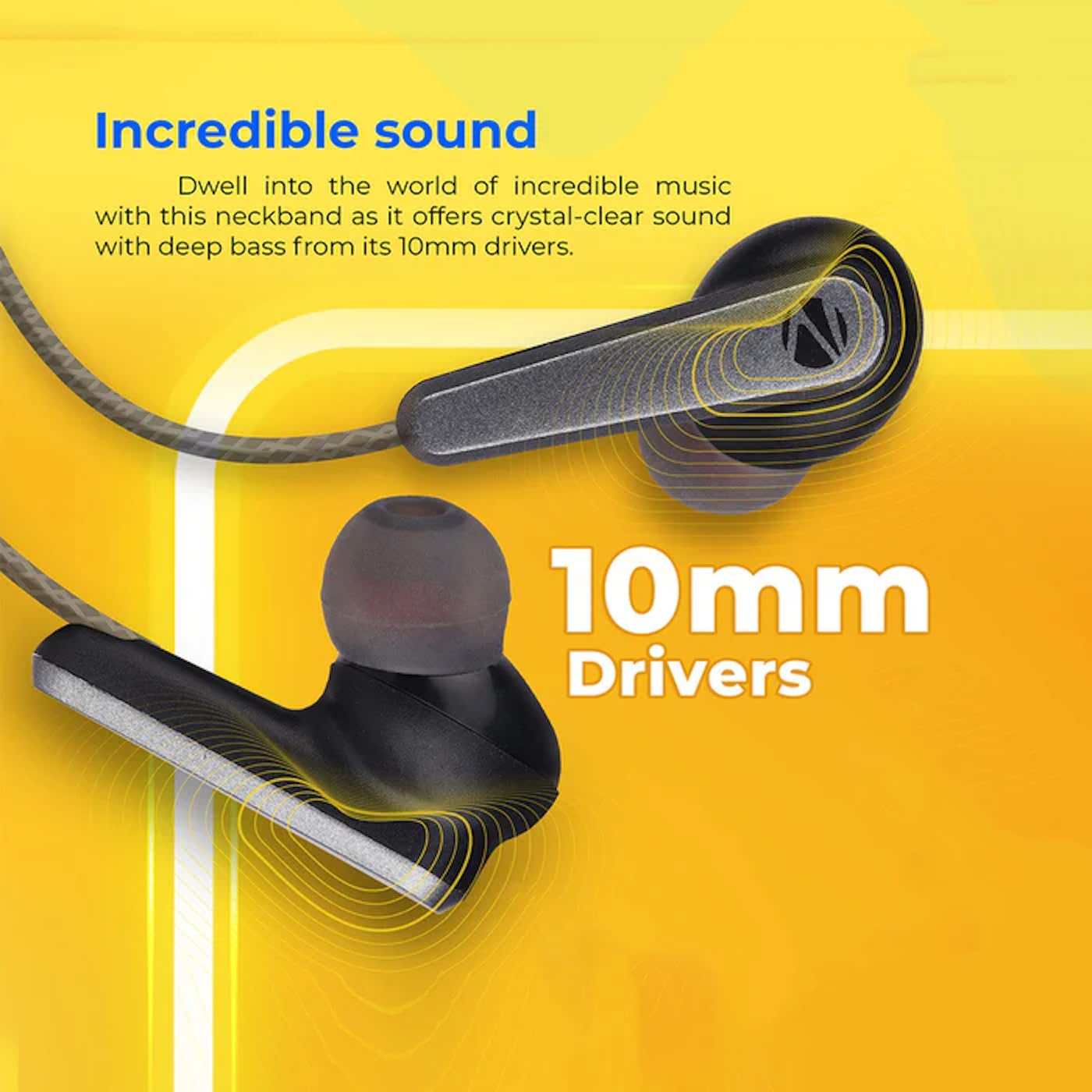
Image: A close-up of an earbud, highlighting the 10mm audio drivers responsible for sound output.
Warranty Information
The ZEBRONICS Zeb-Escape 10 Wireless BT Earphone comes with a 6-month warranty from the date of purchase. This warranty covers manufacturing defects. Please retain your purchase receipt as proof of purchase for warranty claims. The warranty does not cover damage caused by misuse, accidents, unauthorized modifications, or normal wear and tear.
Customer Support
For further assistance, technical support, or warranty claims, please contact ZEBRONICS customer service. Refer to the QR code guide included in your package or visit the official ZEBRONICS website for contact details.