
1. Introduction
The BOTE MAGNEBoom Surge is a portable, waterproof Bluetooth speaker designed for watersports and outdoor activities. It features a rugged construction, MAGNEPOD compatibility for secure attachment to BOTE watercraft, and dual pairing capabilities for enhanced stereo sound. This manual provides essential information for the safe and effective use of your speaker.
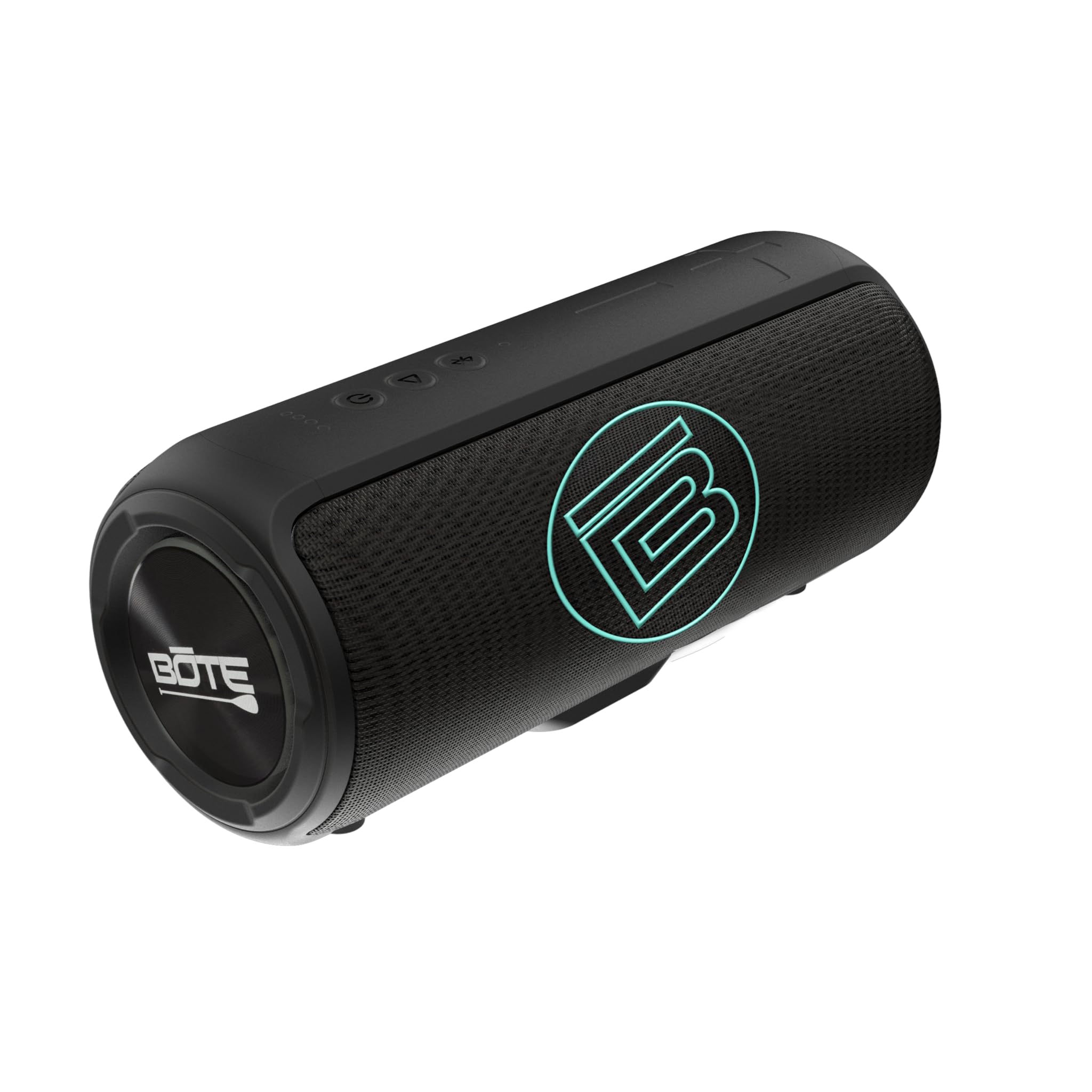
Image 1.1: Front view of the BOTE MAGNEBoom Surge speaker, showcasing its sleek black design and BOTE logo.
2. Package Contents
Please verify that all items are present in your package:
- One (1) BOTE MAGNEBoom Surge Speaker
- One (1) USB-C to USB Charging Cable
- One (1) User Manual (this document)
3. Product Features
The MAGNEBoom Surge speaker offers the following key features:
- IPX7 Waterproof Rating: Fully submersible up to 1 meter for 30 minutes. The speaker also floats.
- MAGNEPOD Compatible: Integrated magnet for secure attachment to BOTE MAGNEPOD-equipped surfaces.
- Dual Pairing: Wirelessly connect two MAGNEBoom Surge speakers for stereo sound.
- Long Playtime: Up to 8 hours of continuous audio playback on a single charge.
- Bluetooth 5 Connectivity: Stable wireless connection with a range of up to 10 meters.
- AUX Input: For wired connection to audio devices.
- USB-C Charging: Modern and convenient charging interface.
- Voice Control Microphone: For hands-free calls and voice assistant interaction.

Image 3.1: Diagram highlighting key features of the BOTE MAGNEBoom Surge, including its waterproof design, 8-hour playtime, voice control microphone, and MAGNEPOD compatibility.
4. Setup
4.1 Charging the Speaker
Before first use, fully charge your MAGNEBoom Surge speaker.
- Locate the USB-C charging port, usually protected by a waterproof seal.
- Open the seal and connect the provided USB-C cable to the speaker.
- Connect the other end of the USB cable to a 5V 2A USB power adapter (not included) or a computer's USB port.
- The charging indicator light will illuminate. It will turn off or change color when charging is complete.
- Ensure the waterproof seal is securely closed after charging to maintain water resistance.
4.2 Power On/Off
- To power on, press and hold the Power button until you hear an audible prompt and the indicator light illuminates.
- To power off, press and hold the Power button again until you hear an audible prompt and the indicator light turns off.
4.3 Bluetooth Pairing
To connect your speaker to a Bluetooth-enabled device:
- Ensure the speaker is powered on and in pairing mode (indicator light will flash, usually blue). If not, briefly press the Bluetooth button.
- On your device (smartphone, tablet, etc.), go to Bluetooth settings and enable Bluetooth.
- Search for available devices. Select 'MAGNEBoom Surge' from the list.
- Once connected, the speaker will provide an audible confirmation, and the indicator light will become solid.
4.4 Dual Pairing (Stereo Sound)
To pair two MAGNEBoom Surge speakers for a stereo audio experience:
- Ensure both MAGNEBoom Surge speakers are powered on and not connected to any other Bluetooth device.
- On one speaker (this will be your primary speaker), press the Dual Pairing button (often indicated by a chain link or infinity symbol). The indicator light will flash.
- On the second speaker, press the Dual Pairing button.
- The speakers will automatically connect to each other. You will hear an audible confirmation.
- Now, connect your device to the primary speaker via Bluetooth as described in Section 4.3. Audio will play in stereo through both speakers.
4.5 AUX Connection
For wired audio playback:
- Open the waterproof seal covering the AUX input port.
- Connect a 3.5mm audio cable (not included) from your audio device to the speaker's AUX input.
- The speaker will automatically switch to AUX mode.
- Ensure the waterproof seal is securely closed after use to maintain water resistance.
5. Operating Instructions
5.1 Basic Controls
The MAGNEBoom Surge features intuitive buttons for controlling playback and volume:
- Power Button: Press and hold to power on/off.
- Play/Pause Button: Press once to play or pause audio.
- Volume Up (+): Press to increase volume. Press and hold to skip to the next track.
- Volume Down (-): Press to decrease volume. Press and hold to skip to the previous track.
- Bluetooth/Dual Pairing Button: Press briefly to enter Bluetooth pairing mode. Press and hold (or press twice, depending on model) to initiate dual pairing.
5.2 Using the MAGNEPOD
The integrated MAGNEPOD system allows for secure attachment to compatible BOTE watercraft and accessories.
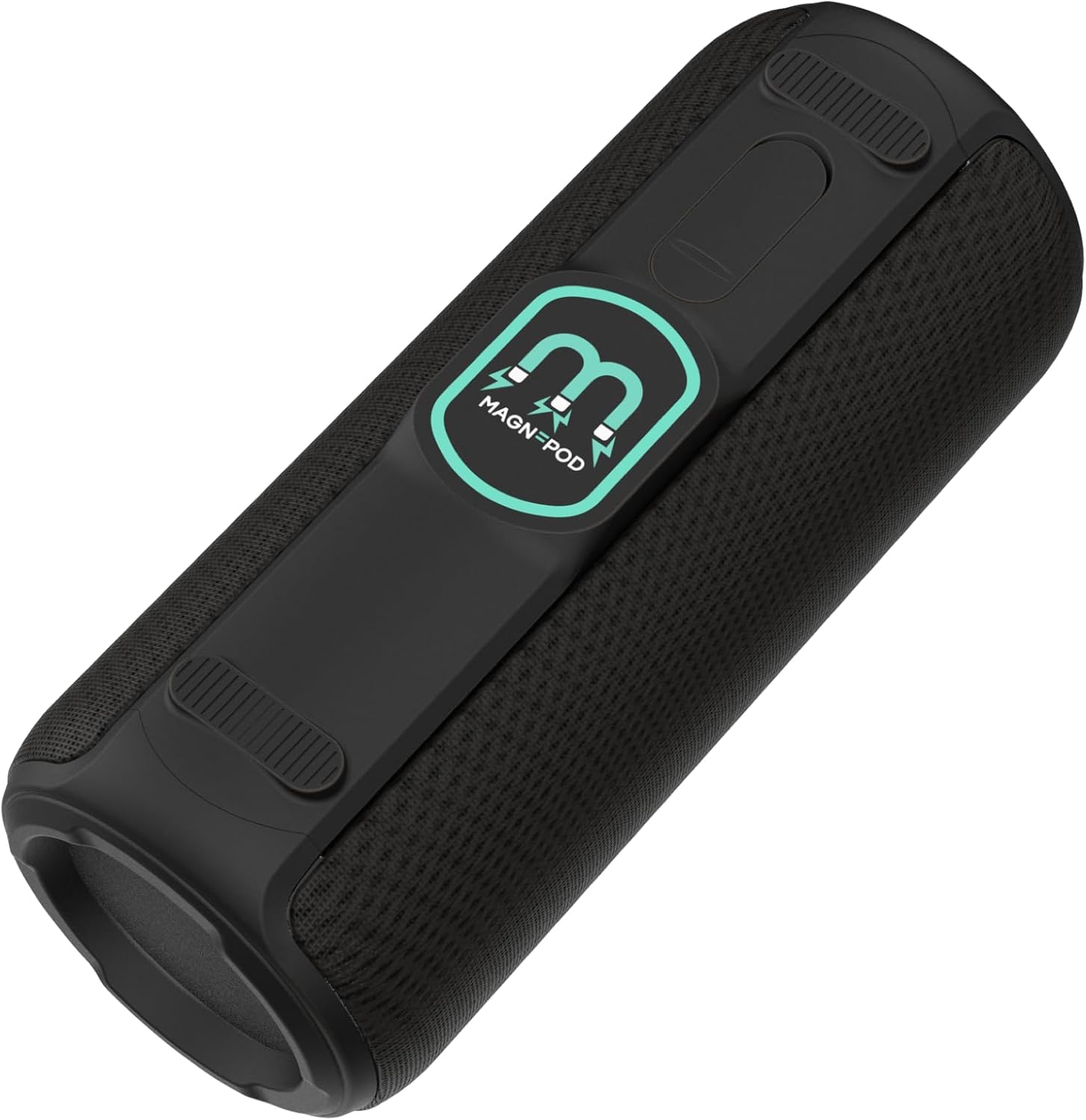
Image 5.1: Angled view of the BOTE MAGNEBoom Surge, highlighting the MAGNEPOD attachment system on its base.
- Locate the MAGNEPOD receiver on your BOTE product.
- Align the MAGNEPOD on the bottom of the speaker with the receiver.
- Gently place the speaker onto the receiver. The magnets will securely hold the speaker in place.
- To remove, simply lift the speaker from the MAGNEPOD receiver.

Image 5.2: The BOTE MAGNEBoom Surge speaker securely attached to a BOTE KULA cooler, demonstrating its MAGNEPOD compatibility during use on the water.
6. Maintenance
6.1 Cleaning
To maintain the appearance and functionality of your speaker:
- After use in saltwater, rinse the speaker thoroughly with fresh water.
- Wipe the speaker with a soft, damp cloth. Do not use abrasive cleaners or solvents.
- Ensure all ports are dry before charging or connecting cables.
6.2 Storage
When not in use, store the speaker in a cool, dry place away from direct sunlight and extreme temperatures. Ensure all port covers are securely closed.
7. Troubleshooting
| Problem | Possible Cause | Solution |
|---|---|---|
| Speaker does not power on. | Low battery. | Charge the speaker using the provided USB-C cable. |
| Cannot pair via Bluetooth. | Speaker not in pairing mode; device Bluetooth off; too far from device. | Ensure speaker is in pairing mode (flashing light). Turn on device Bluetooth. Move speaker closer to device (within 10m). |
| No sound. | Volume too low; incorrect input mode; device not playing. | Increase speaker and device volume. Check if in Bluetooth or AUX mode. Ensure audio is playing on your device. |
| Dual pairing fails. | Speakers already connected to another device; incorrect pairing sequence. | Disconnect both speakers from any devices. Follow dual pairing instructions carefully (Section 4.4). |
8. Specifications
| Feature | Specification |
|---|---|
| Model Number | BMB-SU-BLK |
| Dimensions (L x W x D) | 9.25" x 3.5" x 3.75" |
| Weight | 1.8 lbs |
| Water Resistance | IPX7 (Waterproof up to 1 meter) |
| Bluetooth Version | 5.0 |
| Bluetooth Range | Up to 10 meters (33 feet) |
| Battery Type | Li-ion |
| Battery Capacity | 2500 mAh |
| Playtime | Up to 8 hours |
| Charging Input | USB-C, 5V 2A |
| Speaker Configuration | 2x 6W 45mm speakers, 1x 18W 66mm speaker |
| Audio Output Mode | Stereo |
| Connectivity | Bluetooth, AUX |
9. Warranty Information
The BOTE MAGNEBoom Surge speaker is covered by a 30-Day Limited Warranty from the date of purchase. This warranty covers manufacturing defects under normal use. It does not cover damage caused by misuse, accidents, unauthorized modifications, or normal wear and tear. Please retain your proof of purchase for warranty claims.
10. Support
For further assistance, technical support, or warranty inquiries, please visit the official BOTE website or contact BOTE customer service. Refer to your product packaging or the BOTE website for the most current contact information.