
1. Important Safety Information
Please read this manual carefully before operating your NETTA 35L/Day Dehumidifier. Keep these instructions for future reference. Failure to follow these instructions may result in electric shock, fire, or serious injury.
- Always ensure the dehumidifier is placed on a stable, level surface.
- Do not block the air inlet or outlet. Maintain at least 20 cm clearance around the unit.
- Do not operate the unit near heat sources, flammable materials, or in direct sunlight.
- Unplug the unit from the power outlet before cleaning, maintenance, or when not in use.
- Do not immerse the unit, power cord, or plug in water or other liquids.
- This appliance is not intended for use by persons (including children) with reduced physical, sensory or mental capabilities, or lack of experience and knowledge, unless they have been given supervision or instruction concerning use of the appliance by a person responsible for their safety.
- Children should be supervised to ensure that they do not play with the appliance.
2. Product Overview
The NETTA 35L/Day Dehumidifier is designed to efficiently remove excess moisture from your indoor environment, improving air quality and preventing issues like mold and dampness. It features a low noise level, an air filter, continuous drainage option, automatic restart, and a user-friendly control panel with a timer and child lock.
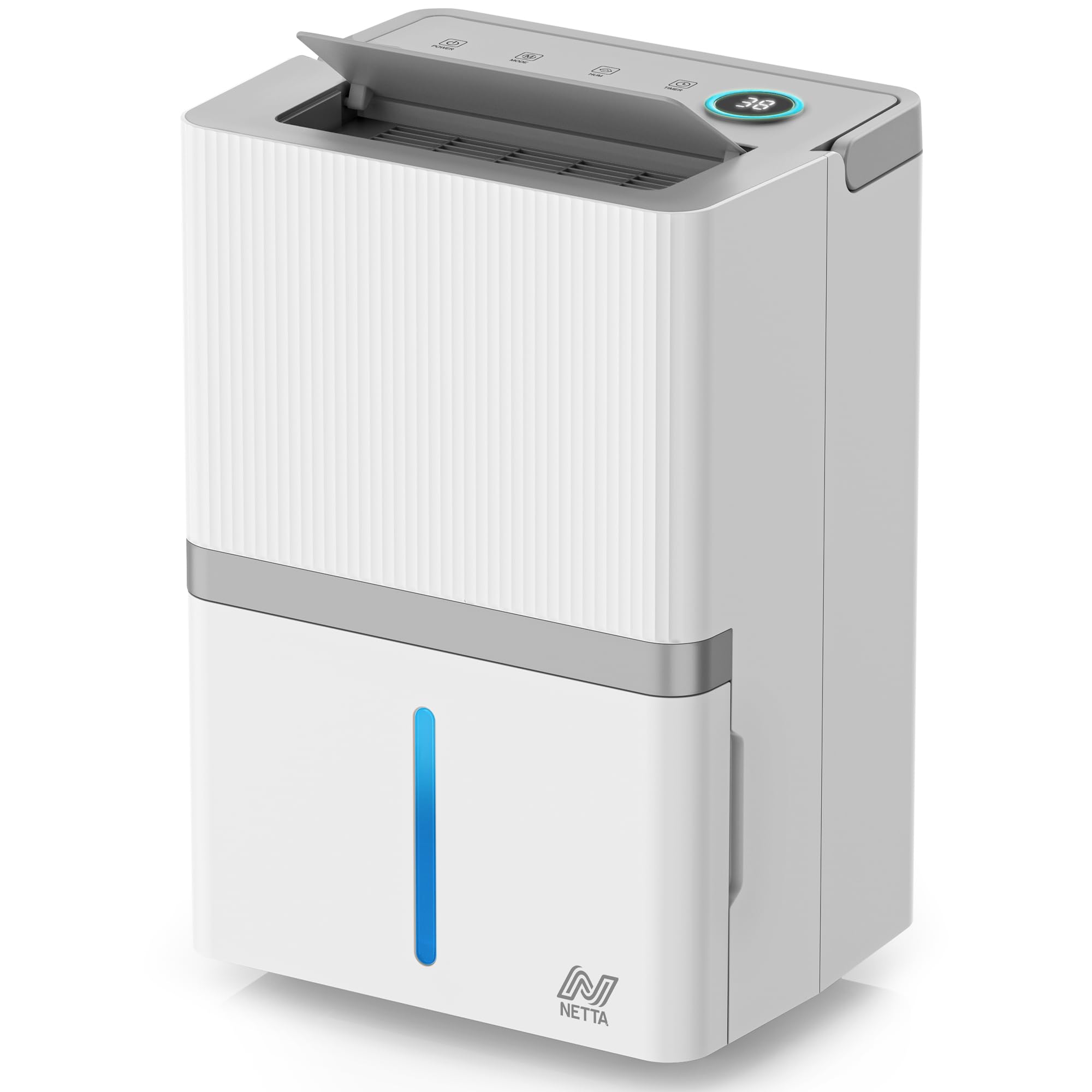
Image 2.1: The NETTA 35L/Day Dehumidifier, a compact and efficient unit for humidity control.
Key Features:
- High Dehumidification Capacity: Extracts up to 35 liters of moisture per day.
- Low Noise Operation: Operates at a quiet level of ≤38dB(A).
- Smart Display: Automatic display for defrost, temperature, and humidity levels.
- Timer Function: Programmable 1 to 24-hour timer.
- Multiple Modes: Includes Dry and Sleep modes for versatile use.
- Adjustable Fan Speed: High and low fan speed settings.
- Large Water Tank: 5.5-liter visible water tank, removable and easy to empty.
- Continuous Drainage: Option for direct drainage with an included hose.
- Child Lock: Prevents unintended changes to settings.
- Air Filter: Included and removable for easy cleaning.
- Auto Restart & Defrost: Ensures continuous and safe operation.
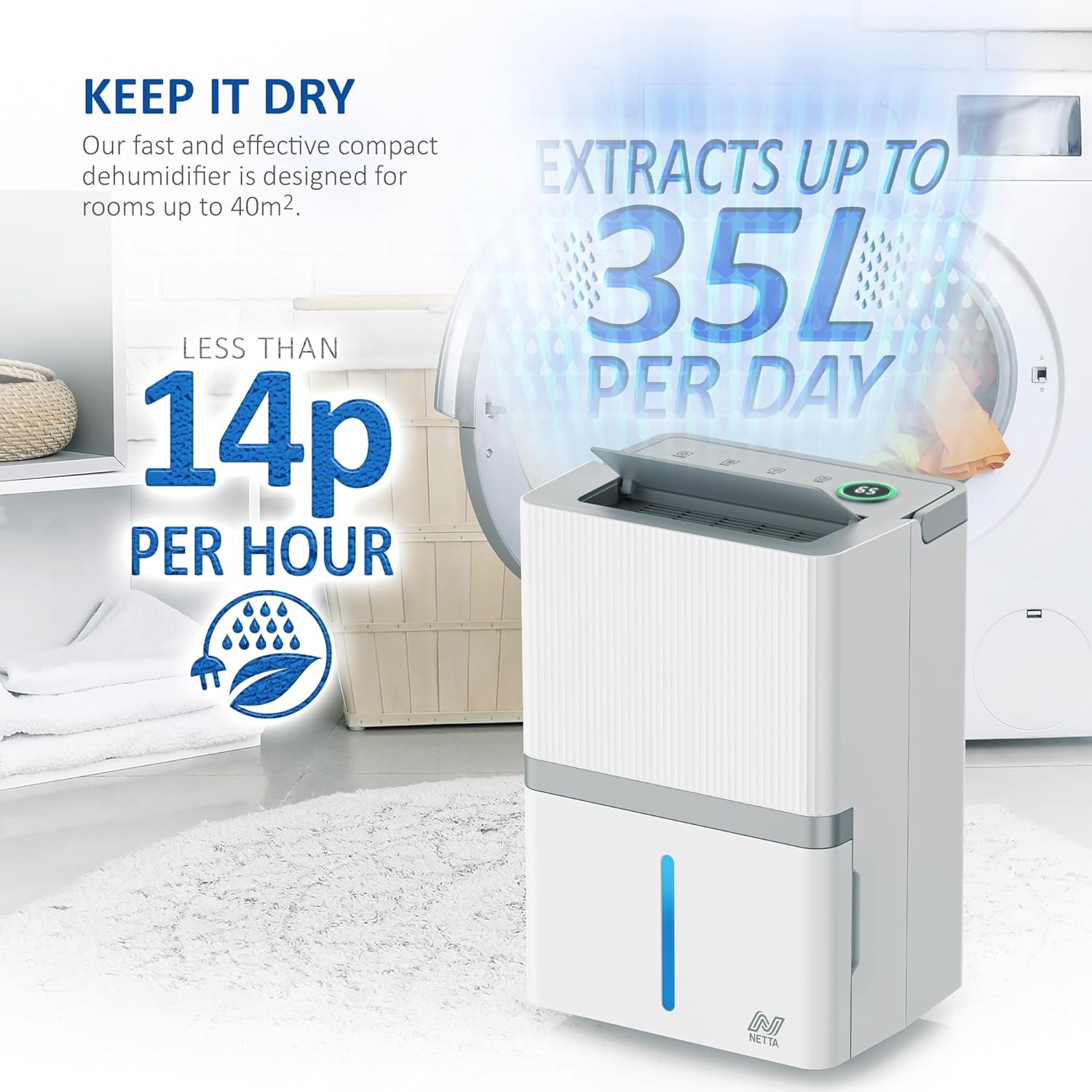
Image 2.2: The dehumidifier is designed for rooms up to 40m² and extracts up to 35 liters per day, with low power consumption.
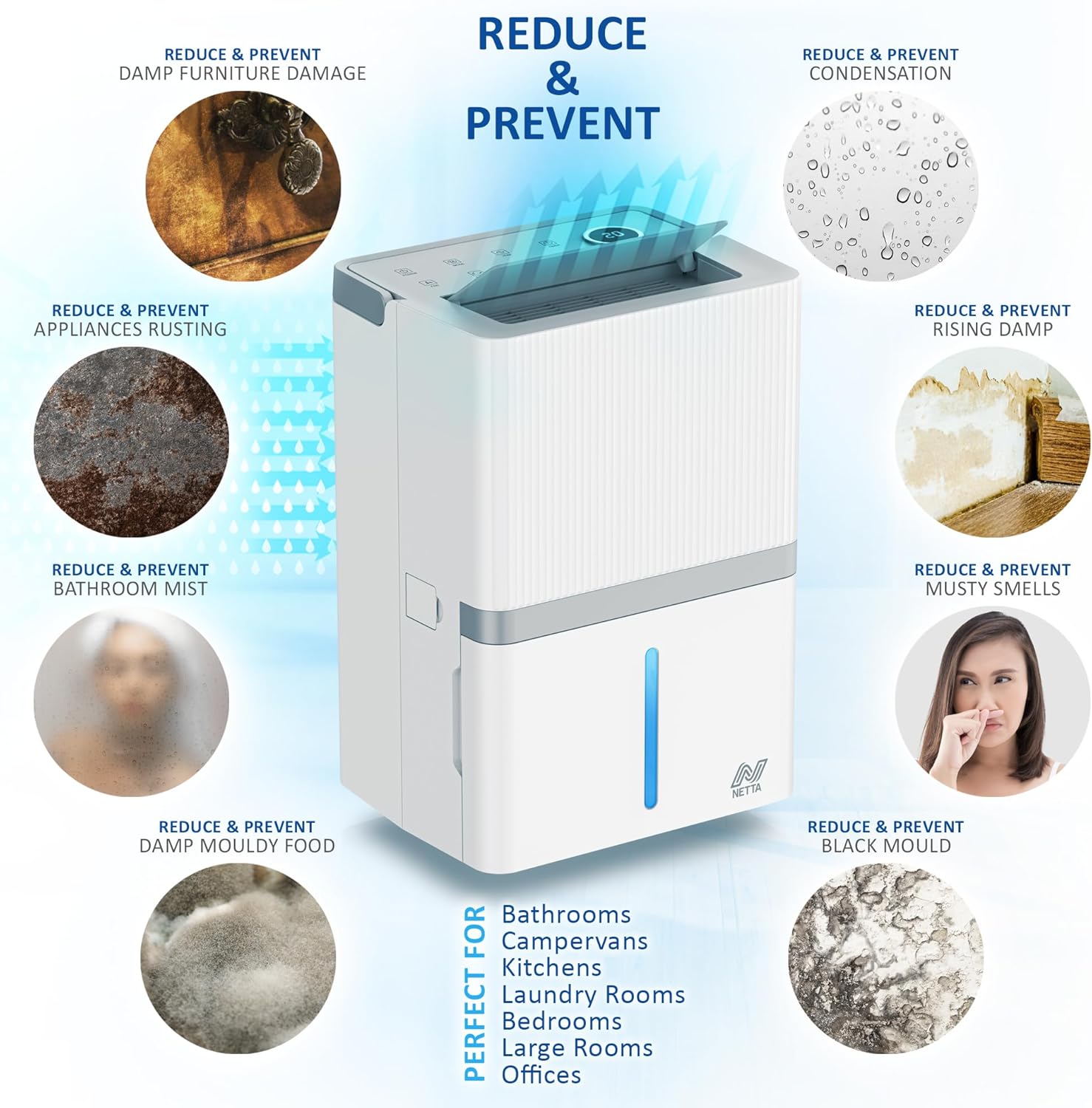
Image 2.3: The dehumidifier helps reduce and prevent damp furniture damage, condensation, rising damp, musty smells, bathroom mist, damp mouldy food, black mould, and appliance rusting. It is suitable for various rooms including bathrooms, kitchens, bedrooms, and offices.
3. Setup
3.1 Unpacking
- Carefully remove the dehumidifier from its packaging.
- Remove all packing materials and ensure no components are missing.
- Inspect the unit for any damage incurred during transit. If damaged, do not operate and contact customer support.
3.2 Placement
- Place the dehumidifier on a firm, level surface in the desired location.
- Ensure there is at least 20 cm of space around the unit for proper airflow.
- The recommended working environment temperature is 5°C to 35°C.
- The unit is effective for areas up to 40m².
3.3 Water Tank Installation
The 5.5-liter water tank is pre-installed. Ensure it is correctly seated before operation.
3.4 Continuous Drainage Setup (Optional)
For continuous operation without needing to empty the water tank, you can use the included drainage hose.
- Locate the continuous drainage outlet on the back or side of the unit.
- Remove the rubber stopper (if present).
- Connect one end of the drainage hose to the outlet. Ensure a secure fit to prevent leaks.
- Direct the other end of the hose to a suitable drain, such as a sink or floor drain. Ensure the hose is sloped downwards to allow gravity drainage and is not kinked or blocked.

Image 3.1: Illustration of the 5.5L water tank with a visible water level window and the continuous drainage pipe connection for constant drainage.
4. Operating Instructions
4.1 Power On/Off
- Plug the power cord into a grounded electrical outlet.
- Press the Power button on the control panel to turn the unit on or off.
4.2 Setting Desired Humidity Level
The dehumidifier operates within a humidity range of 30% to 80%.
- Use the Humidity Setting buttons (usually '+' and '-') to adjust the desired humidity level.
- The unit will automatically turn on or off to maintain the set humidity level.
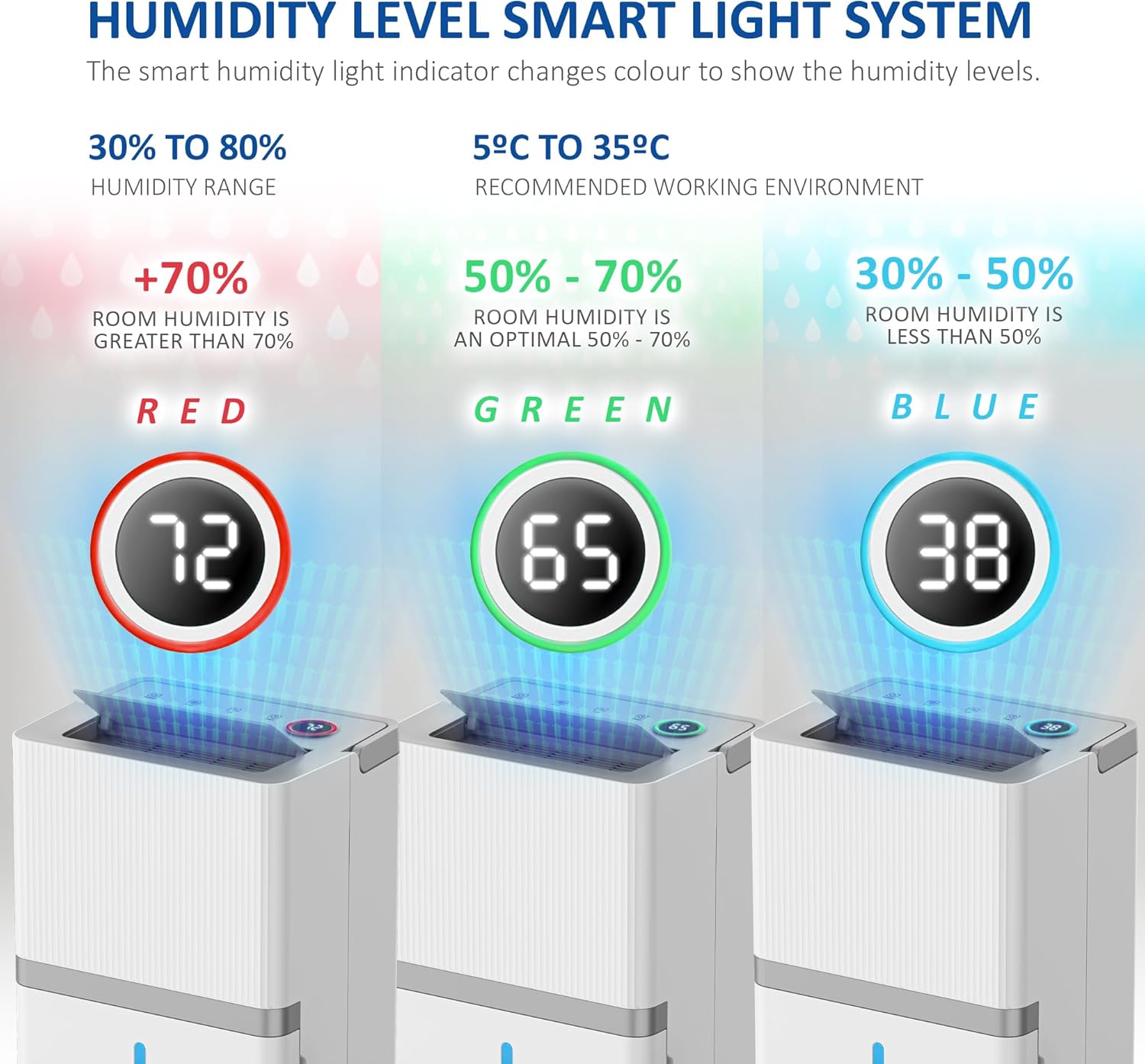
Image 4.1: The smart humidity light indicator changes color to show humidity levels: Red for >70%, Green for 50-70% (optimal), and Blue for 30-50%.
4.3 Timer Function
Set the timer for automatic shut-off.
- Press the Timer button.
- Use the adjustment buttons to select a duration between 1 and 24 hours.
- The unit will automatically turn off after the set time has elapsed.

Image 4.2: The 24-hour timer allows you to set the machine to automatically turn off, helping to save energy.
4.4 Fan Speed
- Press the Fan Speed button to toggle between high and low fan speeds.
- The low speed setting provides quieter operation.
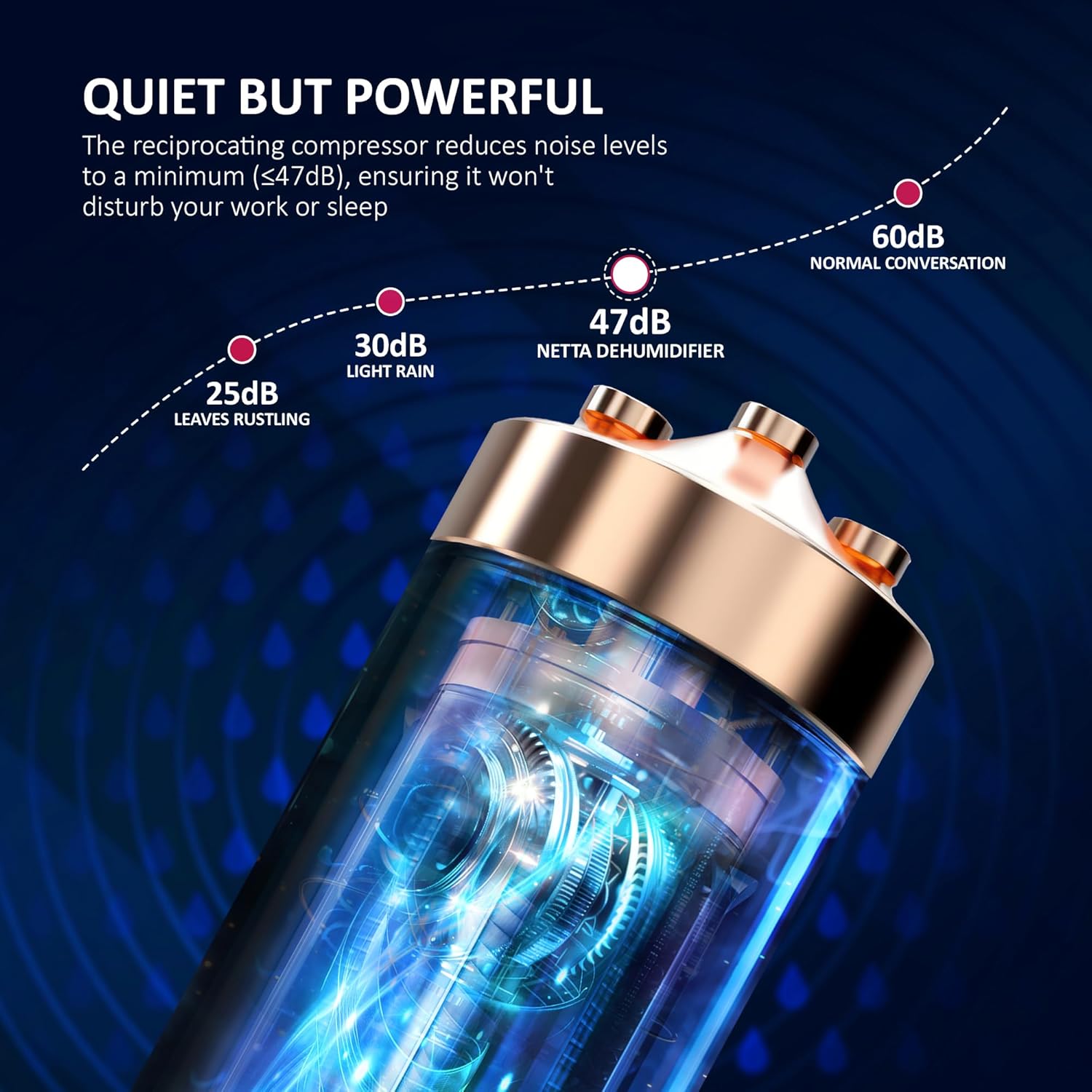
Image 4.3: The dehumidifier operates quietly, with noise levels comparable to light rain, ensuring minimal disturbance.
4.5 Dry Mode and Sleep Mode
- Refer to the control panel for specific buttons to activate Dry Mode for continuous dehumidification or Sleep Mode for reduced noise during nighttime operation.
4.6 Child Lock
- To activate the Child Lock, press and hold the designated button (refer to your unit's control panel for the specific icon, often a lock symbol) for a few seconds.
- This will disable the control panel buttons to prevent accidental changes. Repeat the action to deactivate.
5. Maintenance
Regular maintenance ensures optimal performance and extends the lifespan of your dehumidifier.
5.1 Emptying the Water Tank
- When the water tank is full, the unit will automatically stop operating and an indicator light will illuminate.
- Carefully pull out the water tank from the unit.
- Empty the collected water.
- Slide the empty tank back into the unit until it clicks into place. The unit will resume operation.
5.2 Cleaning the Air Filter
The removable nylon air filter should be cleaned regularly (every 2-4 weeks, depending on usage) to maintain efficiency.
- Turn off and unplug the dehumidifier.
- Locate and remove the air filter (usually at the back or side of the unit).
- Clean the filter using a vacuum cleaner to remove dust, or wash it gently with warm, soapy water.
- Rinse thoroughly and allow the filter to air dry completely before re-installing.
- Re-insert the dry filter back into the unit.
5.3 General Cleaning
- Wipe the exterior of the unit with a soft, damp cloth. Do not use harsh chemicals or abrasive cleaners.
- Ensure the unit is completely dry before plugging it back in.

Image 5.1: The dehumidifier features an easy-to-clean removable filter and wheels for portability.
6. Troubleshooting
If you encounter issues with your dehumidifier, please refer to the following common problems and solutions:
| Problem | Possible Cause | Solution |
|---|---|---|
| Dehumidifier does not turn on | No power; Water tank full or incorrectly placed; Child lock activated. | Check power connection; Empty and re-seat water tank; Deactivate child lock. |
| No water collected or low collection rate | Humidity level too low; Room temperature too low; Air filter clogged; Unit too small for room; Continuous drainage hose connected. | Adjust desired humidity lower; Ensure room temp is within 5°C-35°C; Clean air filter; Consider room size; Check if continuous drainage is active. |
| Unit is noisy | Unit not on a level surface; Air filter clogged; Fan speed set to high. | Place on a level surface; Clean air filter; Select low fan speed. |
| Frost on coils | Low room temperature. | The unit has an auto-defrost function. If frost persists, increase room temperature or contact support. |
If the problem persists after trying these solutions, please contact customer support.
7. Specifications
| Feature | Specification |
|---|---|
| Brand | NETTA |
| Model | 35L/Day |
| Dehumidification Capacity | 35 Liters/Day |
| Water Tank Volume | 5.5 Liters |
| Noise Level | ≤38 Decibels (A) |
| Product Dimensions (W x D x H) | 26 x 33 x 54 cm |
| Product Weight | 17 Kilograms |
| Material | Aluminum |
| Humidity Range | 30% to 80% |
| Recommended Working Temperature | 5°C to 35°C |
| Recommended Area Coverage | Up to 40m² |
| Special Features | Child Lock, Air Filter, Auto Defrost, Auto Restart, Timer, Dry/Sleep Modes, Continuous Drainage |
| Included Components | Continuous Drainage Hose |
8. Warranty and Support
8.1 Warranty Information
Your NETTA 35L/Day Dehumidifier comes with a standard manufacturer's warranty. Please refer to the warranty card included in your product packaging for specific terms and conditions, including the warranty period and coverage details. Keep your proof of purchase for warranty claims.
8.2 Customer Support
For technical assistance, troubleshooting beyond this manual, or warranty inquiries, please contact NETTA customer support. Contact details can typically be found on the product packaging, the official NETTA website, or your purchase receipt.
- When contacting support, please have your model number (35L/Day) and purchase date ready.