
1. Introduction
The Ejoyous 5-in-1 Indoor Air Quality Monitor is designed to provide real-time detection of various air quality parameters in your environment. This device accurately measures carbon dioxide (CO2) concentration, formaldehyde (HCHO), total volatile organic compounds (TVOC), temperature, and humidity. Its portable design and clear LCD display make it suitable for use in homes, offices, kitchens, and cars, helping you maintain a healthy indoor atmosphere.
2. Package Contents
Please verify that all items are present in the package:
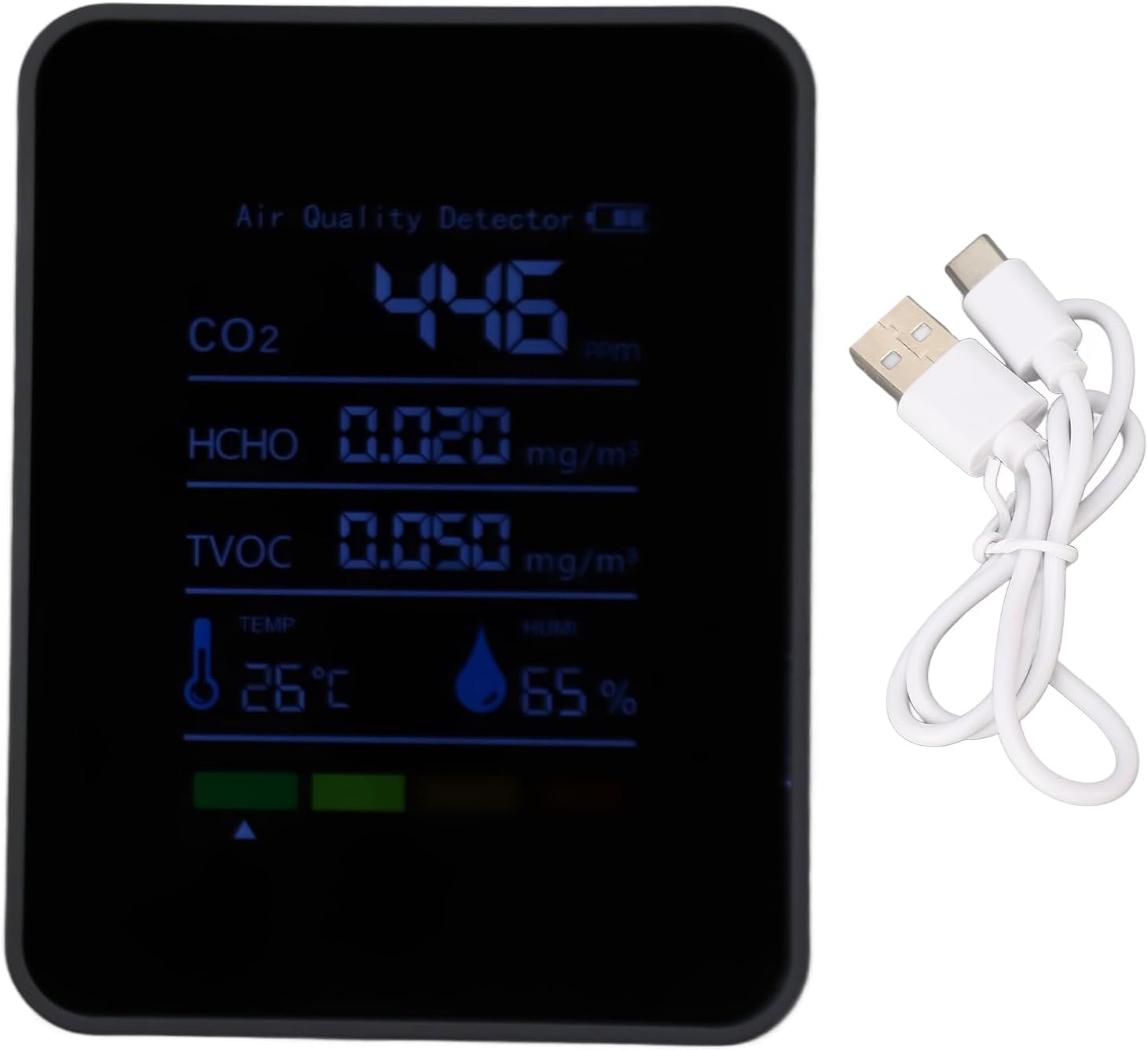
- 1 x Ejoyous 5-in-1 Air Quality Monitor
- 1 x USB Charging Cable
- 1 x User Manual
3. Product Overview
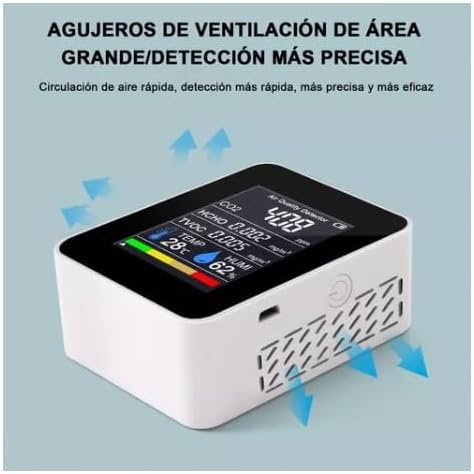
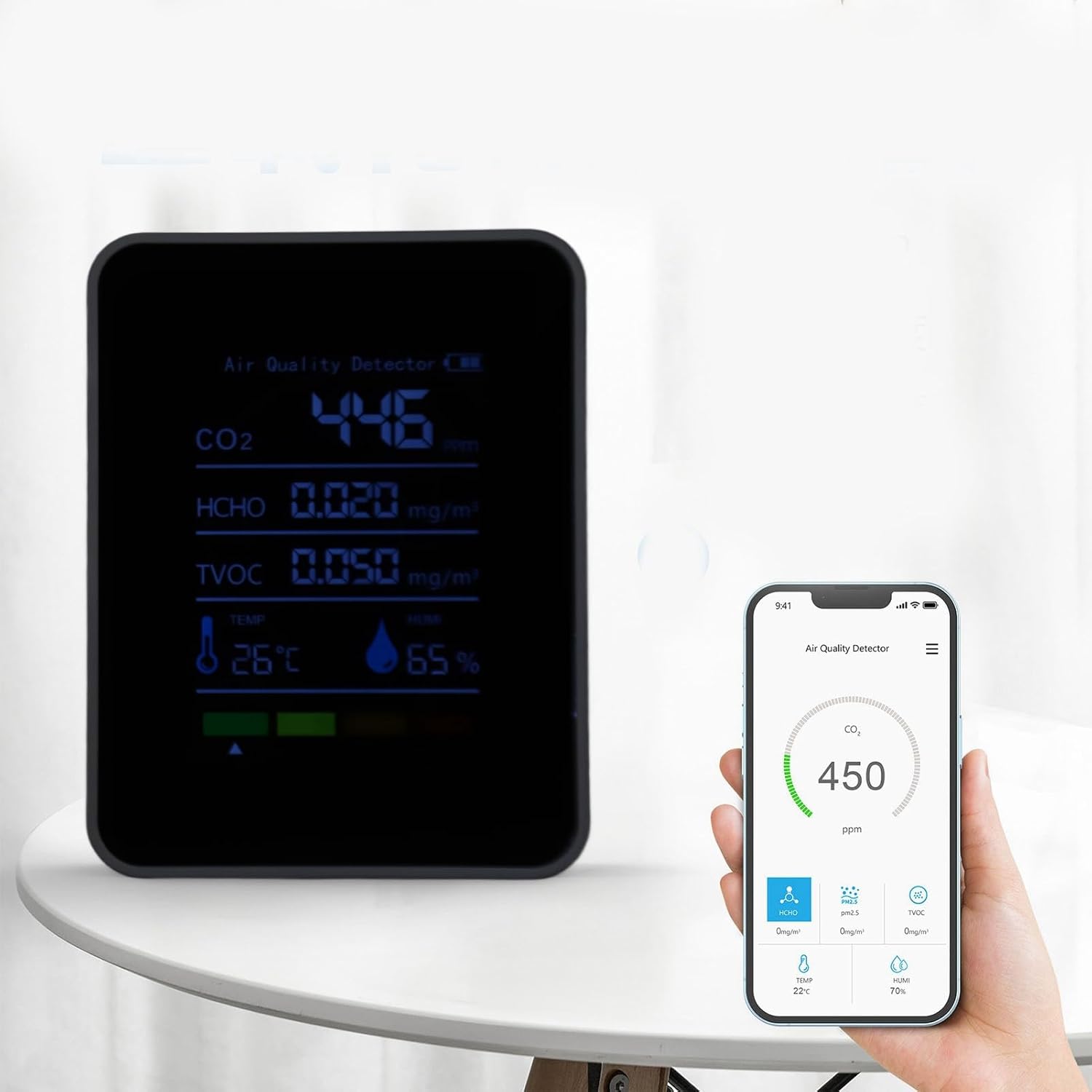
The Ejoyous Air Quality Monitor features a compact design with a clear LCD display that shows all measured parameters simultaneously. The device is constructed from durable ABS material, offering impact and scratch resistance.



4. Specifications
| Feature | Detail |
|---|---|
| Product Material | ABS |
| Product Weight | 106 g (approx. 3.7 oz) |
| Product Size | Approx. 9 x 3.5 x 7 cm (3.5 x 1.4 x 2.8 in) |
| Battery Type | 3.7V Lithium Battery |
| Battery Capacity | 1200mAh |
| Standby Time | Approx. 240 to 360 minutes |
| Detection Parameters | CO2, HCHO, TVOC, Temperature, Humidity |
| Update Rate | 1 second real-time update |
5. Setup
- Initial Charging: Before first use, fully charge the device using the provided USB cable. Connect the USB cable to the monitor's charging port and a standard USB power adapter (not included). The battery indicator on the display will show charging status.
- Placement: Place the monitor in the area where you wish to measure air quality. Ensure it is on a stable surface and not obstructed by objects that could block air circulation to the ventilation grilles. Avoid placing it near strong air currents, direct sunlight, or heat sources.
- Power On: Press and hold the power button (usually located on the side or top) for a few seconds until the display illuminates.
6. Operation
- Real-time Monitoring: Once powered on, the monitor will immediately begin detecting air quality and display readings for CO2, HCHO, TVOC, temperature, and humidity. The system updates every 1 second, providing continuous data.
- Understanding the Display:
- CO2: Carbon Dioxide concentration in parts per million (ppm).
- HCHO: Formaldehyde concentration in milligrams per cubic meter (mg/m³).
- TVOC: Total Volatile Organic Compounds concentration in milligrams per cubic meter (mg/m³).
- TEMP: Ambient Temperature in degrees Celsius (°C).
- HUMI: Relative Humidity in percentage (%).
- Power Off: To turn off the device, press and hold the power button until the display shuts down.
7. Carbon Dioxide Indication Levels
The monitor uses a color-coded system to visually indicate CO2 concentration levels:
- 0 to 799 ppm: Blinking green (Good air quality)
- 800 to 1199 ppm: Blinking yellow (Moderate air quality)
- 1200 to 1599 ppm: Blinking orange (Poor air quality)
- 1600 to 1999 ppm: Blinking red (Very poor air quality)
- Above 1999 ppm: Four colors flash (Hazardous air quality)
8. Maintenance
- Cleaning: Use a soft, dry cloth to clean the exterior of the device. Do not use abrasive cleaners, solvents, or immerse the device in water.
- Ventilation: Ensure the ventilation grilles on the device remain clear of dust and debris to allow for accurate air sampling.
- Battery Care: To prolong battery life, avoid fully discharging the battery frequently. Charge the device when the battery indicator is low. If storing the device for an extended period, charge it periodically.
9. Troubleshooting
- Device does not power on: Ensure the device is fully charged. Connect it to a USB power source and allow it to charge for at least 30 minutes before attempting to power it on again.
- Readings appear inaccurate or do not change: Ensure the device is placed in an area with good air circulation and away from direct drafts or stagnant air pockets. Allow the device some time to stabilize after moving it to a new environment. While the device offers real-time updates, significant environmental changes may take a few minutes to fully reflect.
- Short battery life: The device has a battery life of approximately 240 to 360 minutes. For continuous monitoring, it is recommended to keep the device plugged into a USB power source.
- Alarm sound is too loud or annoying: This model may feature an audible alarm for certain air quality thresholds. There is no official method to disable or adjust the alarm volume. If the alarm is disruptive, consider relocating the device or using it in environments where the alarm is less problematic.
10. Warranty and Support
For warranty information or technical support, please refer to the contact details provided with your purchase or visit the official Ejoyous website. Keep your purchase receipt as proof of purchase for any warranty claims.