Introduction
This user manual provides essential information for the safe and efficient operation of your Metz MTE2000Z 32-inch HD TV. Designed with a borderless display and advanced image processing, this television delivers a crystal-clear HD viewing experience with vibrant colors and sharp images. It offers versatile connectivity options including HDMI, USB, DVB-T/T2, DVB-C, and DVB-S/S2, making it suitable for various multimedia sources. Please read this manual thoroughly before using the product and retain it for future reference.

Figure 1: Front view of the Metz MTE2000Z 32-inch HD TV, showcasing its borderless design and compact form factor.
Setup
1. Unpacking and Placement
Carefully remove the TV and all accessories from the packaging. Ensure all components listed in the "What's in the Box" section are present. Place the TV on a stable, flat surface or mount it securely to a wall using a compatible VESA mount (not included). Allow adequate ventilation around the TV.
- What's in the Box: TV unit.
2. Connecting Peripherals
The Metz MTE2000Z TV offers multiple connectivity options for your external devices.

Figure 2: Rear view illustrating the various input ports available on the Metz MTE2000Z TV, including HDMI, USB, AV, and RF.
- HDMI Ports: Connect Blu-ray players, gaming consoles, or set-top boxes using HDMI cables for high-definition audio and video. This model features HDMI 1.4 x2.
- USB Ports: Insert USB drives to play multimedia content such as photos, music, or videos. This model features USB 2.0 x1.
- Antenna/Cable Input (RF): Connect your terrestrial (DVB-T/T2), cable (DVB-C), or satellite (DVB-S/S2) antenna for broadcast television.
- AV Input: For older devices, use the AV input.
- CI+ Slot: Insert a CI+ module with a smart card for encrypted digital television services.
3. Power Connection and Initial Setup
Once all desired devices are connected, plug the TV's power cord into a suitable electrical outlet. Press the power button on the TV or remote control to turn it on. The TV will guide you through the initial setup process, including language selection, channel scanning, and network configuration (if applicable for future smart features, though this model is not explicitly smart TV, it mentions Wi-Fi connectivity in specifications).
Operating Instructions
1. Basic Functions
- Power On/Off: Use the power button on the remote or TV.
- Channel Selection: Use the CH+/- buttons or number pad on the remote.
- Volume Control: Use the VOL+/- buttons on the remote.
- Input Source: Press the "Source" or "Input" button on the remote to switch between connected devices (HDMI, USB, TV, AV).
2. Picture Settings
Your Metz MTE2000Z TV features advanced image processing to optimize color accuracy and clarity. Access the picture settings menu to adjust brightness, contrast, color, and sharpness to your preference.
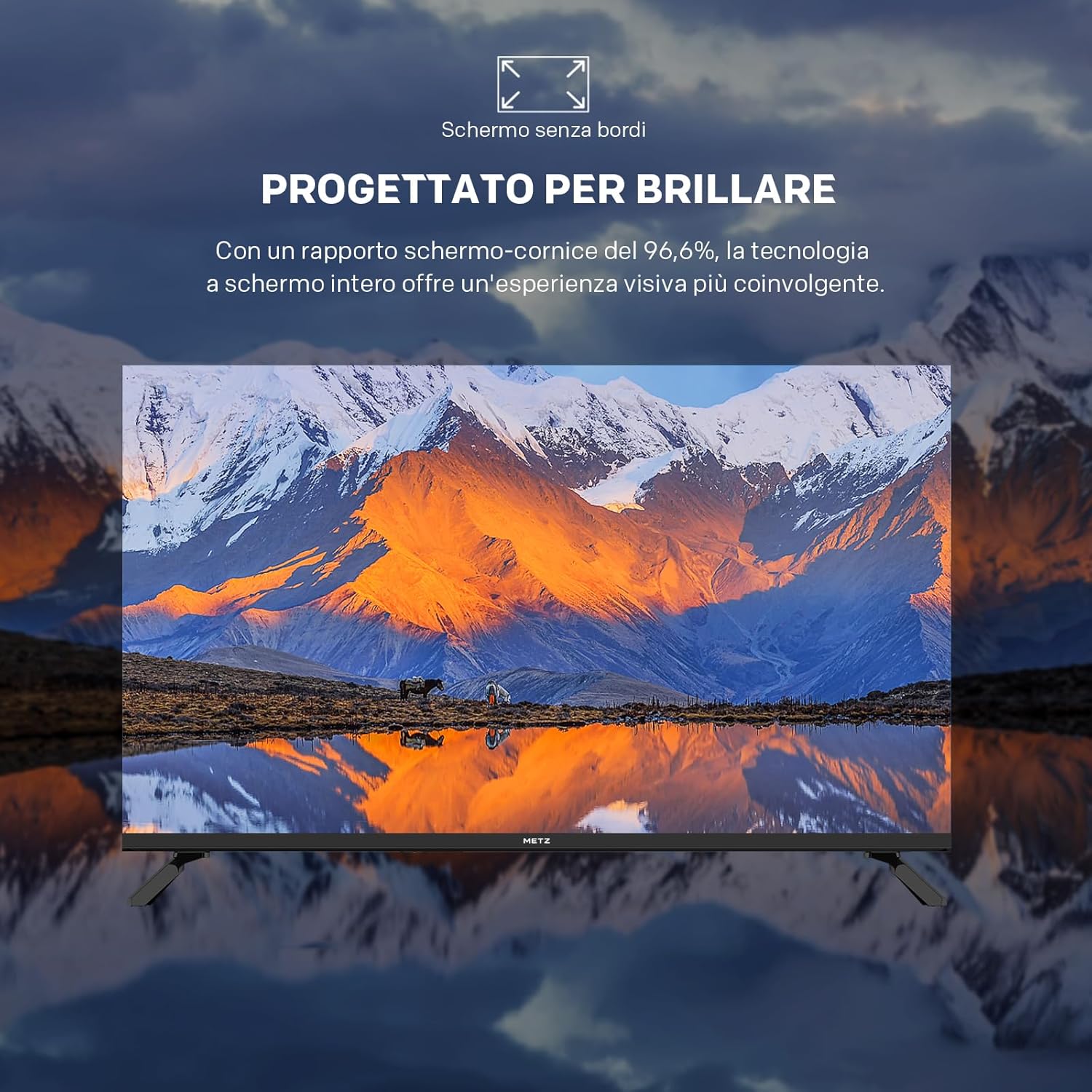
Figure 3: The TV's image processing unit optimizes color precision, ensuring pure and realistic colors for a superior viewing experience.
The borderless design maximizes the screen area, providing a more immersive viewing experience without distractions.
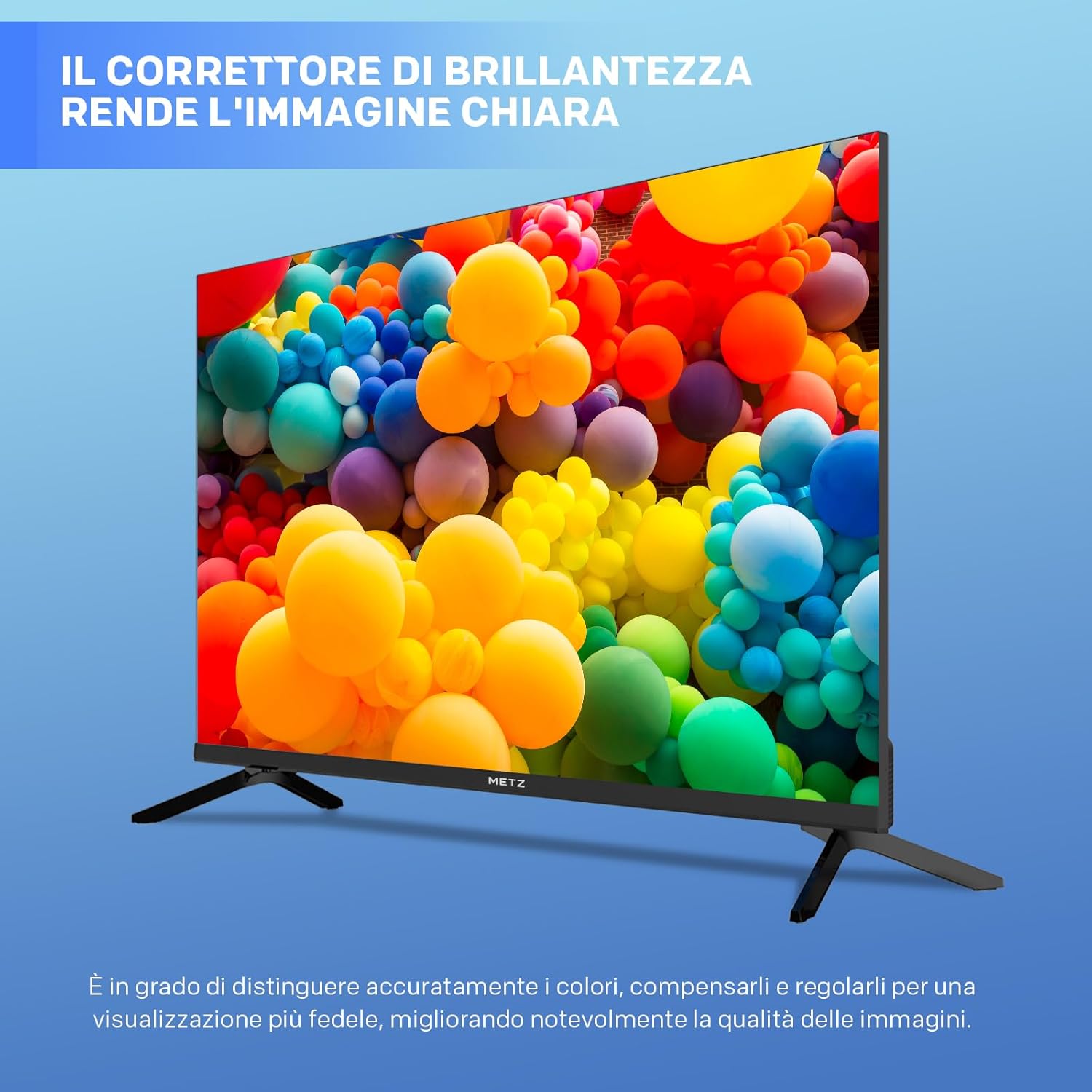
Figure 4: Close-up of the Metz MTE2000Z TV highlighting its innovative borderless design, which enhances visual immersion.
3. Sound Settings
The TV supports Dolby Digital audio. Adjust volume levels, sound modes (e.g., Standard, Music, Movie), and equalizer settings through the audio menu to enhance your listening experience.

Figure 5: The Metz MTE2000Z TV provides an enjoyable viewing experience for the whole family, suitable for various room sizes.
Maintenance
1. Cleaning the TV
To clean the screen, gently wipe it with a soft, lint-free cloth. For stubborn marks, slightly dampen the cloth with water or a specialized screen cleaner. Do not spray liquid directly onto the screen. Clean the TV casing with a soft, dry cloth.
2. Software Updates
Periodically check for software updates to ensure optimal performance and access to the latest features. Refer to the TV's settings menu for update options. The manufacturer provides a minimum of 8 years of software and firmware updates.
Troubleshooting
If you encounter issues with your Metz MTE2000Z TV, refer to the following common problems and solutions:
| Problem | Possible Cause / Solution |
|---|---|
| No Power | Ensure the power cord is securely plugged into the TV and the electrical outlet. Check the power outlet with another device. |
| No Picture / Poor Picture Quality | Verify the correct input source is selected. Check cable connections (HDMI, antenna). Adjust picture settings (brightness, contrast). Ensure the antenna is properly connected and positioned for optimal signal reception. Some users have reported issues with channel tuning; ensure a strong signal and try rescanning channels. |
| No Sound / Poor Sound Quality | Check the volume level and mute status. Ensure external audio devices are properly connected. Adjust sound settings in the TV menu. Some users have noted the audio quality might be squillante (shrill) or mediocre; consider adjusting equalizer settings or connecting external speakers for improved audio. |
| Remote Control Not Working | Replace the batteries in the remote control. Ensure there are no obstructions between the remote and the TV's IR sensor. |
Specifications
Detailed technical specifications for the Metz MTE2000Z 32-inch HD TV:
| Feature | Detail |
|---|---|
| Brand | Metz |
| Model Number | S0456609 |
| Screen Size | 32 inches |
| Resolution | 720p (1366x768) |
| Display Technology | Direct LED |
| Refresh Rate | 60 Hz |
| Aspect Ratio | 16:9 |
| Connectivity Technology | Wi-Fi (for potential future smart features/updates) |
| Included Components | TV |
| Product Dimensions (with stand) | 72 x 18.8 x 48.1 cm (Width x Depth x Height) |
| Product Dimensions (without stand) | 72 x 8.1 x 42.3 cm (Width x Depth x Height) |
| Item Weight | 5.13 kg (Gross Weight: 5.0 kg / Net Weight: 3.5 kg) |
| Country of Origin | China |

Figure 6: Detailed dimensions of the Metz MTE2000Z TV, both with and without the stand, for accurate placement planning.
Energy Efficiency
The Metz MTE2000Z TV has an energy efficiency rating of F. Its power consumption is 26 kWh/1000h.

Figure 7: The energy efficiency label for the Metz MTE2000Z TV, indicating its energy class and consumption.
For more detailed information, refer to the EPREL database: https://eprel.ec.europa.eu/qr/1838073
Warranty and Support
Metz, with a tradition dating back to 1938, stands for 86 years of German quality and innovation. Your product is covered by a warranty as per local regulations. For specific warranty and return policies, please refer to the retailer's terms of sale.
- Manufacturer: Metz
- Minimum Availability of Software/Firmware Updates: 8 years
- Minimum Availability of Spare Parts: 7 years
- Technical Assistance Availability: 7 years
For further assistance or to explore other Metz products, visit the official Metz brand store: Metz Brand Store.


