
Introduction
This manual provides detailed instructions for the proper use, setup, and maintenance of your Edifier W800BT Pro Hybrid Active Noise Cancelling Headphones. Please read this manual thoroughly before using the product to ensure optimal performance and longevity.
Package Contents
- Edifier W800BT Pro Headset x 1
- Type-C Charging Cable x 1
- User Manual x 1
Note: A carrying case is not included with this product.
Product Overview
Familiarize yourself with the various components and controls of your Edifier W800BT Pro headphones.

Image: Headphone controls and ports. The right earcup features volume up/down buttons, a multi-function button, a Bluetooth pairing button, a USB-C charging/audio port, and a microphone opening.
- Volume Buttons (+/-): Adjust audio volume.
- Multi-function Button: Controls playback (play/pause), call management (answer/end calls).
- Bluetooth Button: Initiates Bluetooth pairing mode.
- USB-C Port: For charging and wired Hi-Res audio connection.
- Microphone: For AI call noise cancellation.
- ANC/Ambient Sound Button: Toggles between Active Noise Cancellation, Ambient Sound mode, and standard mode.
Setup
1. Charging the Headphones
Before first use, fully charge your headphones. A full charge provides up to 45 hours of playback with ANC off, or 26 hours with ANC on. A 10-minute quick charge provides approximately 8 hours of use.
- Connect the supplied Type-C charging cable to the USB-C port on the headphone earcup.
- Connect the other end of the cable to a USB power source (e.g., computer USB port, USB wall adapter).
- The indicator light will show charging status and turn off when fully charged.

Image: Charging the headphones. The image highlights the USB-C port and the long battery life capabilities.
2. Bluetooth Pairing
- With the headphones powered off, press and hold the Bluetooth button until the indicator light flashes rapidly (usually blue and red alternately), indicating pairing mode.
- On your device (smartphone, tablet, computer), enable Bluetooth and search for "EDIFIER W800BT Pro" in the list of available devices.
- Select the headphones to connect. Once connected, the indicator light will turn solid blue or flash slowly.
The headphones support Bluetooth 5.4 for faster and more stable connectivity.
3. Dual-Device Connection
The W800BT Pro headphones can connect to two Bluetooth audio devices simultaneously.
- Connect the headphones to the first device following the Bluetooth pairing steps above.
- After successful connection, disable Bluetooth on the first device.
- Put the headphones back into pairing mode and connect to the second device.
- Re-enable Bluetooth on the first device. The headphones should now be connected to both devices, allowing seamless switching between them.
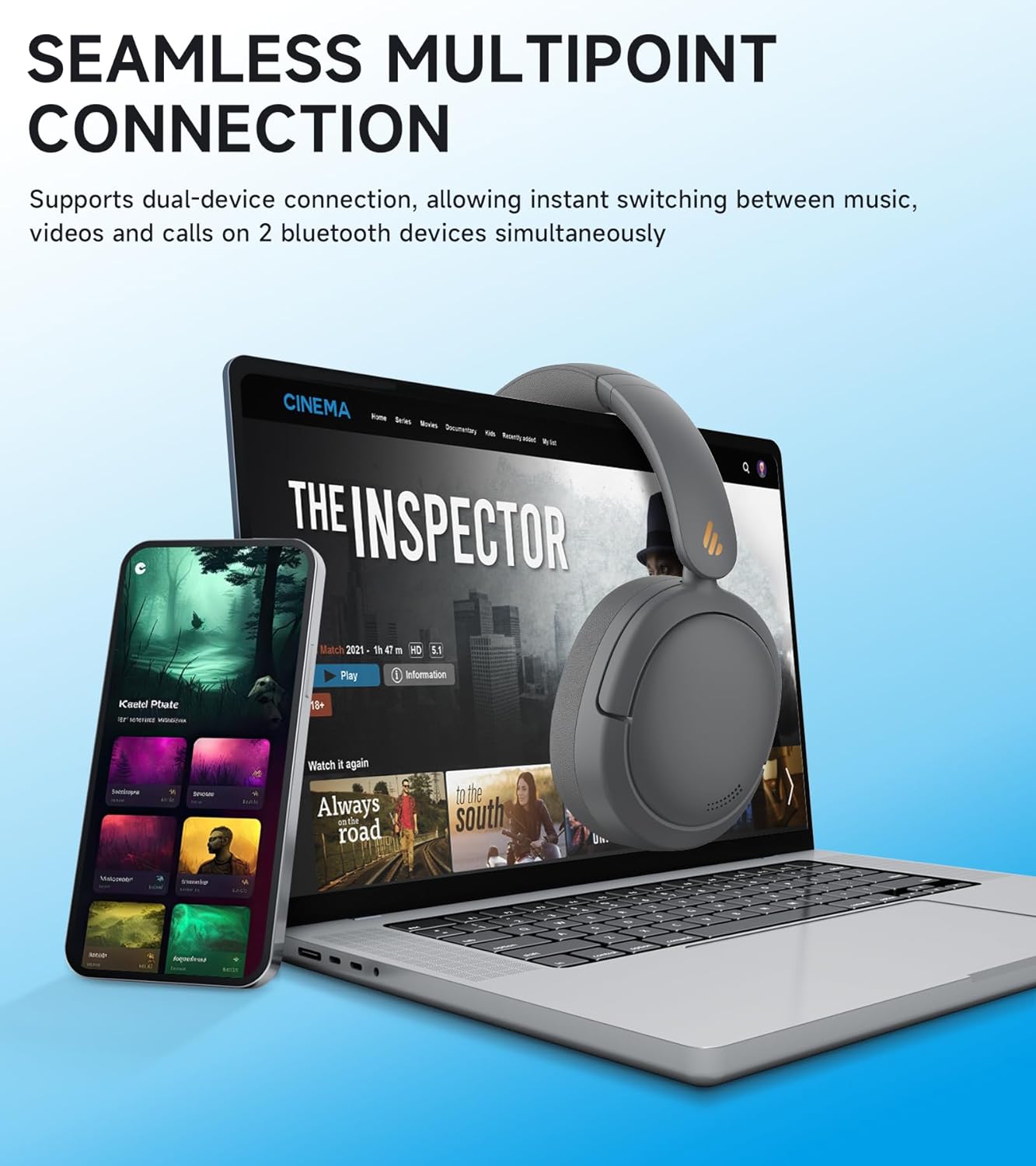
Image: Seamless multipoint connection. The headphones can switch between a phone and a laptop.
4. Wired Connection (Hi-Res Audio)
For high-resolution audio playback, connect the headphones directly to your device using a USB-C to USB-C cable (not included, but the charging cable can be used if your device supports USB-C audio output).

Image: Hi-Res Audio certification logo.
Operating Instructions
1. Power On/Off
- Power On: Press and hold the multi-function button until the indicator light illuminates.
- Power Off: Press and hold the multi-function button until the indicator light turns off.
2. Music Playback
- Play/Pause: Press the multi-function button once.
- Next Track: Press and hold the Volume Up (+) button.
- Previous Track: Press and hold the Volume Down (-) button.
- Volume Up: Press the Volume Up (+) button briefly.
- Volume Down: Press the Volume Down (-) button briefly.
3. Call Management
- Answer/End Call: Press the multi-function button once.
- Reject Call: Press and hold the multi-function button.
- AI Call Noise Cancellation: The integrated AI algorithms and high-sensitivity microphone work automatically to reduce background noise during calls.

Image: Clear hands-free calls. The headphones utilize AI noise reduction for improved call clarity.
4. Active Noise Cancellation (ANC) and Ambient Sound Modes
The headphones feature hybrid active noise cancellation up to -44dB. Use the dedicated ANC/Ambient Sound button to cycle through the following modes:
- High Noise Cancellation Mode: Maximizes noise reduction for noisy environments.
- Medium Noise Cancellation Mode: Provides balanced noise reduction.
- Wind Reduction Mode: Specifically designed to minimize wind noise.
- Ambient Sound Mode: Allows external sounds to be heard, useful for awareness of surroundings.
- Noise Cancellation Off: Disables all noise control features.

Image: Hybrid Active Noise Cancellation with multiple modes. The headphones offer various noise control options.
EDIFIER ConneX App
Enhance your experience by downloading the EDIFIER ConneX app, available for iOS and Android devices. The app provides additional control and customization options:
- Personalized control settings.
- Selection of preset Equalizer (EQ) modes.
- Customizable EQ settings.
- Option to rename your device.
- Adjust prompt volume settings.
- Schedule power off.
- Access to the user manual and other features.

Image: EDIFIER ConneX App interface. The app allows for detailed customization of headphone settings.
Maintenance
- Keep the headphones dry. Do not expose them to extreme temperatures.
- Clean the ear pads and headband with a soft, dry cloth. Avoid using harsh chemicals or abrasive materials.
- Store the headphones in a safe place when not in use to prevent damage. The foldable design allows for compact storage.
- Avoid dropping or subjecting the headphones to strong impacts.
- The headphones are not water resistant. Avoid contact with liquids.
Troubleshooting
| Problem | Solution |
|---|---|
| Cannot power on headphones. | Ensure the headphones are fully charged. Press and hold the multi-function button for a few seconds. |
| Cannot pair with Bluetooth device. | Ensure headphones are in pairing mode (flashing indicator light). Check your device's Bluetooth settings and try re-pairing. Move closer to the device. |
| No sound or low volume. | Check headphone and device volume levels. Ensure headphones are correctly paired. Try restarting both devices. |
| Poor call quality. | Ensure the microphone is not obstructed. Check network signal strength. The AI call noise cancellation should improve clarity. |
| ANC not working effectively. | Ensure ANC mode is activated. Check for proper fit of earcups over your ears. Adjust ANC levels via the EDIFIER ConneX app. |
Specifications
- Model Name: W800BT Pro
- Noise Control: Hybrid Active Noise Cancellation (-44dB)
- Audio Driver Type: 40mm Dynamic Driver with Titanium-Coated Diaphragm
- Connectivity Technology: Wireless (Bluetooth 5.4), Wired (USB-C)
- Bluetooth Range: 10 Meters
- Battery Life: Up to 45 Hours (ANC off), 26 Hours (ANC on)
- Fast Charging: 10 minutes charge provides 8 hours of use
- Latency: Ultra-Low Latency (0.06 seconds)
- Control Type: App Control, Button Control
- Weight: 0.25 Kilograms (8.8 ounces)
- Material: Plastic, Metal (frame), Silicone (earpads), Skin-friendly leather (earpads)
- Water Resistance Level: Not Water Resistant
- Compatible Devices: Various Bluetooth-enabled devices, devices with USB-C audio output, devices compatible with EDIFIER ConneX app.
Warranty and Support
For warranty information, technical support, or service inquiries, please refer to the official Edifier website or contact their customer service directly. Keep your purchase receipt for warranty claims.
Official Edifier Website: www.edifier.com
Product Video Overview
Video: A general overview of the Edifier W800BT Pro headphones, showcasing their features, design, and functionality.


