
1. Overview
The BoxWave ClearTouch Anti-Glare Screen Protector is designed to protect the 15.6-inch display of your ACEMAGIC AX15 Windows 11 Laptop. This product offers anti-glare properties, reduces fingerprints, and provides a smooth, paper-like surface for enhanced usability. Each package includes two screen protectors and necessary installation accessories.
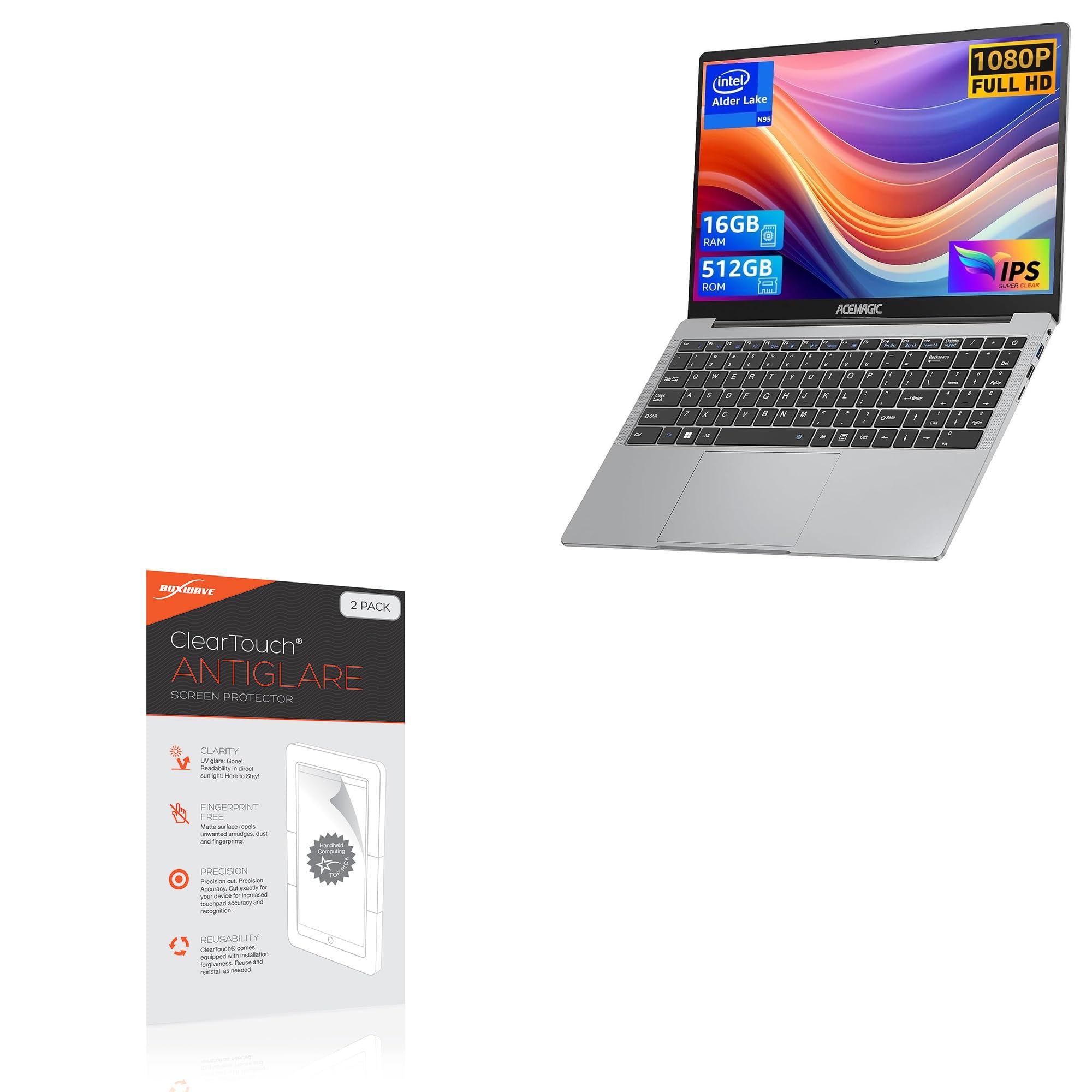
Image: BoxWave ClearTouch Anti-Glare Screen Protector packaging.
Key Features:
- Anti-Glare: Disperses light to reduce reflections and eye strain, especially in bright conditions. Reduces 90% of UV rays.
- Anti-Fingerprint: Matte surface repels smudges, dust, and fingerprints, keeping your screen cleaner.
- Smooth Surface: Provides a paper-like feel for comfortable touch interaction and writing.
- Precision Fit: Custom-cut to precisely match the dimensions and contours of the ACEMAGIC AX15 (15.6 in) screen, ensuring full functionality.
- Clean Application: Features a glueless adhesive that leaves no sticky residue upon removal.
- Two-Pack: Includes two screen protectors and installation accessories.
2. Package Contents
Before installation, please verify that all items are present in your package:
- 2 x ClearTouch Anti-Glare Screen Protectors
- 1 x Applicator Card
- 1 x Microfiber Cleaning Cloth
- 1 x Dust Removing Sticker
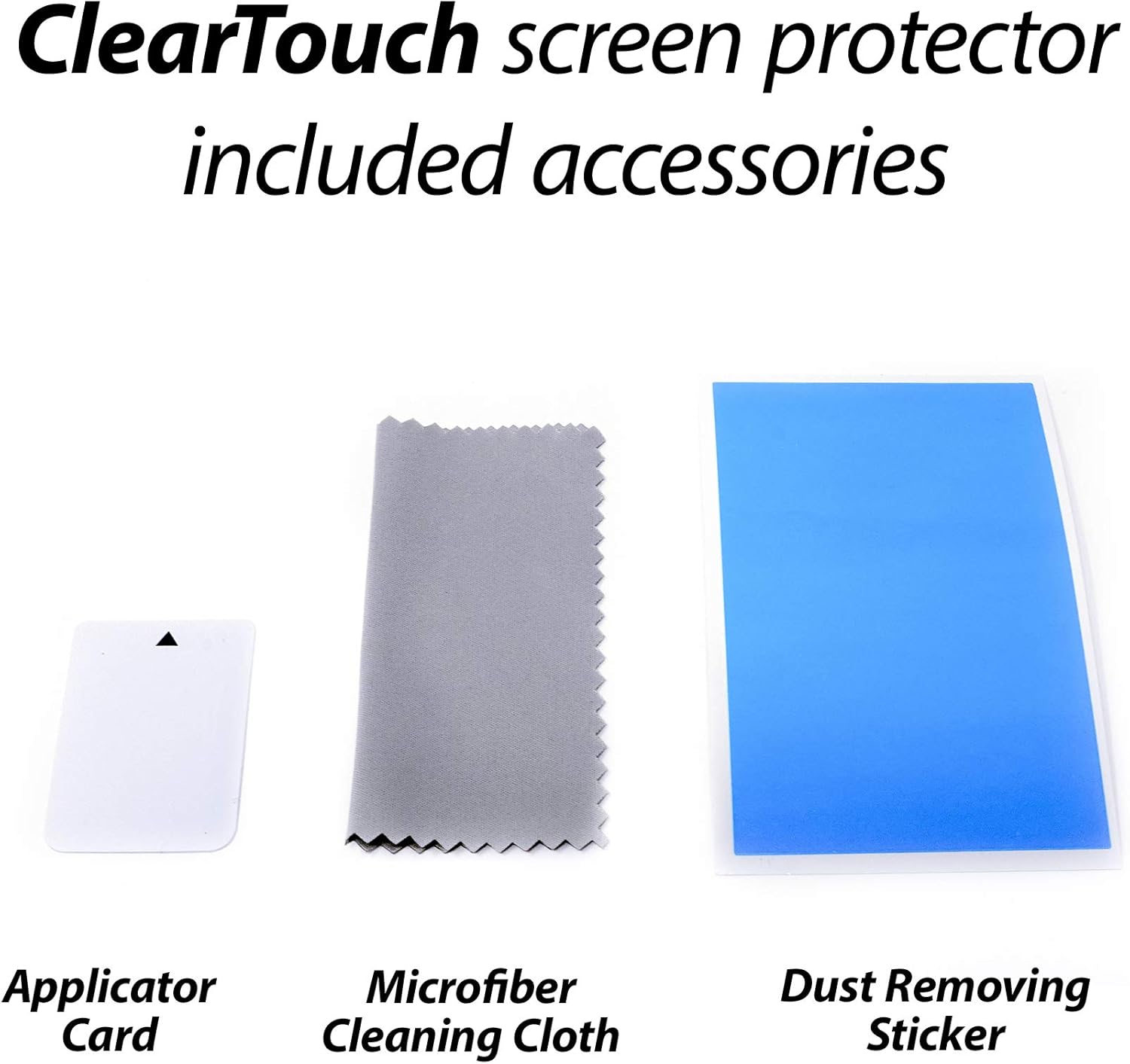
Image: Included accessories: applicator card, microfiber cleaning cloth, and dust removing sticker.
3. Installation Guide
Follow these steps carefully for optimal application of your screen protector.
Preparation:
- Work in a clean, dust-free environment.
- Wash your hands thoroughly to avoid transferring oils or dirt to the screen.
- Ensure your laptop is powered off.
Application Steps:
- Clean the Screen: Use the provided microfiber cleaning cloth to thoroughly clean your laptop screen. Ensure all dust, smudges, and fingerprints are removed. For stubborn marks, a screen cleaner (not included) can be used sparingly.
- Remove Dust: Use the dust removing sticker to lift any remaining dust particles from the screen. Gently dab the sticker across the entire screen surface.
- Align the Protector: Carefully peel back a small portion of the protective film labeled "Step 1" or similar from one corner of the screen protector. Align the exposed edge of the screen protector with the corresponding edge of your laptop screen. Pay close attention to cutouts for cameras or sensors.
- Apply Gradually: Once aligned, slowly peel back the rest of the "Step 1" film while simultaneously applying the screen protector to the screen. Use the applicator card to gently smooth out any air bubbles as you go, pushing them towards the edges.
- Remove Top Film: After the screen protector is fully applied and all bubbles are removed, carefully peel off the top protective film, usually labeled "Step 2" or similar.
- Final Smoothing: Use the microfiber cloth to gently wipe down the newly installed screen protector, ensuring a clean and smooth finish.

Image: The screen protector package includes two protectors and installation tools.
4. Product Features and Benefits
Anti-Glare Technology
The ClearTouch Anti-Glare screen protector features a specialized diffusion surface that significantly reduces distracting glare from ambient light sources, both indoors and outdoors. This improves screen readability and reduces eye strain during prolonged use.

Image: The anti-glare surface reduces reflections for improved screen visibility.
Anti-Smudge and Fingerprint Resistance
An oleophobic layer on the screen protector resists oil smudges and fingerprints, helping to keep your screen cleaner for longer. This maintains a smooth touch response and clear display throughout the day.

Image: The screen protector resists smudges and fingerprints.
Smooth, Paper-like Surface
The matte finish provides a unique paper-like texture, enhancing the tactile experience when interacting with your screen. This can be particularly beneficial for tasks involving writing or drawing with a stylus.

Image: Experience a paper-like feel for writing and drawing on your screen.
Precision Fit
Each ClearTouch Anti-Glare screen protector is precision-cut to the exact dimensions of the ACEMAGIC AX15 (15.6 in) laptop screen. This ensures a perfect fit, covering the entire display area while leaving necessary sensors and cameras unobstructed.

Image: The screen protector is designed for a precise fit to your device.
5. Care and Maintenance
To maintain the clarity and effectiveness of your BoxWave ClearTouch Anti-Glare Screen Protector, follow these care instructions:
- Cleaning: Use the provided microfiber cleaning cloth to gently wipe the screen protector. For more thorough cleaning, lightly dampen the cloth with water or a mild, alcohol-free screen cleaner. Avoid harsh chemicals or abrasive materials.
- Avoid Sharp Objects: While the protector offers scratch resistance, avoid contact with sharp objects that could damage the film.
- Reusability: The glueless adhesive allows for repositioning during installation. If removed, the protector can be reapplied if kept clean and free of dust on the adhesive side.
6. Troubleshooting
Common Issues and Solutions:
- Air Bubbles:
Cause: Dust particles trapped underneath or uneven application.
Solution: Gently lift the nearest edge of the screen protector and use the applicator card to push the bubble towards the edge. For dust, carefully lift the protector, use the dust removing sticker to pick up the particle, and reapply. - Misalignment:
Cause: Incorrect positioning during initial application.
Solution: Carefully peel off the screen protector entirely, clean the screen again, and reapply, paying close attention to alignment before pressing down firmly. - Smudges/Fingerprints:
Cause: Natural oils from fingers or dirt.
Solution: Wipe gently with the microfiber cleaning cloth. The anti-fingerprint coating reduces these, but regular cleaning is still recommended. - Reduced Touch Sensitivity:
Cause: Improper installation or a thick protector (less common with this product).
Solution: Ensure the protector is fully adhered without bubbles. If issues persist, verify the protector is correctly designed for your device.
7. Specifications
| Feature | Detail |
|---|---|
| Product Name | ClearTouch Anti-Glare Screen Protector |
| Brand | BoxWave |
| Compatibility | ACEMAGIC AX15 Windows 11 Laptop (15.6 in) |
| Type | Anti-Glare, Anti-Fingerprint, Matte Film Skin |
| Package Quantity | 2-Pack |
| Item Weight | 4.3 ounces |
| ASIN | B0D3W2ZXLJ |
| Manufacturer | BoxWave |
8. Warranty Information
Specific warranty details for the BoxWave ClearTouch Anti-Glare Screen Protector are not provided within the product information. Please refer to the BoxWave official website or contact their customer support for detailed warranty terms and conditions.
9. Customer Support
For further assistance, technical support, or inquiries regarding your BoxWave ClearTouch Anti-Glare Screen Protector, please visit the official BoxWave website or contact their customer service department. Specific contact details were not available in the provided product data.