
1. Introduction
The OWLTRA IMT-L70 is an indoor electric insect trap designed to attract and capture various flying insects. Utilizing UV light and a powerful suction fan, it effectively targets fruit flies, mosquitoes, moths, and gnats. This manual provides essential information for the safe and efficient operation, setup, and maintenance of your device.

Image 1.1: The OWLTRA IMT-L70 Indoor Electric Insect Trap, shown with included glue pads.
2. Safety Information
- Read all instructions before using the appliance.
- This appliance is for indoor use only. Do not expose to rain or moisture.
- Always unplug the device before cleaning or performing maintenance.
- Do not insert fingers or foreign objects into the device while it is operating.
- Keep out of reach of children and pets.
- Do not use near flammable liquids or gases.
- Ensure the power cord is not damaged. If damaged, contact customer support for replacement.
- Do not attempt to repair or modify the device yourself. Refer all servicing to qualified personnel.
3. Package Contents
Verify that all items are present in the package:
- 1 x OWLTRA IMT-L70 Electric Insect Trap Unit
- 10 x Replacement Glue Pads
- 1 x Power Adapter
- 1 x User Manual (this document)
4. Product Overview
The OWLTRA IMT-L70 operates using a three-step insect trapping mechanism:
- UV Light Attraction: A powerful UV light attracts various insects, including mosquitoes, fruit flies, moths, and gnats.
- Powerful Suction Fan: Once attracted, a high-speed air stream generated by the fan draws insects into the device.
- Glue Pad Capture: Captured insects are then secured onto a replaceable glue board located inside the device, preventing escape.
This trap is designed for indoor use and can also be used in enclosed outdoor areas like terraces or sheds. It is not highly effective against common house flies.

Image 4.1: Illustration of the insect trapping mechanism, highlighting UV light, suction fan, and glue pad.
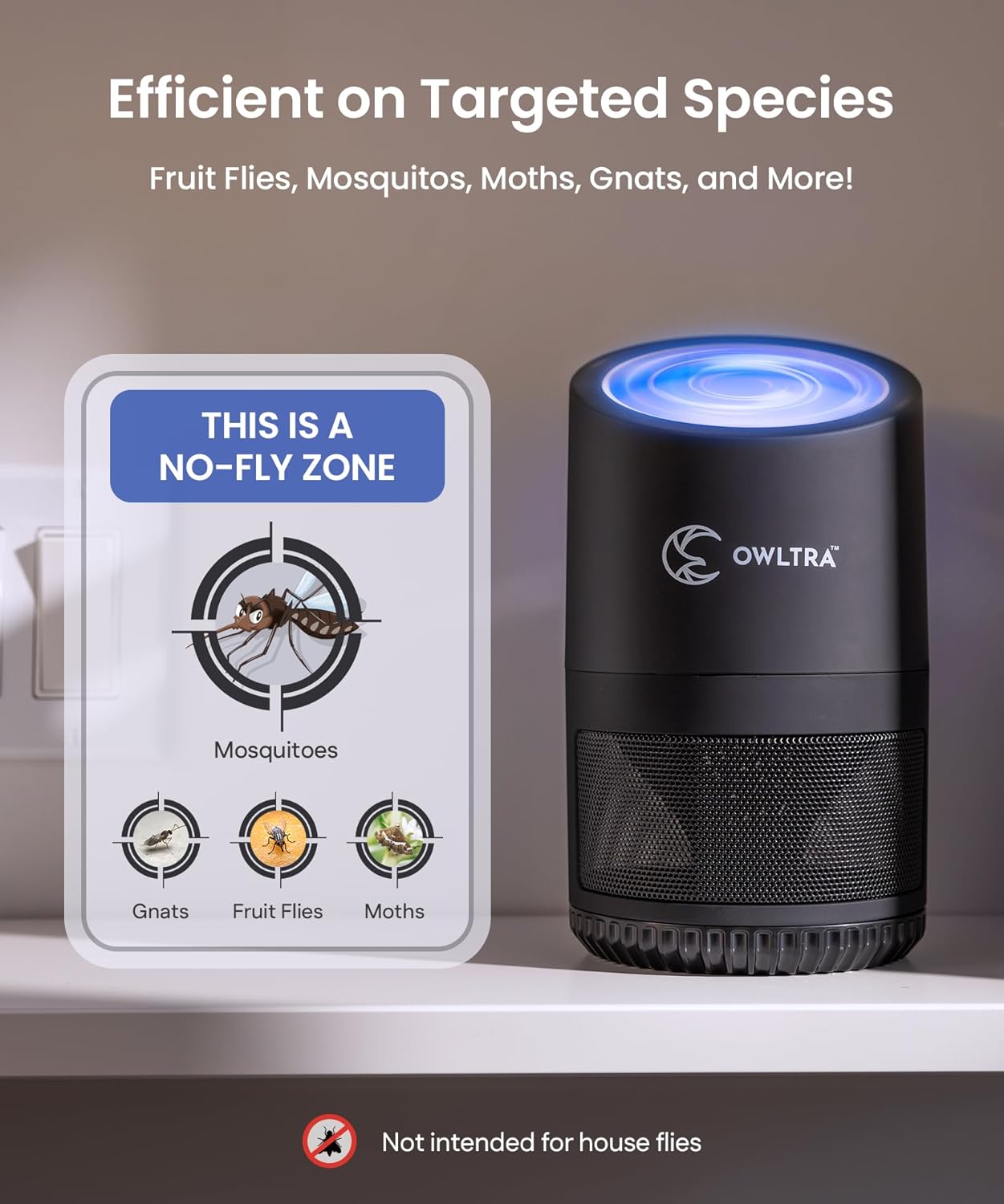
Image 4.2: Visual representation of the insect species effectively targeted by the trap.
5. Setup
Follow these steps to set up your OWLTRA IMT-L70 insect trap:
- Unpack: Carefully remove all components from the packaging.
- Insert Glue Pad: Open the bottom compartment of the trap and place one of the provided glue pads sticky-side up into the designated slot. Ensure it lies flat.
- Close Compartment: Securely close the bottom compartment.
- Placement: Place the trap on a flat, stable surface in an area where insect activity is observed. For optimal performance, position it away from competing light sources.
- Connect Power: Plug the power adapter into the trap and then into a standard electrical outlet.

Image 5.1: Example placement of the insect trap in an indoor environment, demonstrating its coverage.
6. Operating Instructions
To operate the OWLTRA IMT-L70:
- Power On: Once plugged in, press the power button located on the top of the device to turn it on. The UV light will illuminate, and the fan will begin to operate.
- Optimal Use: For best results, operate the trap continuously, especially overnight. It is recommended to turn off other lights in the room to maximize the attraction of the UV light.
- Coverage: The device is effective in areas up to 550 square feet.
- Power Off: Press the power button again to turn off the device.

Image 6.1: The insect trap operating in both daytime and nighttime conditions, illustrating its continuous use.
7. Maintenance
Regular maintenance ensures the continued effectiveness of your insect trap.
- Unplug Before Cleaning: Always unplug the device from the power outlet before any cleaning or maintenance.
- Replace Glue Pads: Replace the glue pads approximately once a week, or when visibly full of insects. To replace, open the bottom compartment, remove the old pad, and insert a new one.
- Clean Fan and Interior: Periodically clean the fan blades and the interior of the device to remove dust and debris. Use a soft, dry cloth or a small brush. Do not use water or liquid cleaners.

Image 7.1: Visual guide demonstrating the ease of cleaning and glue pad replacement.
8. Troubleshooting
| Problem | Possible Cause | Solution |
|---|---|---|
| Device does not turn on. | Not plugged in; power outlet not working; damaged power cord. | Ensure the device is securely plugged into a working outlet. Check the power cord for damage. |
| Insects are not being caught. | Incorrect placement; competing light sources; glue pad is full or old; fan obstructed. | Relocate the trap to an area with higher insect activity. Turn off other lights. Replace the glue pad. Check for obstructions around the fan. Note: Device is not effective against house flies. |
| Fan is making unusual noise. | Debris in fan; fan malfunction. | Unplug the device and carefully clean the fan blades. If the noise persists, contact customer support. |
9. Specifications
- Brand: OWLTRA
- Model: IMT-L70
- Color: Black
- Material: Plastic
- Product Dimensions: 5.12"L x 5.12"W x 8.86"H
- Item Weight: 1.83 pounds
- Target Species: Fruit Flies, Mosquitos, Moths, Gnats (Note: Not highly effective against house flies)
- Recommended Use: Indoor Usage (also enclosed outdoor areas)
- Coverage Area: Up to 550 sq ft
- Power Source: Electric
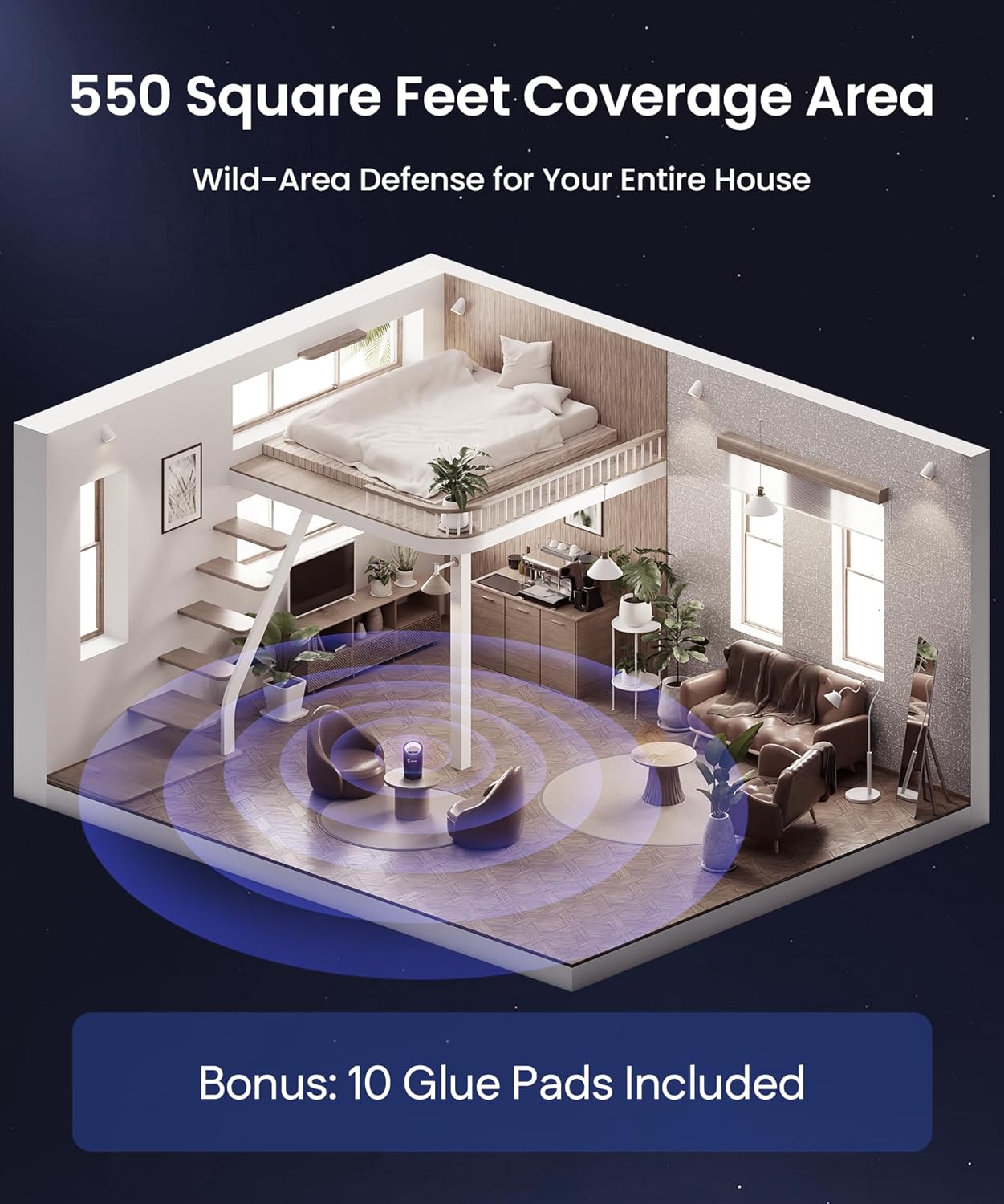
Image 9.1: Detailed dimensions and a summary of key features of the insect trap.
10. Warranty and Support
OWLTRA products are manufactured to high-quality standards. For specific warranty information, please refer to the documentation included with your purchase or visit the official OWLTRA website.
If you encounter any issues or have questions regarding your OWLTRA IMT-L70, please contact OWLTRA customer support through their official channels. When contacting support, please have your model number (IMT-L70) and purchase details available.
Online Support: Visit the OWLTRA Store on Amazon for more information and contact options.
