
Introduction
This manual provides essential information for the setup, operation, and maintenance of your MSI Summit E16 AI Evo A1MTG-024US 2-in-1 Touchscreen Laptop. Please read this guide thoroughly to ensure proper use and to maximize the performance and longevity of your device.
1. Initial Setup
1.1 Unboxing and Components
Upon opening the package, ensure all components are present:
- MSI Summit E16 AI Evo A1MTG-024US Laptop
- AC Adapter
- Power Cord
- MSI Pen 2 (if included with your specific model)
- Documentation (Quick Start Guide, Warranty Card)
1.2 Connecting the Power Adapter
Before first use, connect the AC adapter to the laptop's power input port and then plug it into a power outlet. It is recommended to fully charge the battery before initial operation.
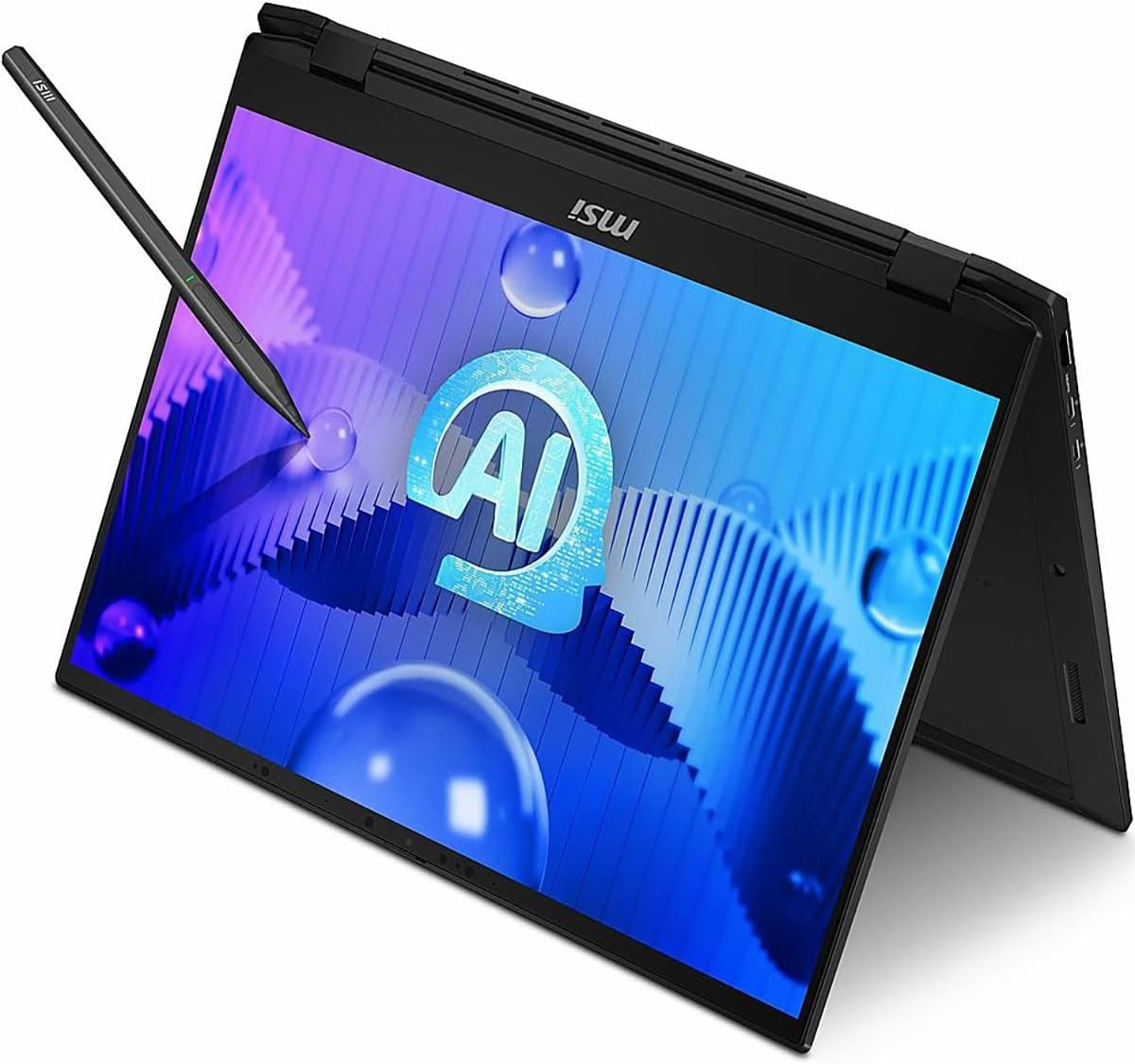
Image: The MSI Summit E16 AI Evo laptop showing the power input port and connected AC adapter.
1.3 First Boot and Windows Setup
Press the power button located on the side of the laptop. The system will guide you through the initial Windows 11 Pro setup process. Follow the on-screen instructions to configure language, region, network, and user accounts.
2. Operating Your Laptop
2.1 Power On/Off and Sleep Modes
- Power On: Press the power button.
- Sleep Mode: Close the lid or press the power button briefly.
- Shut Down: Go to Start > Power > Shut down in Windows.
- Restart: Go to Start > Power > Restart in Windows.
2.2 Using 2-in-1 Modes
Your laptop supports multiple modes of operation:
- Laptop Mode: Standard laptop configuration with keyboard and touchpad.
- Tablet Mode: Fold the screen back 360 degrees to use as a tablet. The keyboard and touchpad will automatically disable.
- Stand Mode: Position the laptop in an inverted V-shape for media consumption.
- Tent Mode: Position the laptop in an A-frame shape for presentations or touch interaction.

Image: The MSI Summit E16 AI Evo laptop displayed in its traditional laptop configuration.

Image: The MSI Summit E16 AI Evo laptop with the screen folded back, demonstrating its tablet mode functionality.
2.3 Touchscreen and MSI Pen 2
The 16-inch WQXGA display is a capacitive touchscreen. Use your fingers for navigation and interaction. If your model includes the MSI Pen 2, it can be used for precise input, drawing, and note-taking. Refer to the MSI Pen 2 specific manual for detailed usage.
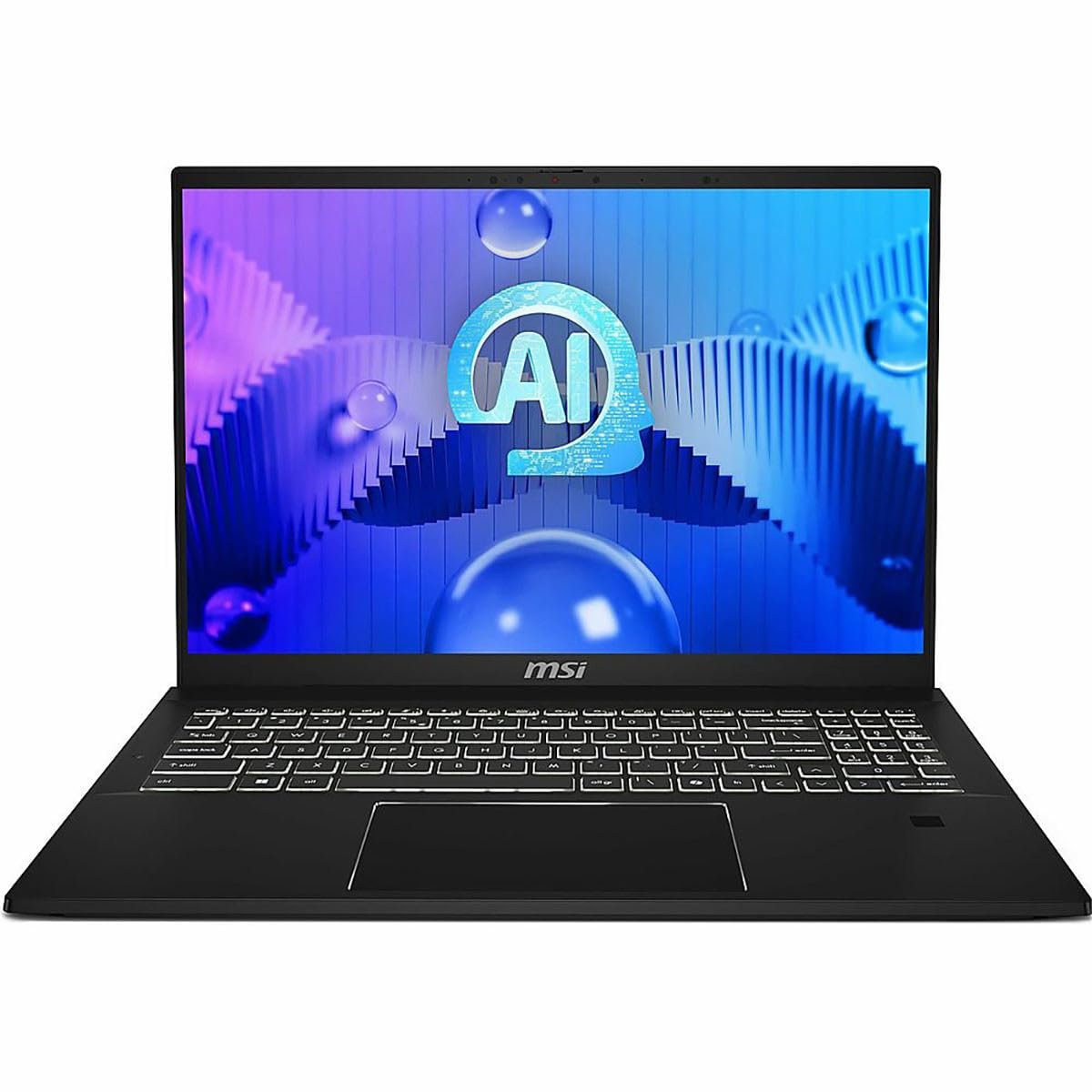
Image: The MSI Summit E16 AI Evo laptop in a convertible position, with the MSI Pen 2 interacting with the touchscreen.
2.4 Keyboard and Touchpad
The laptop features a chiclet keyboard and a precision touchpad. The touchpad supports multi-touch gestures for enhanced navigation.
2.5 Connectivity Ports
Your laptop is equipped with various ports for external devices:
- Thunderbolt 4: For high-speed data transfer, video output, and power delivery.
- USB 3.2 Gen2: For connecting USB devices.
- HDMI 2.1: For connecting to external displays.
- Audio Jack: For headphones or external speakers.
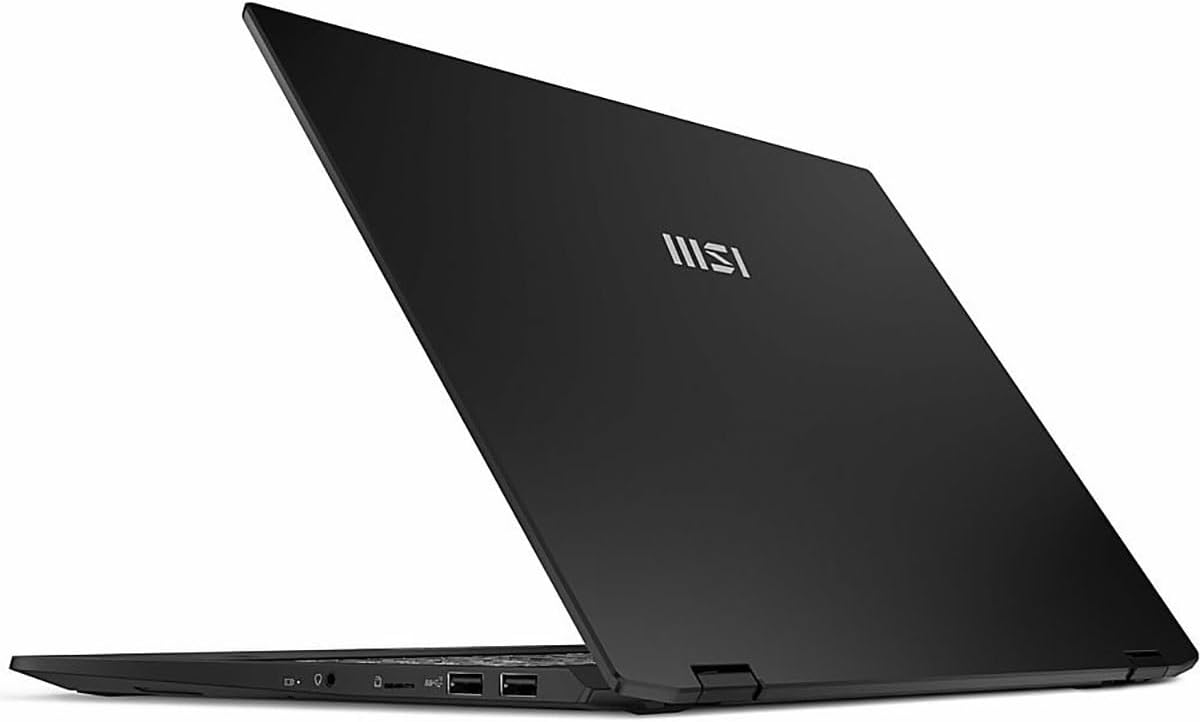
Image: The left side of the MSI Summit E16 AI Evo laptop, showing various connectivity ports.

Image: The right side of the MSI Summit E16 AI Evo laptop, displaying additional connectivity ports.
2.6 Wireless Connectivity
The laptop supports Intel Killer Wi-Fi 7 BE1750(w) for high-speed wireless internet and Bluetooth 5.4 for connecting wireless peripherals.
2.7 Webcam and Privacy Shutter
The integrated webcam can be used for video conferencing. For privacy, a physical webcam shutter is included, allowing you to block the camera lens when not in use.
3. Maintenance and Care
3.1 Cleaning Your Laptop
- Screen: Use a soft, lint-free cloth lightly dampened with water or a screen cleaner. Do not spray liquid directly onto the screen.
- Keyboard and Chassis: Use a soft, dry cloth. For stubborn dirt, a slightly damp cloth can be used. Avoid harsh chemicals.
- Ports: Keep ports free of dust and debris. Use compressed air if necessary, holding the can upright.
3.2 Battery Care
To prolong battery life:
- Avoid extreme temperatures.
- Do not leave the laptop fully charged or fully discharged for extended periods.
- Calibrate the battery periodically (fully discharge and then fully charge).
3.3 Software Updates
Regularly update your Windows operating system and device drivers to ensure optimal performance and security. MSI Center software can assist with driver updates.
4. Troubleshooting
This section addresses common issues you might encounter.
4.1 Power Issues
- Laptop does not turn on: Ensure the AC adapter is securely connected and the power outlet is functional. Check if the battery is charged.
- Laptop shuts down unexpectedly: Check for overheating. Ensure ventilation vents are clear.
4.2 Display Issues
- No display: Connect an external monitor to verify if the issue is with the laptop's screen. Ensure the display cable (if external) is secure.
- Flickering screen: Update graphics drivers.
4.3 Connectivity Issues
- Wi-Fi not connecting: Check if Wi-Fi is enabled in Windows settings. Restart your router and laptop.
- Bluetooth device not pairing: Ensure the device is in pairing mode and within range. Check Bluetooth settings on the laptop.
4.4 Performance Issues
- Slow performance: Close unnecessary applications. Check for background processes. Ensure sufficient free storage space on the SSD.
- System freezing: Restart the laptop. If persistent, check for recent software installations or driver conflicts.
4.5 Contacting Support
If you encounter issues not resolved by the above steps, please visit the official MSI support website or contact their customer service for further assistance.
5. Technical Specifications
The following table outlines the key technical specifications for the MSI Summit E16 AI Evo A1MTG-024US laptop.
| Feature | Specification |
|---|---|
| Brand | MSI |
| Model Name | SUM16EVO14024 (A1MTG-024US) |
| Screen Size | 16 Inches |
| Display Resolution | 2560 x 1600 (WQXGA) |
| Refresh Rate | 165 Hz |
| Touch Screen Type | Capacitive |
| CPU Model | Intel Core Ultra 7-155H (up to 4.8 GHz) |
| RAM Memory Installed Size | 32 GB LPDDR5 (6400 MHz) |
| Hard Disk Size | 1 TB NVMe SSD |
| Operating System | Windows 11 Pro |
| Graphics Card | Intel Arc Graphics |
| Connectivity Technology | Wi-Fi 7 (Intel Killer BE1750(w)), Bluetooth 5.4, HDMI, USB, Thunderbolt 4 |
| Ports | 2x Thunderbolt 4, 2x USB 3.2 Gen2, 1x HDMI 2.1, Audio Jack |
| Form Factor | 2-in-1 Notebook |
| Webcam Capability | Yes (with Privacy Shutter) |
| Item Weight | 4.63 lbs (2.1 kg) |
| Color | Ink Black |
| Included Accessories | AC Adapter |
6. Warranty and Support
6.1 Warranty Information
Your MSI Summit E16 AI Evo laptop comes with a standard manufacturer's warranty. For detailed terms and conditions, including warranty duration and coverage, please refer to the warranty card included in your product packaging or visit the official MSI website. Keep your proof of purchase for warranty claims.
6.2 Customer Support
For technical assistance, driver downloads, or service requests, please visit the official MSI support website. You can find FAQs, troubleshooting guides, and contact information for customer service.
MSI Official Website: www.msi.com


