
1. Introduction
Thank you for choosing the HBEZON Medicine Cabinet with LED Lights and Mirror. This manual provides essential information for the safe installation, operation, and maintenance of your new cabinet. Please read it thoroughly before installation and keep it for future reference.
2. Safety Information
WARNING: Electrical installation should be performed by a qualified electrician. Ensure power is disconnected at the circuit breaker before installation or maintenance.
- Always disconnect power before servicing.
- Do not attempt to repair or modify the unit yourself. Contact qualified personnel.
- This product is designed for indoor use only in dry locations.
- Avoid exposing the mirror to excessive moisture or direct water spray.
- Handle tempered glass shelves with care to prevent breakage.
- Ensure the mounting surface is structurally sound to support the cabinet's weight.
3. Package Contents
Verify that all components are present before beginning installation:
- Medicine Cabinet with LED Lights and Mirror (1 unit)
- Adjustable Tempered Glass Shelves (2 units)
- Mounting Hardware (screws, anchors, etc.)
- Instruction Manual (this document)
4. Specifications
| Feature | Description |
|---|---|
| Brand | HBEZON |
| Model Name | 3630BK |
| Color | Black |
| Product Dimensions | 4.8"D x 36"W x 30"H |
| Mounting Type | Wall Mounted or Recessed Mounted |
| Number of Shelves | 2 Adjustable Tempered Glass Shelves |
| Special Features | Smart Touch Control, Lighting Memory Function, Dimmable (10%-100%), 3 Color Lighting Modes (Warm 2700K, Natural 4000K, Cold 6500K), Defogger, Soft-close Hinges |
| Frame Material | Metal (Powder Coated) |
| Item Weight | 20 Pounds |
| Certification | ETL Listed |
 Image: Overview of HBEZON Medicine Cabinet features.
5. Setup and Installation
The HBEZON Medicine Cabinet can be installed as either a wall-mounted unit or a recessed unit. Recessed installation is recommended for a seamless appearance.
5.1 Pre-Installation Checklist
- Ensure all package contents are present and undamaged.
- Turn off power to the installation area at the main circuit breaker.
- Gather necessary tools: measuring tape, level, drill, screwdriver, wire strippers, safety glasses.
- Determine desired mounting type (surface or recessed).
5.2 Dimensions and Cutout (for Recessed Mounting)
Refer to the diagram below for precise dimensions and cutout requirements for recessed installation.
 Image: Medicine Cabinet and Recessed Cutout Dimensions. The cabinet measures 36" W x 30" H x 4 15/16" D. For recessed mounting, the wall cutout should be approximately 34 15/16" W x 24 3/16" H x 4 1/8" D.
5.3 Electrical Connection (Hardwired)
The cabinet requires a hardwired electrical connection. A wall switch is not included and must be provided separately. Consult a qualified electrician for proper wiring.
 Image: Hardwired Connection Diagram. This shows how the cabinet connects to a wall switch for power.
5.4 Mounting Options
 Image: Recessed Mount vs. Surface Mount. This illustrates the two installation methods.
- Surface Mount: Secure the cabinet directly to the wall using appropriate mounting hardware.
- Recessed Mount: Create a cutout in the wall according to the specified dimensions. Insert the cabinet into the cutout and secure it to the wall studs or blocking.
After mounting, install the adjustable tempered glass shelves by placing them on the shelf supports inside the cabinet.
6. Operating Instructions
The medicine cabinet features smart touch controls for its LED lighting and defogger functions.
6.1 Smart Touch Control
The LED cabinet mirror is controlled by three dimmable smart touch buttons located on the mirror surface.
- Middle Button (Power/Brightness):
- Short press to turn the light ON/OFF.
- Long press to adjust the brightness from 10% to 100%.
- Right Button (Color Mode):
- Short press to cycle through 3 color lighting modes: Warm (2700K), Natural (4000K), and Cold White (6500K).
- Left Button (Defogger):
- Short press to turn the anti-fog function ON/OFF.
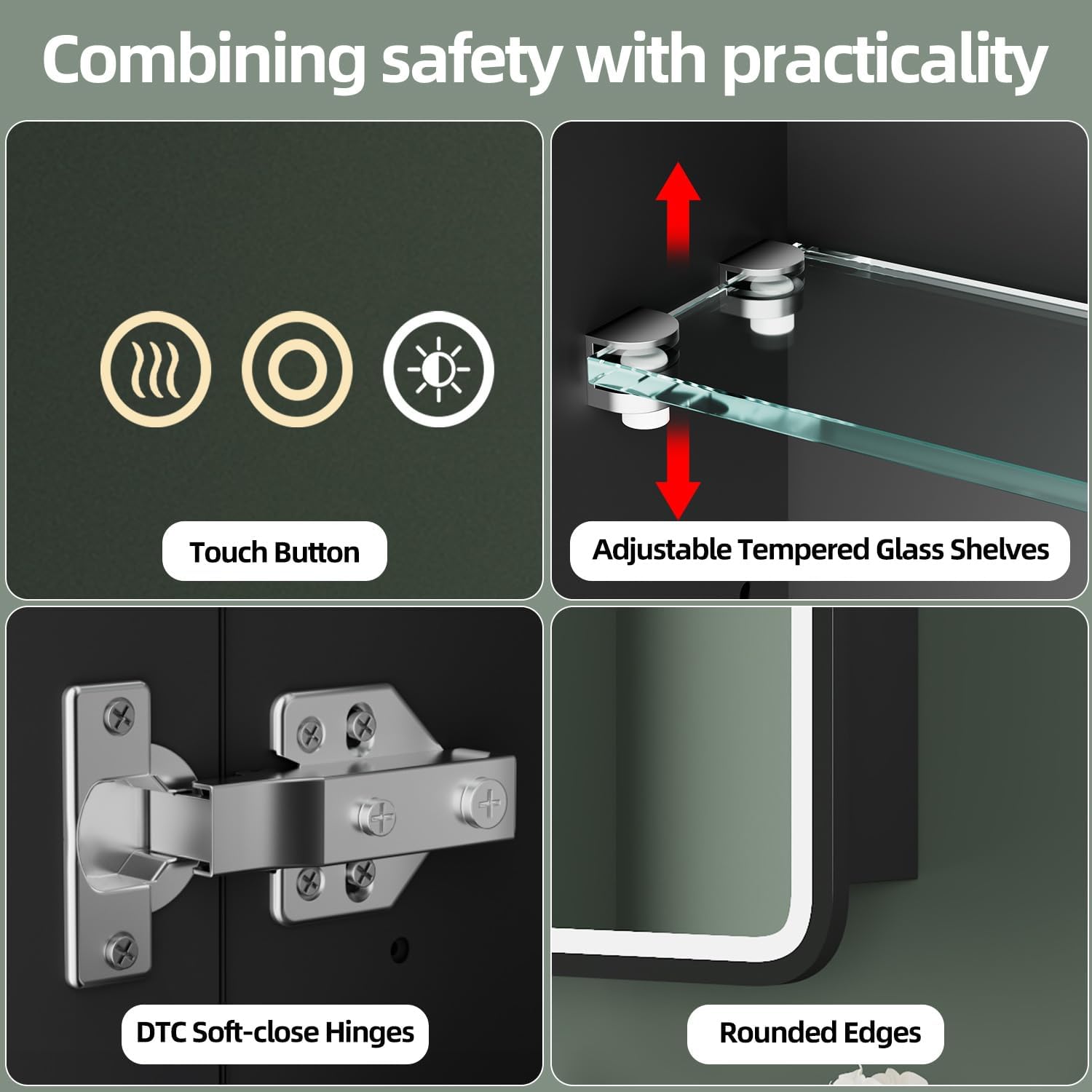 Image: Smart Touch Controls. This shows the three touch buttons on the mirror for controlling light, brightness, color, and defogger.
6.2 Adjustable Brightness
The brightness can be adjusted from 10% to 100% by long-pressing the middle touch button. Release the button when the desired brightness level is reached.
 Image: Adjustable Brightness. This illustrates the range of brightness from 10% to 100%.
6.3 3 Color Lighting Modes
Short-press the right touch button to switch between Warm Light (2700K), Natural Light (4000K), and Cold Light (6500K).
 Image: 3 Color Lighting Modes. This demonstrates the warm, natural, and cold white light options.
6.4 Anti-fog Function
Activate the built-in anti-fog function by pressing the left touch button. This helps maintain a clear reflection, especially in humid bathroom environments. Turn it off when not needed to save energy.
 Image: Anti-fog Function. This shows the mirror clearing fog after the defogger is activated.
6.5 Memory Function
The cabinet features a memory function that retains your last used light settings (brightness and color mode). When you turn the light on again, it will resume the previously set configuration.
6.6 Soft-Close Hinges
The cabinet doors are equipped with soft-close hinges, ensuring quiet and smooth closing without slamming.
7. Maintenance
Regular cleaning and maintenance will ensure the longevity and optimal performance of your medicine cabinet.
- Mirror Surface: Clean the mirror with a soft, damp cloth and a mild glass cleaner. Avoid abrasive cleaners or harsh chemicals that may damage the mirror coating or LED components.
- Cabinet Exterior: Wipe the metal frame with a soft, damp cloth. Do not use abrasive pads or cleaners.
- Interior Shelves: The tempered glass shelves can be removed for easy cleaning. Wash with mild soap and water, then dry thoroughly.
- Electrical Components: Ensure the power is off before cleaning any electrical parts. Do not spray water directly onto electrical components.
8. Troubleshooting
| Problem | Possible Cause | Solution |
|---|---|---|
| Lights do not turn on. | No power supply; loose wiring; faulty switch. | Check circuit breaker. Verify all wiring connections are secure. Test the wall switch. If issues persist, consult a qualified electrician. |
| Brightness/Color mode not changing. | Incorrect touch control usage; temporary malfunction. | Ensure you are long-pressing for brightness and short-pressing for color mode. Turn off and on the power to reset. |
| Anti-fog function not working. | Defogger not activated; electrical issue. | Press the defogger touch button to activate. Check power supply. |
| Mirror surface is scratched or damaged. | Physical damage. | Contact customer support for replacement options. Avoid abrasive cleaning materials. |
9. Warranty and Support
For warranty information, product support, or to inquire about replacement parts, please contact HBEZON customer service. Keep your purchase receipt as proof of purchase.
Manufacturer: HBEZON
Contact information can typically be found on the manufacturer's website or your purchase documentation.
10. Product Videos
Watch this official video for a visual guide on product features and operation.
HBEZON Medicine Cabinet with LED Lights and Mirror Overview
Video: This video provides an overview of the HBEZON Medicine Cabinet, demonstrating its LED lights, touch controls, and storage capacity. It highlights the adjustable brightness, color modes, anti-fog function, and spacious interior with adjustable shelves.


