
Introduction
This manual provides detailed instructions for the installation, operation, maintenance, and troubleshooting of your Antela 3MP 2K Wireless Wi-Fi 360° Indoor Surveillance Camera. Please read this manual carefully before using the product to ensure proper functionality and safety.
The camera features 3-megapixel 2K HD resolution, 360-degree panoramic viewing, two-way audio, color night vision, motion detection with auto-tracking, and 24/7 recording capabilities. It is compatible with Alexa and Google Home for integrated smart home security.
1. Setup and Installation
1.1 Package Contents
- Antela 3MP 2K Wireless Wi-Fi Camera
- Mounting Accessories (e.g., E27 lamp base adapter)
- User Manual
1.2 Installation
- Power Off: Ensure the power to the light fixture is turned off before installation.
- Mounting: Screw the camera into a standard E27 lamp base. This camera is designed for easy, wireless installation.
- Power On: Restore power to the light fixture. The camera will power on and initiate its startup sequence.

Figure 1: Easy installation into a standard E27 lamp base. The camera measures approximately 65mm in diameter and 150mm in height.
1.3 App Download and Connection
- Download App: Download the "Smart Life" app from your mobile phone's app store (iOS or Android).
- Register/Login: Open the app and register for a new account or log in if you already have one.
- Add Device: Follow the in-app instructions to add your new camera. Ensure your Wi-Fi network is 2.4GHz, as 5GHz Wi-Fi is not supported.
- Pairing: The app will guide you through the pairing process, which typically involves scanning a QR code on the camera or listening for an audio prompt.
2. Operating Instructions
2.1 Live View and Playback
Once connected, you can access the live video feed from your camera through the Smart Life app. Use the app interface to pan (355°) and tilt (90°) the camera for a full 360-degree view of your indoor space.

Figure 2: The camera offers a wide viewing angle with 355° pan and 90° tilt capabilities.
For recorded footage, navigate to the playback section in the app. The camera supports 24/7 continuous recording to a Micro SD card (up to 128GB, not included) or cloud storage (subscription may be required).
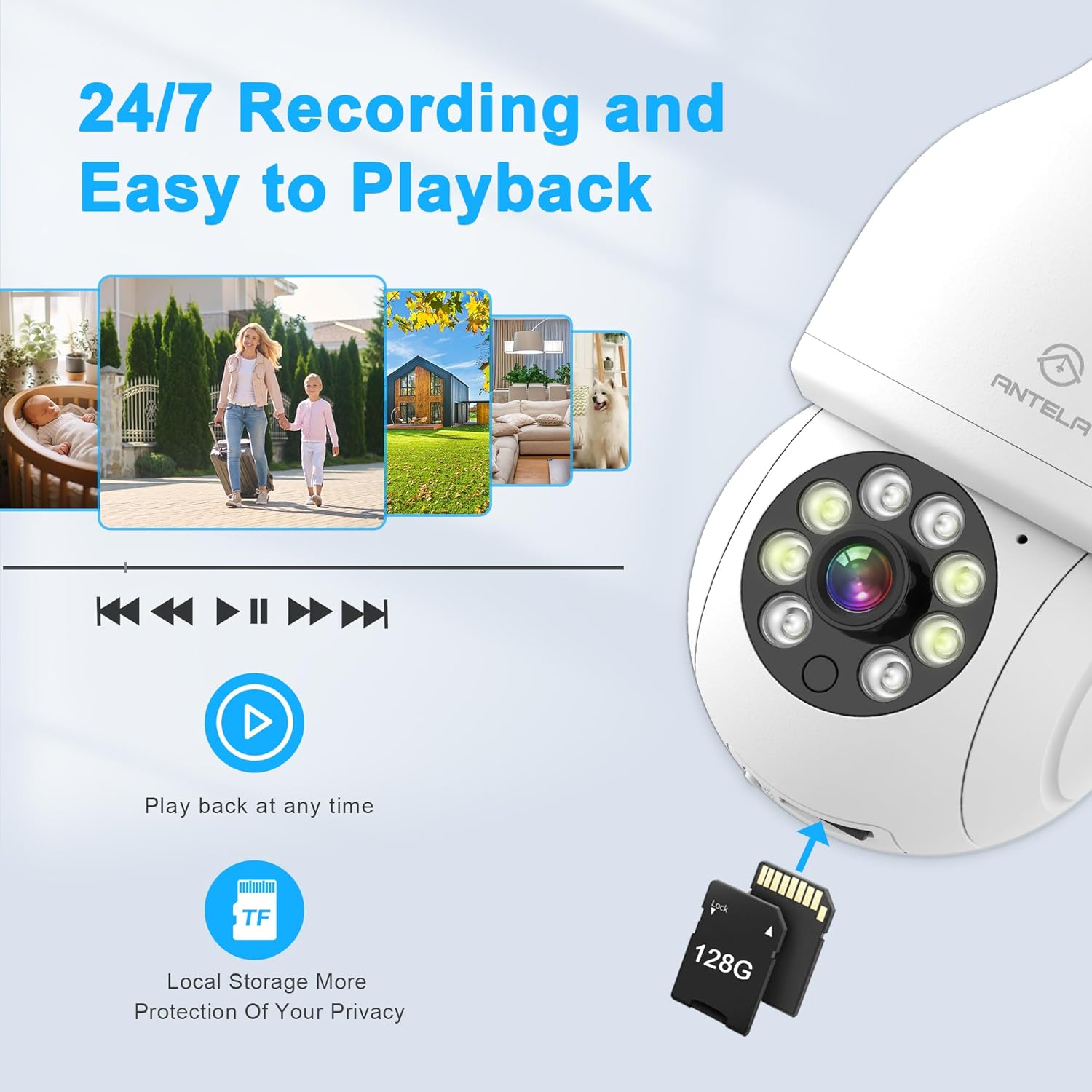
Figure 3: The camera supports 24/7 recording to a Micro SD card for local storage and easy playback.
2.2 Night Vision
The camera is equipped with advanced night vision technology, offering clear visibility in low-light conditions. It supports color night vision, smart night vision, and infrared night vision modes, which can be configured via the app.

Figure 4: The camera provides 2K HD color night vision for clear images even in darkness.
2.3 Motion Detection and Alerts
The camera features AI-powered motion detection and auto-tracking. When motion is detected, the camera can automatically track the moving object within its 355° pan and 90° tilt range. You will receive instant alerts on your mobile device.
- Alert Types: The camera can trigger audio warnings (buzzer alarm) and light warnings (if applicable) upon detection.
- Sensitivity: Motion detection sensitivity can be adjusted (low, medium, high) in the app to minimize false alarms.
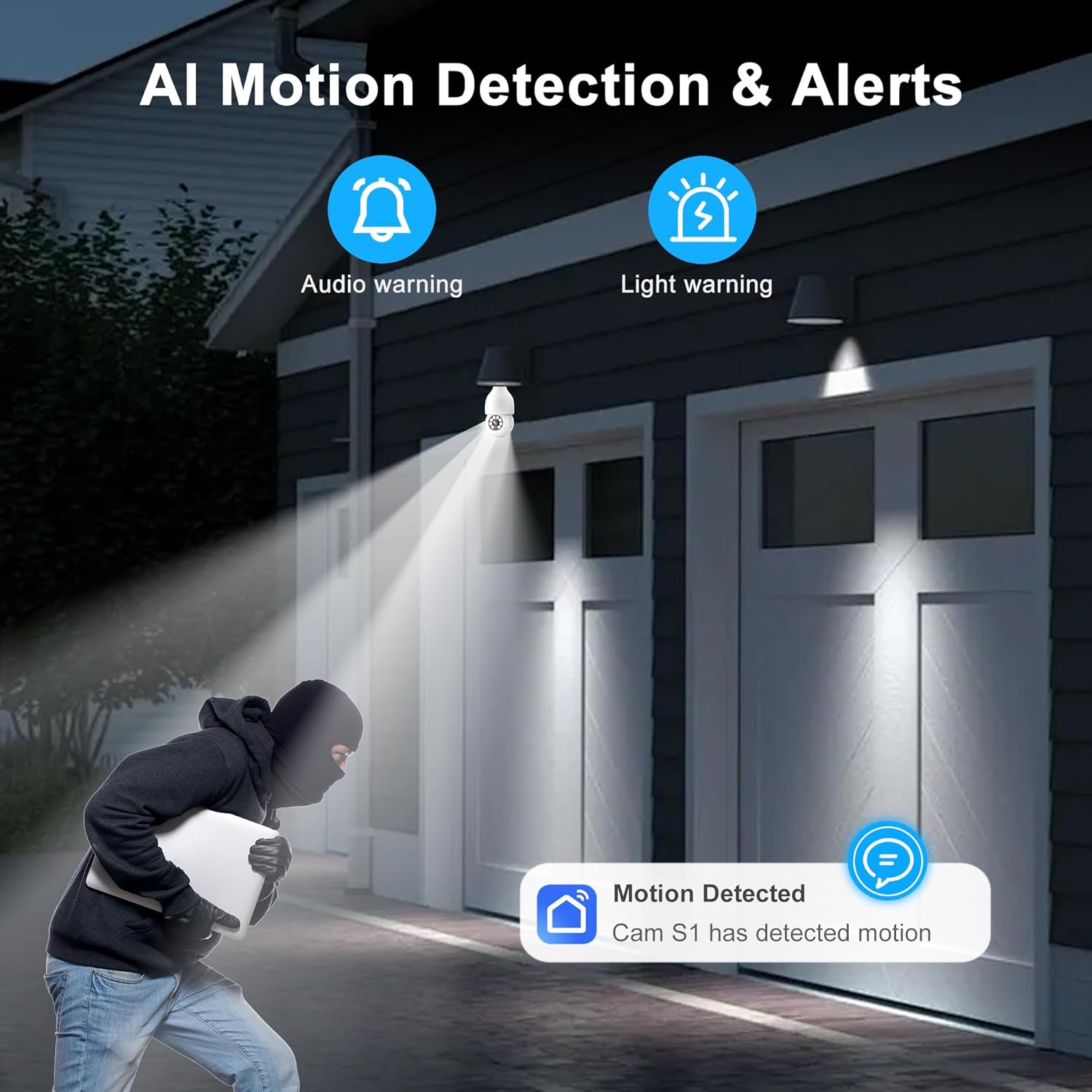
Figure 5: AI motion detection triggers alerts and can activate audio/light warnings.
2.4 Two-Way Audio
Utilize the built-in microphone and speaker for two-way communication. You can speak to family members or visitors through the camera using your mobile phone.

Figure 6: Engage in two-way audio communication with people or pets in the camera's view.
2.5 Smart Home Integration
The Antela camera is compatible with Amazon Alexa and Google Home. You can integrate the camera into your smart home ecosystem for voice control and enhanced automation. Refer to the Smart Life app or your smart assistant's documentation for specific integration steps.
3. Maintenance
- Cleaning: Gently wipe the camera lens and body with a soft, dry cloth. Avoid using harsh chemicals or abrasive cleaners.
- Firmware Updates: Regularly check the Smart Life app for available firmware updates to ensure optimal performance and security.
- Storage Management: If using a Micro SD card, periodically review and manage recorded footage to prevent the card from filling up. Consider cloud storage for continuous backup.
- Network Stability: Ensure your Wi-Fi network is stable and provides sufficient signal strength to the camera for uninterrupted operation.
4. Troubleshooting
| Problem | Possible Solution |
|---|---|
| Camera not connecting to Wi-Fi |
|
| Poor video quality |
|
| Motion alerts not working |
|
| Two-way audio issues |
|
5. Specifications
| Model Number | B0D3LN1RS5 |
| Resolution | 3 Megapixel (2K HD) |
| Connectivity | Wireless (2.4GHz Wi-Fi only) |
| Pan/Tilt Range | 355° Pan, 90° Tilt |
| Night Vision | Color, Smart, Infrared |
| Audio | Two-Way Audio |
| Storage Options | Micro SD Card (up to 128GB, not included), Cloud Storage |
| Smart Home Compatibility | Amazon Alexa, Google Home |
| Power Input | 5 Volts |
| Mounting Type | E27 Lamp Base |
| Dimensions (approx.) | 19.5 x 7.4 x 7.4 cm |
| Weight (approx.) | 240 grams |
6. Warranty Information
Antela products typically come with a standard manufacturer's warranty. Please refer to the product packaging or the official Antela website for specific warranty terms and conditions, including coverage period and claim procedures. Keep your purchase receipt as proof of purchase.
7. Customer Support
For technical assistance, troubleshooting not covered in this manual, or general inquiries, please contact Antela customer support. You can usually find contact information (email, phone, or support portal) on the official Antela website or within the Smart Life application's help section.
Online Resources:
- Visit the official Antela website for FAQs and updated product information.
- Check the Smart Life app for in-app support and tutorials.


