
Product Overview
This instruction manual provides essential information for the installation, maintenance, and optimal use of the HMHAMA Accessories Kit, specifically the 4-pack of HEPA filters, designed for Xiaomi Mijia 3C series robotic vacuum cleaners.
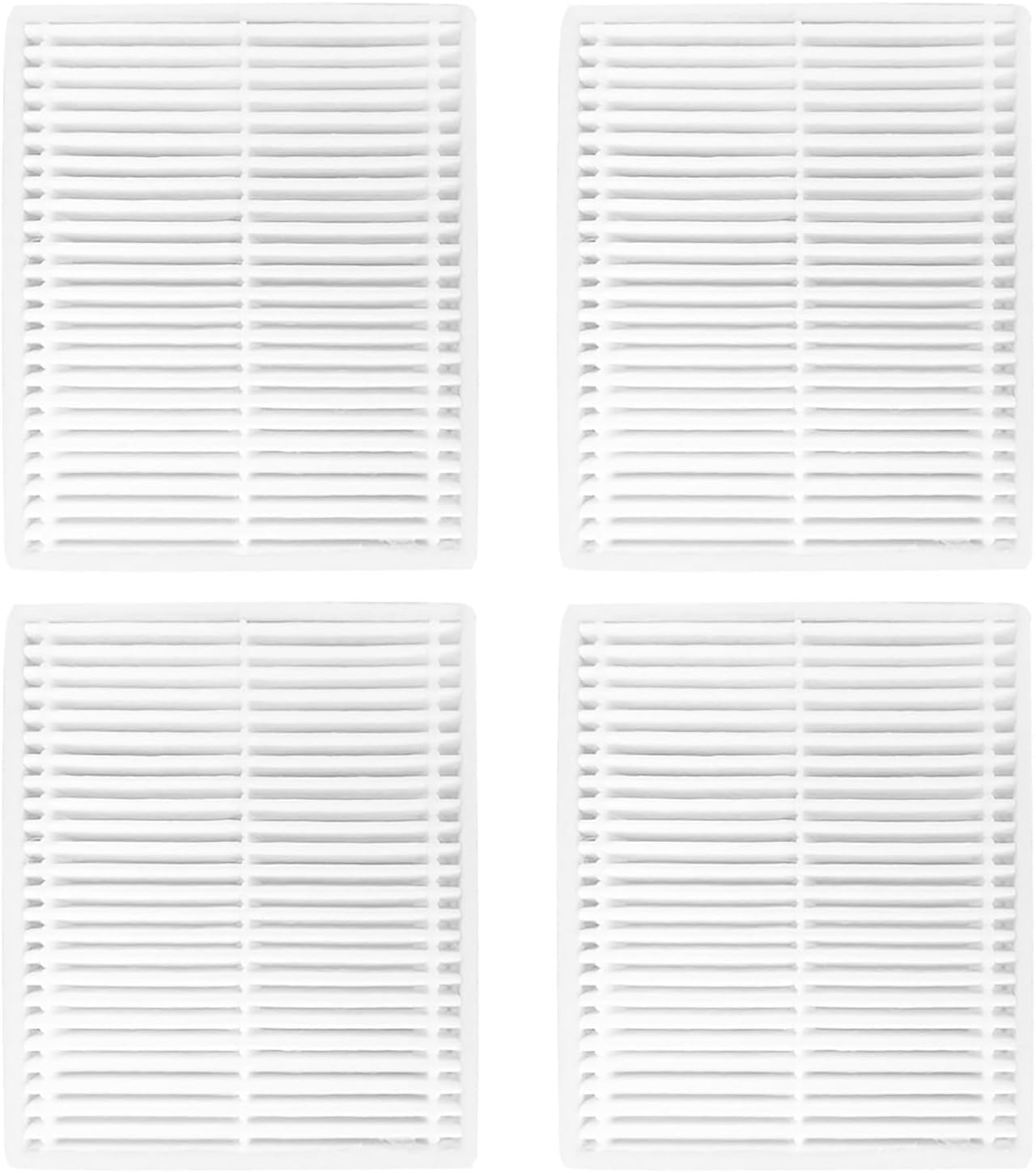
Image: Four HEPA filters included in the kit, ready for use.
The filters are crucial components for maintaining the air quality and cleaning efficiency of your robotic vacuum by capturing fine dust particles and allergens.
Compatible Models
This accessories kit, specifically the HEPA filters, is designed for seamless compatibility with the following Xiaomi Mijia 3C series robotic vacuum cleaner models:
- Xiaomi Mijia 3C
- Xiaomi Mijia Enhanced E10
- Xiaomi Mijia C103
- Xiaomi Mijia B112
- Xiaomi Mijia E12
Please verify your robot vacuum cleaner's model number to ensure compatibility before installation.
Product Components
Each kit contains the following items:
- 4 x High-Efficiency HEPA Filters


Image: A single HEPA filter (left) and the same filter with its dimensions (right).
These filters are designed to capture fine dust and debris, ensuring clean air output from your vacuum cleaner.
Installation Guide
Follow these steps to replace the HEPA filter in your Xiaomi Mijia 3C series robotic vacuum cleaner:
- Power Off: Ensure your robotic vacuum cleaner is powered off and disconnected from its charging dock before beginning the replacement process.
- Locate Dustbin: Open the top cover of your robotic vacuum cleaner to access the dustbin compartment.
- Remove Dustbin: Carefully remove the dustbin from its housing.
- Remove Old Filter: Locate the existing HEPA filter within the dustbin. Most filters have a small tab for easy removal. Gently pull on this tab to slide the old filter out.
- Insert New Filter: Take a new HEPA filter from the kit. Align the new filter with the slot in the dustbin and slide it in until it sits securely. Ensure the filter is fully seated to prevent air leakage.
- Reinstall Dustbin: Place the dustbin back into the vacuum cleaner's compartment, ensuring it clicks into place.
- Close Cover: Close the top cover of your robotic vacuum cleaner.

Image: HEPA filter showing the pull tab, which assists in removal and insertion.
Regular filter replacement is essential for optimal vacuum performance and air filtration.
Maintenance and Care
To ensure the longevity and effectiveness of your HEPA filters and maintain your vacuum's performance, follow these maintenance guidelines:
- Cleaning: The high-efficiency HEPA filter is hand washable. Gently rinse the filter under running water to remove accumulated dust and debris. Do not use harsh detergents or brushes that could damage the filter material.
- Drying: Allow the filter to air dry completely before reinstalling it into the dustbin. Ensure it is thoroughly dry to prevent mold growth and maintain filtration efficiency. Do not expose to direct sunlight or high heat.
- Replacement Frequency: It is recommended to replace the HEPA filter every 2-3 months. This frequency may vary depending on your usage habits, the amount of dust and pet hair in your home, and the overall environment. Regular replacement ensures consistent cleaning performance and air quality.
- Inspection: Periodically inspect the filter for any signs of damage, tears, or excessive clogging that cannot be removed by washing. Replace immediately if damage is observed.
Troubleshooting
If you encounter issues after replacing your HEPA filter, consider the following common solutions:
- Reduced Suction Power:
- Ensure the new filter is correctly seated in the dustbin. A loose filter can cause air leaks and reduce suction.
- Check if the filter is completely dry after washing. A damp filter can impede airflow.
- Verify that the dustbin itself is properly installed and sealed within the vacuum cleaner.
- Filter Not Fitting:
- Double-check the compatibility of the filter with your specific Xiaomi Mijia 3C series model. Refer to the "Compatible Models" section.
- Ensure the filter is oriented correctly. Filters often have a specific way they fit into the dustbin.
- Unusual Noises:
- Confirm that the filter is securely in place and not vibrating loosely.
- Check for any other debris or obstructions in the dustbin or vacuum's air pathways.
If problems persist, refer to your robotic vacuum cleaner's main instruction manual or contact customer support.
Product Specifications
| Brand | HMHAMA |
| Material | HEPA |
| Compatible Devices | Xiaomi Mijia 3C, E10, C103, B112, E12 Robotic Vacuum Cleaners |
| Reusability | Reusable (Hand Washable) |
| Number of Pieces | 4 |
| Manufacturer | ZZHM |
Warranty and Support
Your satisfaction is important to us. If you encounter any issues or have questions regarding your HMHAMA Accessories Kit, please do not hesitate to contact our customer support team.
Our after-sales team is committed to providing prompt assistance and will respond to your inquiries within 24 hours. Please reach out via the contact method provided by your retailer or platform of purchase.
Note: While this product is a filter kit, some accessories like side brushes can become bent during transportation. If you ever purchase other accessories from HMHAMA and encounter such an issue, they can often be restored by soaking them in warm water for a few minutes. This does not affect the quality or performance of the product.