
1. Introduction
This manual provides essential information for the safe and efficient operation of your Mollom 10HP 220V Single to 3 Phase Invert Phase Converter (IPC). Please read this manual thoroughly before installation and use to ensure proper functionality and to prevent damage to the unit or connected equipment.
2. Safety Information
WARNING: Electrical shock hazard. Always disconnect power before installation or maintenance.
- The IPC must be directly connected to the motor. The start and stop functions of the motor must be controlled exclusively by the frequency converter. Failure to do so may result in damage to the IPC or the motor.
- Never connect a switch between the IPC and the motor. This can severely damage the IPC or the motor. Control start and stop by connecting a switch between the power supply and the IPC.
- Ensure all wiring is performed by a qualified electrician and complies with local electrical codes.
- Do not operate the IPC in wet or damp conditions.
- Ensure adequate ventilation around the unit to prevent overheating.
3. Product Overview and Features
The Mollom Invert Phase Converter (IPC) is designed to convert single-phase power into three-phase power for compatible motors. It utilizes an inverter principle for reliable power conversion.
- Visualization: The IPC features two visual screens to monitor current voltage and current. In the event of over-voltage or over-current, the unit will automatically shut down and report an error code to protect the motor and minimize losses.
- Working Principle: This IPC converts single-phase power into three-phase power using an inverter principle, ensuring stable and safe power delivery to three-phase motors.
- Compact Design: The unit is designed to be lightweight and compact, suitable for various application scenarios.
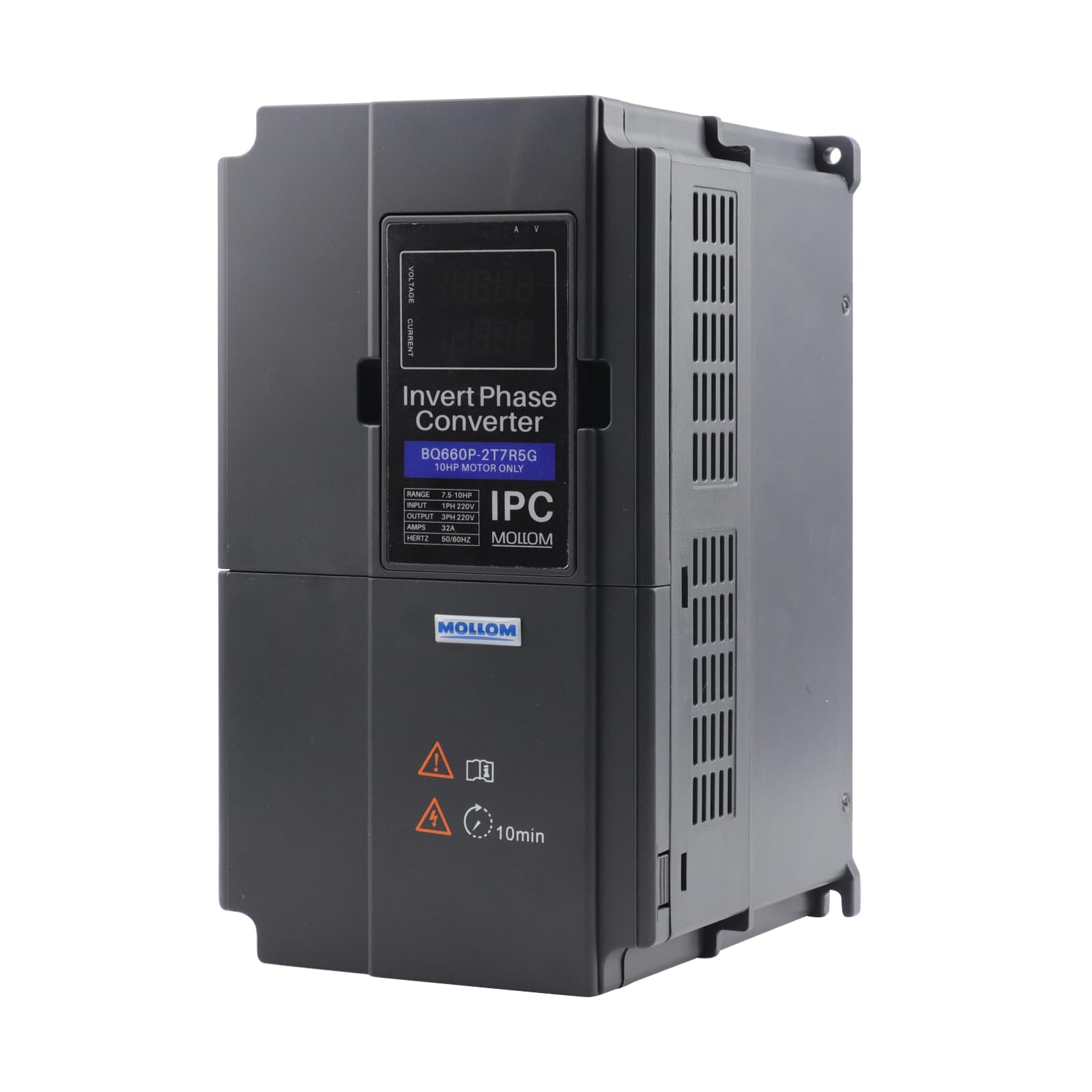
Figure 1: Mollom 10HP Invert Phase Converter

Figure 2: True single-phase to three-phase conversion principle

Figure 3: Clear visibility of current operational status on the display
4. Specifications
Detailed specifications for the Mollom 10HP Invert Phase Converter (Model IPC-7R5G).

Figure 4: Product Specifications Overview
| Specification | Value |
|---|---|
| Model Number | IPC-7R5G |
| Manufacturer Part Number | IPC-7R5KW |
| Horsepower (HP) | 10HP |
| Current | 32A |
| Input Voltage | 220V (200-240V) Single-Phase |
| Output Voltage | 220V (200-240V) Three-Phase |
| Frequency | 50/60 Hz |
| Brand | Mollom |
| Material | Copper |
| Display Type | Digital |
| Included Components | 1x IPC Unit |
| Country of Origin | China |
5. Setup
Follow these steps for proper installation and wiring of your Mollom Invert Phase Converter.
- Power Supply Connection: Connect the single-phase power supply to the R and T terminals, or R, S, and T terminals of the IPC.
- Motor Connection: Connect the three-phase motor to the U, V, and W terminals of the IPC.
- Control Switch (Optional): To control the start and stop of the system, connect a switch between the main power supply and the IPC. Do NOT connect any switch between the IPC and the motor.
- Initial Start: Once all connections are secure, apply power and press the start button on the IPC.
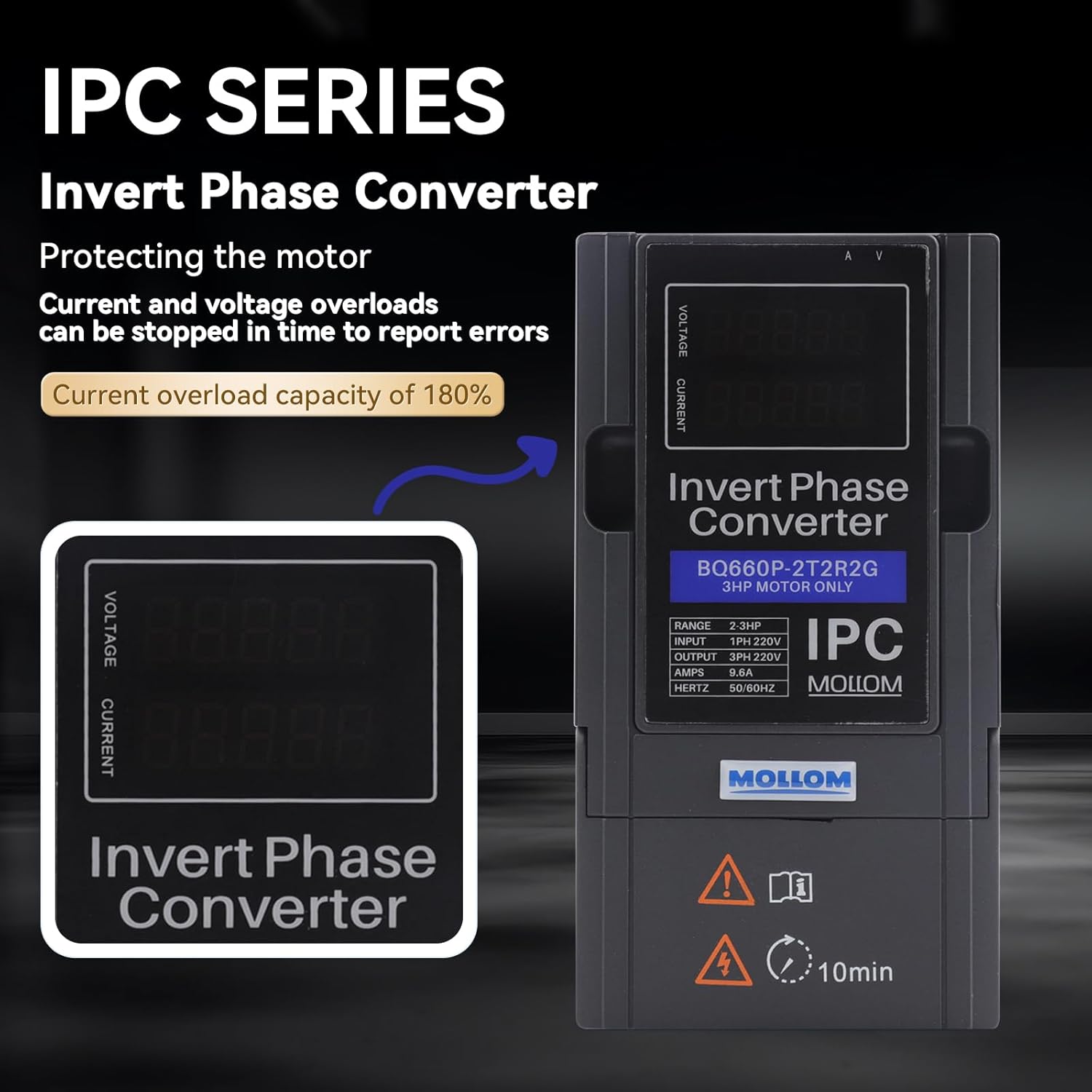
Figure 5: Simple Wiring Connection Diagram
6. Operating Instructions
The Mollom IPC is designed for straightforward operation. After proper setup, the unit will convert single-phase input to three-phase output for your motor.
For detailed programming and setup of the Variable Frequency Drive (VFD) functions, refer to the following instructional videos:
Video 1: MOLLOM VFD G75 and G70 Introduction and setup process. This video demonstrates the initial setup and parameter configuration for Mollom VFD units, which is applicable to the IPC's VFD functionality.
Video 2: MOLLOM Variable Frequency Drive. This video provides a general overview and operational guidance for Mollom Variable Frequency Drives, offering insights into the IPC's control interface.
7. Maintenance
To ensure the longevity and optimal performance of your Mollom IPC, follow these general maintenance guidelines:
- Keep the unit clean and free from dust and debris. Use a soft, dry cloth for cleaning.
- Ensure that the ventilation openings are not obstructed to allow for proper airflow and cooling.
- Regularly inspect all wiring connections for tightness and signs of wear or damage.
- Avoid exposing the unit to extreme temperatures or humidity.
8. Troubleshooting
If you encounter issues with your Mollom IPC, refer to the following information:
- Over-voltage or Over-current: The IPC is equipped with protection features that will initiate an automatic shutdown and display an error code if over-voltage or over-current conditions are detected. This protects the motor and the converter.
- Error Codes: If an error code is displayed, please record the code and contact Mollom customer service for assistance. Providing the error code will help in diagnosing the issue efficiently.
- No Output/Motor Not Starting: Verify all power connections are secure and correctly wired according to Section 5. Ensure the input power supply is active.
- Delayed Output: Note that the unit may have a delay of several seconds (e.g., 8-10 seconds) before reaching its design voltage output when energized. This is normal operation.
9. Warranty and Support
For warranty information, technical support, or to report an error code, please contact Mollom customer service. Keep your purchase receipt and product model number (IPC-7R5G) readily available when contacting support.
Manufacturer Contact Information: Mollom